These are instructions on how to migrate your MobileMe account to iCloud.
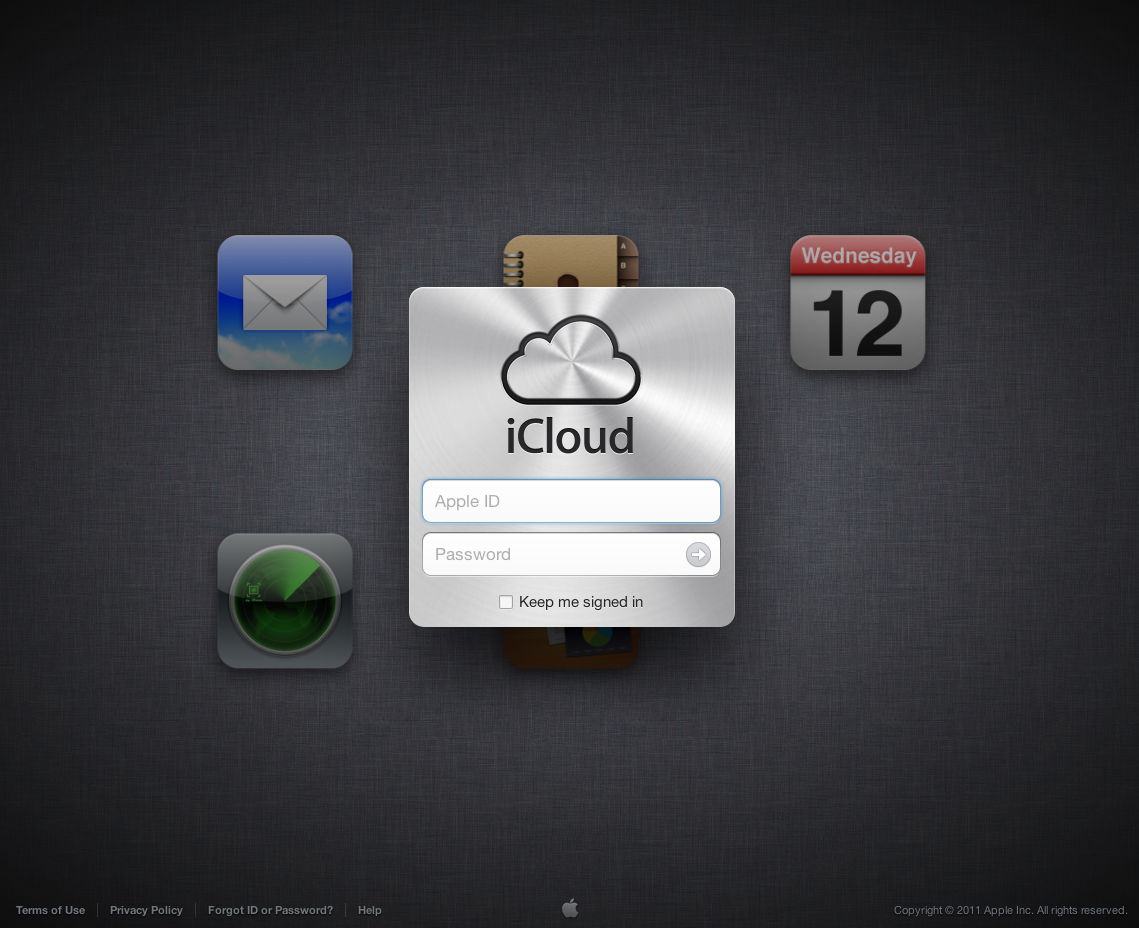
Step One Navigate to http://www.iCloud.com and sign in with your MobileMe account.
Step Two You'll be told that to sign in you must move your accoutn to iCloud. Click Get Started.
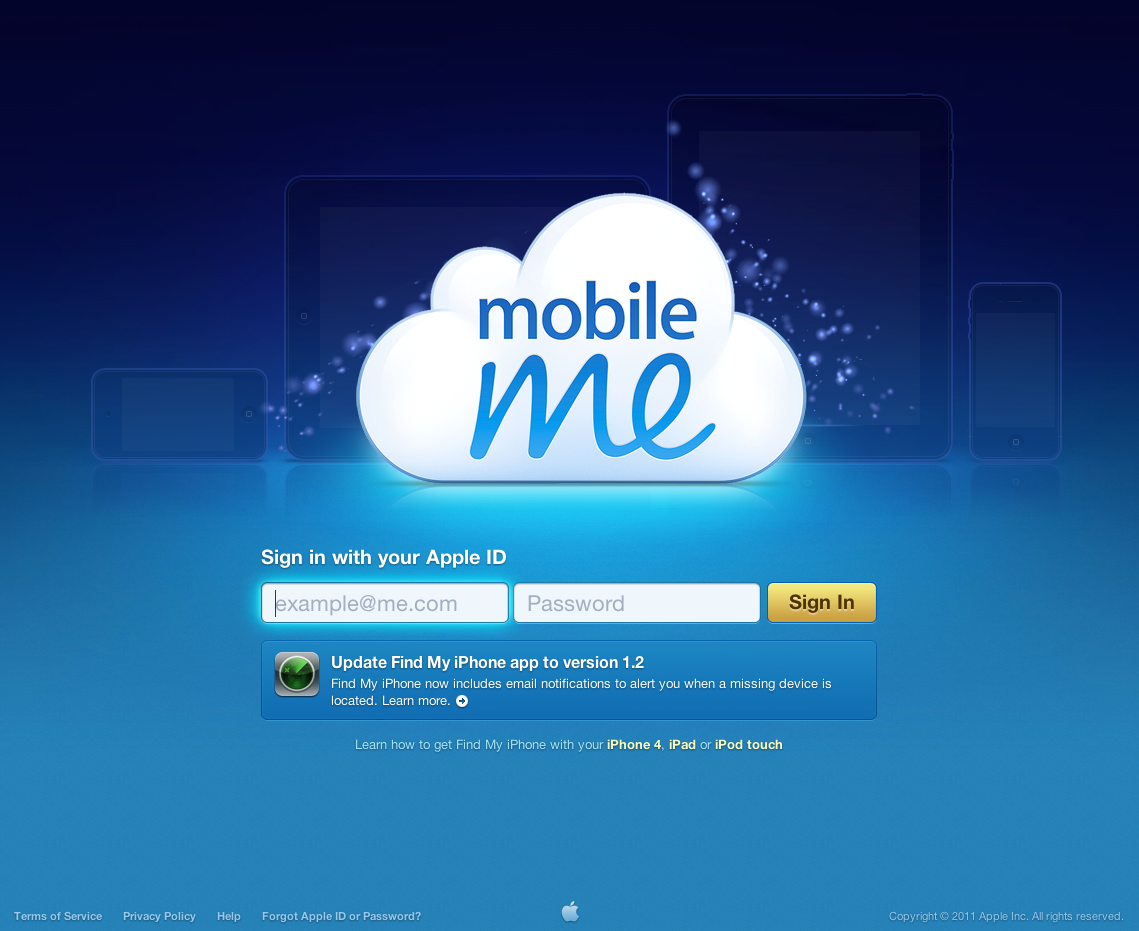
Step Three You'll be redirected to MobileMe.com. Sign in with your MobileMe account information.
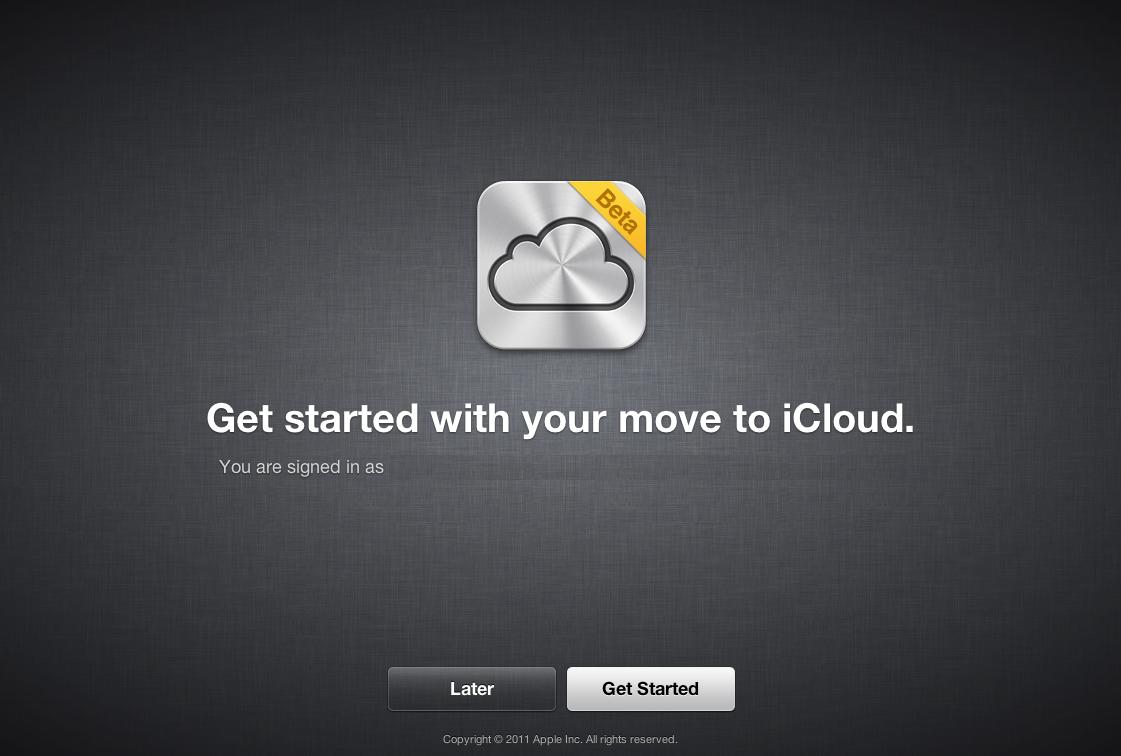
Step Four Click the Get Started button to begin the migration wizard.
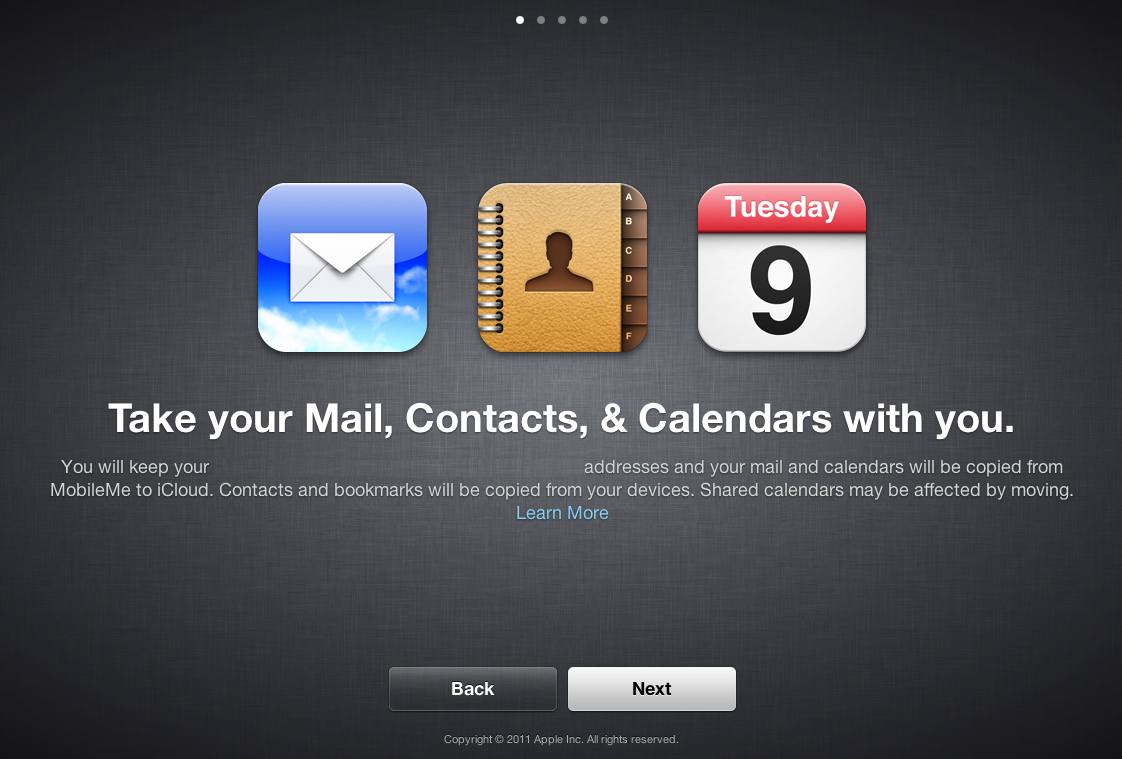
Step Five Click Next to confirm that your mail, contacts, and calendars will be copied from MobileMe to iCloud.
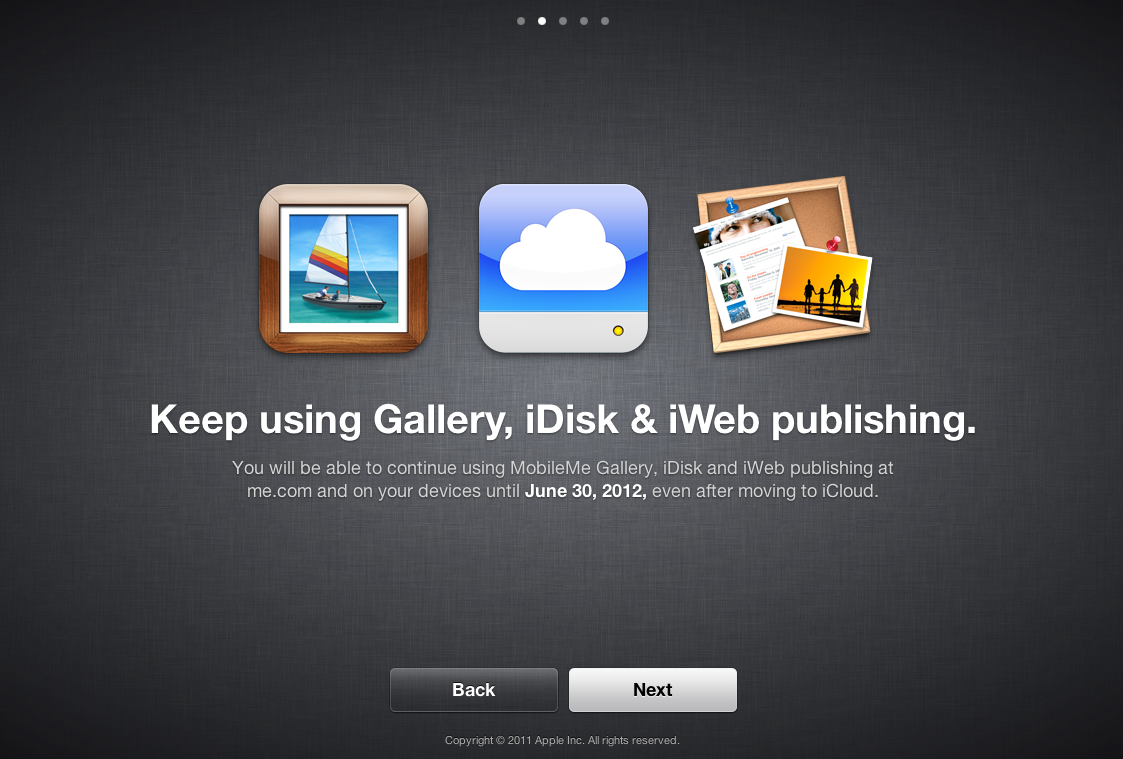
Step Six Note that you can keep using MobileMe services until June 30, 2012 and click Next.
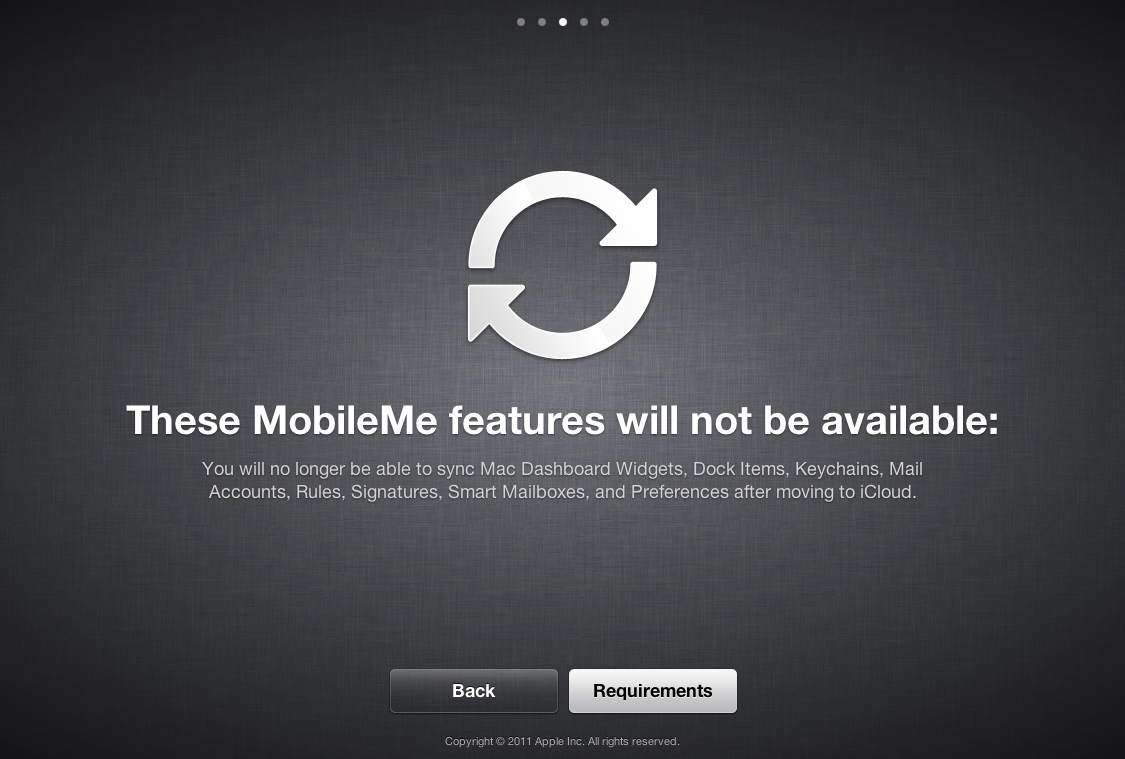
Step Seven You will no longer have access to sync Mac Dashboard Widgets, Dock Items, Keychains, Mail Accounts, Rules, Signatures, Smart Mailboxes, and Preferences after moving to iCloud.
Click the Requirements button to continue.
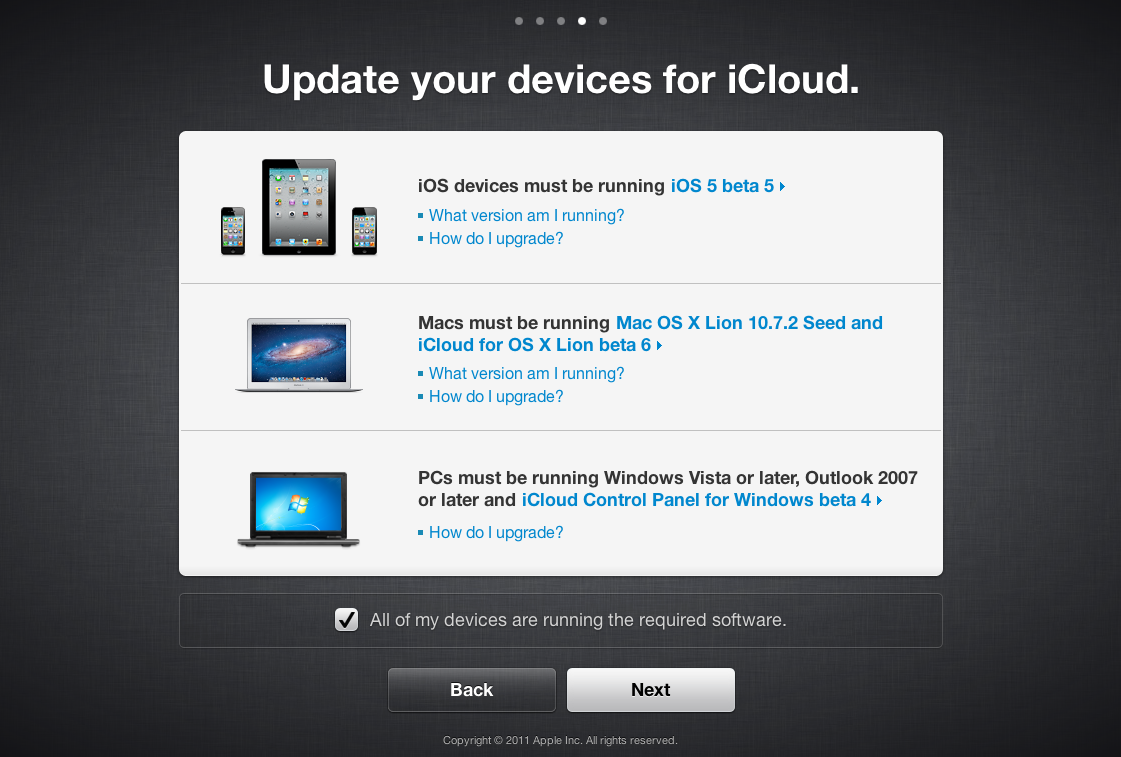
Step Eight Make sure you have updated your devices to iOS 5 and Mac OS X 10.7.2 then check the All of my devices are running the required software box and click the Next button.
Step Nine Ensure that your contacts and bookmarks are up-to-date on at least one device, backup your contacts, calendars and bookmarks, then click the Move to iCloud button.
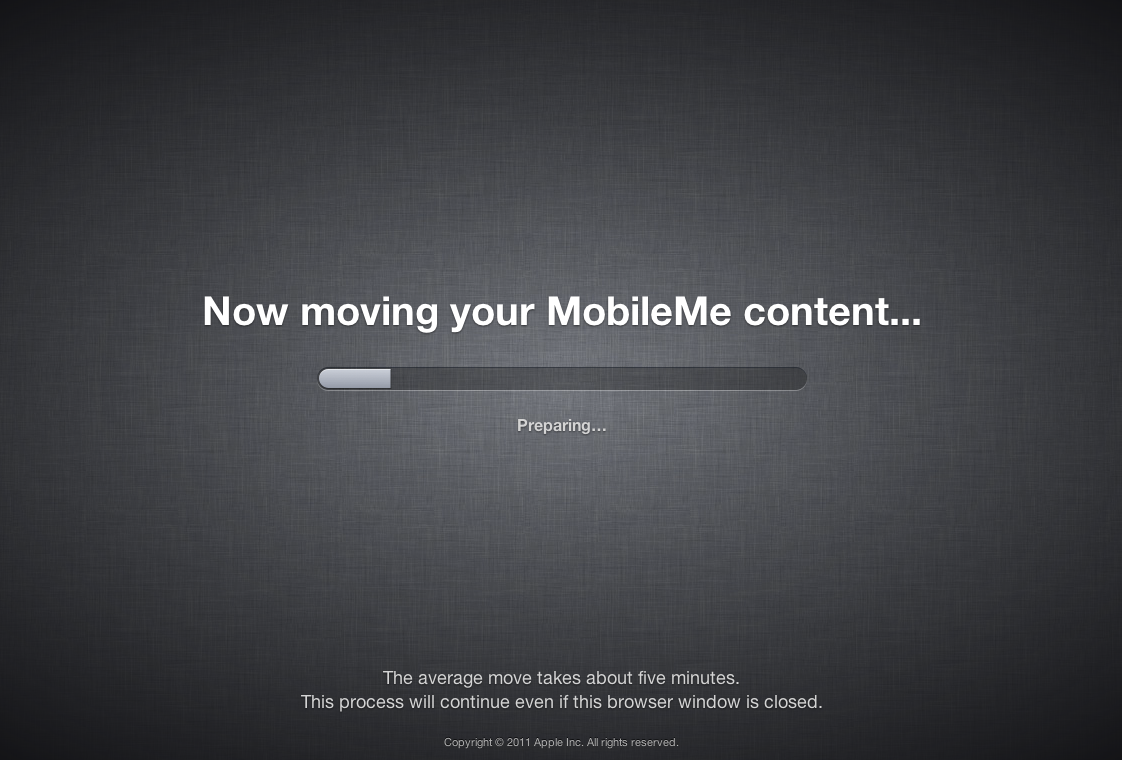
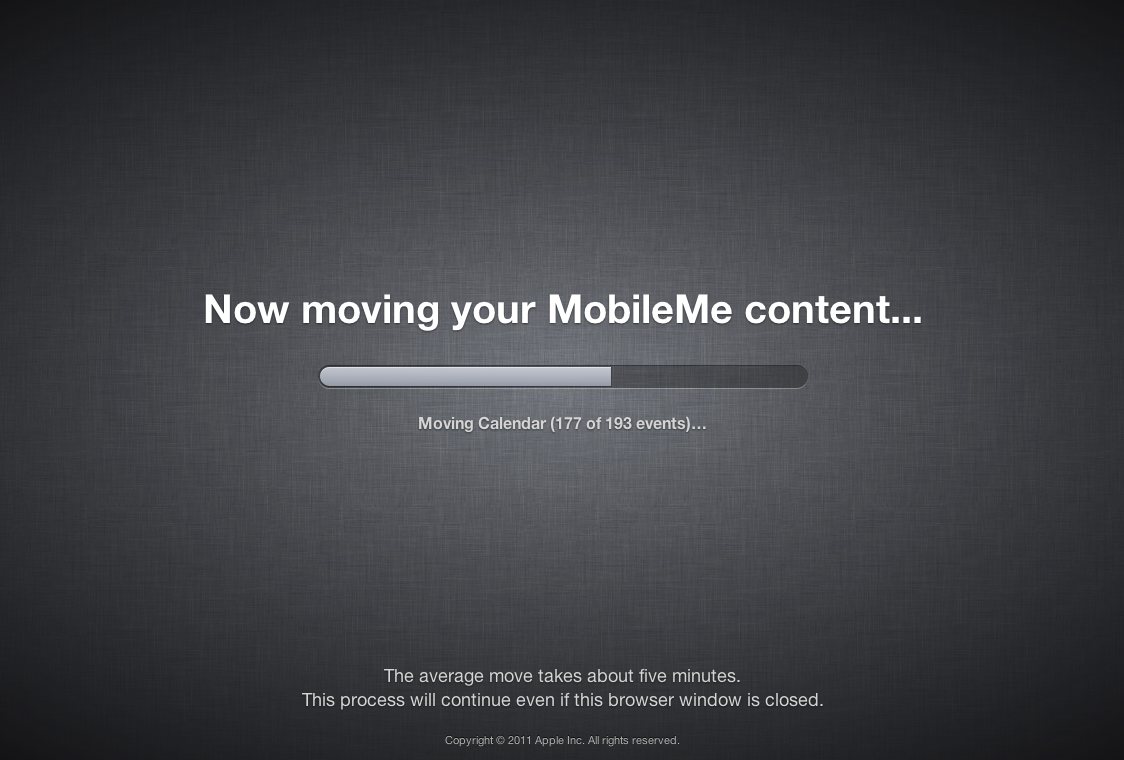
Step Ten Your data will now be transferred from MobileMe to iCloud.
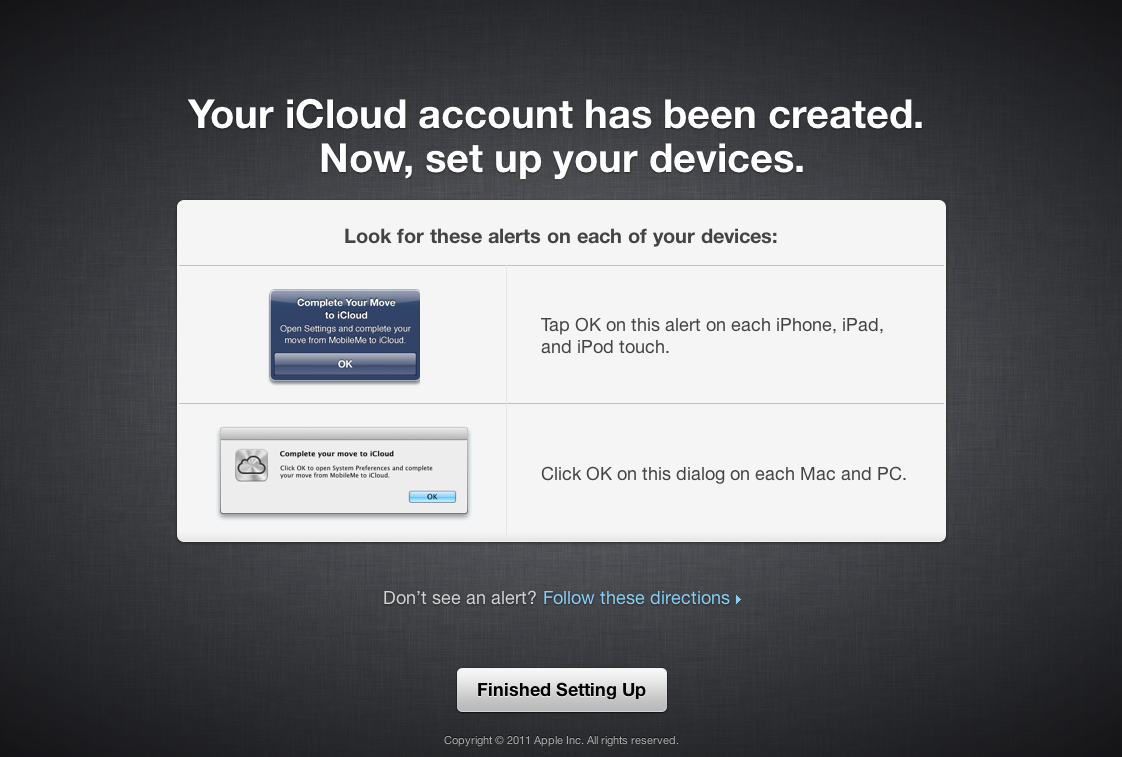
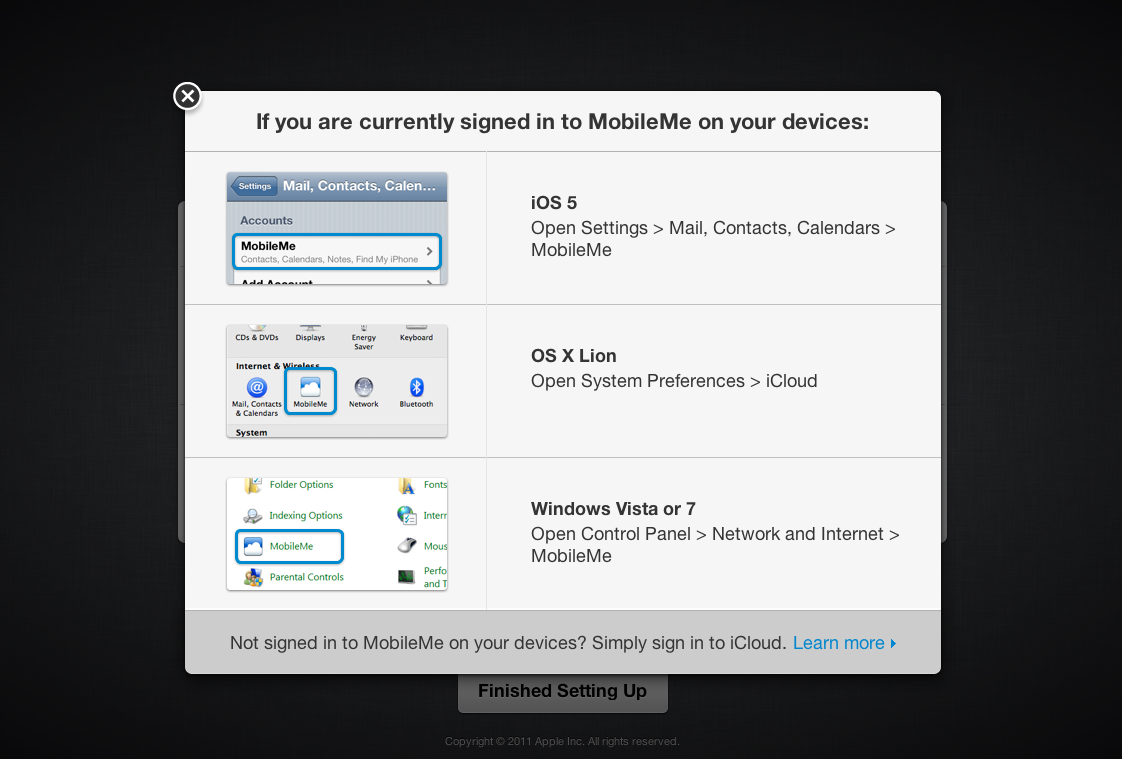
Step Eleven Once completed you will be prompted to confirm alerts on each of your devices to set them up.
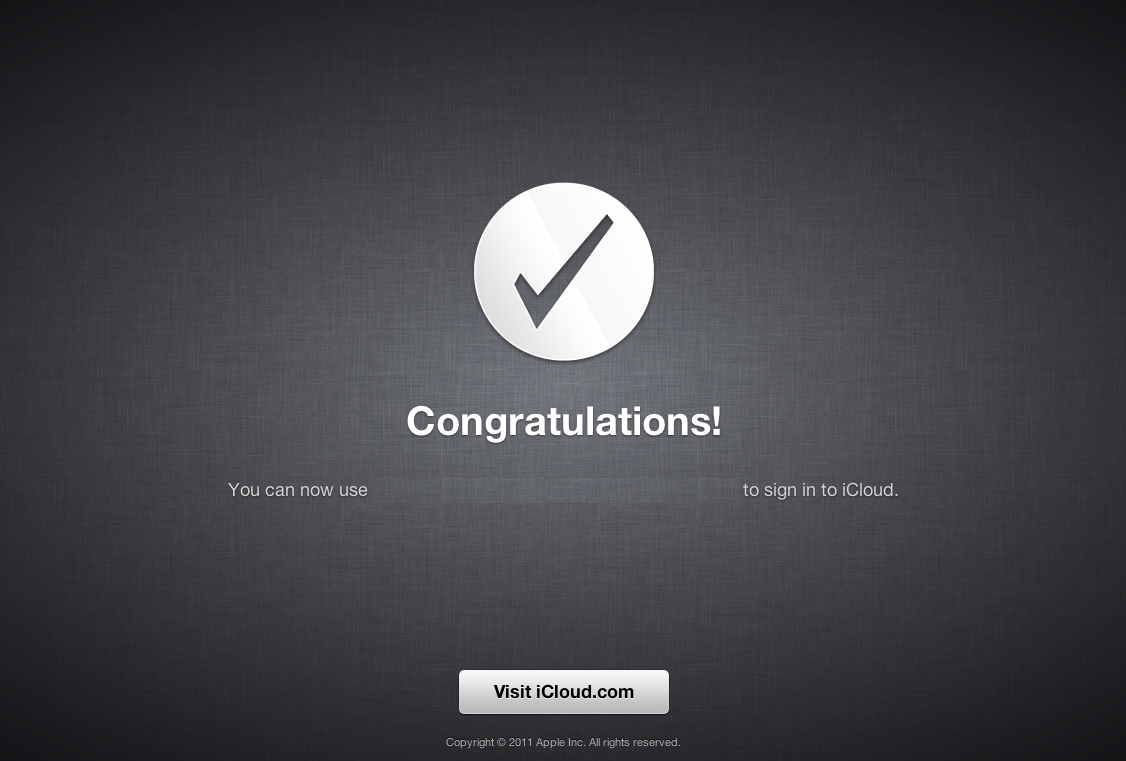
Step Twelve Congratulations you have successfully migrated to iCloud.
Get the iClarified Daily Newsletter
Apple news, rumors, tutorials, price drop alerts, in your inbox every evening, free.
Unsubscribe at any time.
Success!
You have been subscribed.
Add Comment
Would you like to be notified when someone replies or adds a new comment?
Yes (All Threads)
Yes (This Thread Only)
No
Notifications
Would you like to be notified when we post a new Apple news article or tutorial?
I highly "highly!" recommend that you read the Terms of Service when signing up for iCloud.
There is some seriously freaky stuff in there.
I for one, did not agree, and will not use the service.
It's funny I was just trying to find and old post and found your comment.
I don't subscribe to these which is why I never replied.
At any rate, my online names origin comes from the Commodore 64 :P
@Curious
As for why I said to read the terms of service and didn't elaborate, it's because I was hoping people would actually READ IT. The "freaky" stuff I think I was referring to was the complete lack of privacy and the viewing and monitoring of your private content that you upload to the iCloud. And the fact that if you delete something they still have the files. To be honest it was so if you or anyone reading this hasn't read it yet, you might want to. It certainly wasn't something I was going to agree to, and they're betting most people wont read it.






![Beats 360 Headphones Debut With Swappable Cushions, IPX4 Rating for $349.99 [Video]](/images/news/102342/102342/102342-160.jpg "Beats 360 Headphones Debut With Swappable Cushions, IPX4 Rating for $349.99 [Video]")












![Apple Studio Display XDR Hits All-Time Low of $2,969.99 ($329 Off) [Deal]](/images/news/101976/101976/101976-160.jpg "Apple Studio Display XDR Hits All-Time Low of $2,969.99 ($329 Off) [Deal]")
