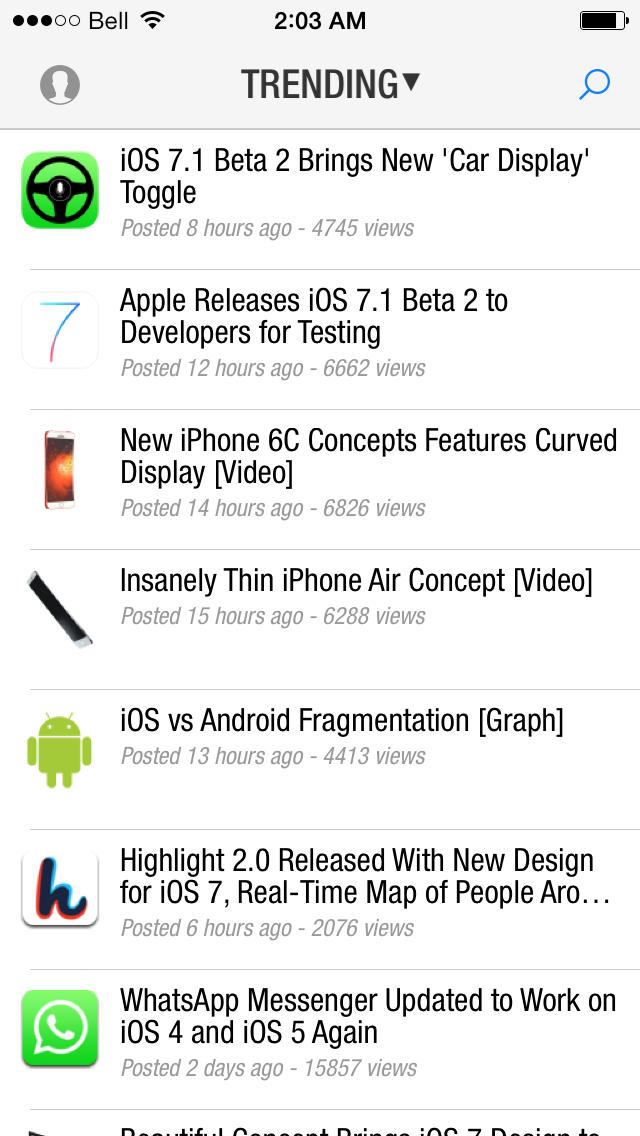
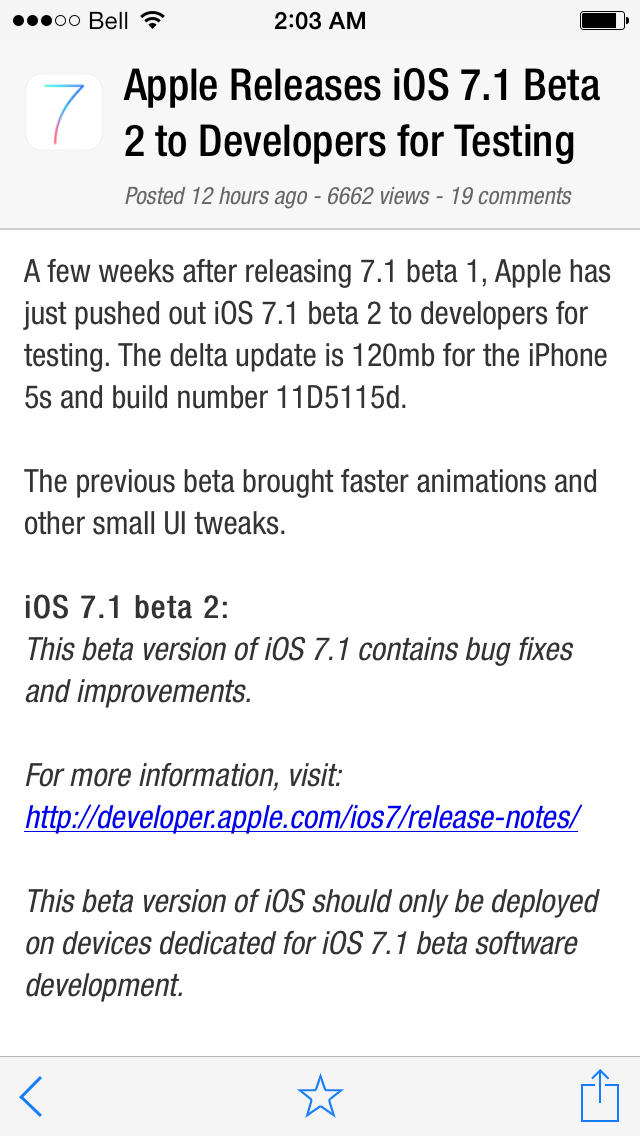
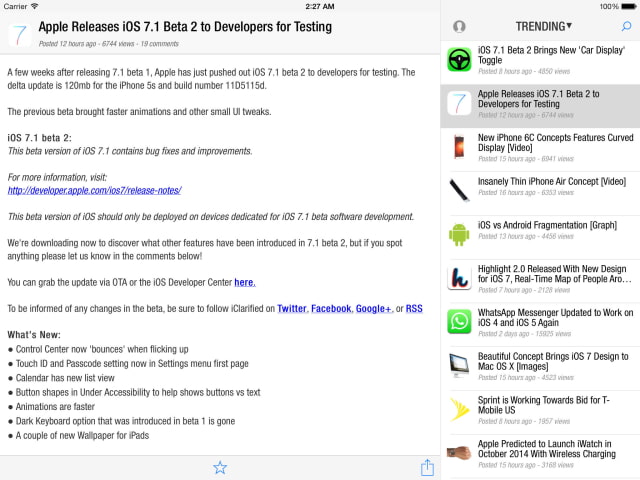
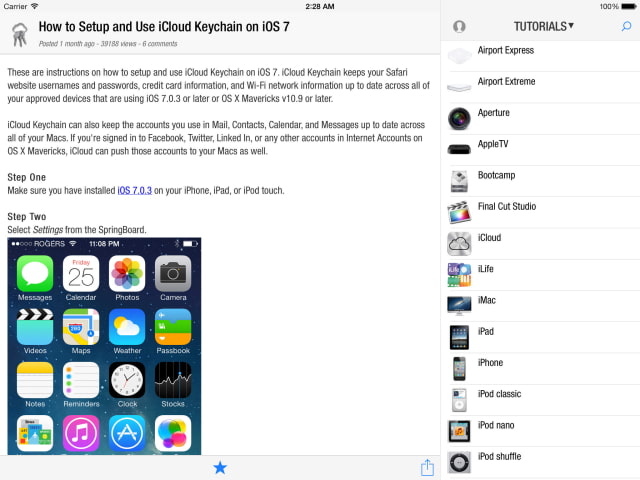
The iClarified app has received a major update bringing a new iOS 7 design, account login, iPad support, and more. The app is now a universal binary that can be run on the iPhone, iPad, and iPod touch.
If you are running iOS 7 you will see a new design. Those on iOS 6 will still have the previous design; however, new features are present in both versions.
Tapping the account button at the top left will let you sign in with your iClarified Account (you can register for one here). Once signed in you can use your account for posting comments and for article saving. The articles you save while logged in will be saved to your account and thus accessible from any of your devices.
The official iClarified app is the best source for the latest Apple news. It also offers clear and precise tutorials to help you use your Mac and other Apple devices.
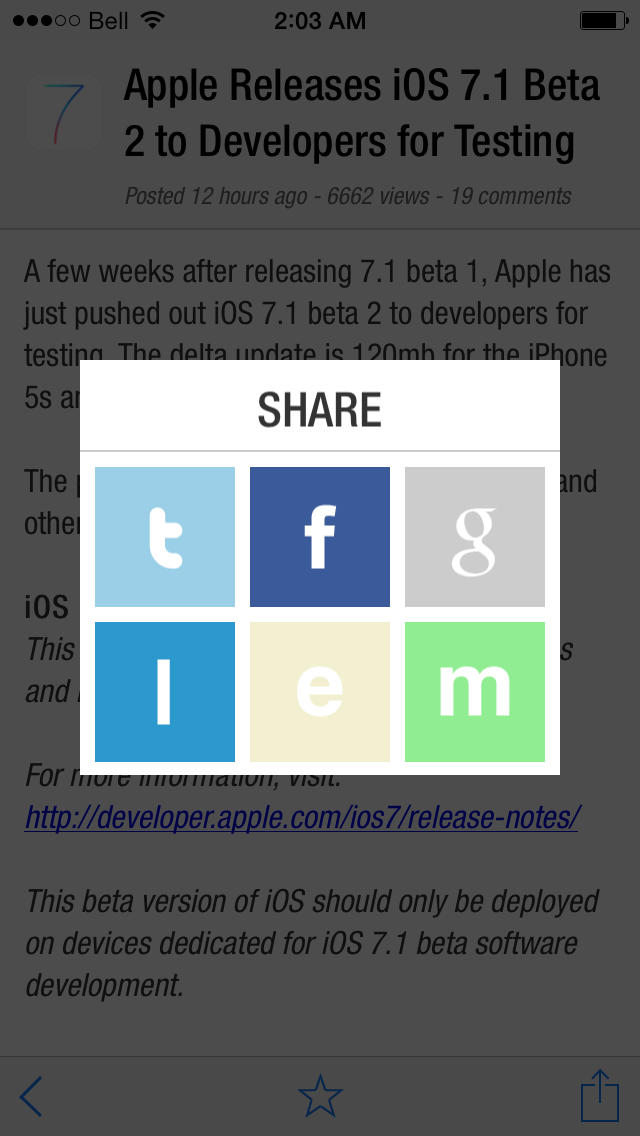
FEATURES: ● Read the Most Recent/Trending Apple News ● Get Help From Detailed Apple Tutorials ● Save News/Tutorials for Offline Reading ● Get Updates Via Push Notification ● Comment on Your Favorite Articles ● Search for Topics of Interest ● Share Via Email, Twitter, Google+, LinkedIn, and Facebook ● Pull Down to Refresh Article List ● Full iOS Multitasking Support ● Automatically Loads New Articles When Opened ● Retina Display Support
NAVIGATION: ● Swipe Left/Right on an article to move to the next or previous article.
What's New In This Version: ● New iOS 7 Design ● Preliminary iPad Support (Landscape) ● Universal Binary ● iClarified Account Login ● Saved Articles Now Synced Across Devices Via iClarified Account ● Much Faster Push Notifications
You can download iClarified from the App Store for free. Thanks for your patience and support and thanks to EvilPenguin for his hard work. We hope you enjoy it. Please leave suggestions in the comments!
Would you like to be notified when someone replies or adds a new comment?
Yes (All Threads)
Yes (This Thread Only)
No
Notifications
Would you like to be notified when we post a new Apple news article or tutorial?
Yes
No
Comments (33)
Comments are closed for this article.
0
ipadguy - December 28, 2013 at 7:15am
Wow this update is full of bugs but it will do till after the year n we get a update to fix the new app bugs
0
Ajoi - December 22, 2013 at 11:02am
The sign up page is not responding
0
Ajoi - December 20, 2013 at 7:22am
I can't sign up . Please help..!!!
0
iClarified - December 20, 2013 at 7:23am
Can you provide some details?
0
gamerscul9870 - December 28, 2013 at 12:46pm
I can only use this app in landscape mode on my iPad (point my device sideways) plus the other differences on app version doesn't have compared to web version is the comments don't have a "Like" or "Mark as spam" buttons
0
Ken - December 19, 2013 at 6:48pm
Why the text when put into landscape view the font size doesn't change to bigger size...still feel difficult to read it when the text size are still smaller? Need to fix it ASAP
0
Gaha - December 19, 2013 at 10:50am
Still no JAILBREAK news... pathetic
0
M!Do Space - December 19, 2013 at 10:23am
What about the logo, guys? Won't it be with the iOS 7 font?
1
gamerscul9870 - December 19, 2013 at 11:02am
I thought the same, I can see the red dot on the app is not one whole color b/c for one thing it's still the mac look that's not flat, but if it was then this would be the same.
0
M!Do Space - December 19, 2013 at 1:51pm
Yeah, you're probably right.. I guessed the same, but still I'd like to see it in the beautiful iOS 7 flat style...
BTW when I tried to post a reply from the app, I get an error message titled "Add Comment" and it says "Please fill out all the fields" !!!
I'm logging in already and I can see my nickname and email in their fields but I can't post the comment!
0
iClarified - December 19, 2013 at 8:52pm
Thank you. We did get the same message when 'replying' to someone elses comment. It is not present when 'adding' a comment. So that is a temporary workaround... We may be able to fix the issue server side as the app fix might not be approved until after the holiday shutdown.
0
ammadz - December 19, 2013 at 9:17am
Finally!! You guys took the sweet time with this, long overdue.
0
It's about time! - December 19, 2013 at 8:40am
It's about fricking time....you're only a year behind the curve! Better late than never right?
0
Sean - December 19, 2013 at 6:37am
Hey guys, anyone else seeing the iPad UI not load? iPad 4, iOS 7.0.3, getting iPhone interface.
0
Oliversl - December 19, 2013 at 3:55am
The chrome is too big, too big toolbar and too big status bar
0
AppleGuy299 - December 19, 2013 at 3:29am
Finally!! Did you guys update the mac app yet?
0
John - December 19, 2013 at 3:19am
Beautiful!
0
Matoplays - December 19, 2013 at 2:27am
To log in with your account on the iClarified app, you just have to tap the "profile icon", which is available right when you open the app on the top left corner.
0
Matoplays - December 19, 2013 at 2:25am
Rest
0
tzvifiller - December 19, 2013 at 1:15am
So you deleted my previous comment? Huh?
0
ipadguy - December 19, 2013 at 12:16am
Wow finally iPad support using all the screen awesome I really couldn't ask for much more than that! Now if Instagram other widely used applications that are in the iPhone format could get updated for iPads because they do get used quite a lot on iPad! is that so much to ask!
0
gamerscul9870 - December 19, 2013 at 12:15am
Update it once more to where I can sign into an account for example, like someones comment, and mark some as spam if I wanted to please!
0
iClarified - December 19, 2013 at 12:20am
That is on the way. Thanks!
0
gamerscul9870 - December 19, 2013 at 12:40am
Welcome and thanks! I have sent this to you twice before but this is was the perfect timing now!
0
ipadguy - December 19, 2013 at 6:35am
Cool just what I wanted
0
leemifsud - December 19, 2013 at 12:11am
Well Isn't this fancy
0
Darryn - December 19, 2013 at 12:07am
Thanks very much for the update. Ot one issue I have found is that notifications don't go away in notification centre. They continue to stay there even after opening iClarified app.
0
iClarified - December 19, 2013 at 12:19am
Hi Darryn, We haven't sent a notification yet on the new app. Perhaps you had some old ones in notification center that the new app was unable to clear? We'll test this now. Thanks!
0
Darryn - December 19, 2013 at 2:10am
Thanks for the help. It seems it was an old notification.
Everything is good again.
Much appreciated.









![Apple Releases macOS Tahoe 26.3 RC to Developers [Download]](/images/news/99842/99842/99842-160.jpg "Apple Releases macOS Tahoe 26.3 RC to Developers [Download]")
![Apple Seeds watchOS 26.3 RC, tvOS 26.3 RC, and visionOS 26.3 RC to Developers [Download]](/images/news/99840/99840/99840-160.jpg "Apple Seeds watchOS 26.3 RC, tvOS 26.3 RC, and visionOS 26.3 RC to Developers [Download]")
![Apple Releases iOS 26.3 RC and iPadOS 26.3 RC to Developers [Download]](/images/news/99839/99839/99839-160.jpg "Apple Releases iOS 26.3 RC and iPadOS 26.3 RC to Developers [Download]")





![iPad Air (M3) Drops to Lowest Price of the Year at $489.99 [Deal]](/images/news/99843/99843/99843-160.jpg "iPad Air (M3) Drops to Lowest Price of the Year at $489.99 [Deal]")
![Beats Powerbeats Pro 2 Drop to $199.95 [Deal]](/images/news/99815/99815/99815-160.jpg "Beats Powerbeats Pro 2 Drop to $199.95 [Deal]")
![Apple Watch Series 11 Drops Back to All-Time Low of $299 [Deal]](/images/news/99283/99283/99283-160.jpg "Apple Watch Series 11 Drops Back to All-Time Low of $299 [Deal]")
![Apple AirPods 4 With Active Noise Cancellation Drop to $119 [Deal]](/images/news/99794/99794/99794-160.jpg "Apple AirPods 4 With Active Noise Cancellation Drop to $119 [Deal]")
![AirPods Pro 3 Return to All-Time Low Price of $199 [Deal]](/images/news/99752/99752/99752-160.jpg "AirPods Pro 3 Return to All-Time Low Price of $199 [Deal]")
