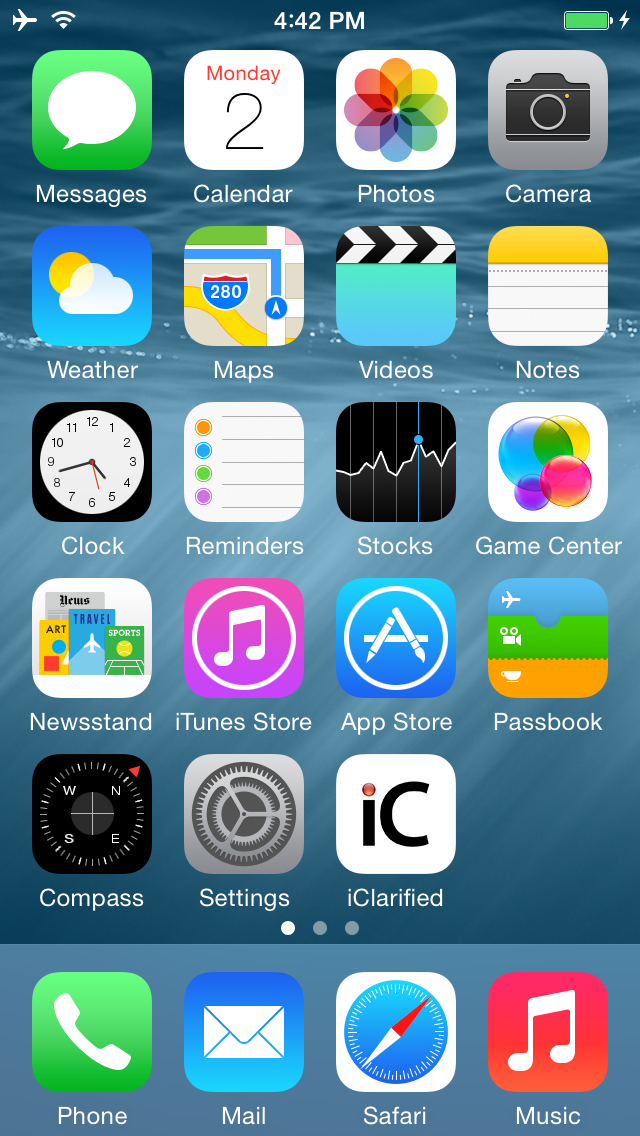
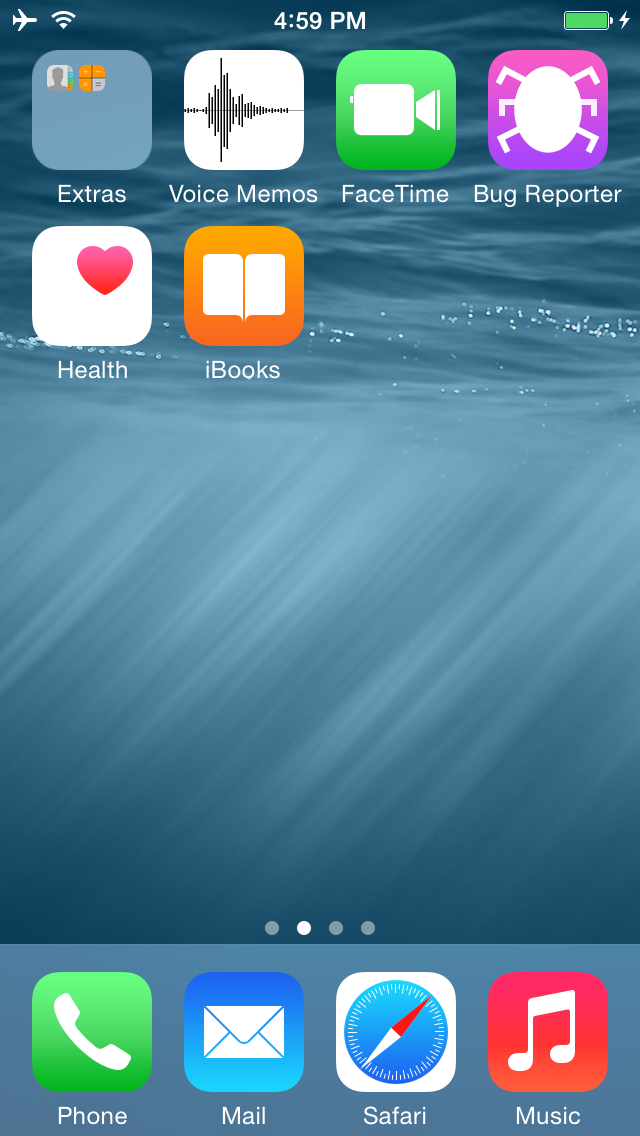
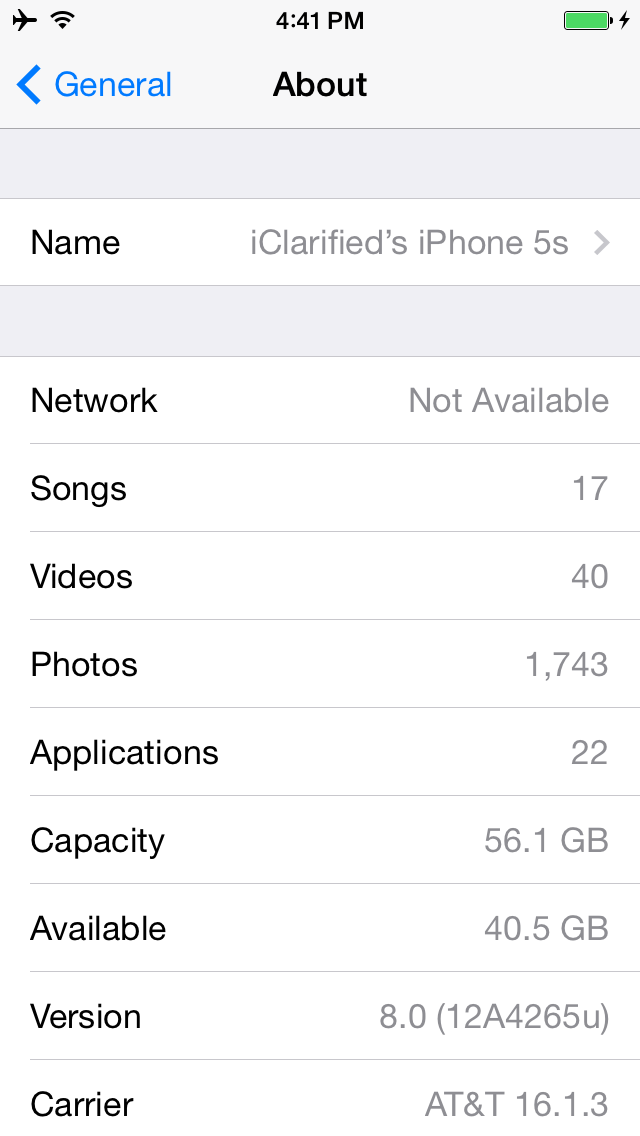
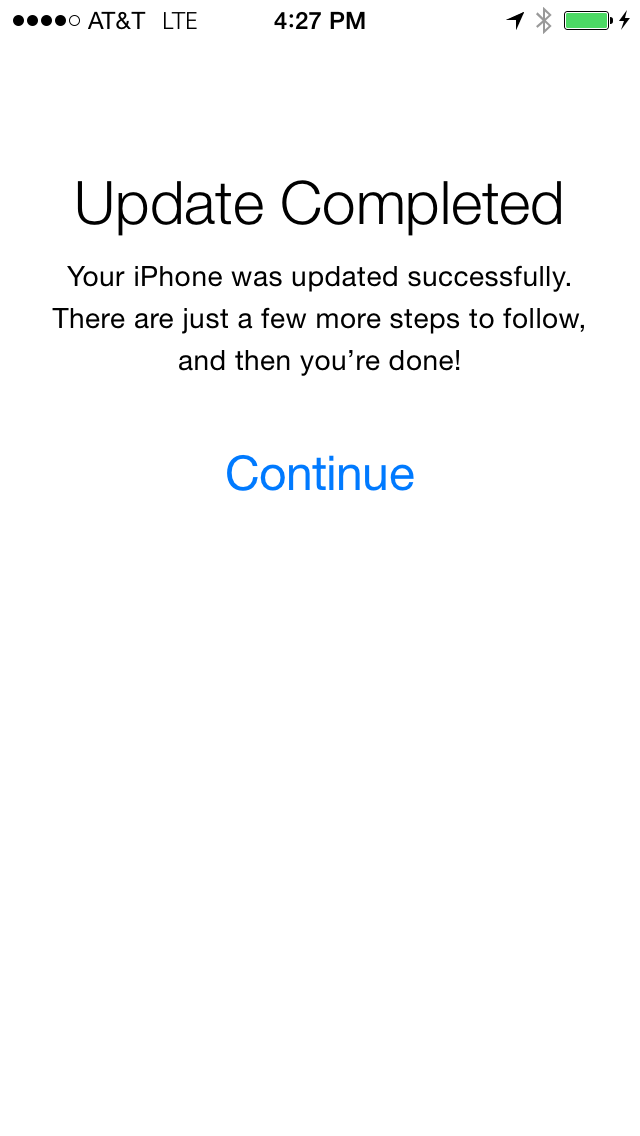
iClarified has discovered that it is currently possible update to iOS 8 without having your iPhone's UDID registered in a developer account.
We have tested and confirmed it working on two iPhone 5s devices that are not registered in the Dev Center.
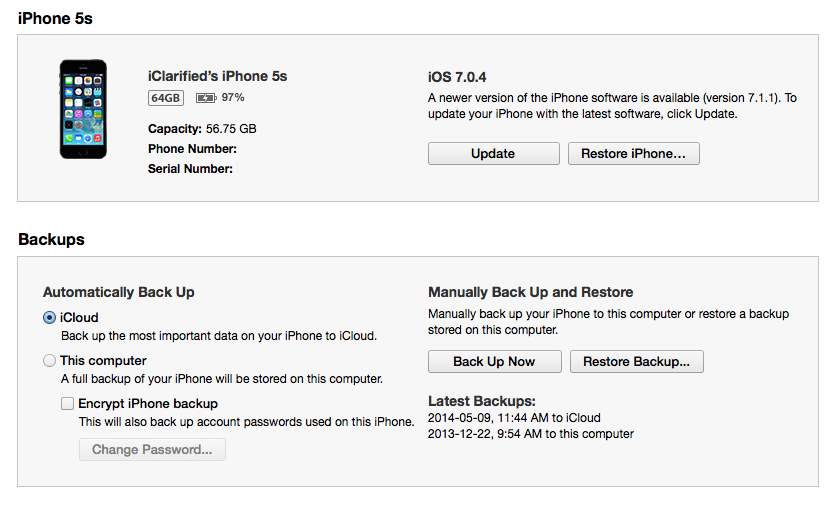
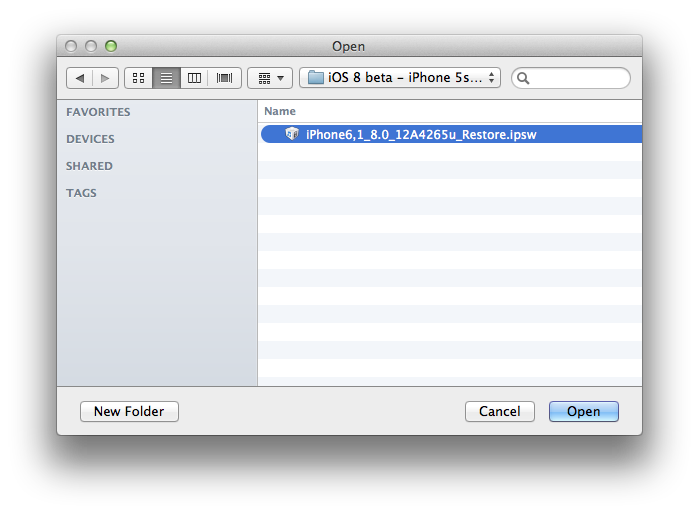
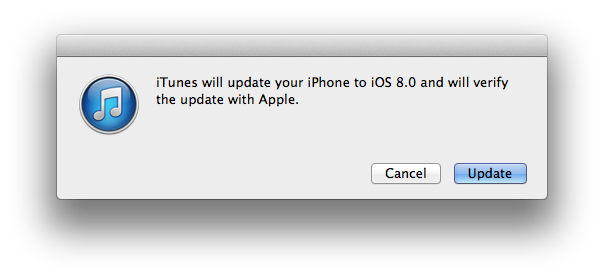
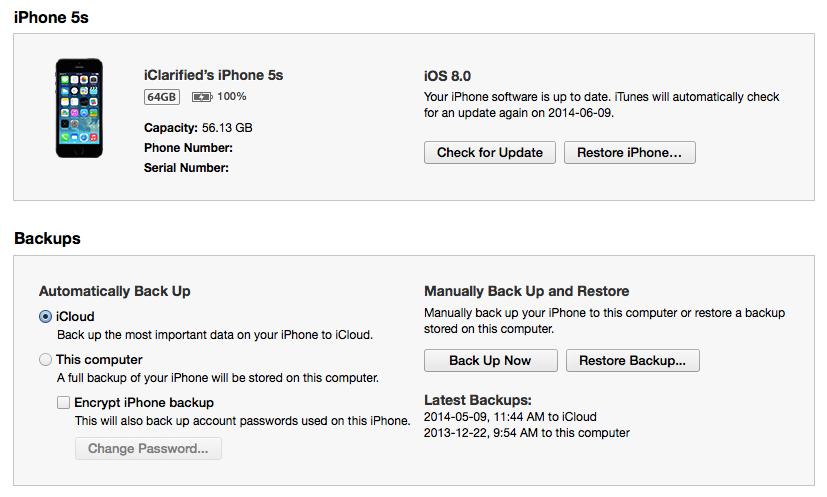
To perform the update you must download the iOS 8 ipsw, press and hold the Option key (Shift for Windows) and click Update or Check For Update in iTunes. Select the iOS 8 ipsw from the popup window to install.
This is the similar trick that was used last year on iOS 7.
Enjoy!
UPDATE: Unfortunately, Apple quickly closed this loophole and there is now an activation check. For those who weren't able to activate, simply downgrade back to iOS 7 using these steps or become a beta tester for a developer.
Warning: - Do not do this if you want to retain your jailbreak (You're on any firmware less than 7.1). You will not be able to get it back. - Do not do this if you need hacktivation. You will not be able to hacktivate. - Do not do this if you want a stable device that works with all applications in the App Store. iOS 8 is for developers. - Apple could block this loophole, especially in future iOS 8 betas. The company did introduce an activation check with beta 2 of iOS 7.
Notes: - You MUST use the update button NOT the restore button. - Make sure your device is activated before clicking update. We recommend turning off Find My iPhone as well.
Please follow iClarified on X, Facebook, or RSS for the latest Apple news and tutorials.
Get the iClarified Daily Newsletter
Apple news, rumors, tutorials, price drop alerts, in your inbox every evening, free.
Unsubscribe at any time.
Success!
You have been subscribed.
Add Comment
Would you like to be notified when someone replies or adds a new comment?
Yes (All Threads)
Yes (This Thread Only)
No
Notifications
Would you like to be notified when we post a new Apple news article or tutorial?
Yes
No
Comments (99)
Comments are closed for this article.
0
Jay S - July 27, 2014 at 5:57pm
can I get ios 8 beta installed on my iphone 4 or better question will it work on the iphone 4
0
Raju - July 19, 2014 at 8:12pm
thank u
0
Adrian Vazquez - June 25, 2014 at 9:06pm
If I have a UDID registered for iOS 7 beta will it work on the same phone for iOS 8 beta 2?
0
Barkin - June 13, 2014 at 7:55pm
It didn't work for me
0
PD_Pablo - June 8, 2014 at 4:27pm
All you gotta do is hold the power button and home button for 15 sec to restore into dfu mode. then you can try iOS 8 again or latest version of 7.
0
Shem - June 6, 2014 at 11:44pm
how do you restore back to ios 7 cause my phone got stuck on the activation error page
0
steve - June 7, 2014 at 5:10am
just set your phone to DFU mode and plug it into itunes and then do a factory reset. Then restore to backup, if you don't have a backup, you loose all your information.
0
reda ammari 123 - June 6, 2014 at 6:40pm
I'm having trouble with my phone after the update and it's stuck on the activation screen. Does anyone know how to fix this? I really need help.
0
Jacob - June 6, 2014 at 7:11pm
Connect the device to iTunes, click the device, and click restore, and OK to any warnings, this will restore you to iOS 7, make sure you had a backup! If you don't then you can't get the info back regardless.
0
reda ammari 123 - June 6, 2014 at 7:32pm
the ihpoen is blocked on itunes
0
reda ammari - June 6, 2014 at 6:27pm
How do I find my UDID? I am stuck on the activation screen and need help with my phone.
0
anon - June 6, 2014 at 8:44pm
You open itunes with your phone connected and click on the serial number multiple times until it shows udid
0
Fab - June 6, 2014 at 8:31am
I found another trick how to bypass the activation. It worked for me:
After the update is installed and you're on the activation check screen, press the home button and select ANOTHER WLAN (not sure how the option is called in english).
Now comes the tricky part. You have to have a WLAN router or access point that IS NOT connected to the internet.
The activation will fail and will ask you to use a DATA CONNECTION or ANOTHER WLAN. Now you can go back to your working WLAN. The software simnply skips the activation process and will continue with the setup up. Make your settings and enjoy the beta.
Greetings from Germany!
0
Activation Error - June 5, 2014 at 1:18pm
Updated to iOS 8, worked for a couple of hours until it decided to freeze and reboot itself and then got the activation error :( Now only solution is to restore the phone.
0
Manish - June 5, 2014 at 1:01pm
I upgraded to IOS 8.0 yesterday, but it never worked. Error came : your UDID is not registered as a developer, So I had to restore to 7.11
0
ALEX - June 4, 2014 at 9:10pm
I installed ok iOS 8 on iPad 2
0
Olivier - June 4, 2014 at 7:03pm
How can you go back from ios8 to ios7? anyone who knows??
0
Ron Tal - June 4, 2014 at 7:12pm
Yeah,Just connect your iPhone to iTunes and click restore.
Good luck :)
0
James - June 4, 2014 at 9:48pm
put your iphone into dfu mode in itunes then shift click restore and select the 7.1.1 firmware (.ipsw)
0
abelph - June 4, 2014 at 4:45pm
I am still have activation error , and i paid by your website 6 hours ago...
0
odedoo1 - June 4, 2014 at 3:45pm
You'd be a fool to upgrade if you are jail broken! Think about it most stuff don't work it's a Beta version full of bugs. The only way you get me to upgrade is when iOS 8 is jail broken
0
Ron Tal - June 4, 2014 at 1:49pm
It doesn't matter,A few hours later,you will be prompted to activate.
You need to register your UDID.
0
Somebody - June 4, 2014 at 10:32am
Important : Everyone be careful, when Apple releases a new beta make sure you download and install it ASAP. Last year Apple blocked my iPhone and iPad and had to restore and re-update since then I lost everything. So always update.






![Apple Highlights Child Safety and Screen Time Controls in New Ad [Video]](/images/news/102393/102393/102393-160.jpg "Apple Highlights Child Safety and Screen Time Controls in New Ad [Video]")








![Magic Keyboard for iPad Air Drops to $200 on Amazon [Deal]](/images/news/102402/102402/102402-160.jpg "Magic Keyboard for iPad Air Drops to $200 on Amazon [Deal]")
![13-Inch M5 MacBook Air With 1TB Drops to $1,449 on Amazon [Deal]](/images/news/102345/102345/102345-160.jpg "13-Inch M5 MacBook Air With 1TB Drops to $1,449 on Amazon [Deal]")



