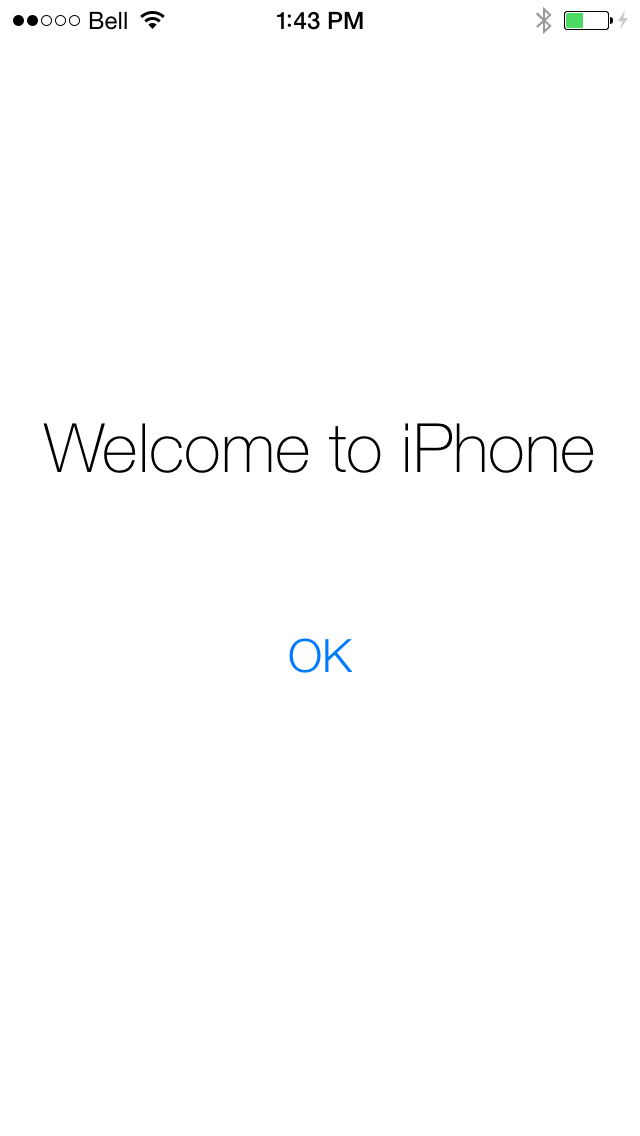
Non-developers who have installed iOS 7 beta 1 will be happy to know that the OTA software update to beta 2 has been confirmed working.
Earlier this month we posted that it was possible to update from iOS 6.x to iOS 7 beta 1 without a registered developer device. It appears that this update procedure extends to the latest beta; however, please remember that you must do an UPDATE not a restore.
As of yet, we have not confirmed that this works via the downloadable IPSW. If you've confirmed this please let us know in the comments.
As a reminder, if you would like to downgrade to iOS 6.x, you can do that by following this tutorial.
Get the iClarified Daily Newsletter
Apple news, rumors, tutorials, price drop alerts, in your inbox every evening, free.
Unsubscribe at any time.
Success!
You have been subscribed.
Add Comment
Would you like to be notified when someone replies or adds a new comment?
Yes (All Threads)
Yes (This Thread Only)
No
Notifications
Would you like to be notified when we post a new Apple news article or tutorial?
Yes
No
Comments (95)
Comments are closed for this article.
0
Mohammed Patel - July 30, 2013 at 1:45pm
Thanks this method also works when installing iOS7 beta 4 OTA, even though I don't have or use a dev account or have a registered UDID.
0
Umut - July 3, 2013 at 12:07pm
Can 1 downgrade my iphone from IOS 7 BETA 2 to ios 6.1.3 (iphone 4s)????
0
Daniel Batista - July 3, 2013 at 12:11pm
Of course, any time, at least to the final ios7 release, 2 or 3 days after that, you can't.
0
help_please :( - June 27, 2013 at 3:02pm
Does this work for the 3rd gen ipad?
0
Jay - June 27, 2013 at 2:10pm
Iphone 5/AUS/
update from ios 7 beta 1 to beta 2 via software update in settings, works perfectly guys :)
0
Lyudvig - June 26, 2013 at 9:39pm
it's works !!! :)
0
Manish Sharma - June 26, 2013 at 11:56am
IOS 7.0 beta 2 is working on my Iphone 4 upgraded from IOS 6.1.3.
0
daniel na - June 26, 2013 at 10:55am
updated ios7 beta 2 over wifi.
works fine
iphone 5 AT&T
0
Sunny - June 26, 2013 at 6:32am
The software upgrade option via the settings menu on the iPhone 5, worked fine for me.. Update took 5 mins and I have beta 2...
0
J - June 26, 2013 at 4:08am
I5 works easy on Mac 5 min software is fast an bunch new stuff an look
0
needhelp - June 26, 2013 at 3:29am
How to download ipad2 ios 7 beta2 ipsw? The above link just downloads a dmg file which doesnt have a ipsw in the archive.
0
ouk chiavisoth - June 26, 2013 at 1:06am
Dear All I got stuck on second reboot when i update to beta2 via software update, iphone 5 non-developer. How can i do now? just see the apple logo.
0
alan - June 25, 2013 at 4:28pm
I got the update to work both ota on my iPhone and just updated my wife's ipad mini to it using the same method as my iPhone originally. Didn't need a UDID.
0
Birdasbird - June 25, 2013 at 2:55pm
Its work for my iphone 4 everything is better than beta1 anyway u will got some bug and sime apps doesnt work
0
bader - June 25, 2013 at 1:14pm
tried it on my iPad mini, worked like a charm
0
manish4_4 - June 25, 2013 at 9:38am
I successfully downloaded then after clicking install iphone verified update and restated. Now on 3rd load bar its stuck?
0
james - June 26, 2013 at 12:56am
i cannot use my phone now..i updated the beta but it stuck until now....it's been 4 hours already...i don't what to do with this...please need some help
0
manish4_4 - June 26, 2013 at 5:18am
@james you need to put your phone in DFU mode and then restore back to ios 6
0
Jacob Bysted - June 25, 2013 at 8:44am
I have an iPhone 4 with iOS 7 beta 1, no developer. Yesterday i updated to iOS 7 beta 2 in the Settings on my iPhone. But it just keep trying to update, and it hasn't worked for like 8 hour's now. I tried connecting to my mac, but iTunes cant find the iPhone. Any ideas?
1
joe.simon - June 25, 2013 at 8:47am
connect to iTunes and put it to DFU mode then restore to 6.1.3 (for iPhone4/4S) or 6.1.4 (for iPhone 5)
0
Sultan Nabulsi - June 25, 2013 at 8:32am
I've tried to update from 6.1.4 to the beta 2 after finishing the screen was white with apple logo and it didn't respond to any input even after restarting.
0
JayC - June 25, 2013 at 7:48am
Worked great for me. Did mines right over wifi
0
Dov - June 25, 2013 at 7:06am
Yes upgrade to Beta 2 via Itunes and without Dev account worked fine for me
Iphone 5 was already on Beta 1 .
No need to restore any backup after the upgrade.
0
Mr director - June 25, 2013 at 6:14am
Just updated through the automatic updater inside the iOS 7 beta 1 - TO beta 2 with no problem. // Sweden / iPhone 4S / non developer





![MacBook Neo Charging Test Confirms 30W Limit Across All Chargers [Video]](/images/news/100281/100281/100281-160.jpg "MacBook Neo Charging Test Confirms 30W Limit Across All Chargers [Video]")
![Amazon Plans AI Smartphone Comeback Centered Around Alexa [Report]](/images/news/100280/100280/100280-160.jpg "Amazon Plans AI Smartphone Comeback Centered Around Alexa [Report]")






![AirPods Pro 3 Still $199.99 on Amazon ($50 Off) [Deal]](/images/news/100285/100285/100285-160.jpg "AirPods Pro 3 Still $199.99 on Amazon ($50 Off) [Deal]")
![AirPods Pro 3 Drop to $209.99 on Amazon ($40 Off) [Deal]](/images/news/100236/100236/100236-160.jpg "AirPods Pro 3 Drop to $209.99 on Amazon ($40 Off) [Deal]")
![Apple AirTag (1st Gen) 4-Pack Falls to $64 on Amazon [Deal]](/images/news/100218/100218/100218-160.jpg "Apple AirTag (1st Gen) 4-Pack Falls to $64 on Amazon [Deal]")
![Apple's New M5 MacBook Air Drops to $1,049 in Early Amazon Sale [Deal]](/images/news/100206/100206/100206-160.jpg "Apple's New M5 MacBook Air Drops to $1,049 in Early Amazon Sale [Deal]")