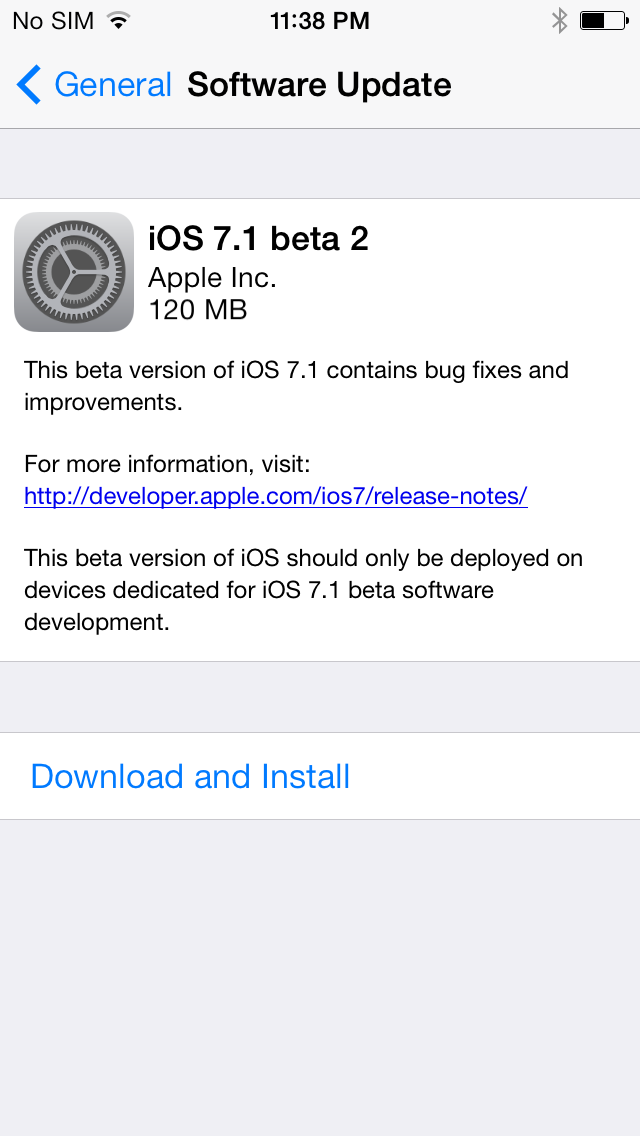
Apple has blocked the ability to update to iOS beta firmware without having your device registered on a developer account.
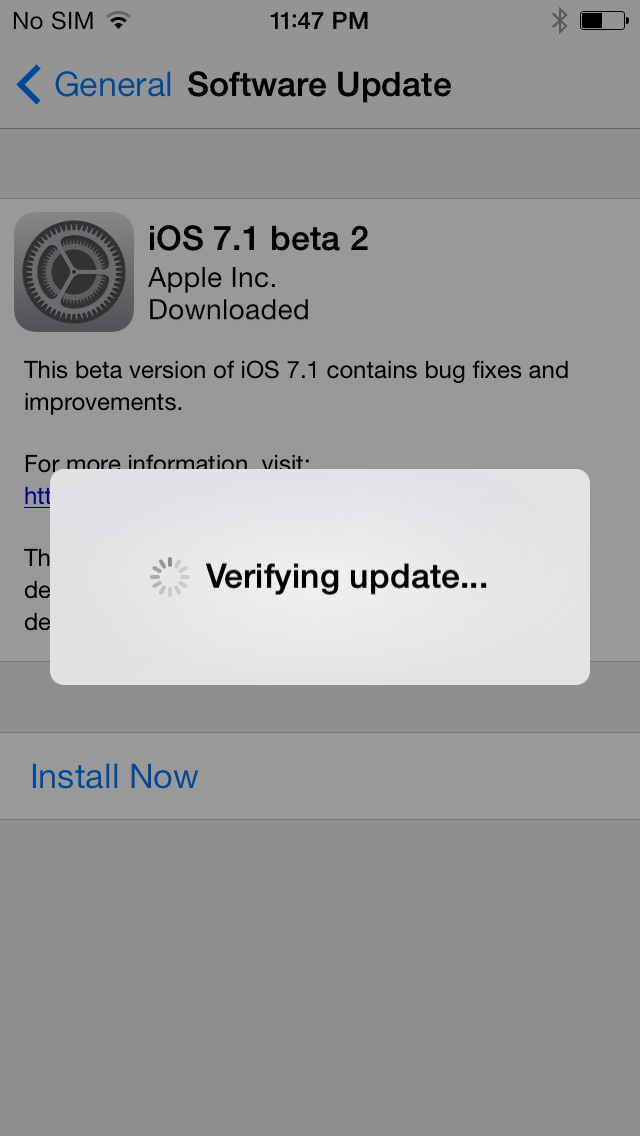
With previous builds of iOS 7, non-developers could install the betas as long as they chose 'UPDATE' instead of 'RESTORE' when installing the firmware.
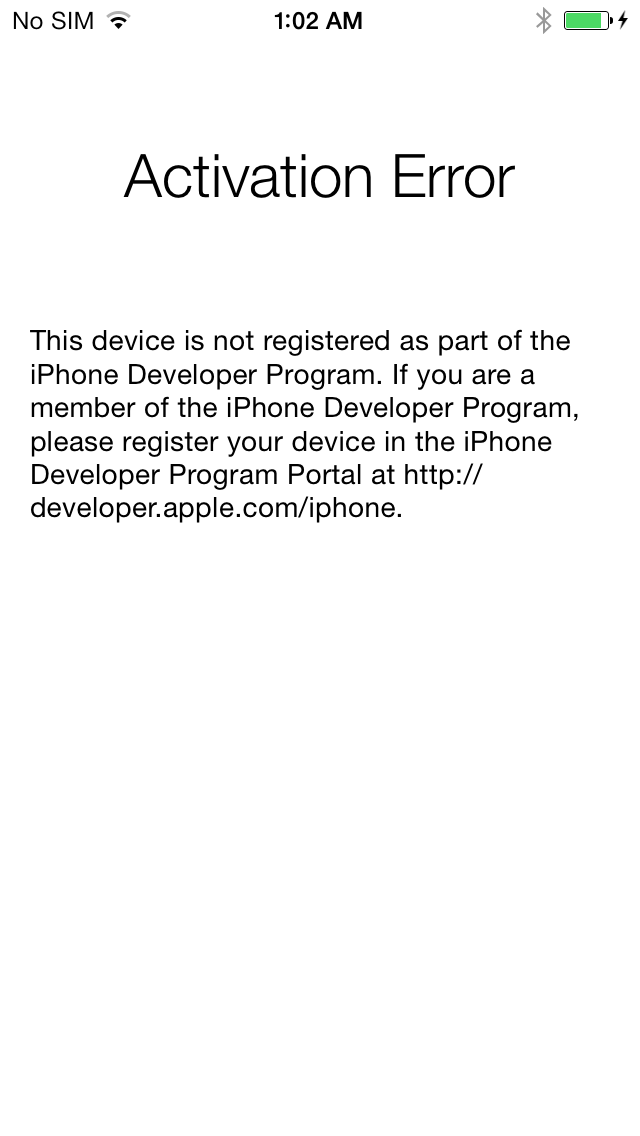
Performing an update on an unregistered device will now install the firmware but will attempt to activate before loading for the first time. The following error is then presented...
Activation Error: This device is not registered as part of the iPhone Developer Program. If you are a member of the iPhone Developer Program, please register your device in the iPhone Developer Program Portal at https://developer.apple.com/ios/.
Thus if you are not a developer, please don't try to update to beta 2. Also, since the betas expire, we recommend you restore to iOS 7.0.4.
Please follow iClarified on X, Facebook, or RSS for more iOS new and tutorials.
Get the iClarified Daily Newsletter
Apple news, rumors, tutorials, price drop alerts, in your inbox every evening, free.
Unsubscribe at any time.
Success!
You have been subscribed.
Add Comment
Would you like to be notified when someone replies or adds a new comment?
Yes (All Threads)
Yes (This Thread Only)
No
Notifications
Would you like to be notified when we post a new Apple news article or tutorial?
Yes
No
Comments (13)
Comments are closed for this article.
0
Ali - December 16, 2013 at 4:25am
how do i know if my UDID has been registered? I gave my UDID to a friend and he hasnt responded yet.
0
Joe - December 15, 2013 at 7:45am
How do I put ny iphone 4 in dfu mode if my power button is broken
0
Devaapl1 - December 14, 2013 at 1:49pm
This isn't new. This is always how it's worked. You need to have your device registered as a development device. Just wait a few weeks, it will be available soon enough and with less bugs.
0
Wrong - December 14, 2013 at 6:56pm
You are completely wrong. This is new. Please don't comment if you don't know what you're talking about.
0
shayan - December 14, 2013 at 10:43am
updated last night to beta 2 and it says "activation error" . then i restored to 7.0.4 and when i tried to restore back up from 7.1 it says "system version too old". i almost lost every thing in my iphone :(
0
Mouffaq - December 14, 2013 at 2:53pm
How did u restore ur phone it didnt allow me
0
Dwaine - December 14, 2013 at 5:18pm
Its been always like that. You can restore a newer version backup to a older version firmware.
0
iShenoy - December 14, 2013 at 8:37pm
Put the phone in DFU mode and then perform a restore. You can google on how to put a phone to DFU mode.
~iShenoy
0
pagazp - December 14, 2013 at 9:43am
i need to register can you help me?
0
Jason - December 14, 2013 at 2:05pm
hi,i cant restore my phone to previous version and it stuck at activation error.
0
DarknessZero - December 14, 2013 at 6:37am
If you have to ask that you can assume you are not




![Apple to Remove Video Walls and Bring Back Dedicated Genius Bars [Gurman]](/images/news/102198/102198/102198-160.jpg "Apple to Remove Video Walls and Bring Back Dedicated Genius Bars [Gurman]")
![John Ternus and Joz Discuss iPhone Duo Design, Price, and iPhone 18 Pro Camera [Video]](/images/news/102197/102197/102197-160.jpg "John Ternus and Joz Discuss iPhone Duo Design, Price, and iPhone 18 Pro Camera [Video]")








![Apple Studio Display XDR Hits All-Time Low of $2,969.99 ($329 Off) [Deal]](/images/news/101976/101976/101976-160.jpg "Apple Studio Display XDR Hits All-Time Low of $2,969.99 ($329 Off) [Deal]")
![Apple AirPods Pro 3 Drop to $199 ($50 Off) [Deal]](/images/news/101966/101966/101966-160.jpg "Apple AirPods Pro 3 Drop to $199 ($50 Off) [Deal]")
