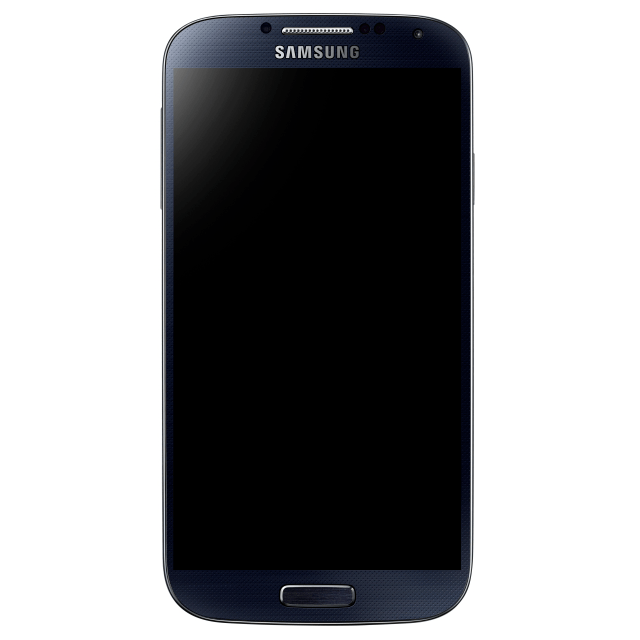
The Samsung Galaxy S5 will reportedly feature a fingerprint scanner that works by swiping your finger across the home key, according to SamMobile. Your finger needs to be kept flat against the key and you need to swipe at a moderate speed for recognition to work. If your finger is wet it will present an error.
Notably, Samsung has integrated its fingerprint scanner throughout the operating system.
You can register a total of 8 fingerprints and assign each fingerprint a different task or use it as an app shortcut, but at least 1 fingerprint must be used to unlock the device. A new Personal Folder and Private Mode has been developed by Samsung, where you will be able to hide personal apps, widgets, and content you want to keep private. To open and close your Personal Folder and Private Mode, you would need to swipe your registered finger over the home key after tapping on the home key, or you could simply use a different security method, like pattern unlock or security PIN. You will be able to verify your Samsung account using your fingerprint and will also be able to sign into different websites, without needing to enter your username or password ever again.
SamMobile also notes that as you are swiping your finger across the Home key, the Galaxy S5 shows a real-time image of your fingerprint as it's being scanned.
Fingerprint sensors that require a swipe are generally considered less accurate; however, the site says that other smartphone manufacturers such as Apple and HTC are not making full use of the technology; whereas, Samsung is aiming to use the sensor to its full potential.
Apple news, rumors, tutorials, price drop alerts, in your inbox every evening, free.
Unsubscribe at any time.
Success!
You have been subscribed.
Add Comment
Would you like to be notified when someone replies or adds a new comment?
Yes (All Threads)
Yes (This Thread Only)
No
Notifications
Would you like to be notified when we post a new Apple news article or tutorial?
Yes
No
Comments (9)
Comments are closed for this article.
0
gamerscul9870 - February 19, 2014 at 2:04am
Yes but apples works far different and never before ever used for purchases or on a home button before.
0
gamerscul9870 - February 18, 2014 at 11:39pm
This implementation is similar to Toshiba's old tech, but the trend seems inspired by Apple's use of a sensor in the home button, even if the mechanism differs.
1
Vic - February 18, 2014 at 8:53pm
Samsung adds many features that sometimes have issues. Smart pause and the eye tracking features didn't always work for me.
0
King - February 18, 2014 at 8:29pm
Well, this is a feature that almost every phone will have in the near future
0
J Masip - February 18, 2014 at 7:59pm
Nothing invented... Toshiba already had that way swipe fingerprint scanner on laptops long years before
0
sH23 - February 19, 2014 at 8:19pm
I had a dell laptop with fingerprint scanner which worked quite well. (not toshiba)
0
gamerscul9870 - February 20, 2014 at 12:24am
Not to say you're wrong but this is what I heard from many.
0
young thug - February 18, 2014 at 5:42pm
the funny thing about android is you can go into recovery and wipe the phone clean like new and not have to worry about all that :+)
0
Za - February 18, 2014 at 4:21pm
Do they follow the trend of adding features others popularized?










![How To Change Wallpaper on Mac [Video]](/images/tutorials/90512/90512/90512-160.jpg "How To Change Wallpaper on Mac [Video]")
![How To Turn Off Always On Display on iPhone [Video]](/images/tutorials/87524/87524/87524-160.jpg "How To Turn Off Always On Display on iPhone [Video]")





![16-Inch M5 Max MacBook Pro Drops $900 to New Low of $3,499 [Deal]](/images/news/102438/102438/102438-160.jpg "16-Inch M5 Max MacBook Pro Drops $900 to New Low of $3,499 [Deal]")
![Magic Keyboard for iPad Air Drops to $200 on Amazon [Deal]](/images/news/102402/102402/102402-160.jpg "Magic Keyboard for iPad Air Drops to $200 on Amazon [Deal]")
