

How to Save Your Apple TV SHSH Blobs Using TinyUmbrella (Mac)
Posted October 30, 2010 at 7:46pm by
Shalom Levytam
These are instructions on how to backup and save your Apple TV's SHSH blobs using TinyUmbrella for Mac.
Step One
Download the latest version of TinyUmbrella from here to your Desktop.
Step Two
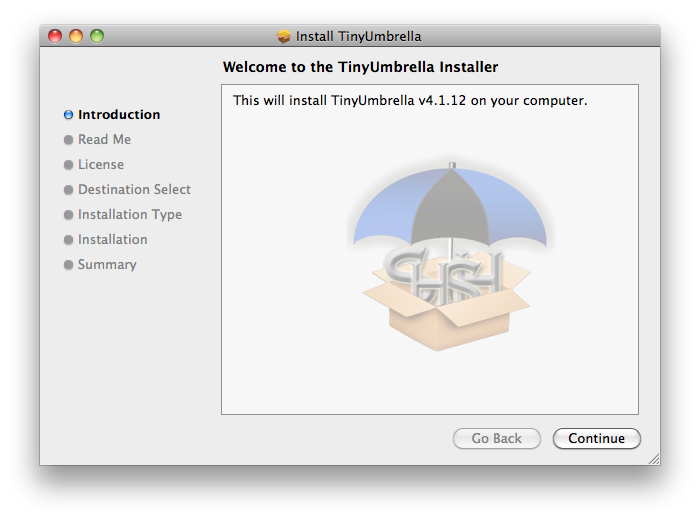
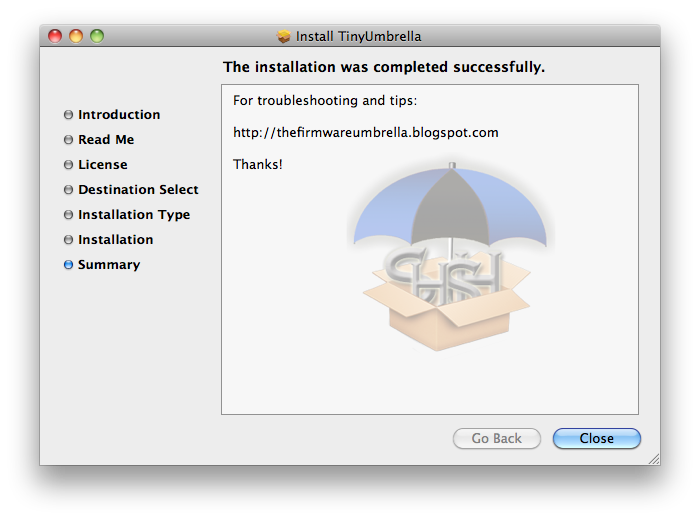
Double click the downloaded package file. Follow the prompts to complete the installation.

Step Three
Double click to launch TinyUmbrella application from your Applications folder.

Step Three
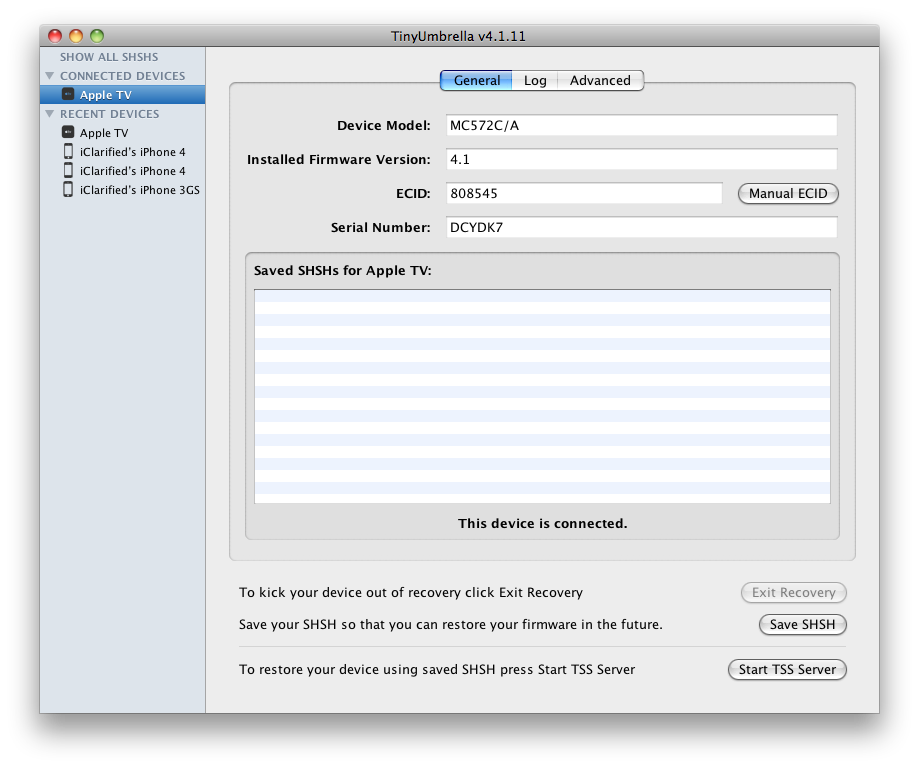
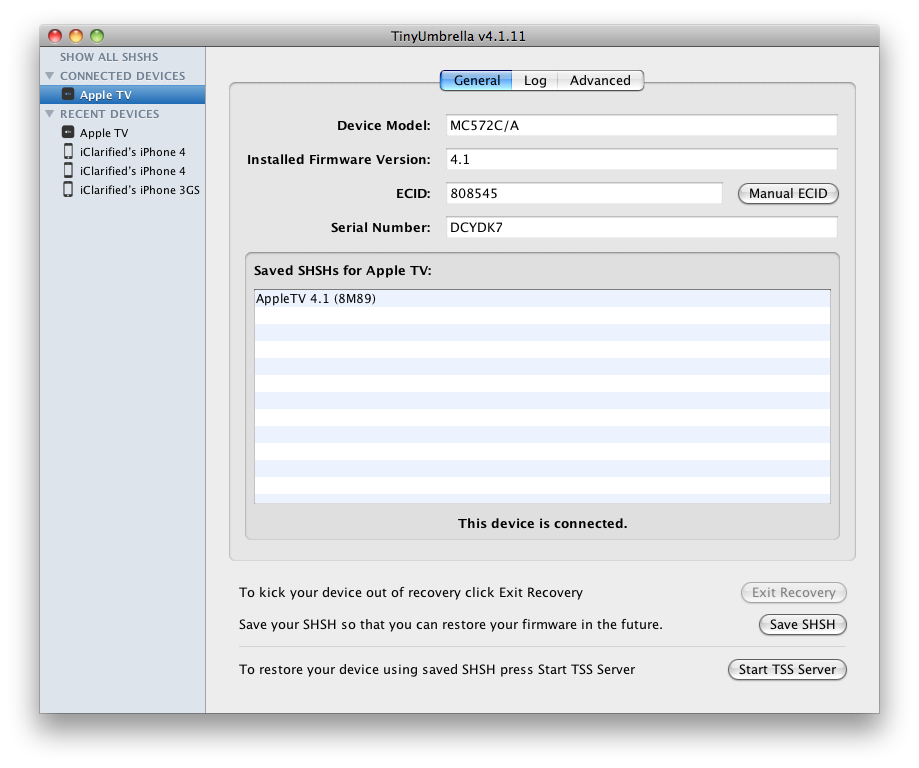
Connect your Apple TV to the computer via a micro-USB cable then select it from the list of Connected Devices on the left.
Step Four
Click the Save SHSH button.

Step Five
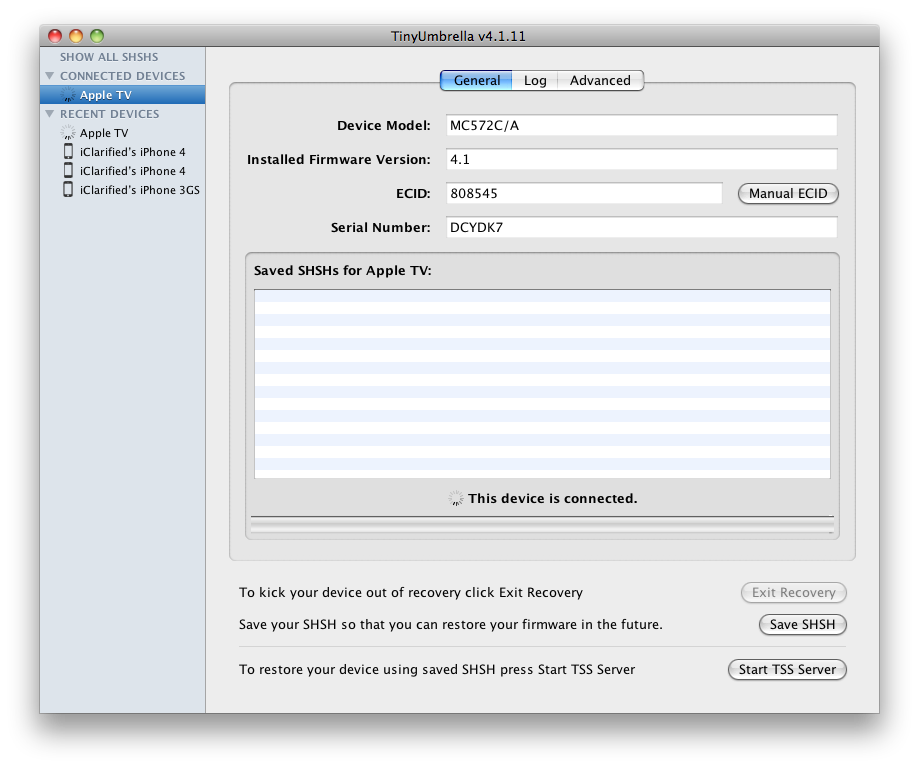
Once completed you will notice a new entry in the Saved SHSHs for Apple TV list confirming the successful save of your SHSH blobs.
**Thanks to semaphore for his work on this tool!
Step One
Download the latest version of TinyUmbrella from here to your Desktop.
Step Two
Double click the downloaded package file. Follow the prompts to complete the installation.
Step Three
Double click to launch TinyUmbrella application from your Applications folder.
Step Three
Connect your Apple TV to the computer via a micro-USB cable then select it from the list of Connected Devices on the left.
Step Four
Click the Save SHSH button.
Step Five
Once completed you will notice a new entry in the Saved SHSHs for Apple TV list confirming the successful save of your SHSH blobs.
**Thanks to semaphore for his work on this tool!



![iOS 26 Adoption Reaches 86% on Recent iPhones, 79% Overall [Chart]](/images/news/101140/101140/101140-160.jpg "iOS 26 Adoption Reaches 86% on Recent iPhones, 79% Overall [Chart]")





![Apple Watch Series 11 is Back on Sale for Just $299 [Deal]](/images/news/101081/101081/101081-160.jpg "Apple Watch Series 11 is Back on Sale for Just $299 [Deal]")
![AirPods Max 2 Drop to New All-Time Low of $499 [Deal]](/images/news/101063/101063/101063-160.jpg "AirPods Max 2 Drop to New All-Time Low of $499 [Deal]")
![AirPods Max 2 Hit All-Time Low Price of $509 ($40 Off) [Deal]](/images/news/101039/101039/101039-160.jpg "AirPods Max 2 Hit All-Time Low Price of $509 ($40 Off) [Deal]")
![New 13-Inch M5 MacBook Air Hits All-Time Low Price of $899.99 [Deal]](/images/news/100969/100969/100969-160.jpg "New 13-Inch M5 MacBook Air Hits All-Time Low Price of $899.99 [Deal]")
![AirPods Pro 3 Drop to $199 Ahead of Memorial Day [Deal]](/images/news/100935/100935/100935-160.jpg "AirPods Pro 3 Drop to $199 Ahead of Memorial Day [Deal]")
