How to Enable Full 2880x1800 Resolution on Your Retina Display MacBook Pro

Posted June 21, 2012 at 10:42pm by iClarified | Please help us and submit a translation by clicking here | 17829 views

These are instructions on how to set your Retina Display MacBook Pro to its full 2880x1800 resolution.

Step One
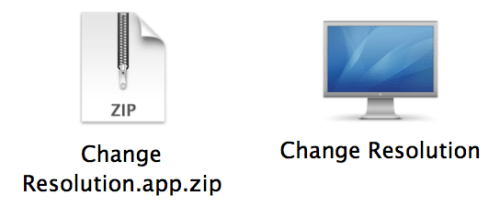
Download Change Resolution by doh123 to your desktop from here then double click the downloaded file to extract it.


Step Two
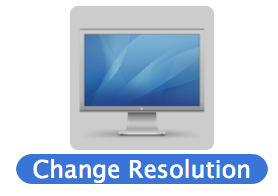
Double click the extracted application to launch it.


Step Three
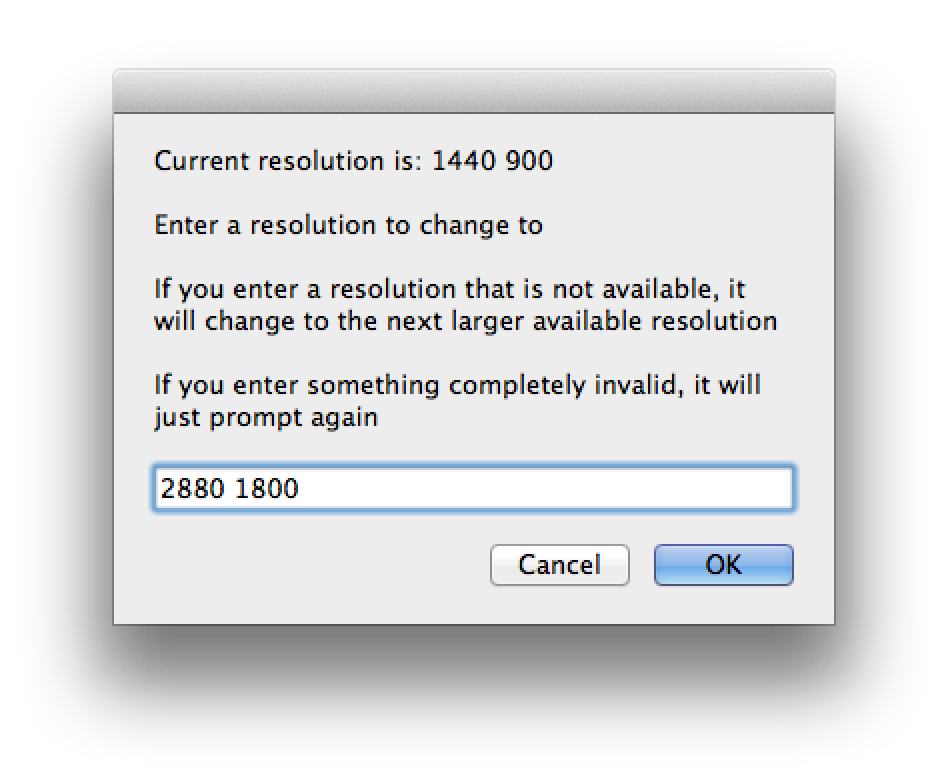
Input 2880 1800 into the entry field and click OK.


Step Four
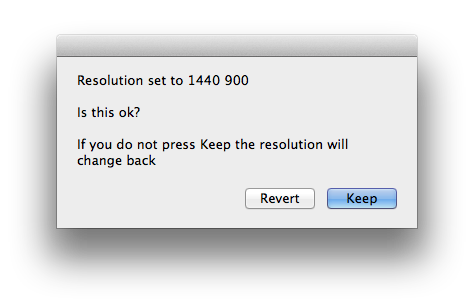
When prompted click the Keep button.


Step Five
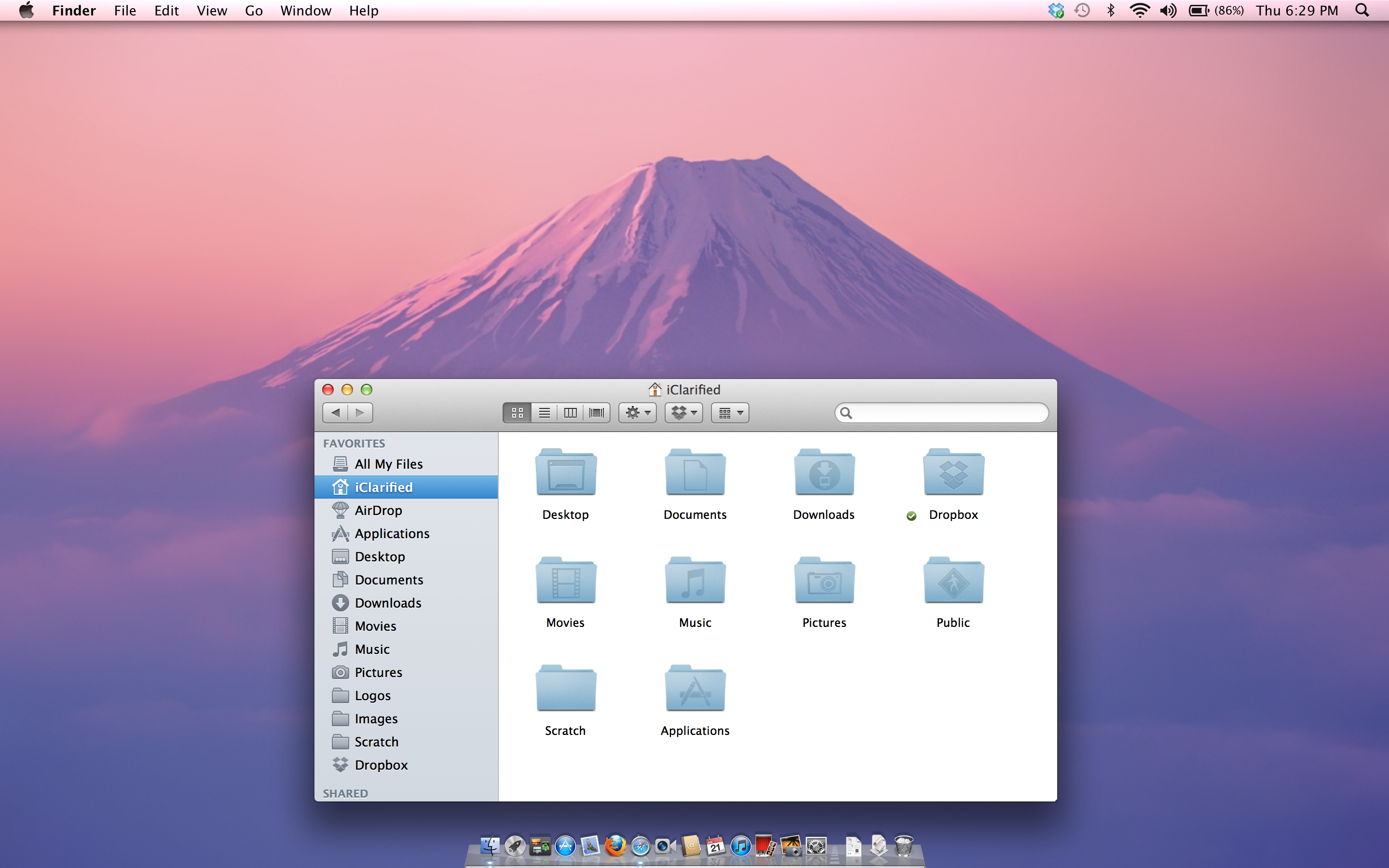
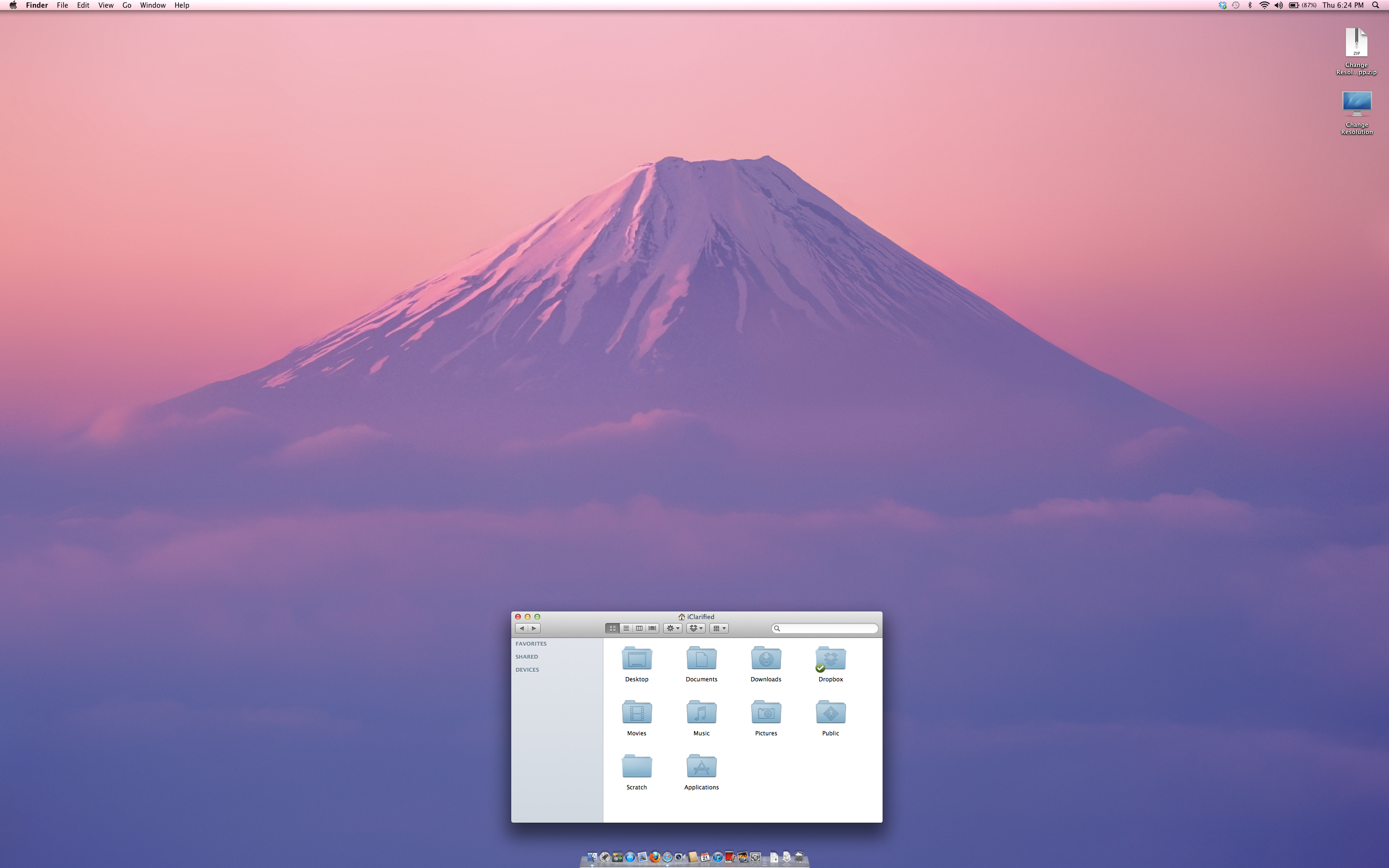
Your MacBook's display will now be set at an incredible 2880x1800 resolution. To revert these changes use the System Preferences:Display settings.

Before:


After:

Share
Add Comment
knock - June 22, 2012 at 8:04pm
i did not see any canoes o my mac
Tenge - June 22, 2012 at 2:48pm
In macbook white unibody work or not
macsquad - June 22, 2012 at 5:15am
Why Fuji did not change?
VaughnSC - June 22, 2012 at 11:45am
Fujiyama did not change because the desktop wallpaper is 1) set to ‘scale-to-fit’ and/or 2) the system uses a 2880x1800 image to begin with.
raksasok - June 22, 2012 at 12:52am
i have macbook 2006 running Lion 1280 800. do can i run 2880x1800?
Imasterbate - June 22, 2012 at 1:24am
Yes. It should just fine. You dumb troll.
Imasterbate - June 22, 2012 at 1:26am
Yes. It should work just fine. You dumb troll.
Hi - June 22, 2012 at 2:48am
You thought your comment was sooo useful you put it in twice. Congrats on being a douche
Imasterbate - June 22, 2012 at 2:19pm
I'm glad you can count troll. To bad I just wasted 10 seconds of my life replying to your comment. Knowing that you are to stupid to understand why I posted it twice. Make the world a better place and KILL YOUR SELF.
Hi - June 22, 2012 at 3:36pm
It's 'too' not 'to'. Either way, you need to read before you post, jackass.
raksasok - June 24, 2012 at 3:43am
can someone make tutorial video . am real appreciate for help.
Chris - June 21, 2012 at 11:12pm
It's awesome! :-D I can see forever!
5 More Comments
Follow iClarified
First Professional Microscope Released for iPhone and iPad
A manufacturer has released first professiona...
Yelp App Gets Side-Swiping Support, Improved Business Photo Management
Yelp has been updated with improved paginatio...
Apple Pulls Bang With Friends From App Store
Apple has pulled the Bang With Friends app fr...
Excellent Apple TV/iPanel Concept Video [Watch]
Check out this excellent concept video by Sam...
Constrainted MacBook Air Supplies Hint at WWDC Refresh?
MacBook Air supplies have begun dwindling at ...