These are instructions on how to add the International Payload to iPlus. This will install the international patches automatically when you unlock. This will only work on the 1.1.4 firmware!
As far as I am aware the International Pack adds: Appsupport Patch, Region Patch, Keyboard Patch, AutoCorrection Patch, and Languages. I will confirm this tomorrow.
Step One Download iPlus 1.2 from iPlus (iPlus1.2.zip download no longer available)
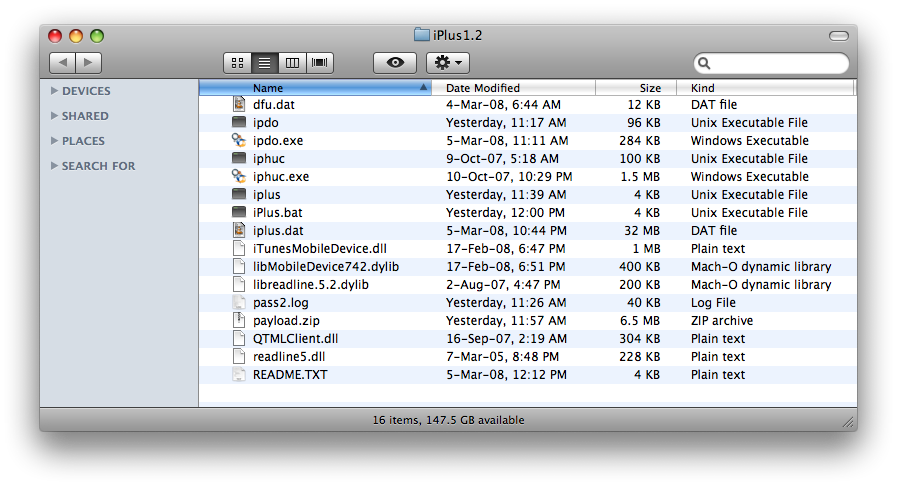
Step Two Extracted the downloaded file to get a folder called iPlus1.2 on your desktop.
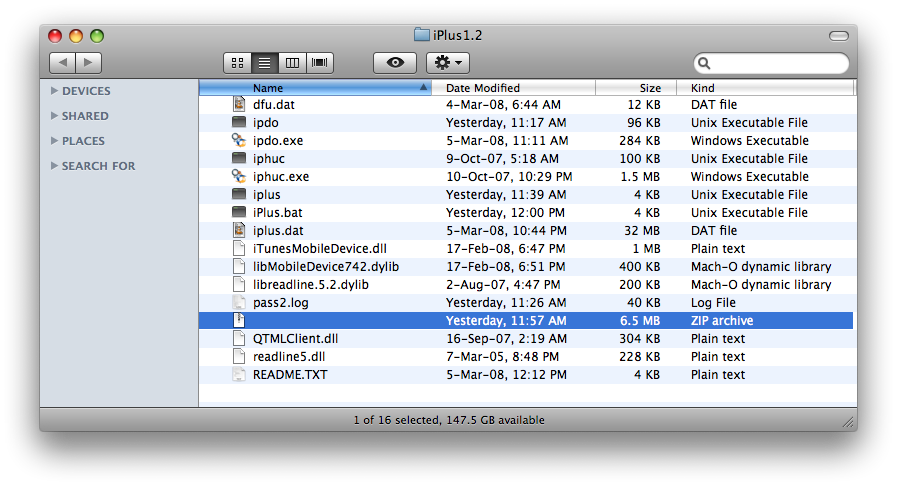
Step Three Rename the file payload.zip within the iPlus1.2 folder to payload.bak. On a Mac you just hit the Enter key to rename a selected file. In Windows right click the filename and select Rename.
Step Four Download the International Payload from International Payload (payload_international.zip download no longer available)
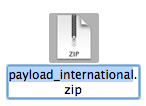
Step Five Rename the downloaded file (payload_international.zip) to payload.zip. On a Mac you just hit the Enter key to rename a selected file. In Windows right click the filename and select Rename.
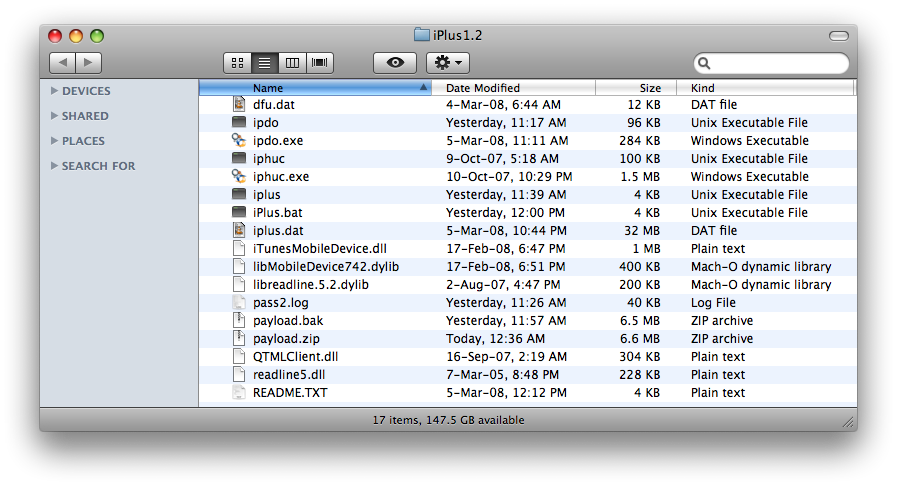
Step Six Drag the newly name payload.zip into the iPlus1.2 folder.
Step Seven Now you can continue with a normal iPlus unlock. Use one of these tutorials and start from Step Three.
Do i need to do this to iplus2.0 or i can still use iplus 1.2 to unlock frimware ver1.1.4 and 1.1.3
Will this change the labguage to spanish?
If i already unlock with gui how I add this payload?
Thanks
@patsalko, link fixed, sorry
@carouselboy, this payload is the same for windows and mac. you can use iplus 1.2 for windows as well. i will be fixing that link shortly
@keets28, you do this first then as instructed in the last step you do the unlock!
What?!?! this is very confusion could you be a little more detailed with the steps. i mean do i unlock first and then do this or do this and then unlock? very confusing










![How To Find Your iPhone IMEI Number [Video]](/images/tutorials/83557/83557/83557-160.jpg "How To Find Your iPhone IMEI Number [Video]")


![Magic Keyboard for iPad Air Drops to $200 on Amazon [Deal]](/images/news/102402/102402/102402-160.jpg "Magic Keyboard for iPad Air Drops to $200 on Amazon [Deal]")
![13-Inch M5 MacBook Air With 1TB Drops to $1,449 on Amazon [Deal]](/images/news/102345/102345/102345-160.jpg "13-Inch M5 MacBook Air With 1TB Drops to $1,449 on Amazon [Deal]")



