The Skype app has been updated with iOS 9 support, Quick Reply, Split View and Slider Over for iPad, and the ability to start chats from Spotlight search.
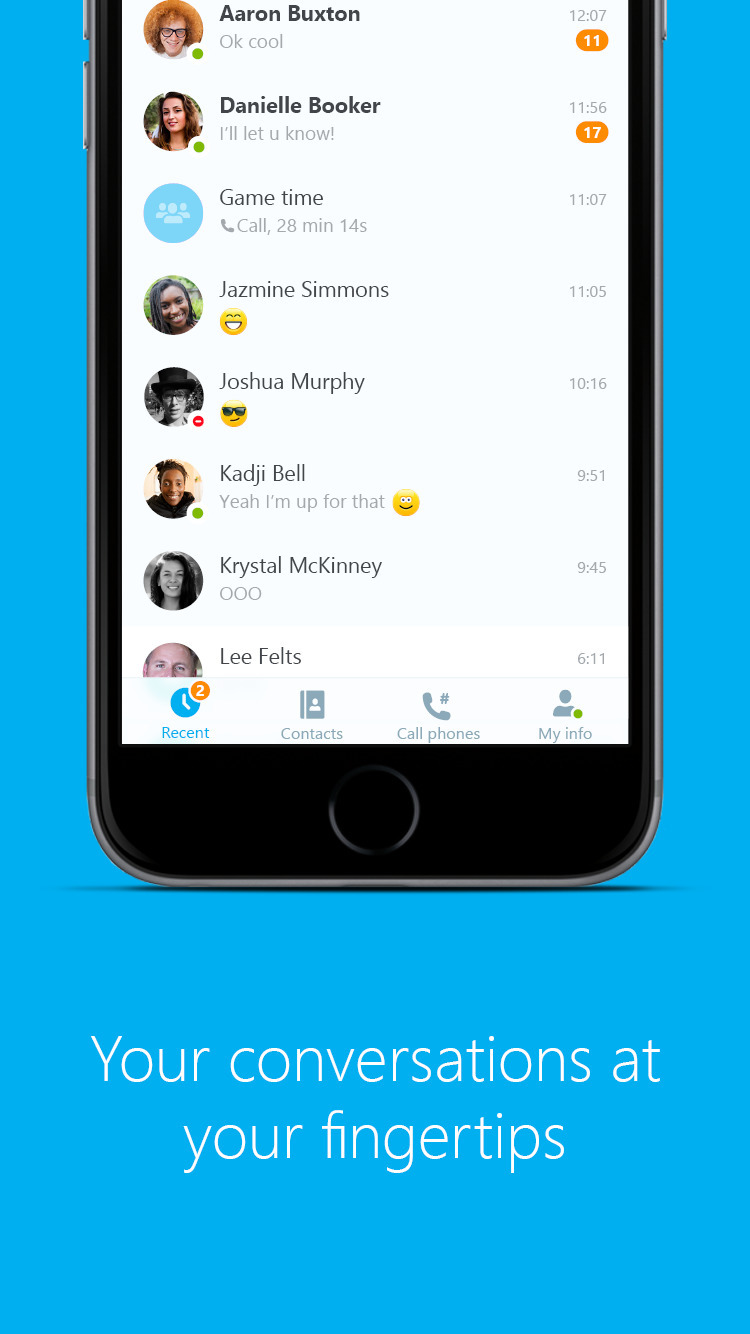
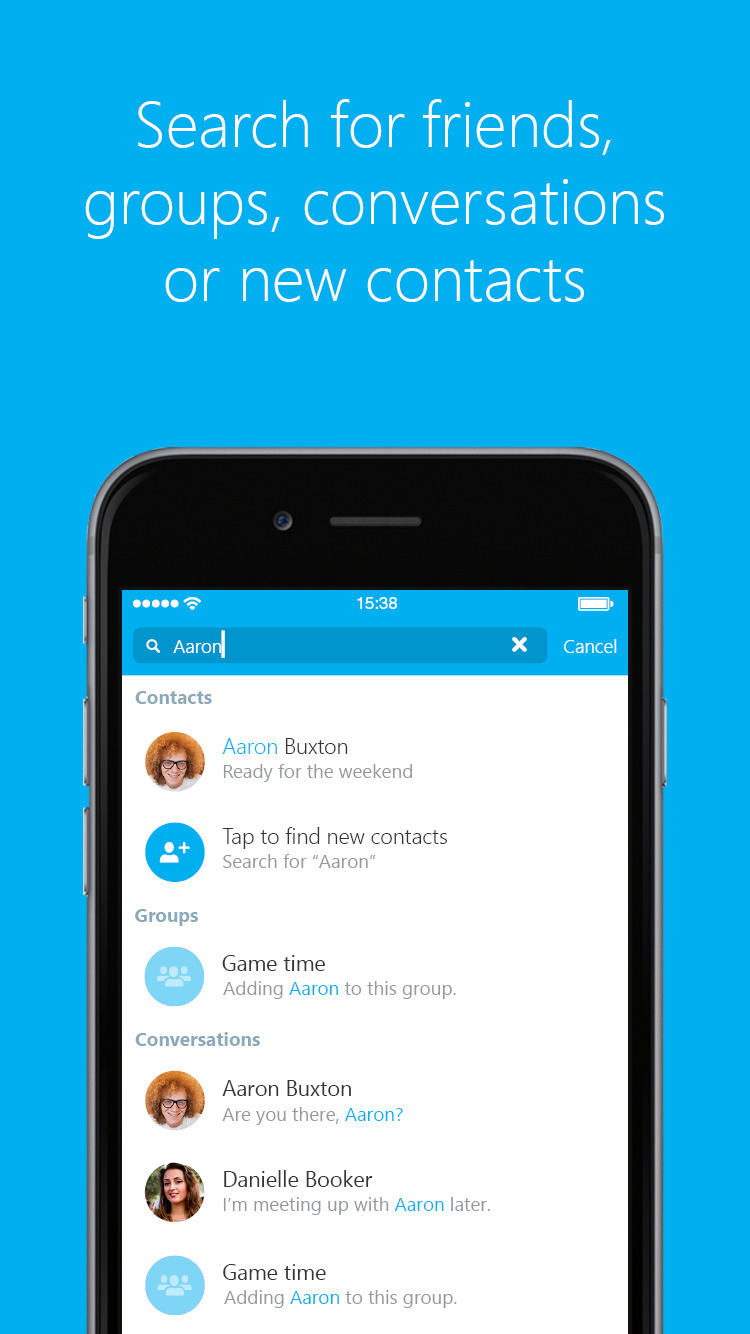
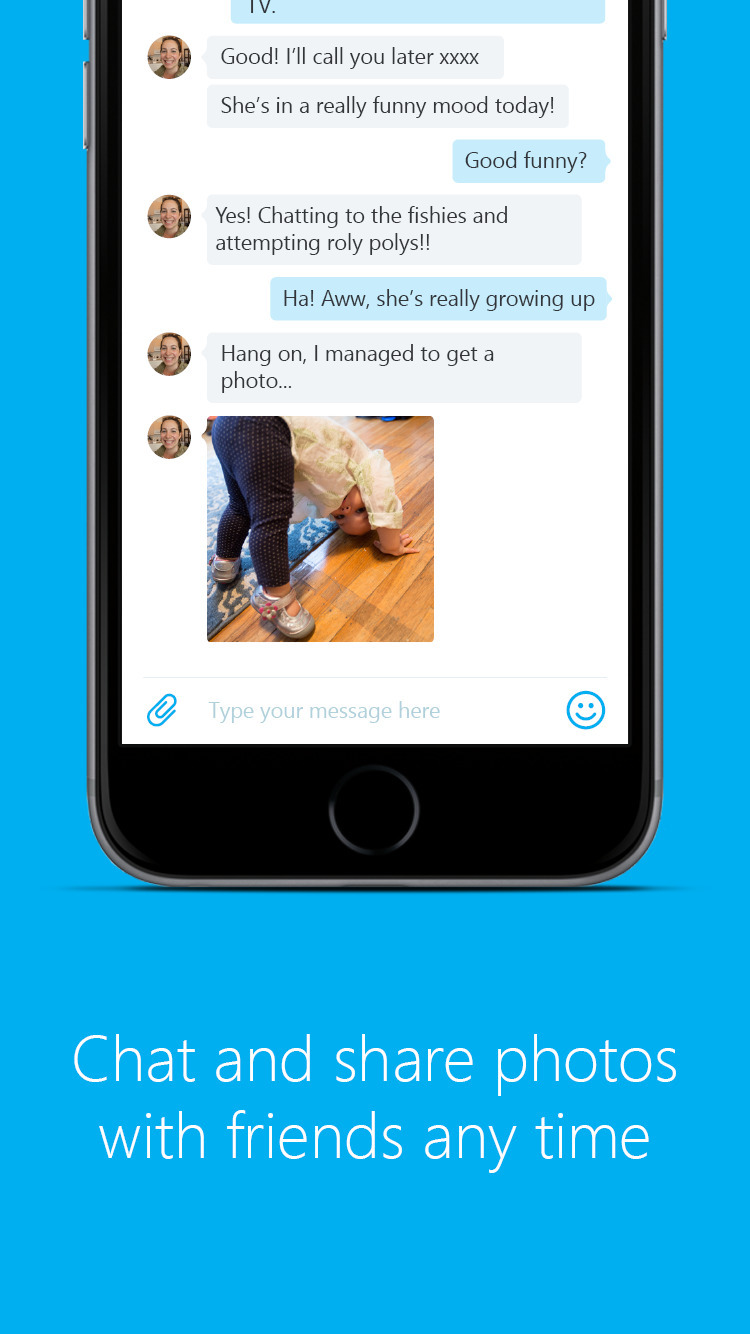
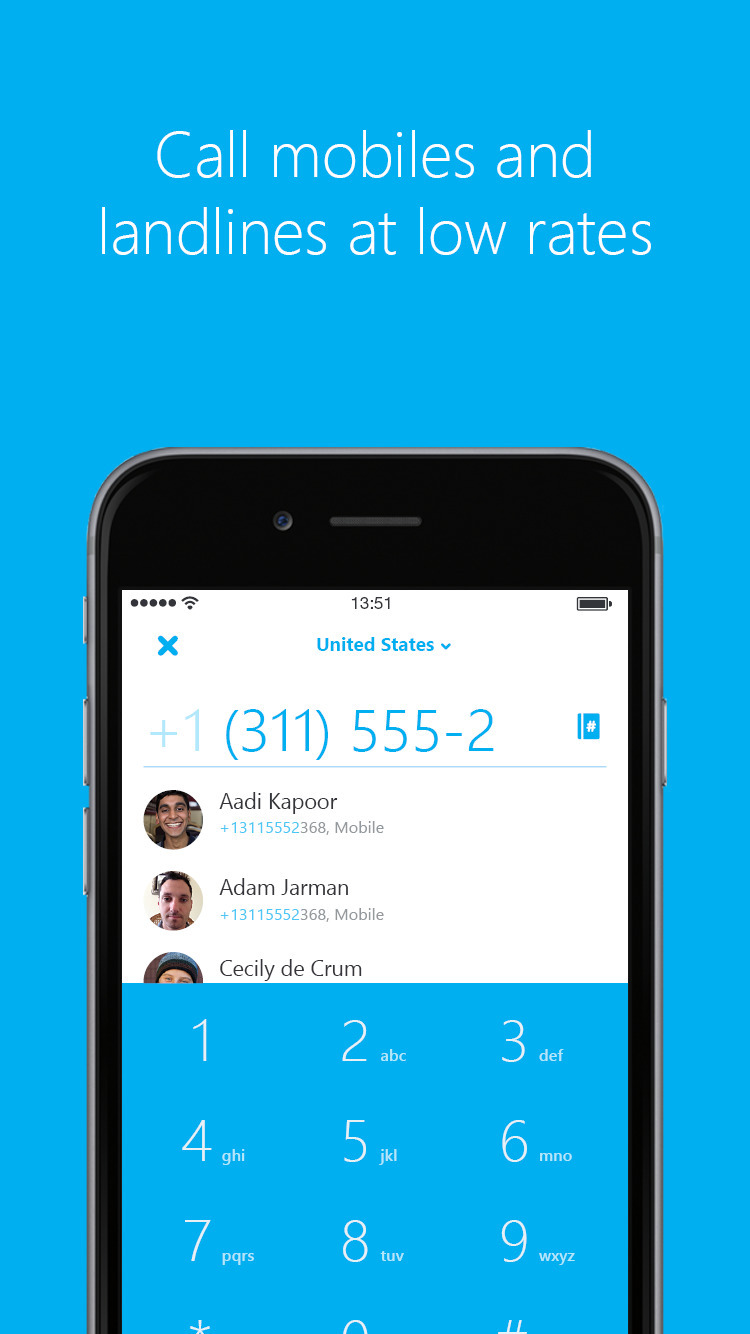
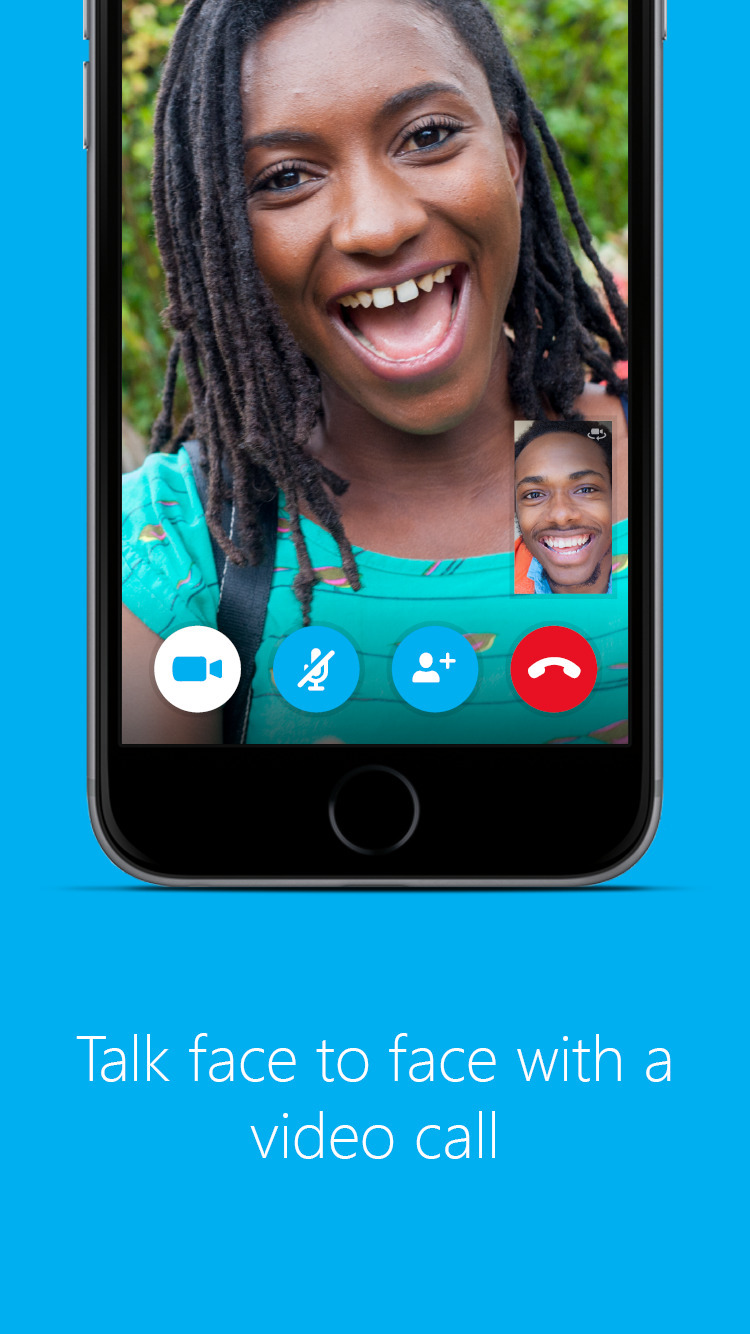
Introducing the brand new Skype for iPhone – simpler than ever with an even more powerful search. Stay in touch with free video calls, voice calls and messaging on Skype.
What's New for iPhone: - Full iOS9 compatibility. - Reply to Skype notifications without needing to open Skype. - Start chats with Skype contacts directly from Spotlight search.
What's New for iPad: - Full iOS9 compatibility. - Use Skype in split view and slide over for IM and voice calls. - Reply to Skype notifications without needing to open Skype. - Start chats with Skype contacts directly from Spotlight search. - Improvements to low call volume issue.
You can download Skype from the App Store for free.
[iPhone] [iPad]
Get the iClarified Daily Newsletter
Apple news, rumors, tutorials, price drop alerts, in your inbox every evening, free.
Unsubscribe at any time.
Success!
You have been subscribed.
Add Comment
Would you like to be notified when someone replies or adds a new comment?
Yes (All Threads)
Yes (This Thread Only)
No
Notifications
Would you like to be notified when we post a new Apple news article or tutorial?
Yes
No
Comments (2)
Comments are closed for this article.
0
Vee - October 5, 2015 at 5:22pm
No Skype results in the Spotlight and quick rely is quite buggy.
0
Radek - October 2, 2015 at 4:04pm
Am I the only one who can't get any Skype results from spotlight?





![Apple Targets October 27 for Touchscreen MacBook Pro and OLED iPad mini [Report]](/images/news/102696/102696/102696-160.jpg "Apple Targets October 27 for Touchscreen MacBook Pro and OLED iPad mini [Report]")
![LG Home Accessories Could Offer HomeKit-Exclusive NFC Setup Without Power [Leak]](/images/news/102687/102687/102687-160.jpg "LG Home Accessories Could Offer HomeKit-Exclusive NFC Setup Without Power [Leak]")

![Apple Names Steve Smith M&A Chief, Promotes App Store Leader [Report]](/images/news/102690/102690/102690-160.jpg "Apple Names Steve Smith M&A Chief, Promotes App Store Leader [Report]")
![How To Force Restart iPhone [Video]](/images/tutorials/95012/95012/95012-160.jpg "How To Force Restart iPhone [Video]")
![How To Turn Off iPhone [Video]](/images/tutorials/94999/94999/94999-160.jpg "How To Turn Off iPhone [Video]")
![How To Back Up Your iPhone to an External Drive on Mac [Video]](/images/tutorials/72786/72786/72786-160.jpg "How To Back Up Your iPhone to an External Drive on Mac [Video]")




![Mac mini Drops to $779.99 for Prime Big Deal Days [Deal]](/images/news/102624/102624/102624-160.jpg "Mac mini Drops to $779.99 for Prime Big Deal Days [Deal]")