Google Search Adds Wallet Access to AI Mode, With Drive and Gemini to Follow
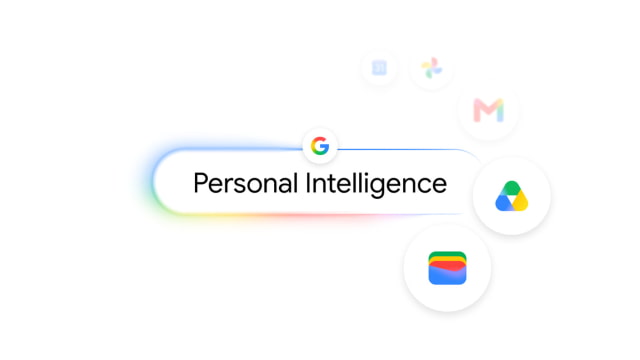
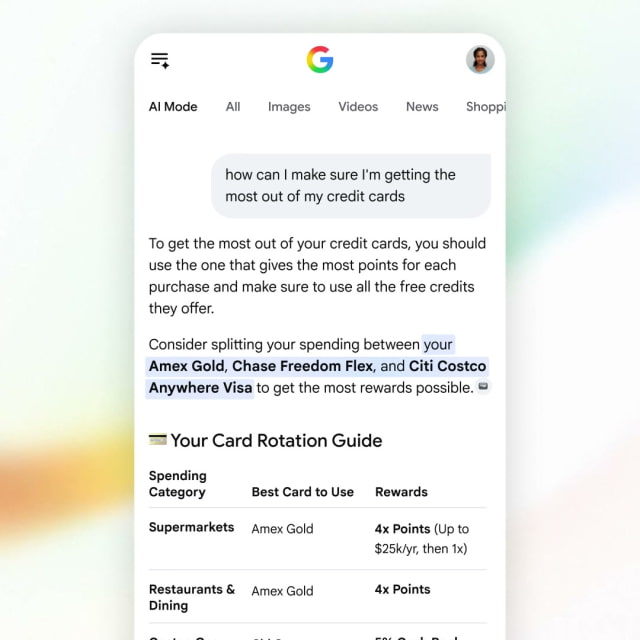
Google is rolling out an optional Wallet connection for AI Mode in Search. Connect it and you can ask for help reviewing your spending or figuring out which saved card gives you the best rewards for a purchase. Google says the connection is read-only, so AI Mode can look at account information but can't move or invest money.
The update follows last week's launch of Google Wallet for iPhone. The new connection lives in Search. In Google's demo, AI Mode compares linked cards and recommends which to use for categories such as groceries, dining, and flights.
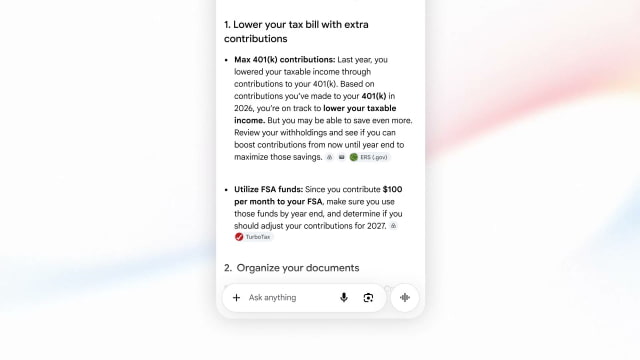
Drive and the Gemini app will join the list of connected apps in the coming weeks. Drive will let AI Mode draw on documents, spreadsheets, and PDFs. One example from Google shows Search pulling together a tax-preparation checklist. Connecting Gemini will let you pick up a conversation in Search with context from a Gemini chat, or carry an idea from Search back into Gemini.
Wallet joins Gmail, Calendar, and Photos in AI Mode. To manage access, open Search Personalization and choose Connected Apps. You can enable or disconnect each app individually. Google says it will soon add a Personalization icon below tailored responses so you can see what context AI Mode used.
Separately, AI Overviews and AI Mode will start using recent searches to tailor responses, such as picking up on travel plans you've already been researching. You can adjust or turn off that personalization in Search Settings.