
Apple Wallpapers
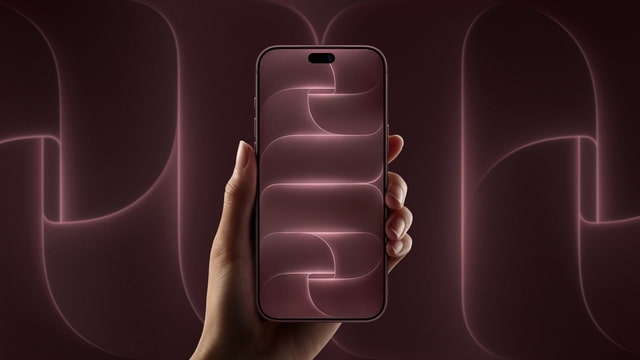
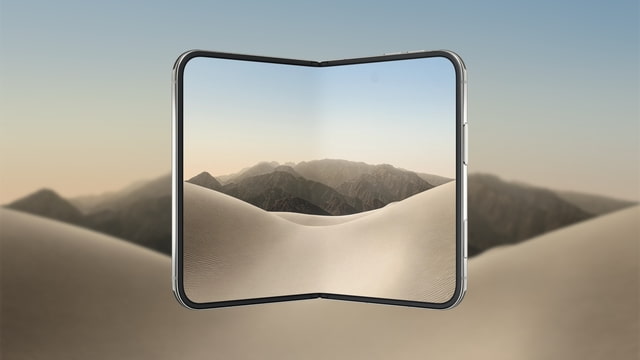
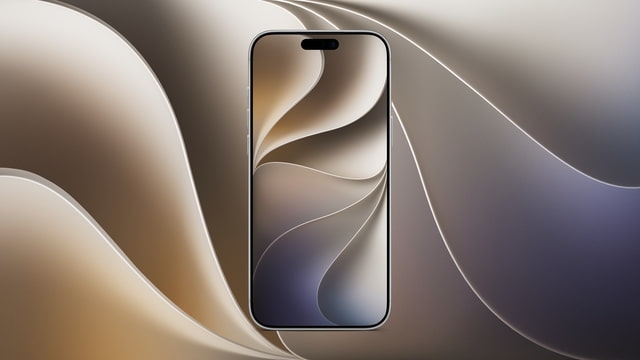
iPhone & iPad
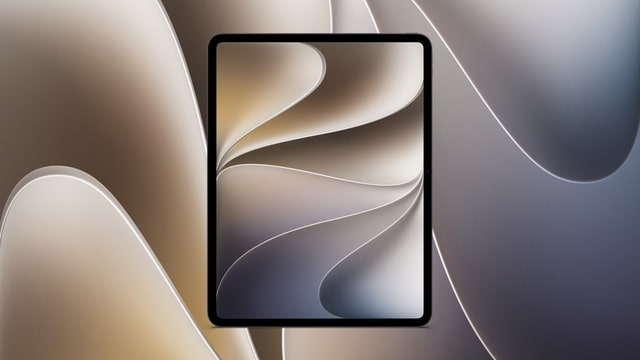

Mac & Desktop


Recently Added
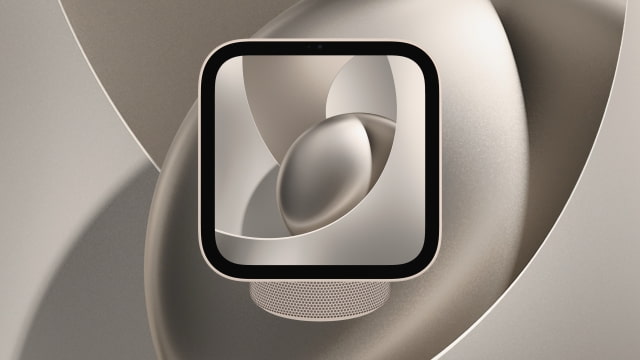
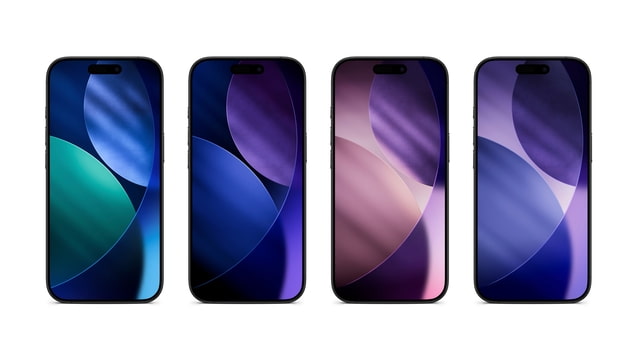


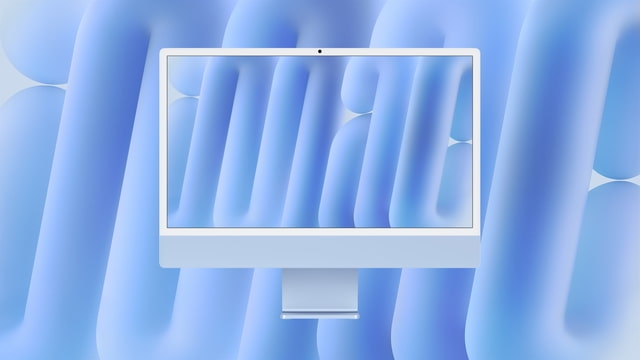
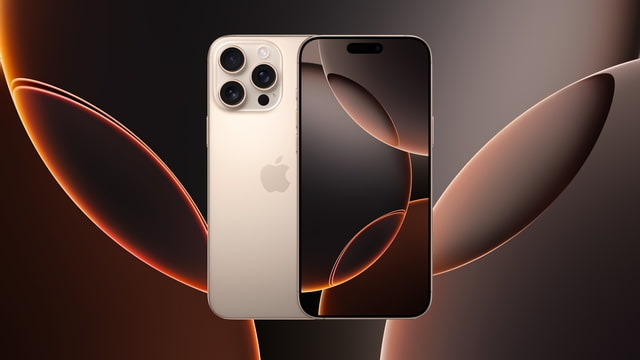
High-Resolution Apple Wallpapers
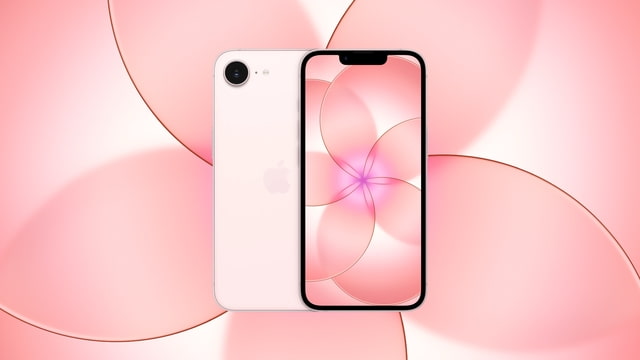
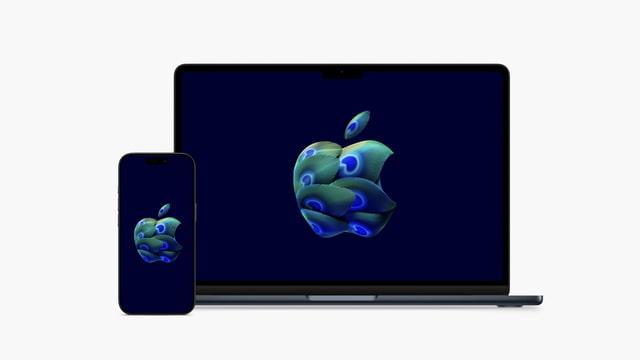
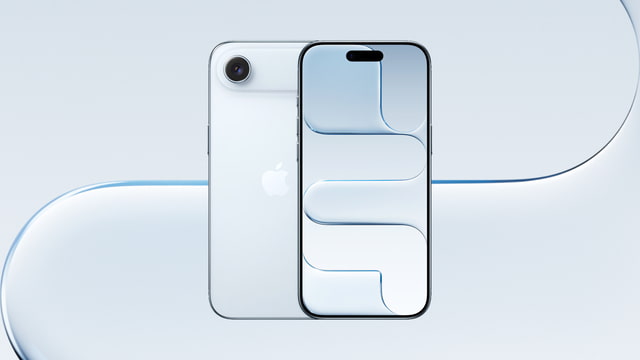
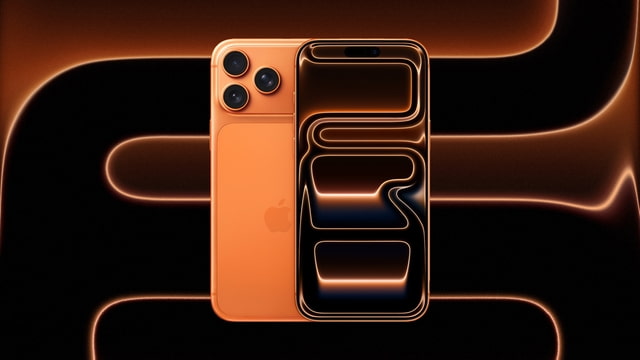
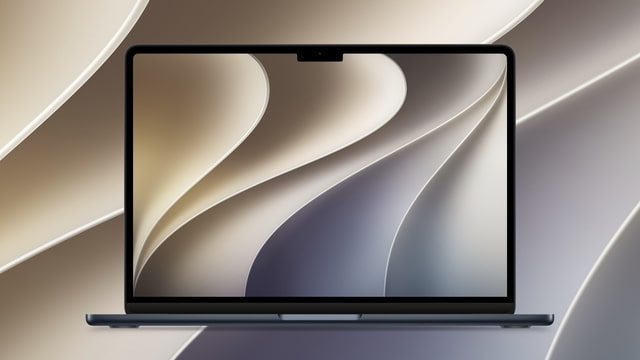
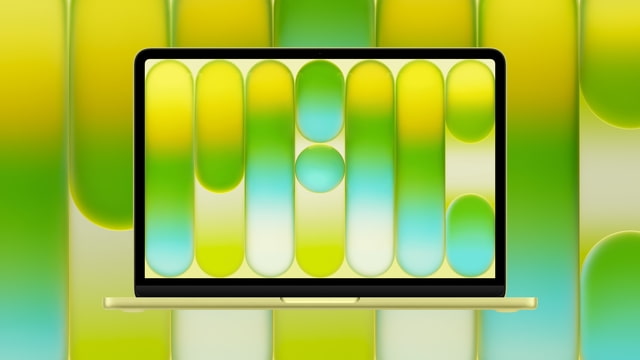
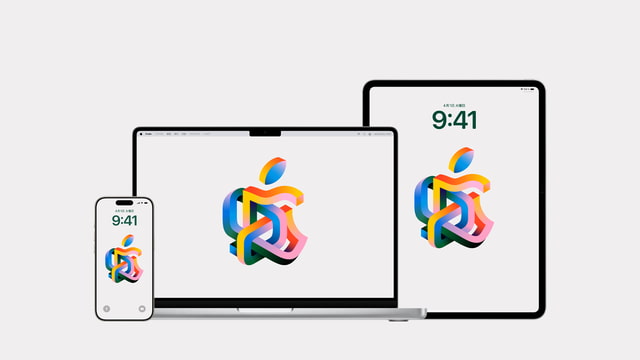
iClarified provides a curated collection of high-quality Apple wallpapers for your devices. Whether you are looking for the latest backgrounds from the iPhone 17 Pro launch, the new abstract designs of iPadOS 26, or the stunning landscapes of macOS Tahoe, we aim to provide the highest resolution versions available.
How to Change Your Wallpaper on iPhone & iPad
To set a new background on iOS or iPadOS, save the image from our gallery to your Photos app. Then, go to Settings > Wallpaper > Add New Wallpaper. Select "Photos" and choose your downloaded image. You can customize the font, widgets, and filters to create your perfect Lock Screen.
Setting a Desktop Background on Mac
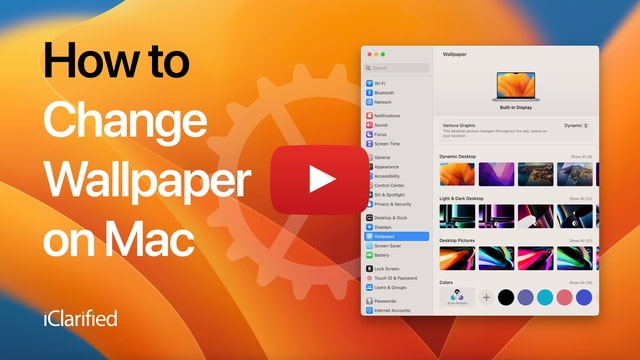
For macOS users, download the full resolution file to your computer. Right-click your desktop and select "Change Wallpaper" (or "Change Desktop Background"). Drag your downloaded image into the settings window or select it from your folders.
Quality You Can Trust
Unlike social media sites that heavily compress images, we prioritize quality. Many of our downloads are extracted directly from Apple's firmware (IPSW) or sourced from official assets, ensuring you get the sharpest possible image for your Retina Display.