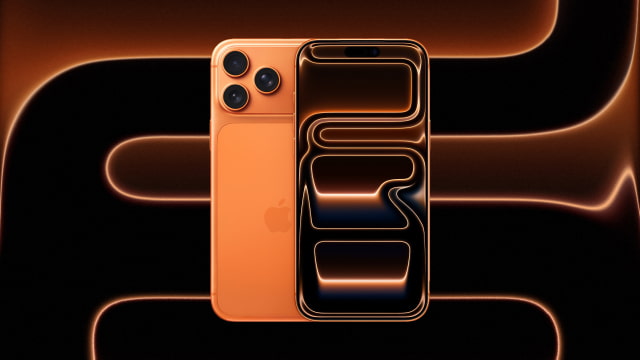
Apple's new iPhone 17 lineup is here, bringing two distinct wallpaper styles: the futuristic 'Liquid Glass' for the Pro models and a vibrant abstract petal design for the standard iPhone 17. We have the high-resolution wallpapers from both the iPhone 17 Pro and the standard iPhone 17 available for you to download right now. Give any device a taste of Apple's latest designs!
Key Takeaways
● Download the official iPhone 17 Pro and iPhone 17 wallpapers, featuring two unique new styles. ● Experience Apple's new 'Liquid Glass' and abstract petal designs from iOS 26. ● Follow our simple steps to download and apply your new wallpaper in seconds!
DOWNLOAD THE IPHONE 17 PRO 'LIQUID GLASS' WALLPAPERS
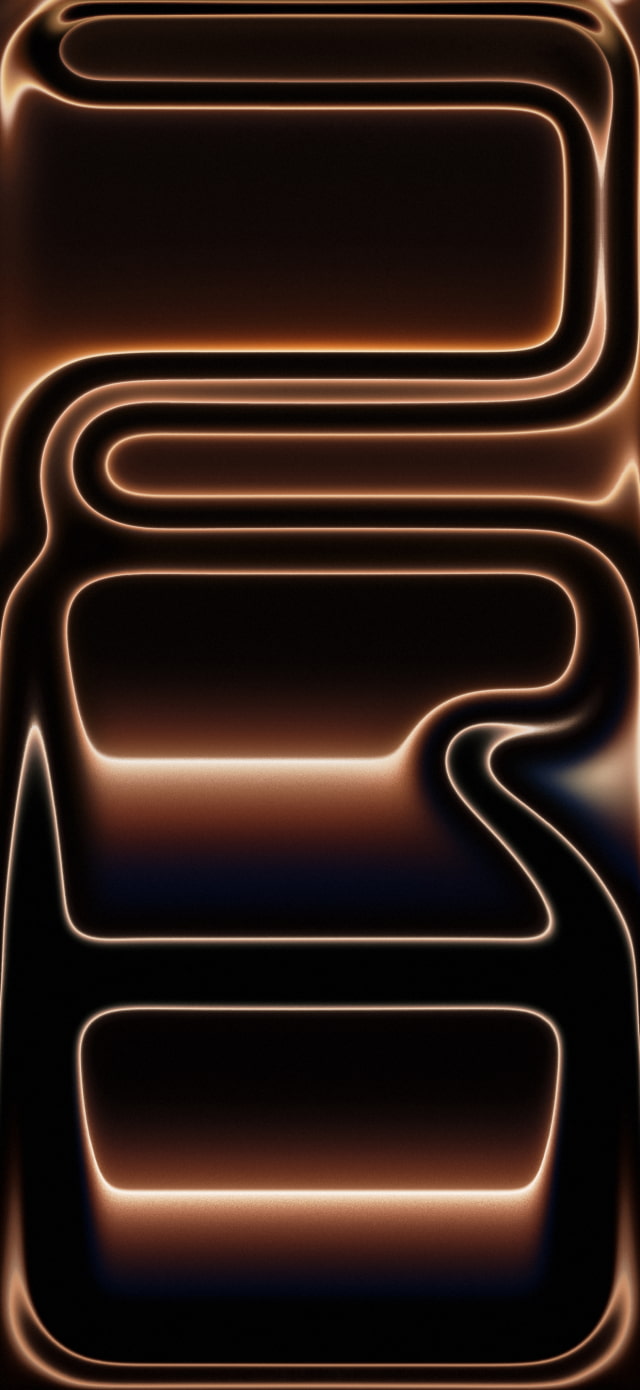
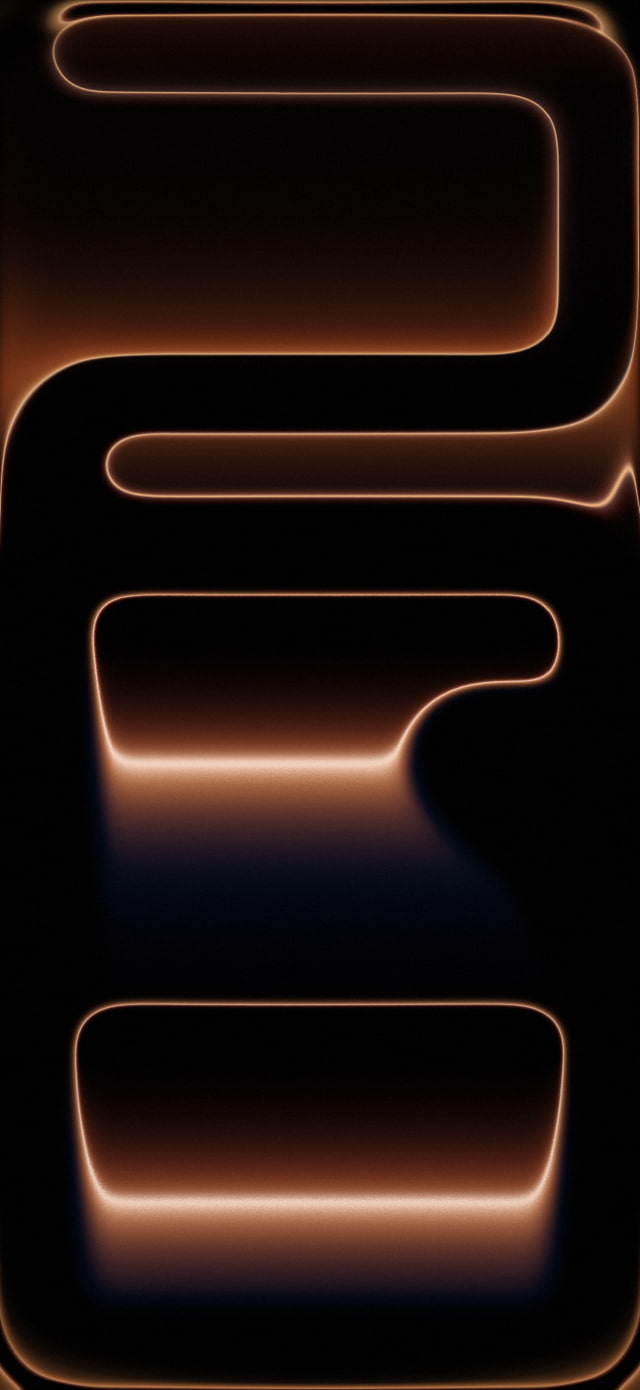
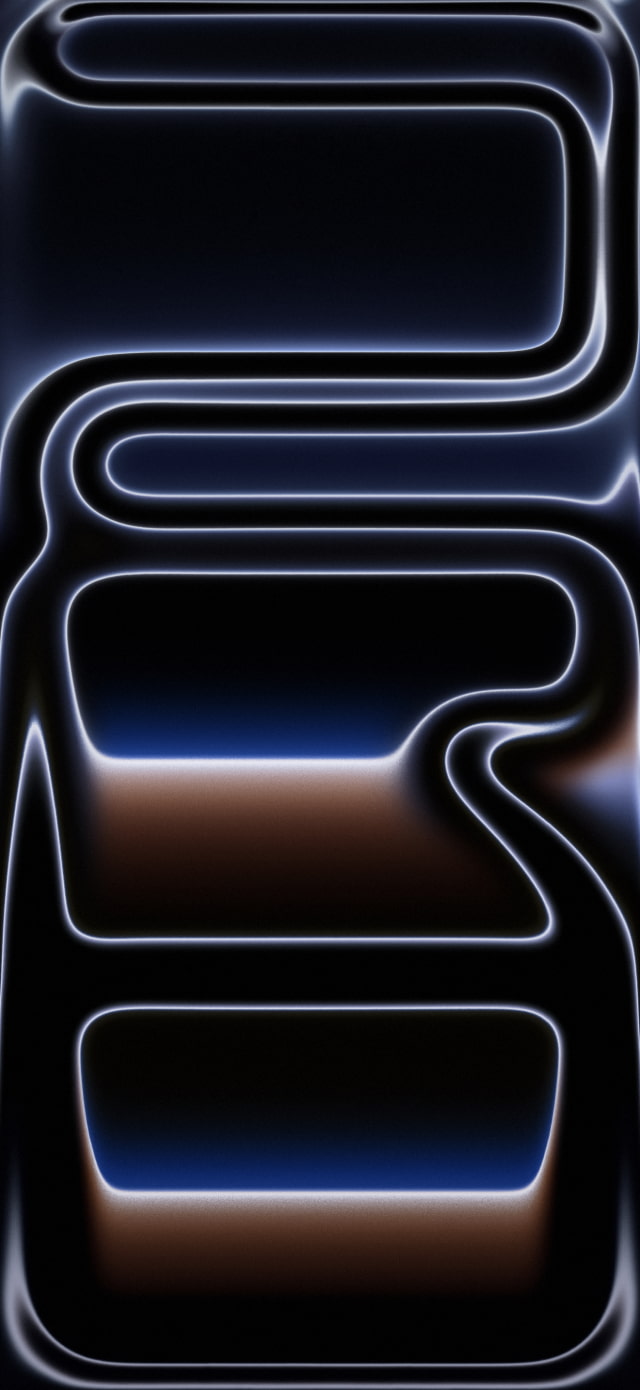
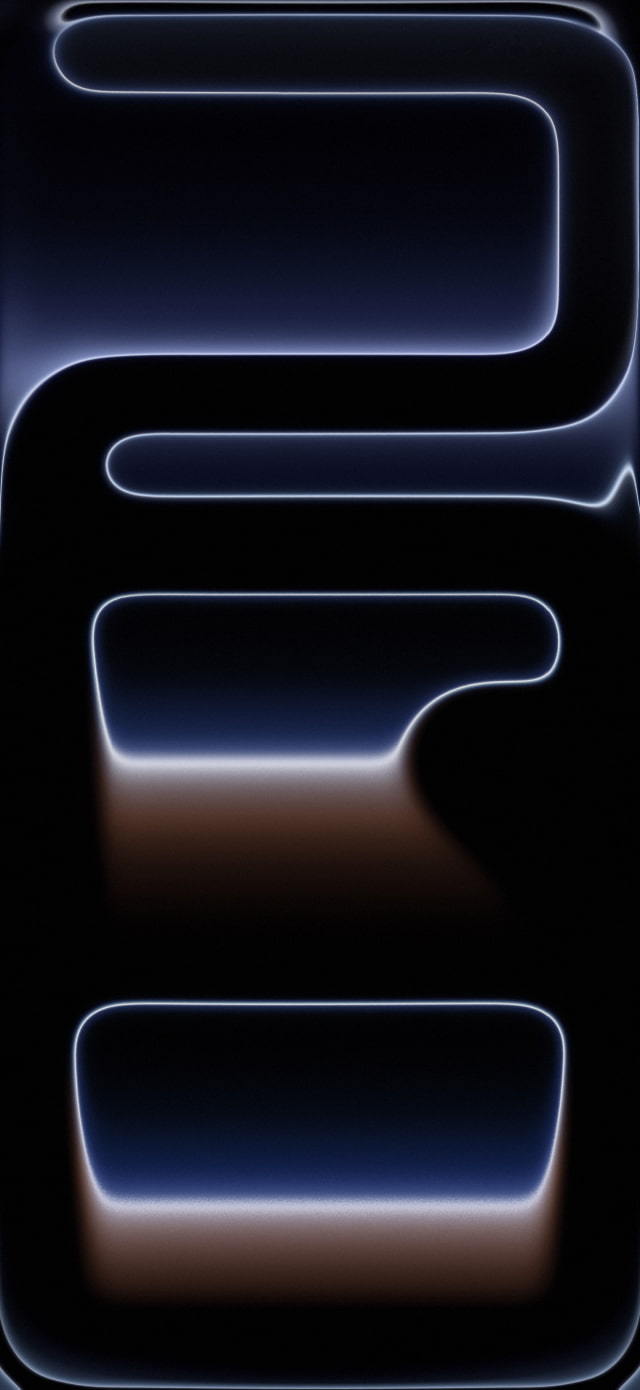
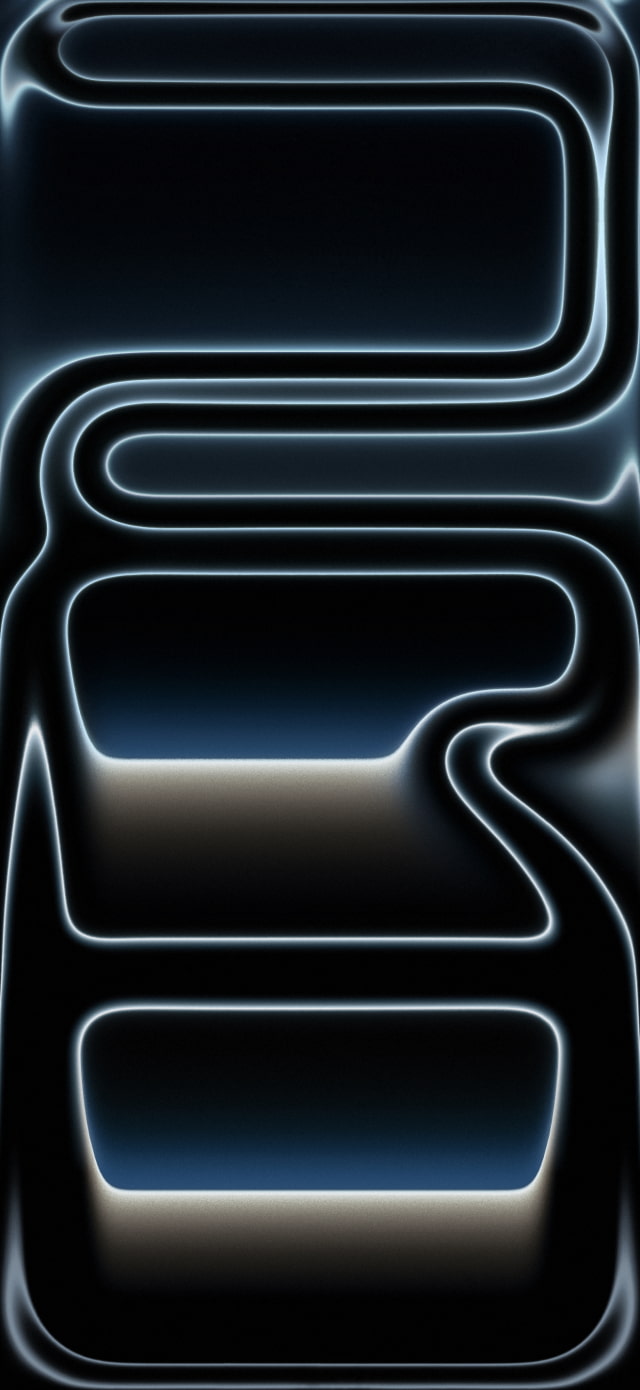
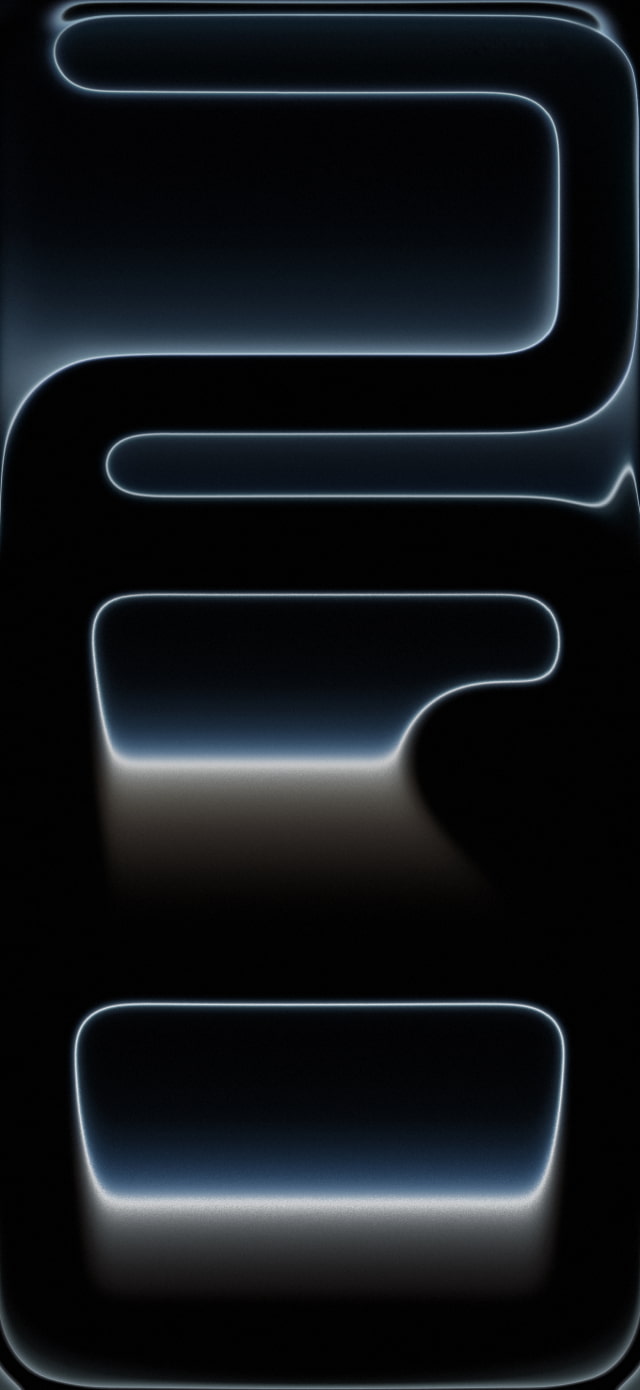
The official wallpapers for the iPhone 17 Pro and Pro Max are designed to highlight the new aluminum unibody and the vibrant 'Liquid Glass' aesthetic of iOS 26. We think the Cosmic Orange version is a real standout this year, especially on an OLED display.
Apple has created versions for the iPhone 17 Pro and Pro Max in each of their new colors: Cosmic Orange, Deep Blue, and Silver. With the new 6.9-inch display on the iPhone 17 Pro Max, we're making the wallpaper available at a resolution of 1320 x 2868.
You can download the iPhone 17 wallpapers individually below or grab the entire series by downloading the ZIP file we've created. If you share these, please be sure to link back to this page as the source.
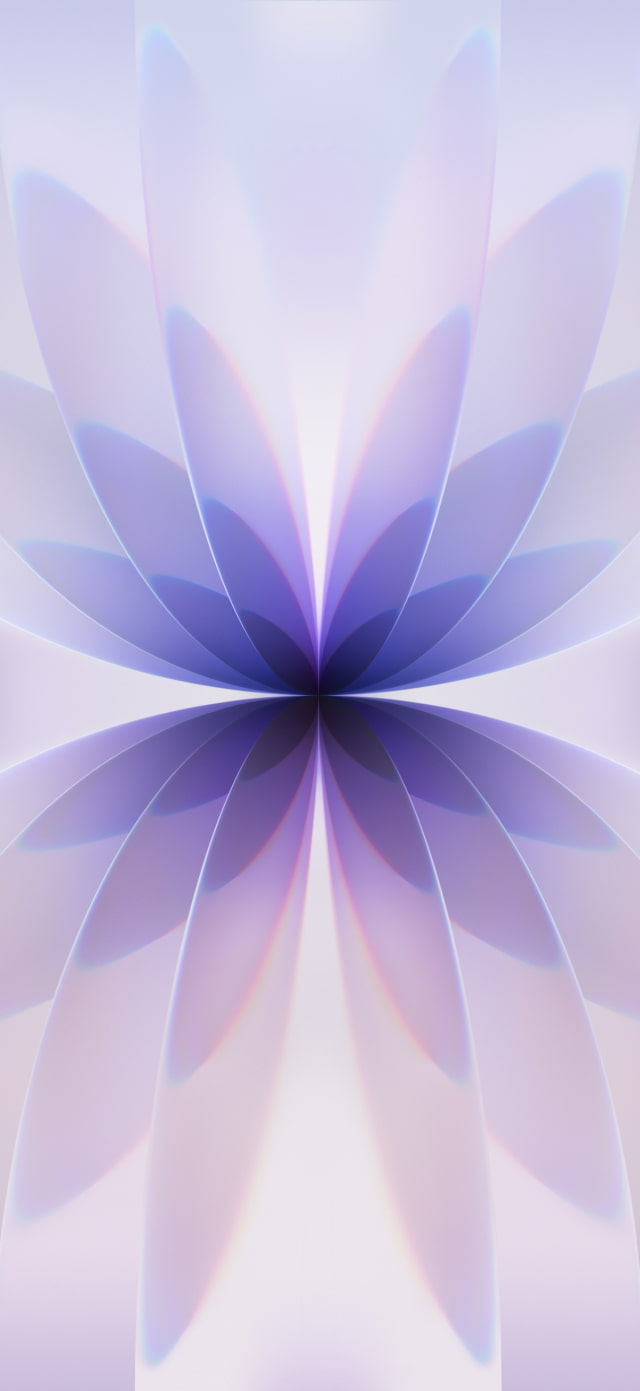
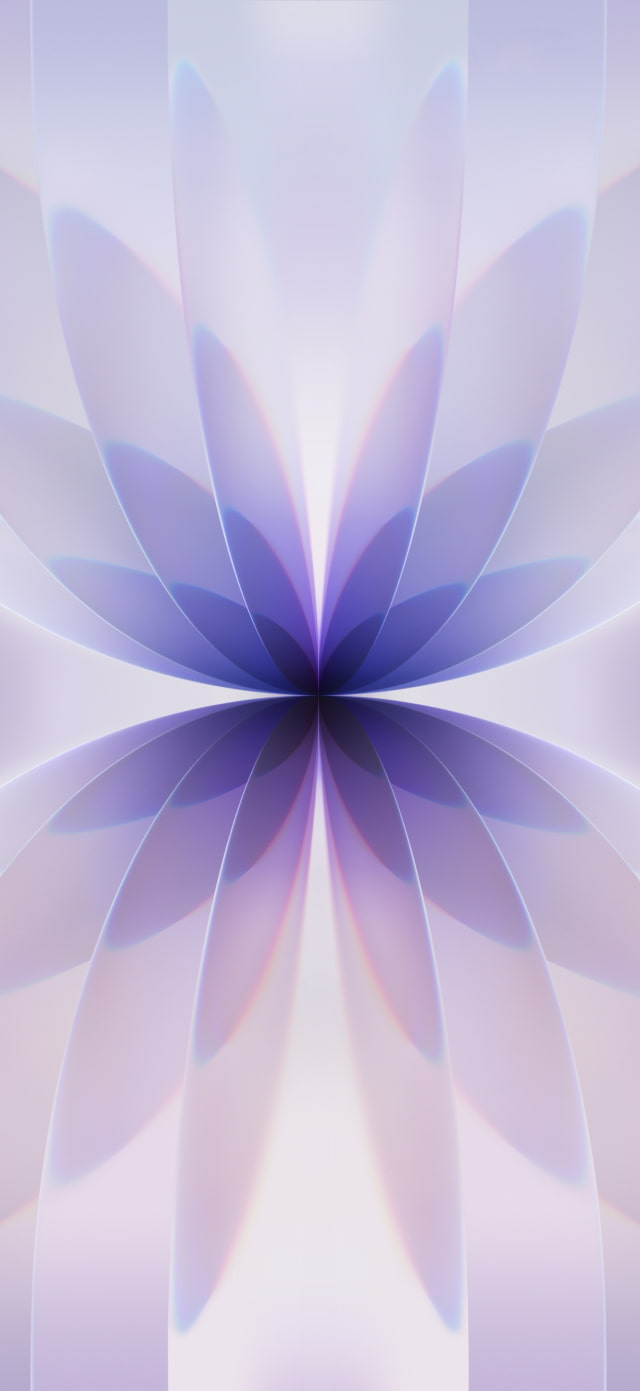
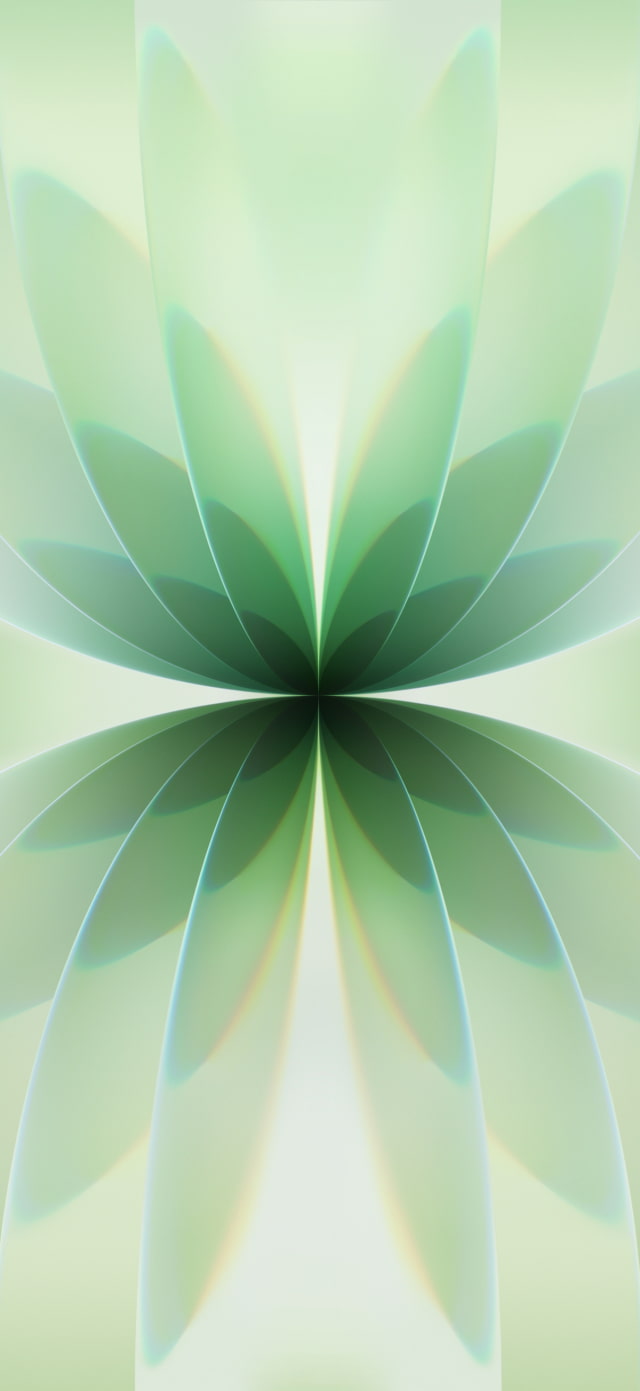
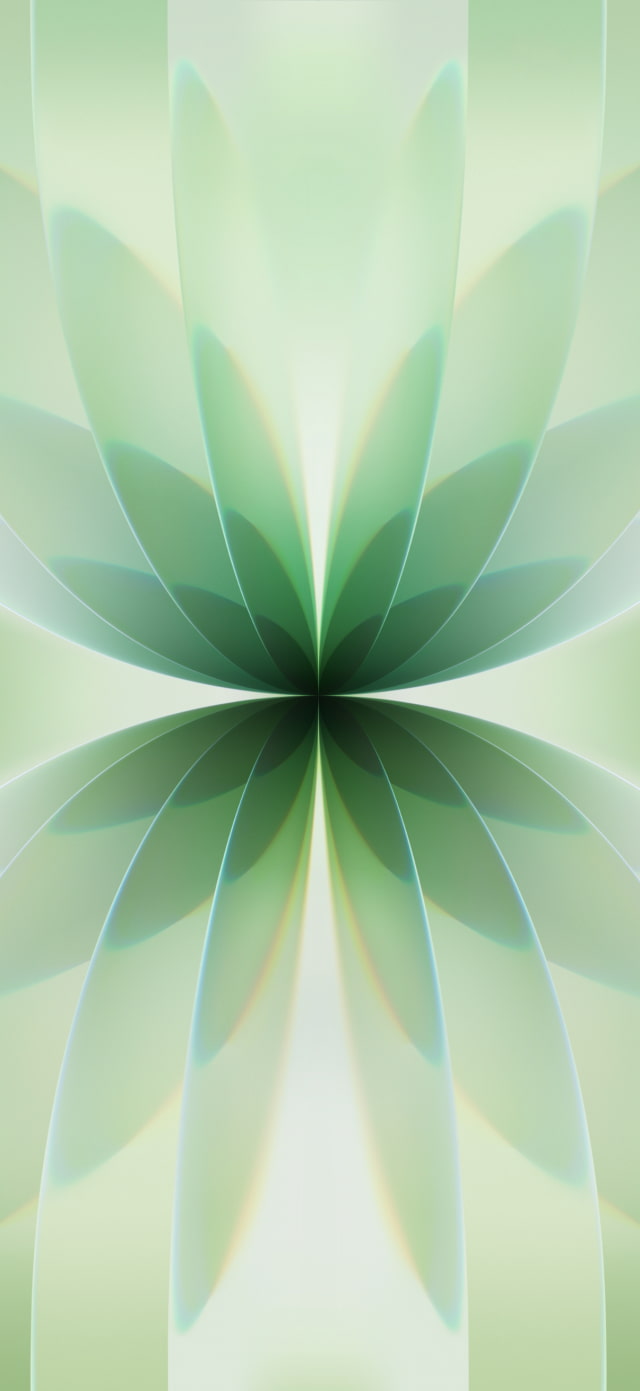
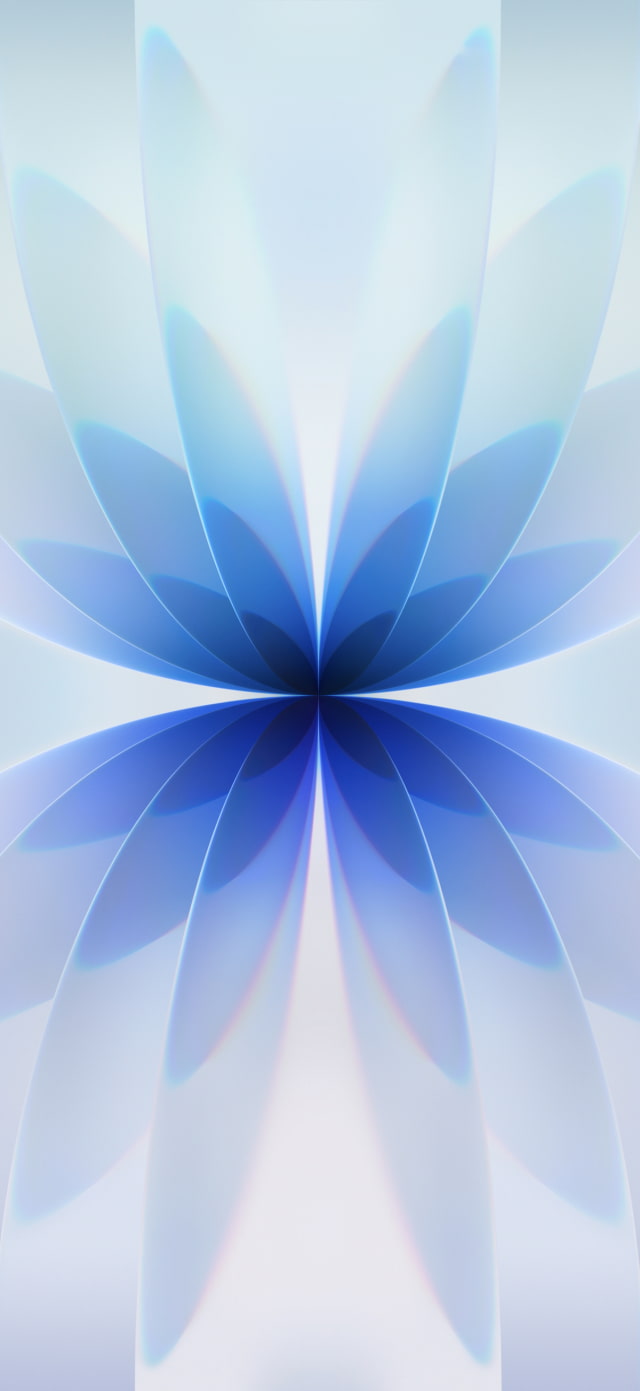
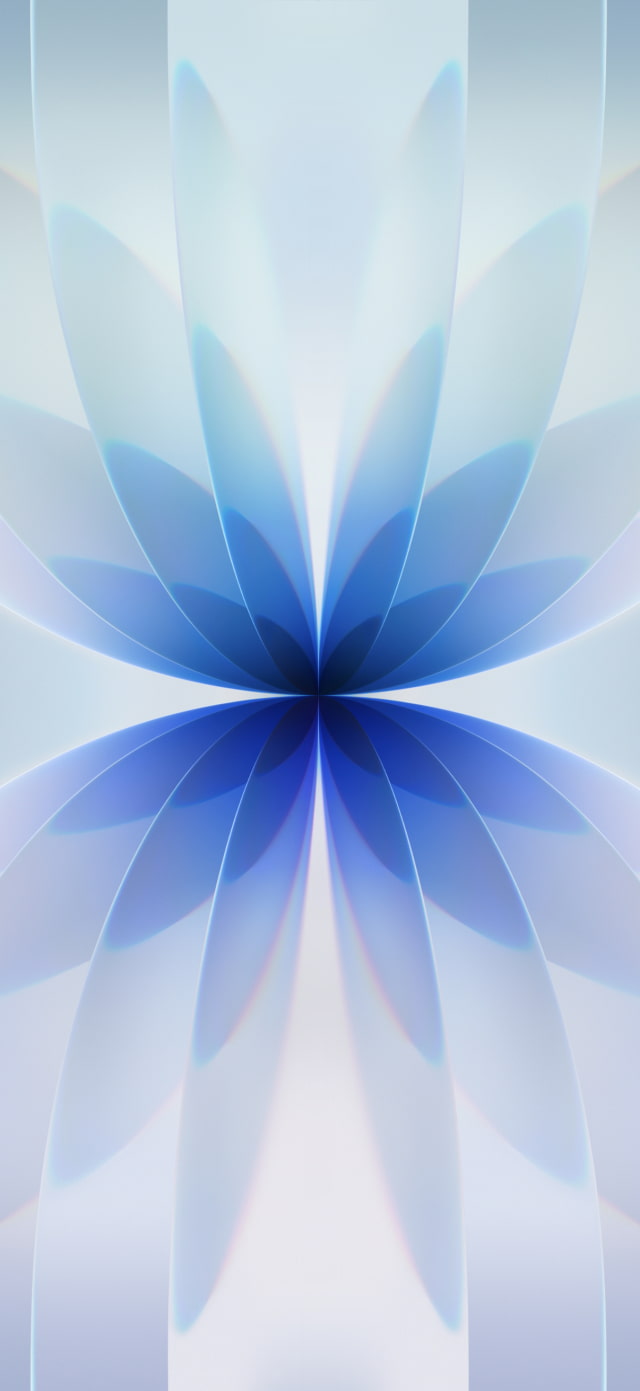
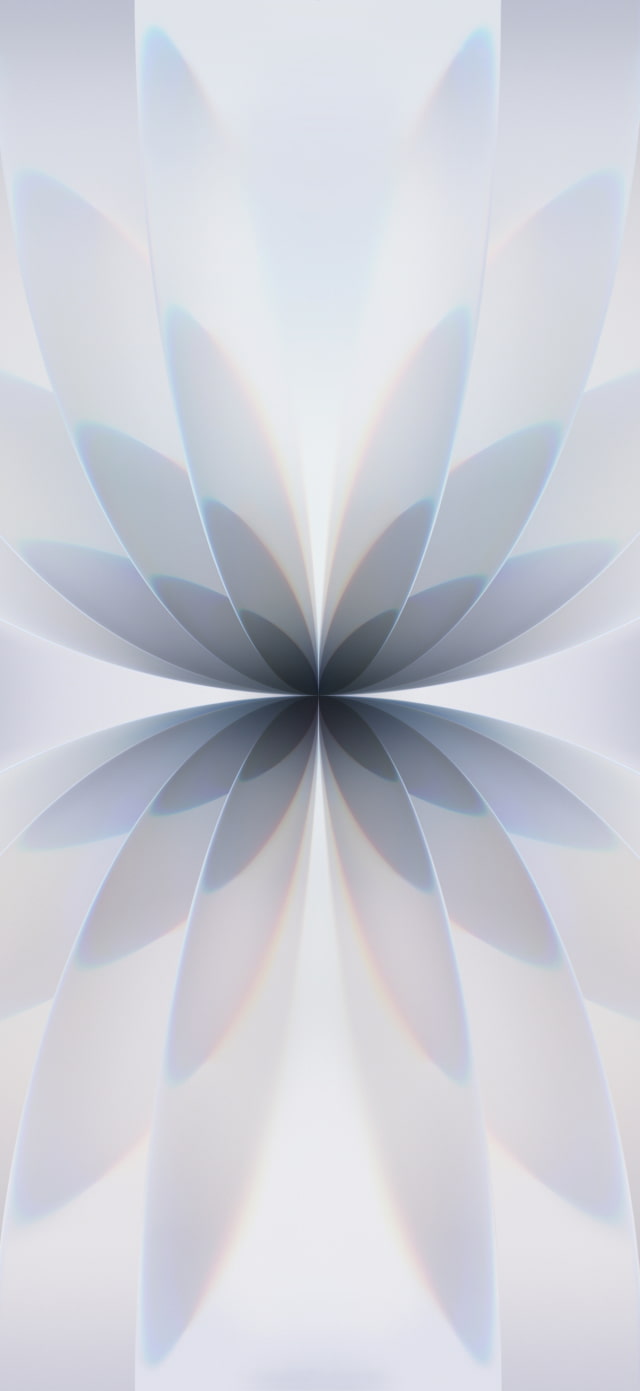
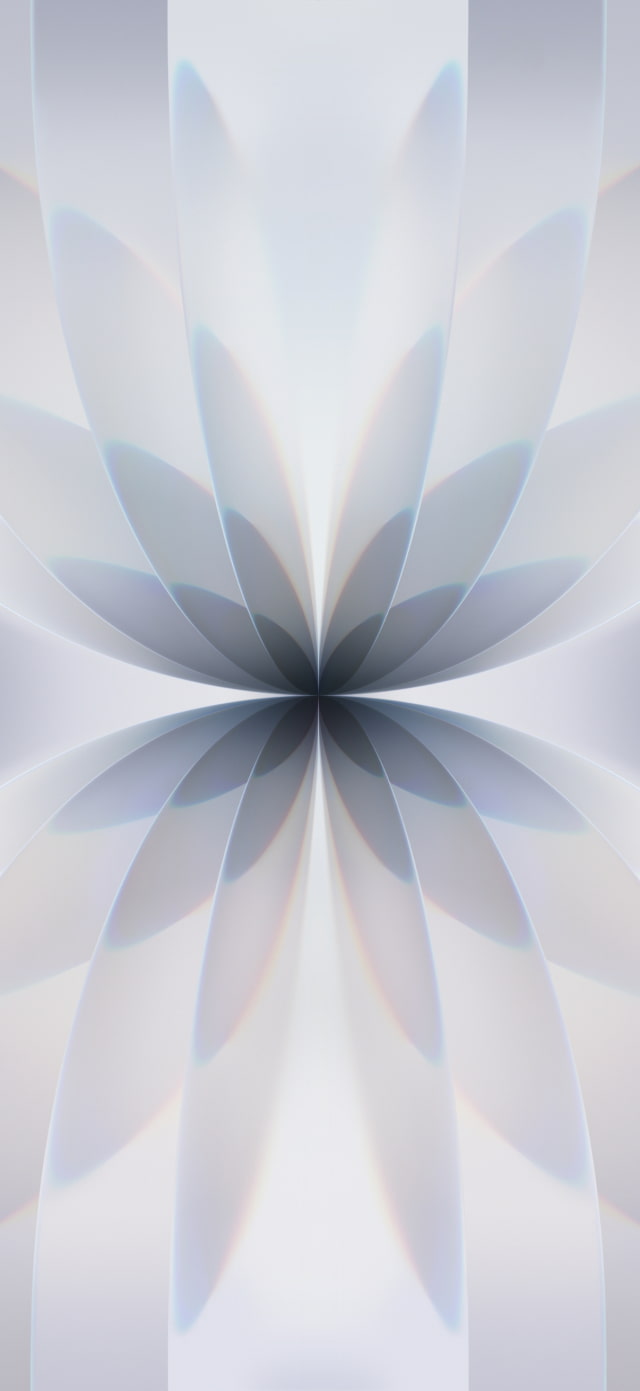
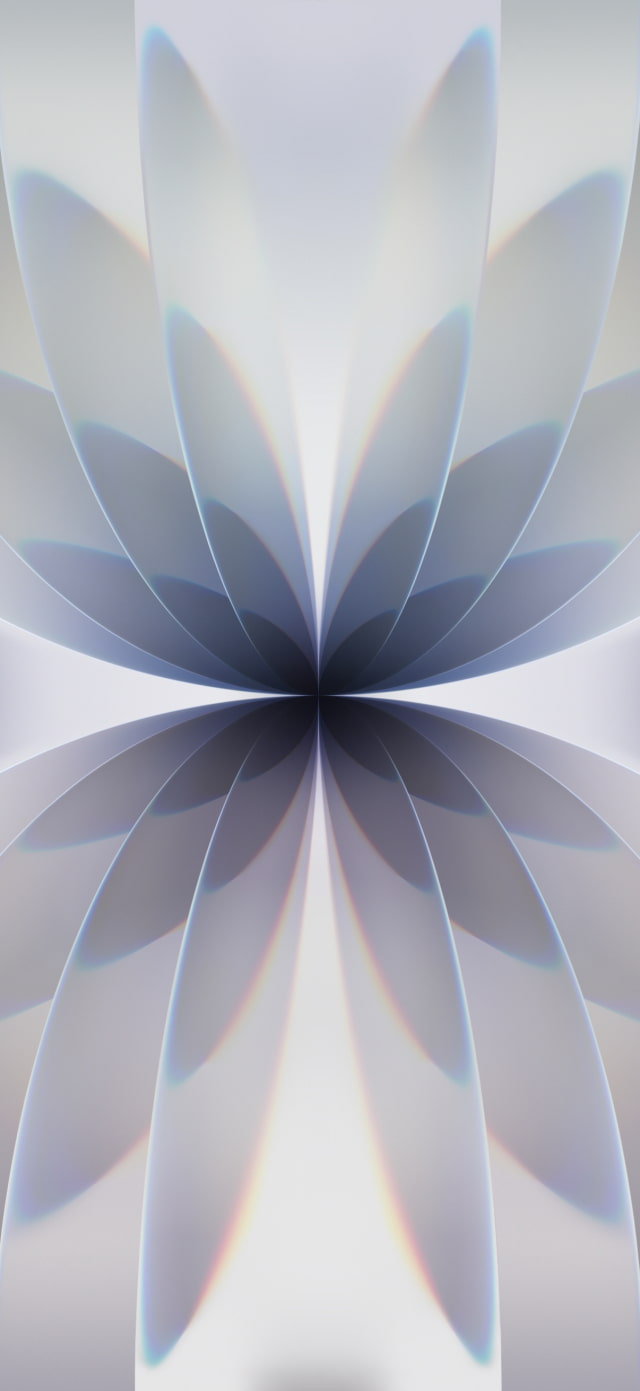
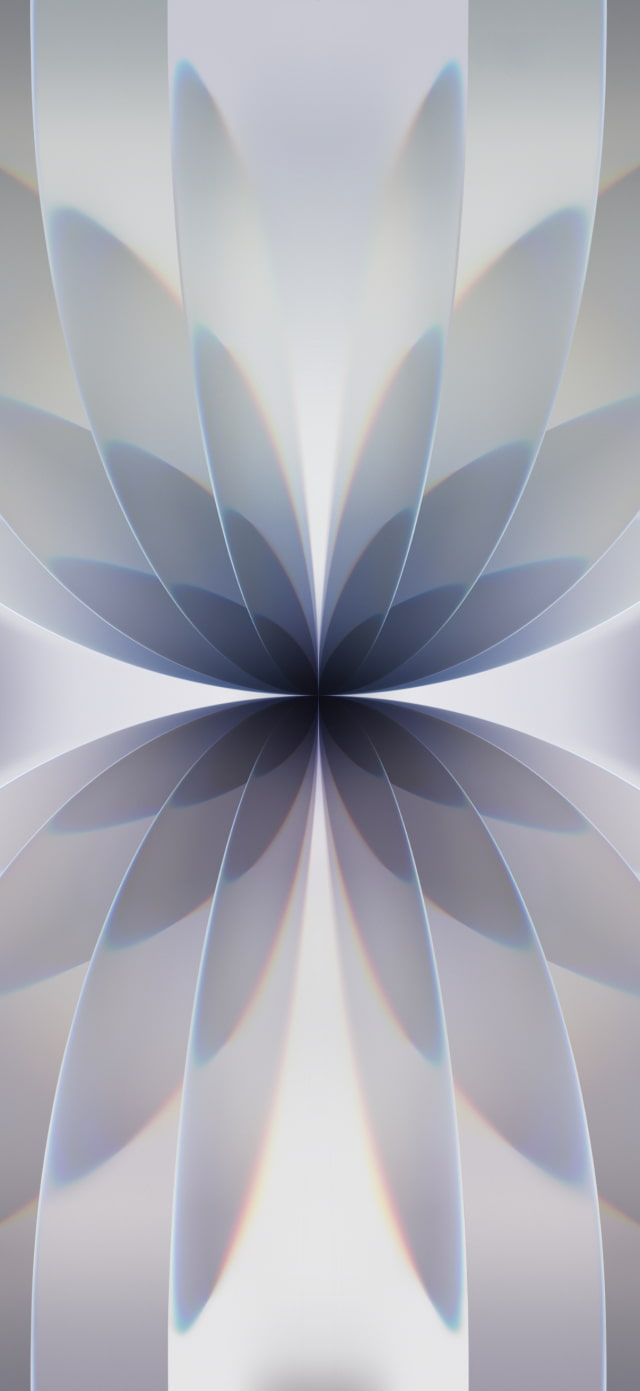
For the standard iPhone 17, Apple created a beautiful abstract petal wallpaper that perfectly matches the device's five new color options: Lavender, Sage, Mist Blue, White, and Black. This design offers a fresh and colorful look for your device.
Below are the beautiful new colors available for the iPhone 17.
Apple's stunning new iPhone Air has its own unique set of elegant 'glass ribbon' wallpapers. We've gathered all four colors in a dedicated post for you to download. Get them at the link below: ● Download the Official iPhone Air Wallpaper Here
GET THE OFFICIAL IOS 26 WALLPAPERS
Apple has officially released iOS 26, and you can now grab the official wallpapers for download. These images are great for customizing both iPhones and iPads. You can also apply these wallpapers to an Apple Watch or Android device if you wish! ● Download the Official iOS 26 Wallpaper for iPhone
HOW TO APPLY YOUR NEW IPHONE 17 WALLPAPER
Once you've saved your favorite iPhone 17 wallpaper, it's easy to set it as your background.
Download Process
To get the new designs on your device, click one of the download links above. If you're on a mobile device, tap and hold the full-size image until a menu appears, then select "Save to Photos" or "Download Image." On a desktop, right-click the image and select "Save Image As."
Applying the Wallpaper
After downloading, go to the **Settings** app on your iPhone and tap **Wallpaper**. Here you can add a new wallpaper and set separate images for your Lock Screen and Home Screen.
This year's official iPhone 17 and iPhone 17 Pro wallpapers bring Apple's fluid 'Liquid Glass' design to any device. With options matching all the new phone colors, you can easily grab a fresh look for your Home Screen or Lock Screen. Follow our simple instructions to download and set them in just a few taps!
FREQUENTLY ASKED QUESTIONS
What colors are available for the new iPhone 17 Pro wallpapers?
The iPhone 17 Pro wallpapers come in Cosmic Orange, Deep Blue, and Silver to match the new finishes.
What is the resolution of the new iPhone 17 Pro wallpapers?
The iPhone 17 Pro wallpapers are provided at a crisp 1320 x 2868 resolution, perfect for the new Pro Max and other high-res displays.
Are there official iOS 26 wallpapers available for download?
Yes! Apple has released official iOS 26 wallpapers which can be downloaded and used on iPhone, iPad, and even Apple Watch.
How do I download and apply the iPhone 17 wallpapers to my device?
Download the images using the links above, then apply them in the Settings > Wallpaper section of your iPhone. For a full guide, check our step-by-step tutorial.
Can I use these wallpapers on devices other than the new iPhones?
Yes, absolutely. These high-resolution images can be used on any device, including older iPhones, Android phones, and even your desktop.
Will these iPhone 17 wallpapers work with Dynamic Island?
Yes. All wallpapers are compatible with the Dynamic Island on recent iPhones. You can adjust the positioning in the Wallpaper settings to ensure no key elements are hidden.





![Beats 360 Headphones Debut With Swappable Cushions, IPX4 Rating for $349.99 [Video]](/images/news/102342/102342/102342-160.jpg "Beats 360 Headphones Debut With Swappable Cushions, IPX4 Rating for $349.99 [Video]")






![13-Inch M5 MacBook Air With 1TB Drops to $1,449 on Amazon [Deal]](/images/news/102345/102345/102345-160.jpg "13-Inch M5 MacBook Air With 1TB Drops to $1,449 on Amazon [Deal]")




