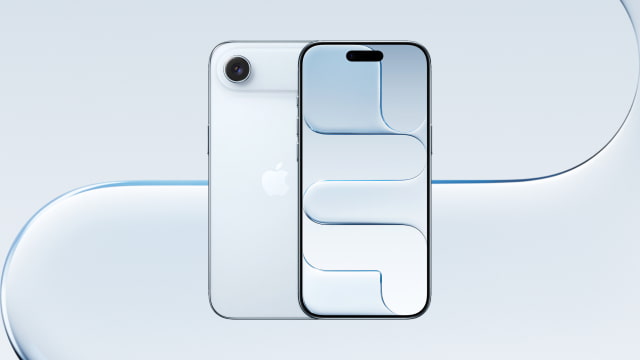
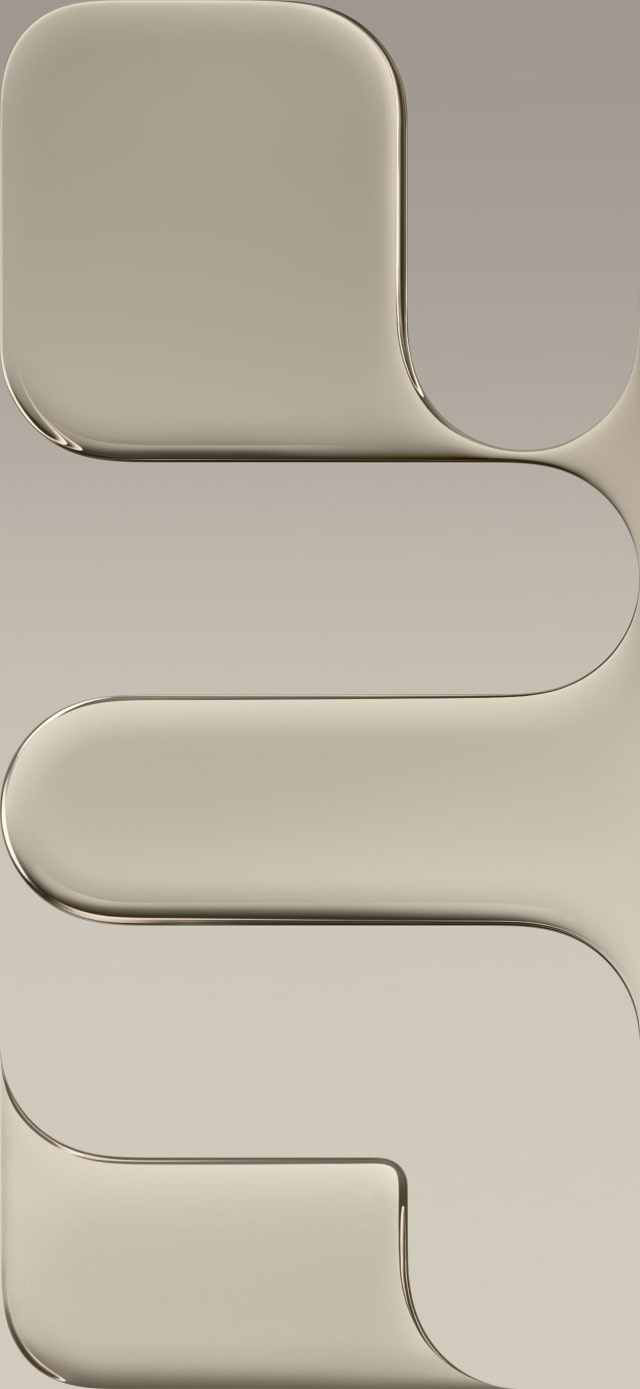
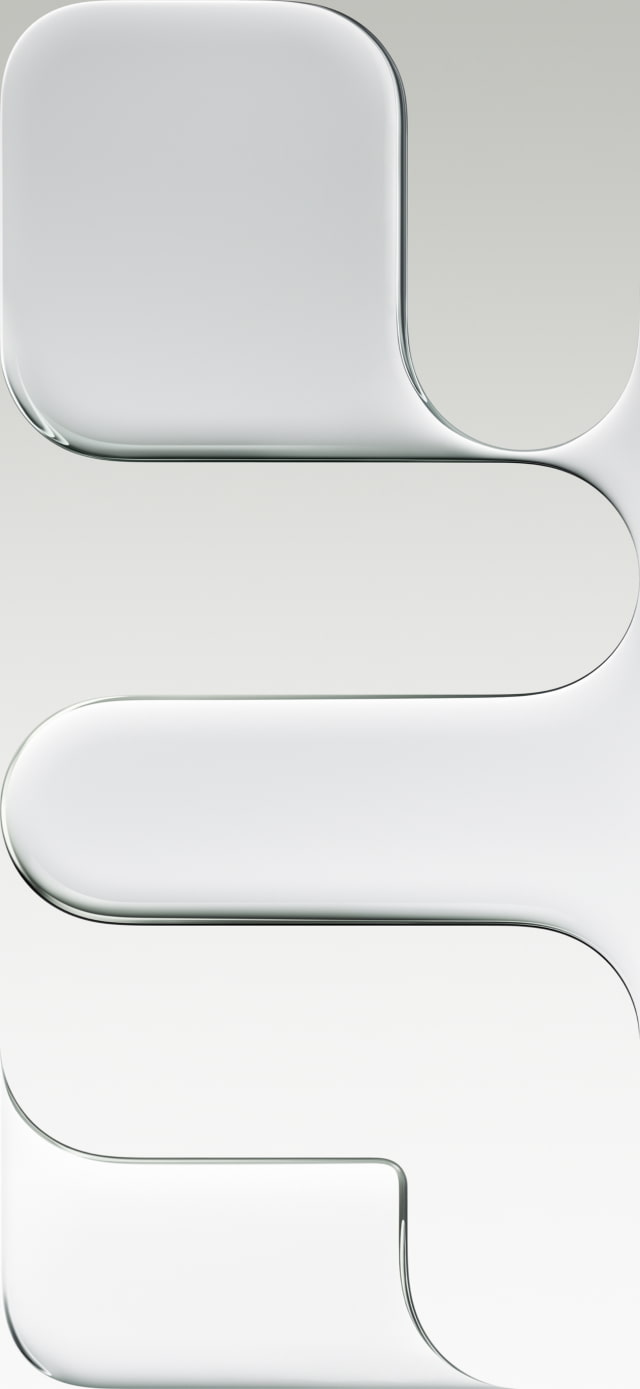
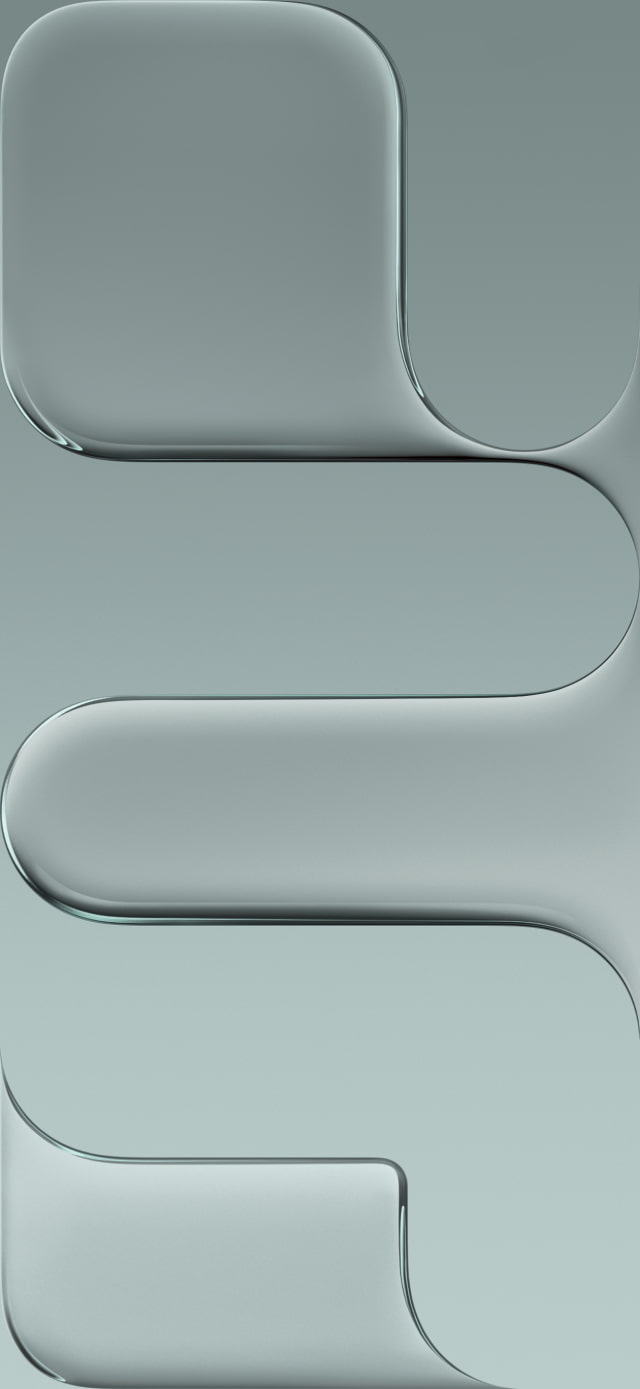
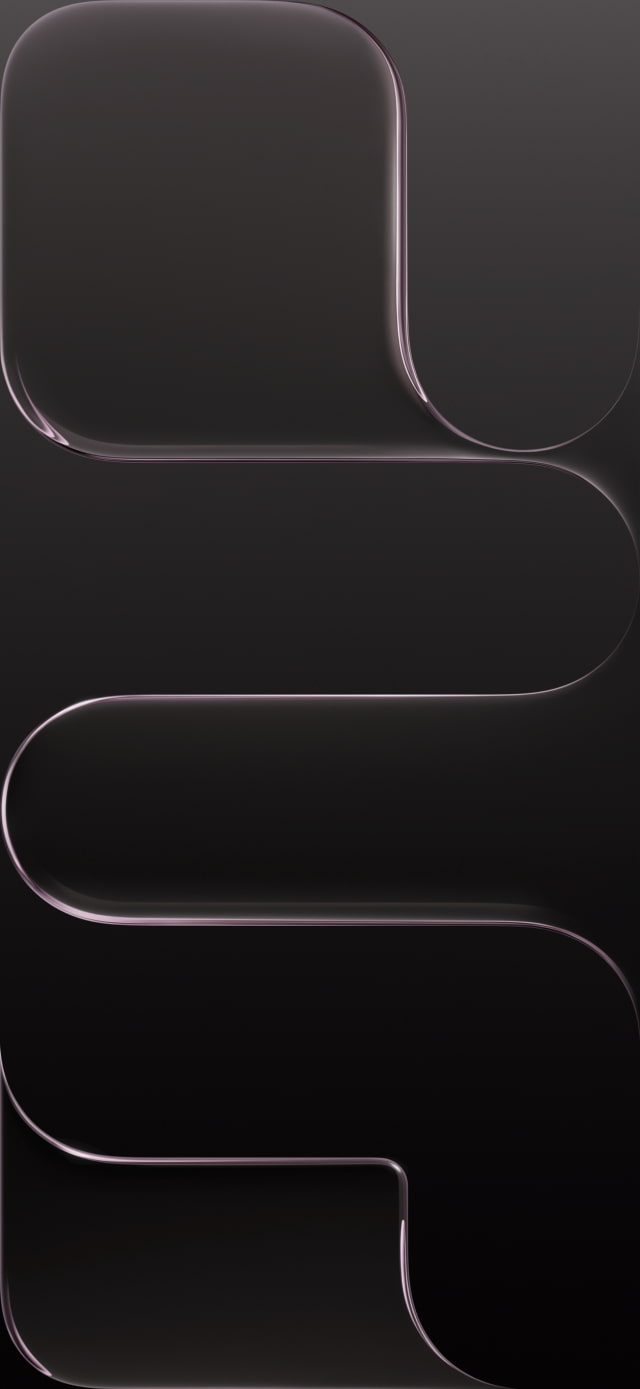
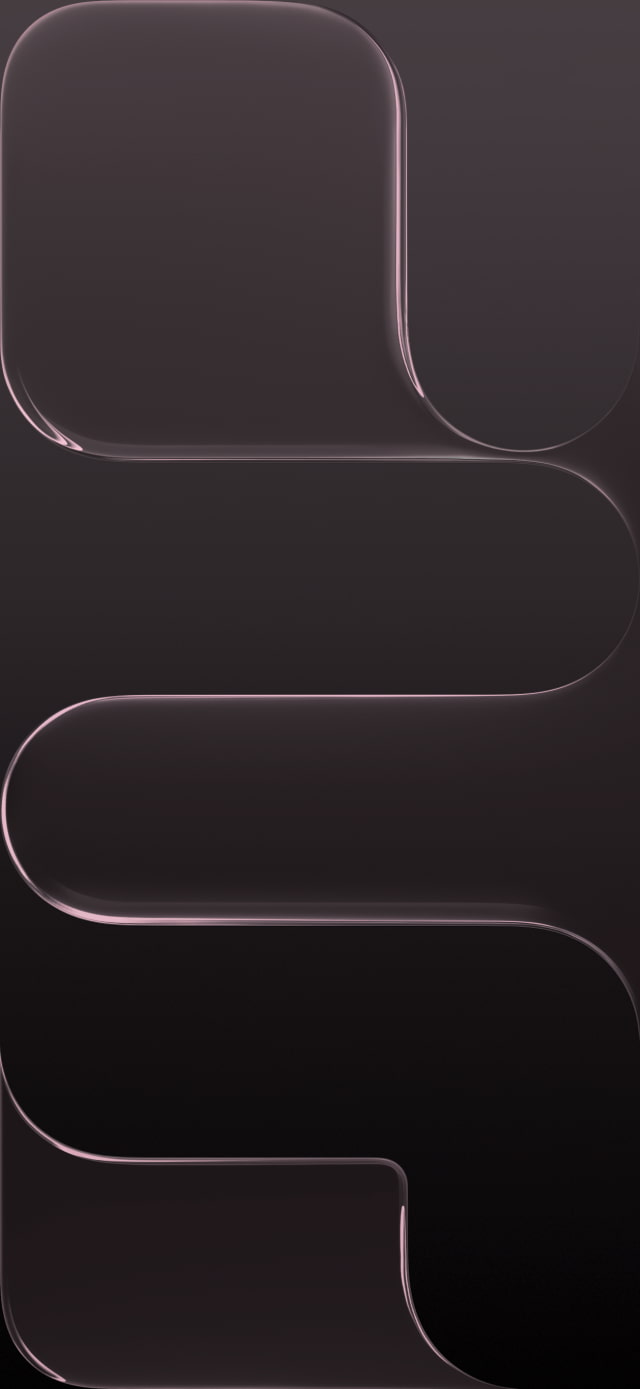
Apple's impossibly thin iPhone Air has arrived, and it brings its own set of exclusive, elegant wallpapers. Designed to match the phone's minimalist and futuristic aesthetic, these high-resolution backgrounds feature a clean, flowing glass ribbon design. You can now get that sophisticated look on any device by downloading the official iPhone Air wallpapers below.
Key Takeaways
● Download the exclusive official wallpapers for the new iPhone Air. ● Get the unique and elegant 'glass ribbon' design in all four official colors. ● Follow our simple instructions to apply your new wallpaper in seconds!
DOWNLOAD THE OFFICIAL IPHONE AIR WALLPAPERS
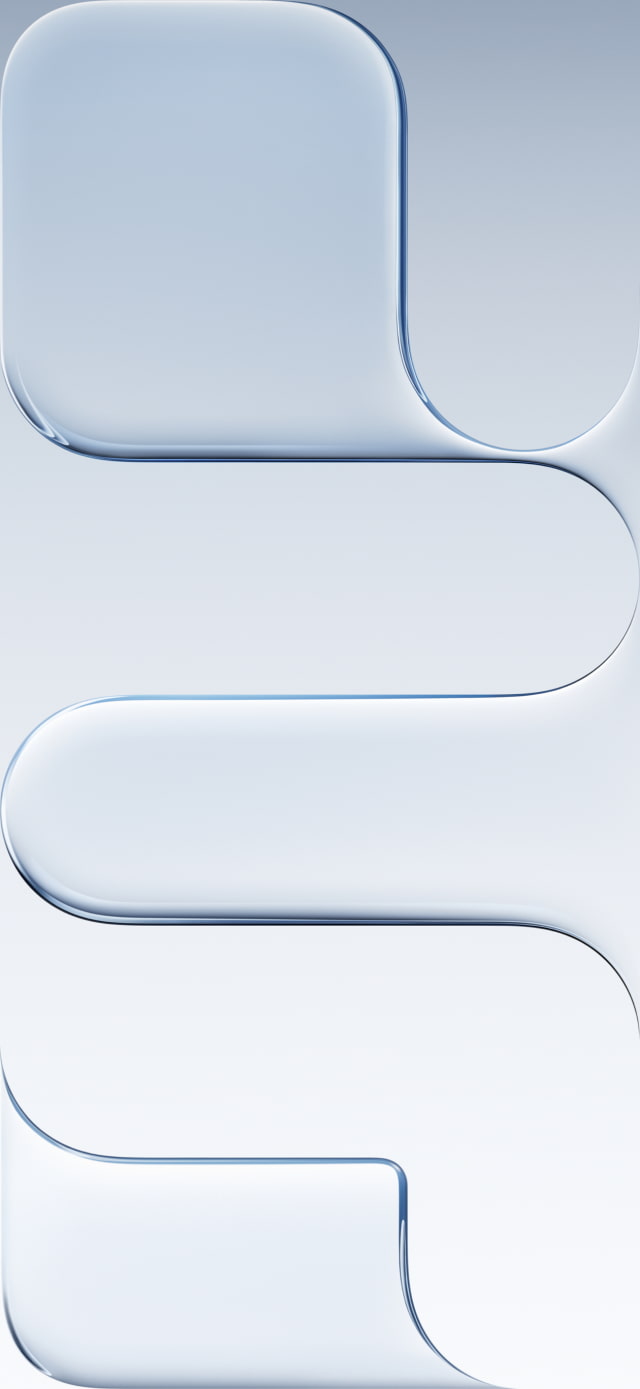
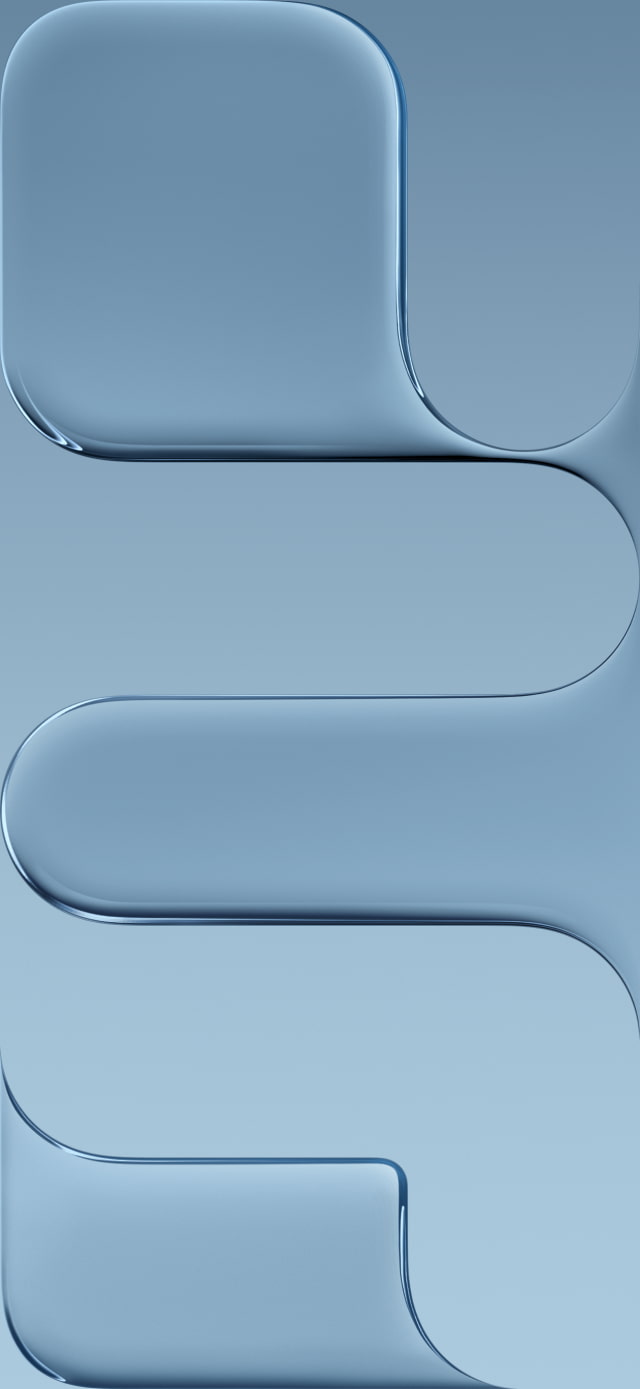
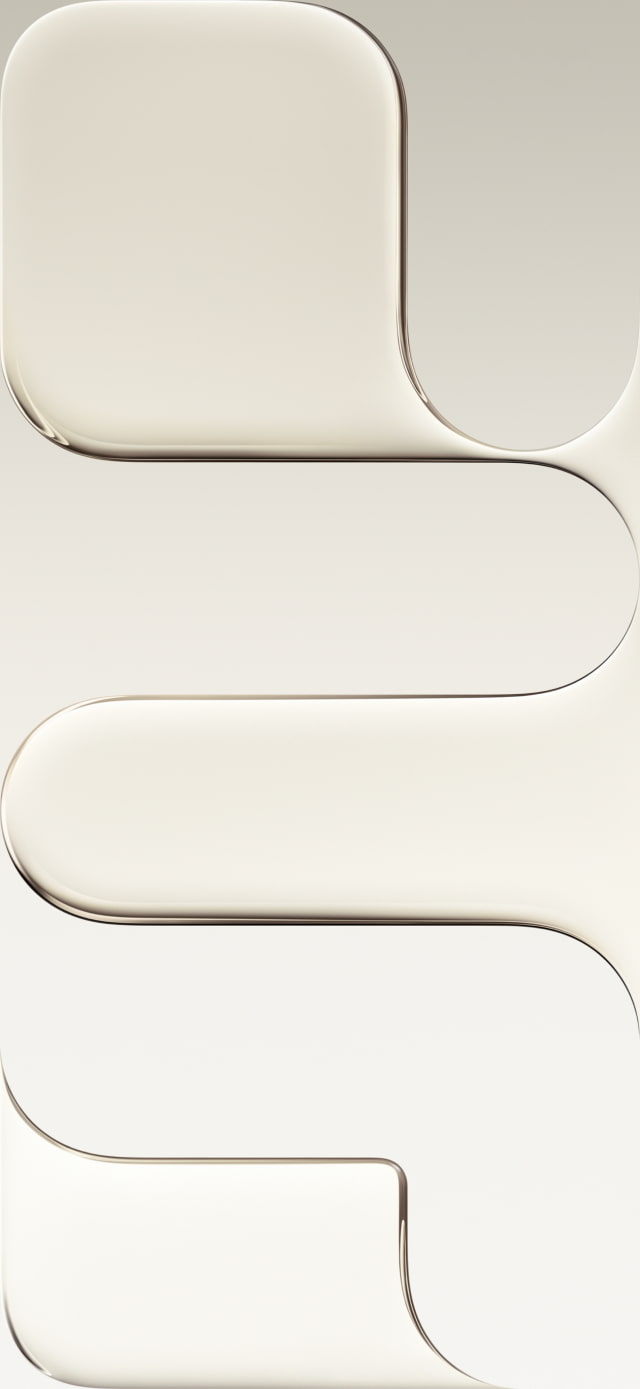
The official wallpapers for the new iPhone Air feature a beautiful and minimalist design with a single, flowing ribbon of glass. They perfectly complement the ultra-thin titanium frame of the device and are available in four colors to match the phone's finishes: Space Black, Cloud White, Light Gold, and Sky Blue.
We've made the wallpapers available for download at a resolution of 1260x2736. You can download them individually below or grab the entire collection in the ZIP file we've created. If you share these, please be sure to link back to this page as the source.
Looking for the wallpapers from the other new iPhone 17 models? We've got them all in one place. Check out our main wallpaper post to download the 'Liquid Glass' designs from the iPhone 17 Pro and the vibrant abstract petal wallpapers from the standard iPhone 17. ● Download the Official iPhone 17 and iPhone 17 Pro Wallpaper Here
GET THE OFFICIAL IOS 26 WALLPAPERS
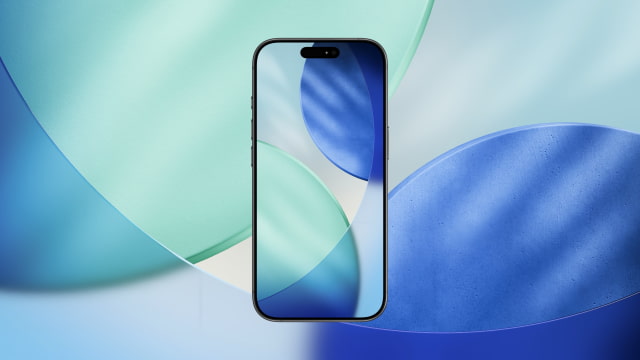
Apple has officially released iOS 26, and you can now grab the official wallpapers for download. These images are great for customizing both iPhones and iPads. You can also apply these wallpapers to an Apple Watch or Android device if you wish! ● Download the Official iOS 26 Wallpaper for iPhone
HOW TO APPLY YOUR NEW IPHONE AIR WALLPAPER
Once you've saved your favorite iPhone Air wallpaper, it's easy to set it as your background.
Download Process
To get the new designs on your device, click one of the download links above. If you're on a mobile device, tap and hold the full-size image until a menu appears, then select "Save to Photos" or "Download Image." On a desktop, right-click the image and select "Save Image As."
Applying the Wallpaper
After downloading, go to the Settings app on your iPhone and tap Wallpaper. Here you can add a new wallpaper and set separate images for your Lock Screen and Home Screen.
What is the design of the new iPhone Air wallpapers?
The iPhone Air wallpapers feature a unique, minimalist design with a single flowing 'glass ribbon' shape, created to match the phone's elegant and ultra-thin aesthetic.
What colors are available for the iPhone Air wallpapers?
The wallpapers are available in four colors to match the iPhone Air finishes: Space Black, Cloud White, Light Gold, and Sky Blue.
What is the resolution of the iPhone Air wallpapers?
The wallpapers are provided at a resolution of 1260 x 2736, perfectly suited for the iPhone Air's 6.5-inch Super Retina XDR display and other high-res screens.
Can I use these wallpapers on other phones?
Yes, absolutely. These high-resolution images can be downloaded and used on any device, including older iPhones, Android phones, and your desktop computer.
Where can I download the wallpapers for the iPhone 17 Pro?
You can find the official 'Liquid Glass' wallpapers for the iPhone 17 Pro and the abstract wallpapers for the standard iPhone 17 in our main collection here: Download iPhone 17 & 17 Pro Wallpapers.



![Tim Cook Expected at White House State Dinner for Xi Jinping [Report]](/images/news/102260/102260/102260-160.jpg "Tim Cook Expected at White House State Dinner for Xi Jinping [Report]")
![Apple Debuts Official Trailer for 'Knife Edge: Chasing Michelin Stars' Season 2 [Video]](/images/news/102258/102258/102258-160.jpg "Apple Debuts Official Trailer for 'Knife Edge: Chasing Michelin Stars' Season 2 [Video]")

![Apple Releases macOS 27.2 Golden Gate Beta to Developers [Download]](/images/news/102249/102249/102249-160.jpg "Apple Releases macOS 27.2 Golden Gate Beta to Developers [Download]")









![Apple Studio Display XDR Hits All-Time Low of $2,969.99 ($329 Off) [Deal]](/images/news/101976/101976/101976-160.jpg "Apple Studio Display XDR Hits All-Time Low of $2,969.99 ($329 Off) [Deal]")
