Apple Explains How MacBook Pro's OLED Display Tackles Burn-In
Apple has detailed the burn-in protections built into the MacBook Pro's new PROLED XDR display, including a display engine that adjusts individual pixels as the OLED panel ages.
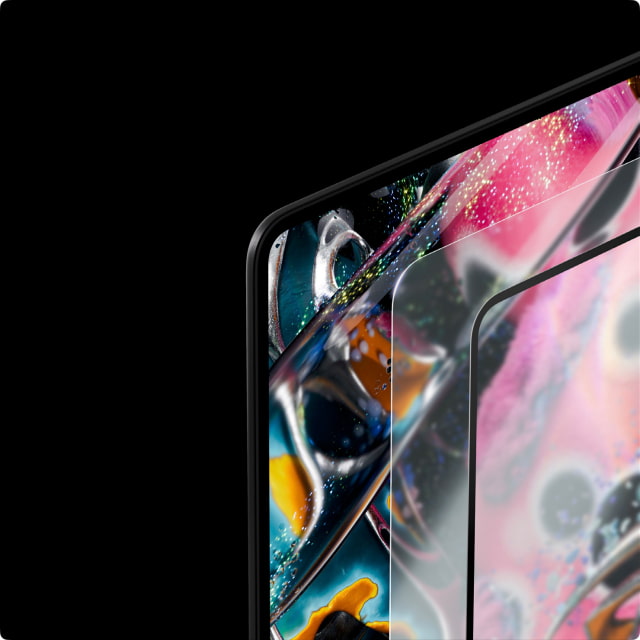
In a 20-page technical paper, the company explains how the display engine in M5 Pro and M5 Max responds to onscreen content, each pixel's usage, panel temperature, and ambient conditions. OLED emitters change with use, so the system continuously compensates for those changes rather than relying on factory calibration alone.
That compensation is designed to keep brightness and color even across the screen, improve transitions at low light levels, and reduce long-term burn-in. The protection is described as mitigation, not a guarantee that the panel cannot develop burn-in.
The panel itself also reduces the workload on its organic emitters. Its tandem design stacks two light-emitting layers, allowing both to contribute to each pixel's output while operating at lower current. Apple says that improves power efficiency and panel lifespan while allowing higher peak brightness than a conventional single-layer OLED.
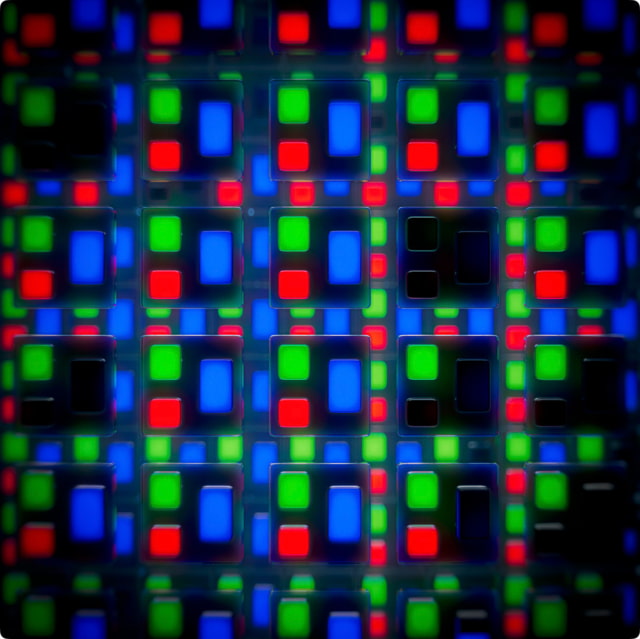
Brightness management also takes aging into account. With automatic adjustment enabled, the available brightness balances ambient light, power consumption, burn-in risk, and the user's past adjustments. The display is rated for up to 1,000 nits sustained full-screen brightness in environments up to 25°C (77°F), with 2,000-nit peaks for HDR highlights. SDR content can reach that higher ceiling in very bright surroundings.
To improve visibility without simply increasing brightness, the panel limits internal reflections and the cover glass adds an antireflective coating. Standard glass has a specified reflectance of 1 percent. The optional nano-texture finish scatters reflections for use in less-controlled lighting.
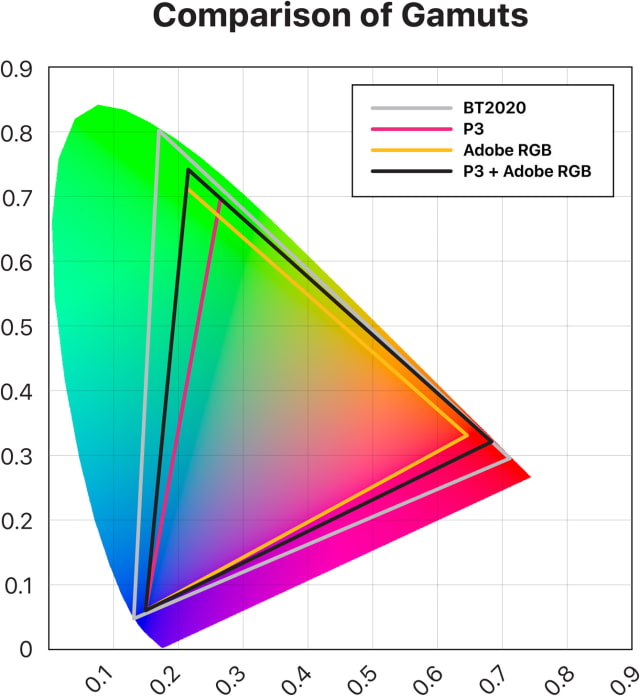
For color work, the screen combines P3 and Adobe RGB support, extending into deeper greens and cyans than P3 alone. Its native gamut covers 81 percent of BT.2020, rather than the entire color space, although compatible color-managed apps can preserve BT.2020 data throughout a workflow.
Factory calibration uses Apple CMF 2026, first introduced with Studio Display XDR, to improve visual matching between different display technologies. Reference modes retain support for CIE 1931, the long-established color-matching standard, and professionals can fine-tune or recalibrate the display with compatible equipment.
The new touchscreen MacBook Pro models arrive November 6 and are available to pre-order on Amazon. They start $400 above matching Liquid Retina XDR configurations; the OLED and standard models also differ in weight, dimensions, and storage options.