Canva has released Affinity for iPad, combining sketching, vector design, photo editing, and page layout in one free app for individuals. The new touch-focused version adds Sketch Studio and lets users move between disciplines without leaving their document.
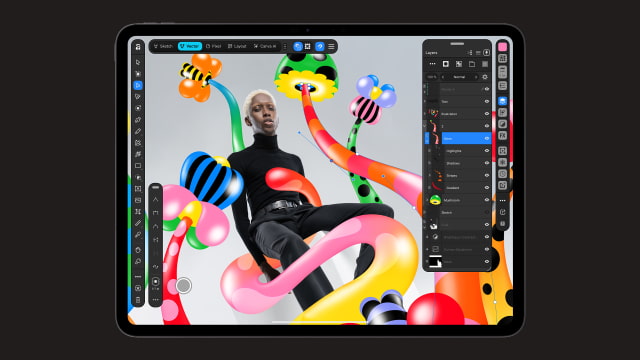
The release brings the unified Affinity app introduced on Mac and Windows in 2025 to Apple's tablet. Rather than working across the separate Designer, Photo, and Publisher apps, users can switch among Sketch, Vector, Pixel, and Layout studios. Projects use the same .af format on iPad and desktop.
Sketch Studio has more than 350 editable brushes, with support for Apple Pencil pressure, tilt, and barrel roll on compatible hardware. A drawing can stay in the same file as users build precise vector paths over it or combine it with photos and text.
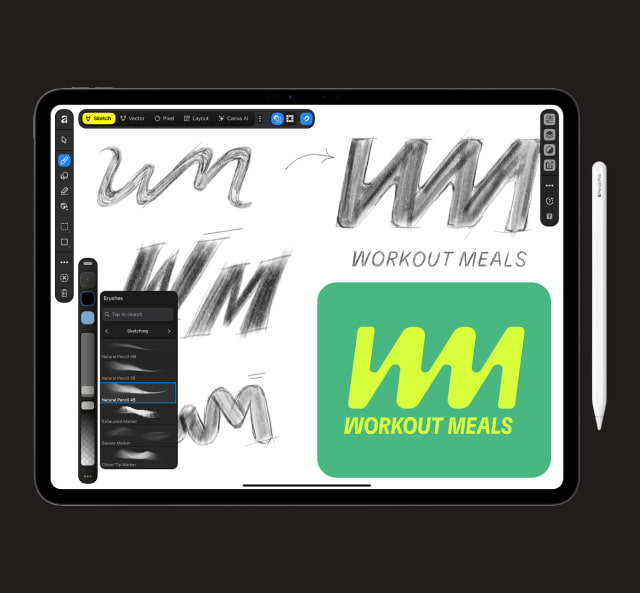
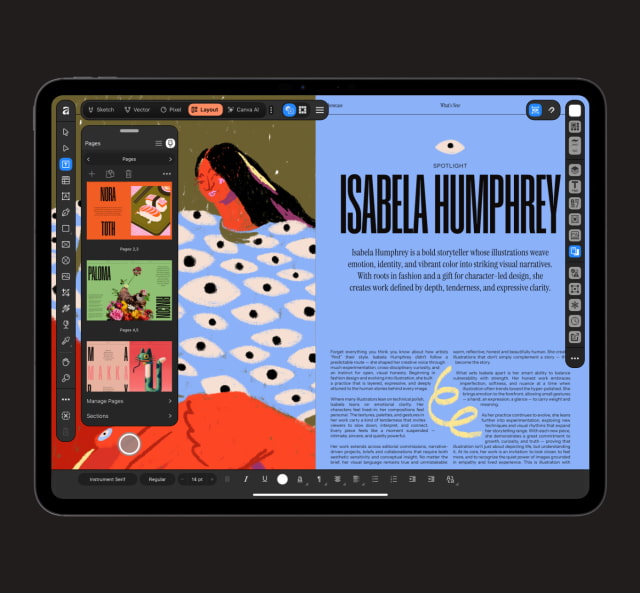
Photo tools include RAW development, selections, retouching, composites, and non-destructive adjustments. Layout tools handle multi-page documents with grids, guides, typography, and print-ready output, allowing a project to progress from an initial drawing to a finished publication.
Import support includes Photoshop PSDs, Illustrator files saved with PDF compatibility, and InDesign INDD and IDML documents. Some advanced effects or formatting may flatten or need manual adjustment. Export options include JPEG, PNG, WebP, PDF, SVG, EPUB, and INDD, along with direct export to Canva.
The iPad version does not yet include every desktop feature. Missing at launch are Books, Batch, Data Merge, Quick Adjustments, the Info and Scope panels, macro recording, and Astrophotography Studio. Canva plans to bring more features over time.
All core tools, customization, and export features are free for individuals, but a Canva account is required. Canva AI Studio is the paid component, requiring a premium plan for tools such as noise reduction, blur correction, and background removal.
Affinity by Canva is available now on the App Store and requires iPadOS 18.0 or later.