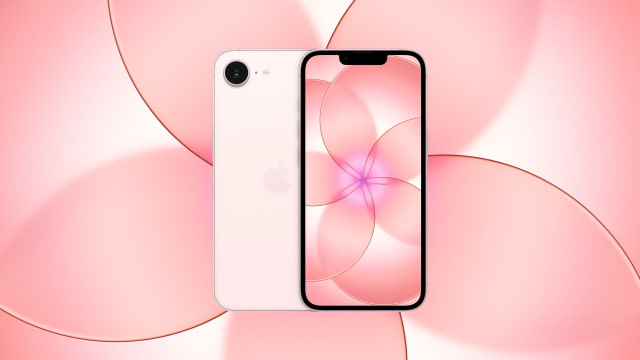
Apple introduced three new wallpapers with the iPhone 17e in Soft Pink, White, and Black. You can download the official high-resolution images below and use them on any device.
These translucent floral designs reflect the layered, glass-like aesthetic introduced alongside iOS 26. We've made them available in full 1170 x 2532 resolution, matching the native display of the 6.1-inch iPhone 17e.
Key Takeaways
● Download the official iPhone 17e wallpapers for your device for free. ● Enjoy a sophisticated translucent floral aesthetic with deep, layered gradients. ● Choose from three color variants that match the new hardware. ● Follow our simple steps to apply them to your lock screen and home screen effortlessly.
DOWNLOAD THE OFFICIAL IPHONE 17E WALLPAPERS
Apple introduced these new wallpapers alongside the official iPhone 17e launch on March 2, 2026, pairing each finish with a matching translucent design.
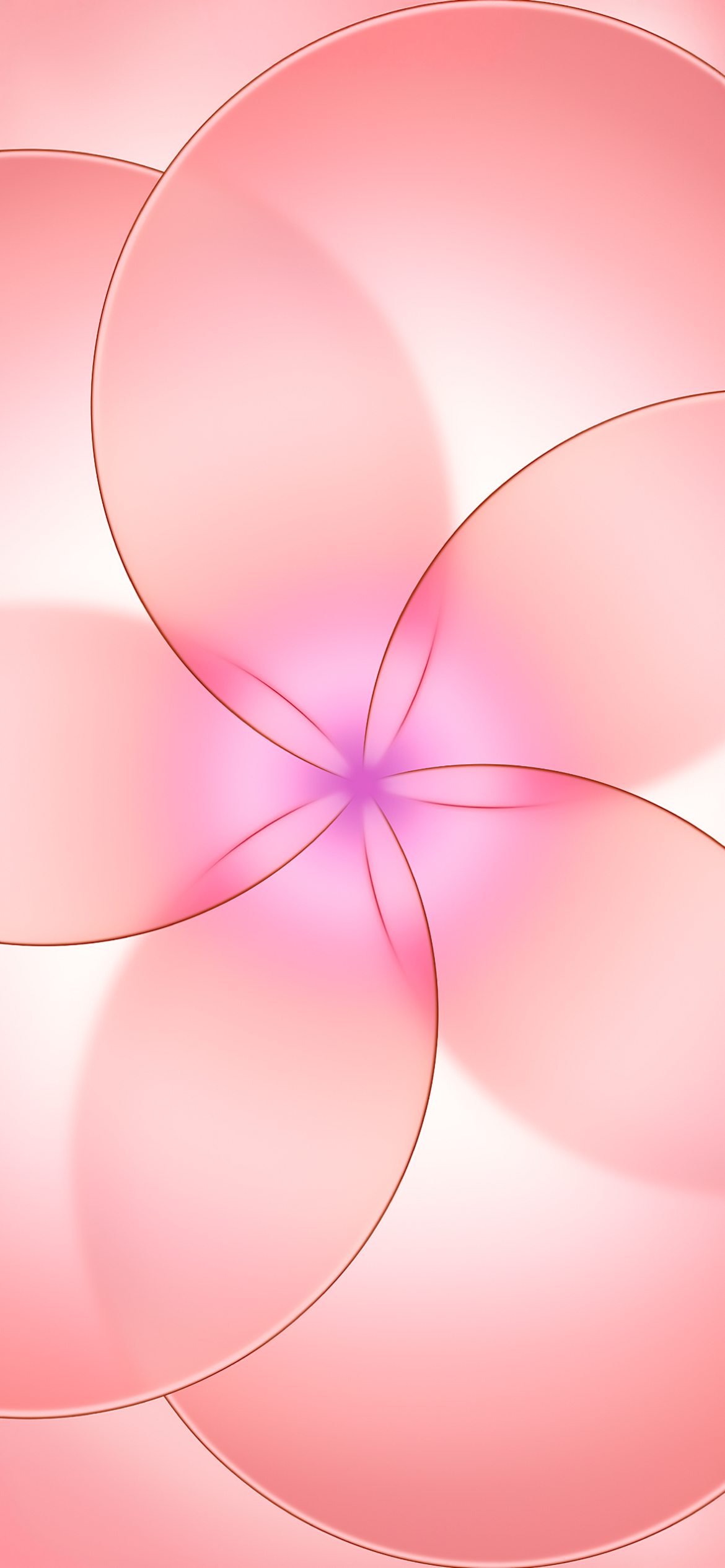
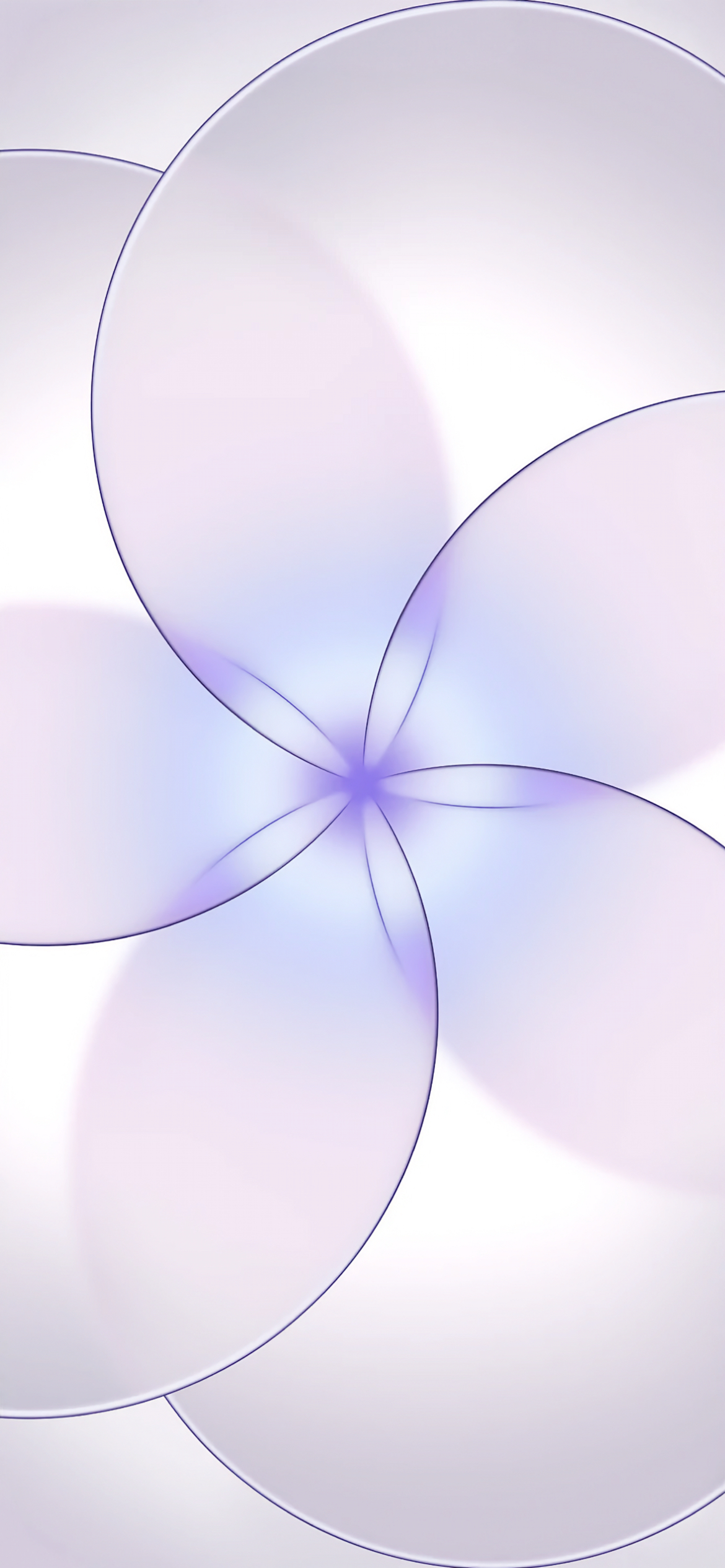
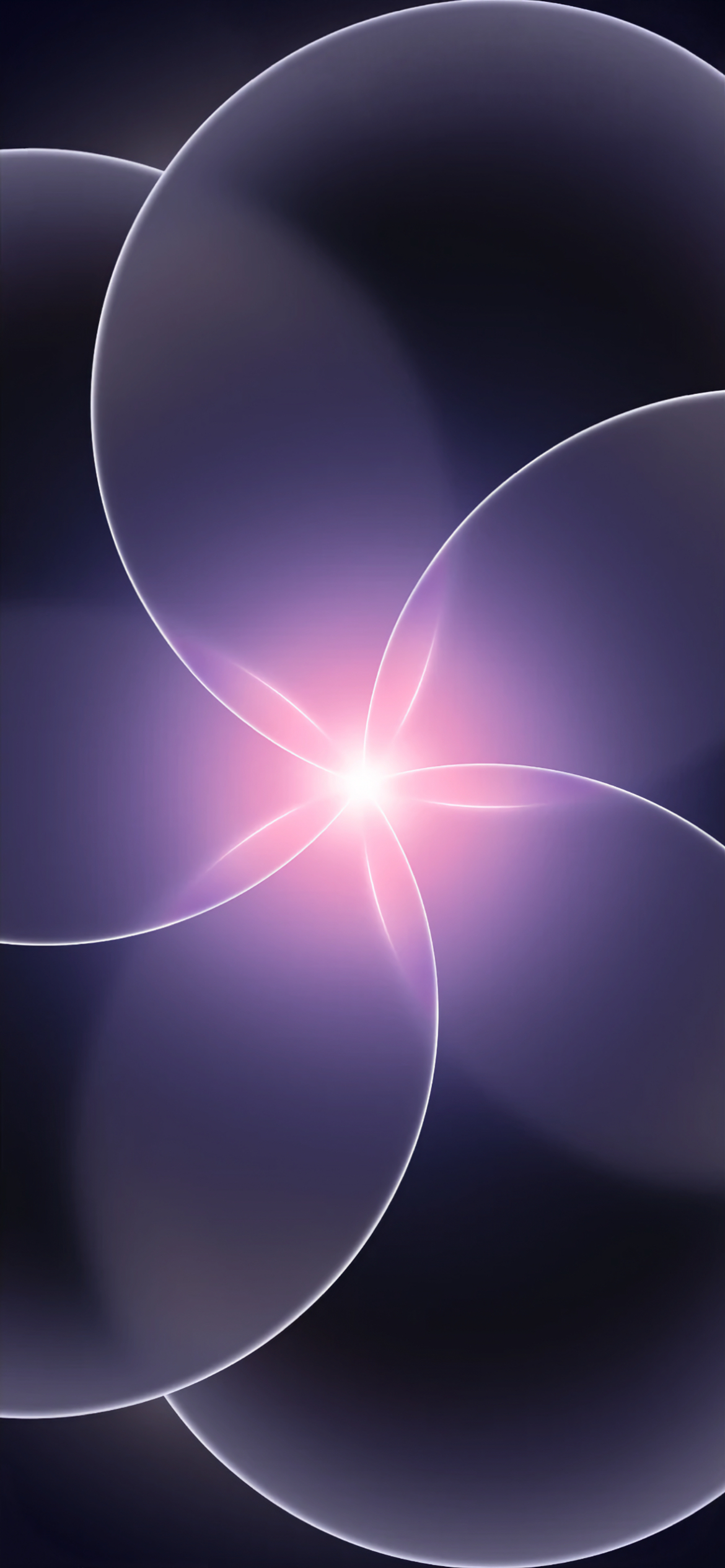
Each wallpaper is built around five overlapping circles arranged into a petal pattern. The translucent layers meet at a soft glow in the center, creating depth without making the image feel busy. Subtle gradients and defined edge lines give each color variant its own character, from darker and more dramatic to lighter and more understated.
Apple created three variations to match the new iPhone 17e colorways: Soft Pink, White, and Black.
We are providing the wallpapers in their original 1170 x 2532 resolution, which matches the native resolution of the 6.1-inch Super Retina XDR display. This ensures they look sharp and vibrant on the iPhone 17e or any modern smartphone.
You can download the official iPhone 17e wallpapers below. If you share these images online, please be sure to link back to this page as the source.
GET THE OFFICIAL IPHONE 17 PRO AND IPHONE AIR WALLPAPERS
If you enjoy Apple's artwork for the iPhone 17e, you might also want to grab the wallpapers from the flagship tier. These images are ideal for customizing any iPhone and can easily be applied to an iPad or Android device as well.
Applying your chosen background is simple. Just use the Photos app or Settings app on any iPhone to set it as your wallpaper. We also have a quick guide available:
Now that you have seen the new iPhone 17e wallpapers, here's how to quickly download and apply them.
Download Process
Click one of the download links above. The image will open in full resolution. To save it on a computer, right-click and select "Save Image As." On a mobile device, tap and hold the image, then choose "Save to Photos."
Applying the Wallpaper
After saving the file, open the "Settings" app on your iPhone and tap "Wallpaper." Select the option to add a new wallpaper. You can set different images for your lock screen and home screen or apply the same design to both.
FREQUENTLY ASKED QUESTIONS
What colors are available for the new iPhone 17e wallpapers?
The official wallpapers correspond to the three hardware finishes of the iPhone 17e: Soft Pink, White, and Black. Each variation subtly complements its matching device color.
What is the resolution of the new iPhone 17e wallpapers?
The wallpapers are available in 1170 x 2532 resolution, matching the native resolution of the 6.1-inch iPhone 17e display. They are high resolution and look crisp on any modern smartphone.
Will these iPhone 17e wallpapers work with the notch?
Yes. The iPhone 17e features a traditional notch at the top of the display, and these wallpapers are framed to accommodate it naturally. They will also look great on newer iPhones with Dynamic Island, though you may want to slightly adjust the positioning to achieve your preferred framing.
Can I use these wallpapers on Android devices or computers?
Absolutely. These are standard high-resolution image files. You can use them on Android phones, tablets, Macs, PCs, and more.
Where can I find more Apple wallpapers?
We regularly archive Apple's official artwork in the Wallpapers section of iClarified. Here are a few more wallpapers you might want to download:
The official iPhone 17e wallpapers are now available for free download in full 1170 x 2532 resolution. Whether you prefer Soft Pink, White, or Black, these high-resolution images let you bring Apple's latest iPhone 17e design to any device.
Get the iClarified Daily Newsletter
Apple news, rumors, tutorials, price drop alerts, in your inbox every evening, free.
Unsubscribe at any time.
Success!
You have been subscribed.
Add Comment
Would you like to be notified when someone replies or adds a new comment?
Yes (All Threads)
Yes (This Thread Only)
No
Notifications
Would you like to be notified when we post a new Apple news article or tutorial?




![Introducing iPhone Duo [Video]](/images/news/102141/102141/102141-160.jpg "Introducing iPhone Duo [Video]")
![Introducing iPhone 18 Pro [Video]](/images/news/102132/102132/102132-160.jpg "Introducing iPhone 18 Pro [Video]")
![Apple Recaps Its September 2026 Event in 95 Seconds [Video]](/images/news/102138/102138/102138-160.jpg "Apple Recaps Its September 2026 Event in 95 Seconds [Video]")
![Introducing Apple Watch Series 12 [Video]](/images/news/102135/102135/102135-160.jpg "Introducing Apple Watch Series 12 [Video]")





![Apple Studio Display XDR Hits All-Time Low of $2,969.99 ($329 Off) [Deal]](/images/news/101976/101976/101976-160.jpg "Apple Studio Display XDR Hits All-Time Low of $2,969.99 ($329 Off) [Deal]")
![Apple AirPods Pro 3 Drop to $199 ($50 Off) [Deal]](/images/news/101966/101966/101966-160.jpg "Apple AirPods Pro 3 Drop to $199 ($50 Off) [Deal]")