

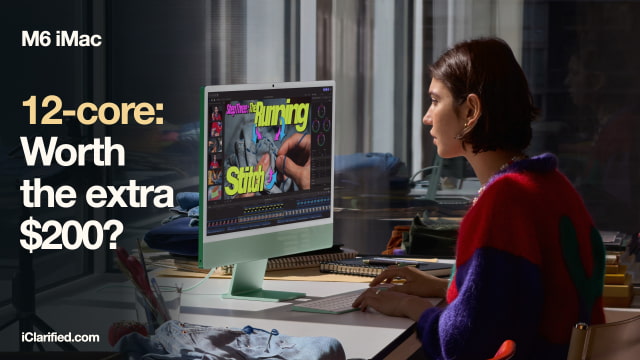
The extra $200 for Apple's higher-end M6 iMac buys two more ports, a Touch ID keyboard, and room for a second external display. Those are changes you can use every day, even if you never push its faster chip very hard.
But the $1,499 and $1,699 models start with the same memory and storage, and their built-in screens are the same size and resolution. We'd pay more if the iMac will be your main work computer with several accessories attached. For a family computer used mainly for browsing, homework, and calls, the cheaper one is easier to recommend.
Two More Ports Can Save You a Hub
The 10-core M6 iMac has two USB-C ports on the back. The 12-core model has four. All support Thunderbolt 4 and USB 4 at up to 40Gb/s, so you can use any of them for a display, compatible fast storage, or other accessories.
An external SSD and a monitor would use both ports on the cheaper iMac, leaving a card reader, microphone, or other wired accessory needing a hub or an occasional cable swap. Four ports give you more freedom to leave equipment connected. Neither version has USB-A, HDMI, or an SD card slot, so some accessories still need an adapter.
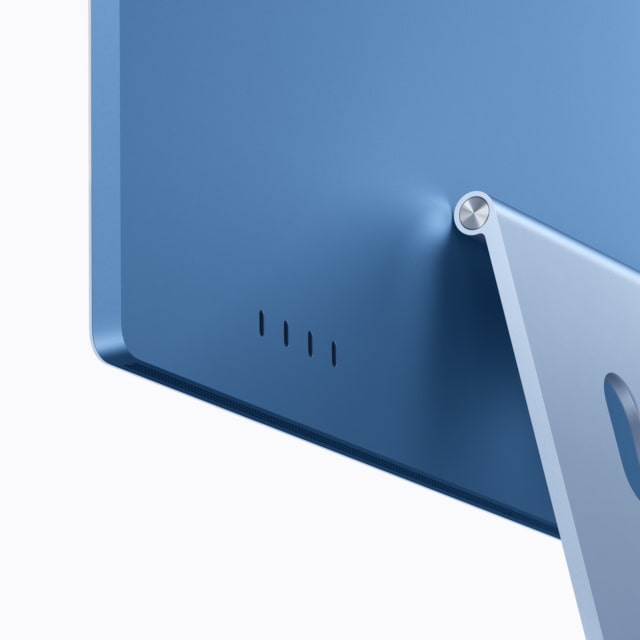
The 12-core version also includes 2.5Gb Ethernet for a wired network. Apple lists it as a configuration option on the 10-core model. To benefit from that link speed, the rest of your network needs to support it; it won't make a slower internet connection faster.
Touch ID Is Included at $1,699
Both iMacs come with a color-matched Magic Keyboard and Magic Mouse. The keyboard included with the 12-core model adds Touch ID, letting you sign in, authorize purchases, and switch between user accounts with a fingerprint.
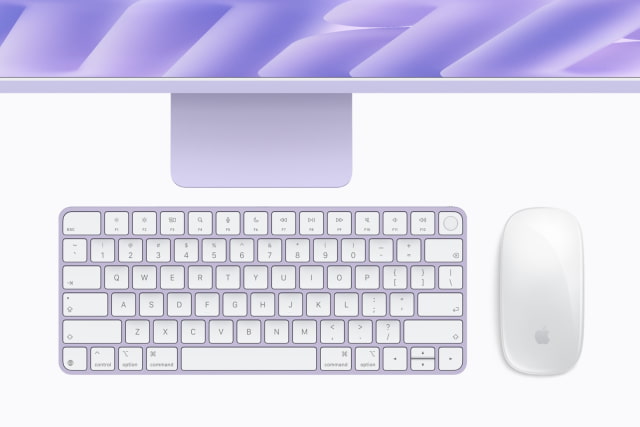
That is particularly handy on a shared household Mac. The 10-core model can be ordered with a Touch ID keyboard too, so compare the final configured prices if that is the only extra you want. You do not have to buy the more expensive chip just to get fingerprint sign-in.
A Second Monitor Requires the 12-Core Model
Both versions let you keep the iMac screen active while using an external display. The 10-core model supports one external screen, up to 6K at 60Hz or 4K at 165Hz. The 12-core model supports two at those resolutions and refresh rates, or a single display up to 8K at 60Hz.
For an editing timeline spread across a desk, or a document on one screen and reference material on another, the higher-end iMac gives you more room to work. If the built-in display is already enough, this part of the upgrade will sit unused.
More Processing Power, the Same Starting Storage
The $1,499 iMac has a 10-core CPU and 10-core GPU. At $1,699, both rise to 12 cores. The CPU gains one performance core and one efficiency core; both versions retain two super cores and dual 16-core Neural Engines.
The extra hardware makes the 12-core version the more appealing configuration for regular photo editing, video work, and games. Apple has not provided a direct benchmark between these two M6 configurations, though, so there is no verified percentage gain to attach to that $200.
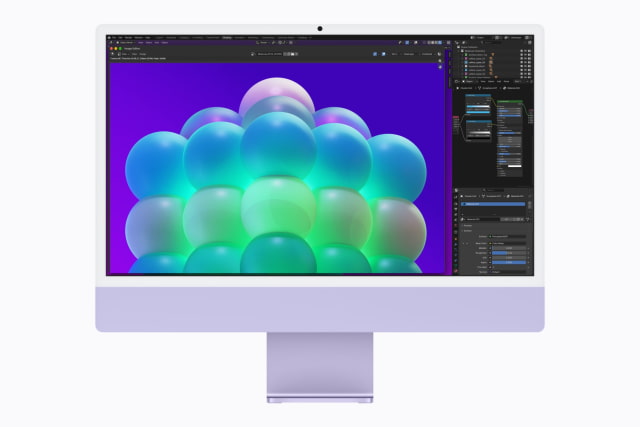
Both starting configurations have 16GB of memory and a 256GB SSD. If your current Mac is full of photos or video, moving to the $1,699 model alone does not solve that problem. You still need to choose more storage or use an external drive.
The 10-core iMac can be configured with up to 24GB of memory and a 1TB SSD. The 12-core version raises those limits to 32GB and 2TB. If you already know you need either of those higher capacities, you need the 12-core model before adding the cost of the memory or storage upgrade.
The Same Screen, With One Optional Difference
Both iMacs have a 24-inch 4.5K Retina display, measuring 23.5 inches diagonally, with 500 nits of brightness. The $200 step up does not buy a larger workspace on the built-in screen or sharper text.

Only the 12-core model offers optional nano-texture glass, which reduces glare. It costs extra beyond the $1,699 starting price. If your desk faces a bright window, try to see that finish beside standard glass before ordering.
The 12MP Center Stage camera, six-speaker system, Wi-Fi 7, and Bluetooth 6 are shared. The new M6 iMac opens for pre-order on October 28, with availability beginning November 6.
M6 iMac Configuration Comparison
| Feature | 10-core iMac | 12-core iMac |
|---|---|---|
| US retail price | $1,499 | $1,699 |
| CPU | 10 cores: 2 super, 3 performance, 5 efficiency | 12 cores: 2 super, 4 performance, 6 efficiency |
| GPU | 10 cores | 12 cores |
| Neural Engine | Dual 16-core | Dual 16-core |
| Memory options | 16GB or 24GB | 16GB, 24GB, 32GB |
| SSD options | 256GB, 512GB, 1TB | 256GB, 512GB, 1TB, 2TB |
| Display | 24-inch 4.5K; 23.5-inch actual diagonal | 24-inch 4.5K; 23.5-inch actual diagonal |
| Resolution | 4480 × 2520; 218 ppi | 4480 × 2520; 218 ppi |
| Brightness | 500 nits | 500 nits |
| Display glass | Standard glass | Standard; nano-texture optional |
| USB-C connections | Two Thunderbolt 4 ports | Four Thunderbolt 4 ports |
| External displays | One: up to 6K/60Hz or 4K/165Hz | Two: up to 6K/60Hz or 4K/165Hz; one 8K/60Hz |
| Wired networking | Optional 2.5Gb Ethernet | 2.5Gb Ethernet included |
| Included keyboard | Magic Keyboard; Touch ID optional | Magic Keyboard with Touch ID |
| Wireless | Wi-Fi 7; Bluetooth 6; Thread | Wi-Fi 7; Bluetooth 6; Thread |
| Camera | 12MP Center Stage; Desk View | 12MP Center Stage; Desk View |
| Audio | Six speakers; three-mic array | Six speakers; three-mic array |
| Width × height; stand depth | 54.7 × 46.1 cm; 14.7cm stand depth | 54.7 × 46.1 cm; 14.7cm stand depth |
| Weight | 4.42kg | 4.44kg |
Would We Spend the Extra $200?
For a main work computer, yes. Four ports, the included Touch ID keyboard, and support for a second external display make the 12-core iMac a useful upgrade even before any performance gain. We would favor it for a desk that regularly has storage, monitors, and other equipment attached.
For a simpler setup, we would keep the $200. The base iMac has the same built-in display, camera, speakers, and starting memory. If storage is already tight on your current computer, put the money toward a larger SSD instead of paying for ports you won't use.
Check the iClarified Mac Price Tracker for current pricing and availability from tracked retailers. Compare the complete configuration, including any keyboard, storage, or glass upgrades, before ordering.


![Google Unveils Genie 4 With Interactive AI Worlds and Real-Time Audio [Video]](/images/news/103125/103125/103125-160.jpg "Google Unveils Genie 4 With Interactive AI Worlds and Real-Time Audio [Video]")

![Apple Shares New Ad for 14-Inch MacBook Pro With M6 [Video]](/images/news/103119/103119/103119-160.jpg "Apple Shares New Ad for 14-Inch MacBook Pro With M6 [Video]")
![Apple Debuts 'Way of the Warrior Kid' Trailer Starring Chris Pratt [Video]](/images/news/103116/103116/103116-160.jpg "Apple Debuts 'Way of the Warrior Kid' Trailer Starring Chris Pratt [Video]")
![How To Turn Off iPhone [Video]](/images/tutorials/94999/94999/94999-160.jpg "How To Turn Off iPhone [Video]")
![How To Back Up Your iPhone to an External Drive on Mac [Video]](/images/tutorials/72786/72786/72786-160.jpg "How To Back Up Your iPhone to an External Drive on Mac [Video]")

![How To Find Your IP Address on iPhone [Video]](/images/tutorials/496/496/496-160.jpg "How To Find Your IP Address on iPhone [Video]")


![Beats Headphones, Earbuds, and Pill Speaker Are Up to 41% Off [Deal]](/images/news/103026/103026/103026-160.jpg "Beats Headphones, Earbuds, and Pill Speaker Are Up to 41% Off [Deal]")

![New Fire TV Stick 4K Drops to $29.99 (50% Off) [Deal]](/images/news/102984/102984/102984-160.jpg "New Fire TV Stick 4K Drops to $29.99 (50% Off) [Deal]")
![Apple's iPhone 18 Pro and Pro Max Cases Are Up to 37% Off [Deal]](/images/news/102978/102978/102978-160.jpg "Apple's iPhone 18 Pro and Pro Max Cases Are Up to 37% Off [Deal]")
