Google has launched a new Google Wallet app for iPhone in the United States, bringing tickets, boarding passes, order tracking, and saved payment methods into one place. There is one important limitation: it does not support tap-to-pay purchases in stores.
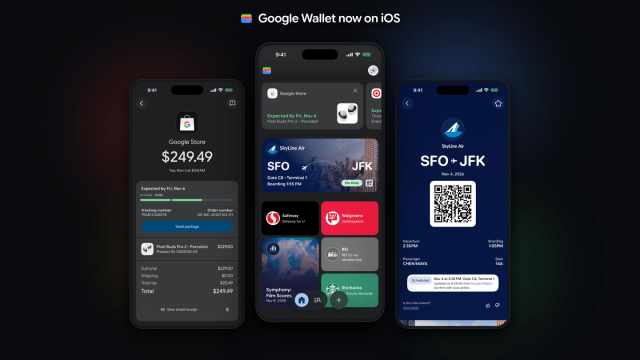
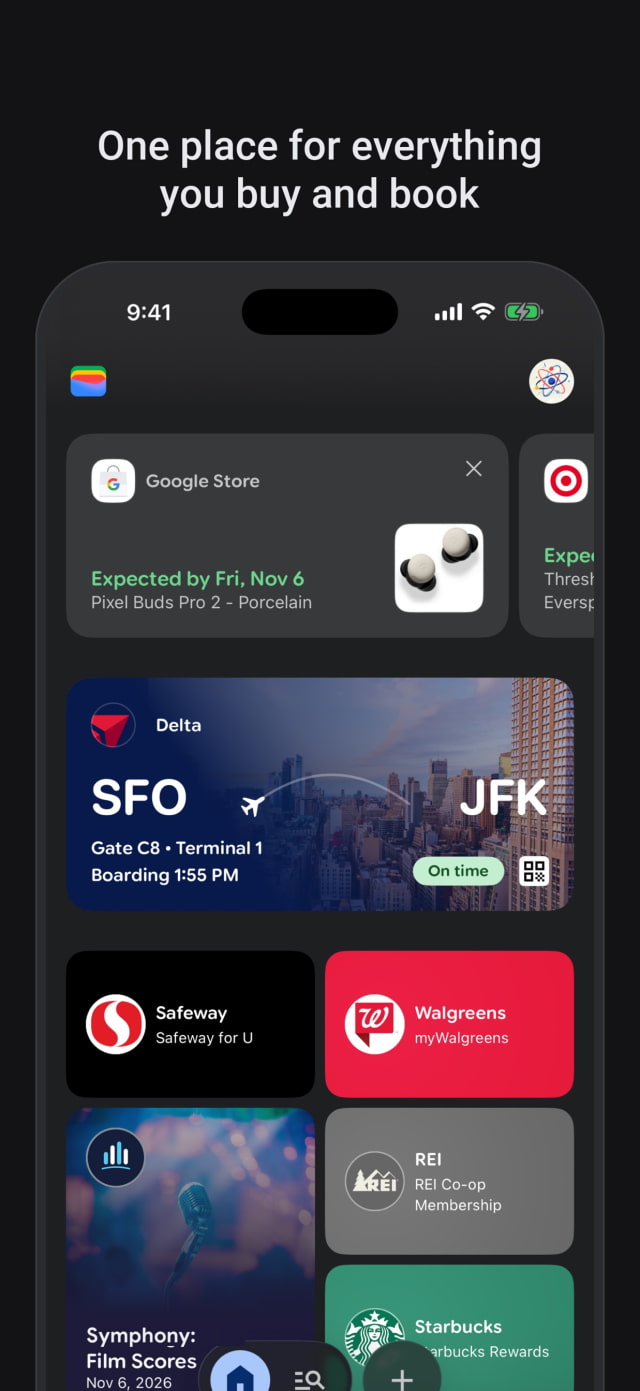
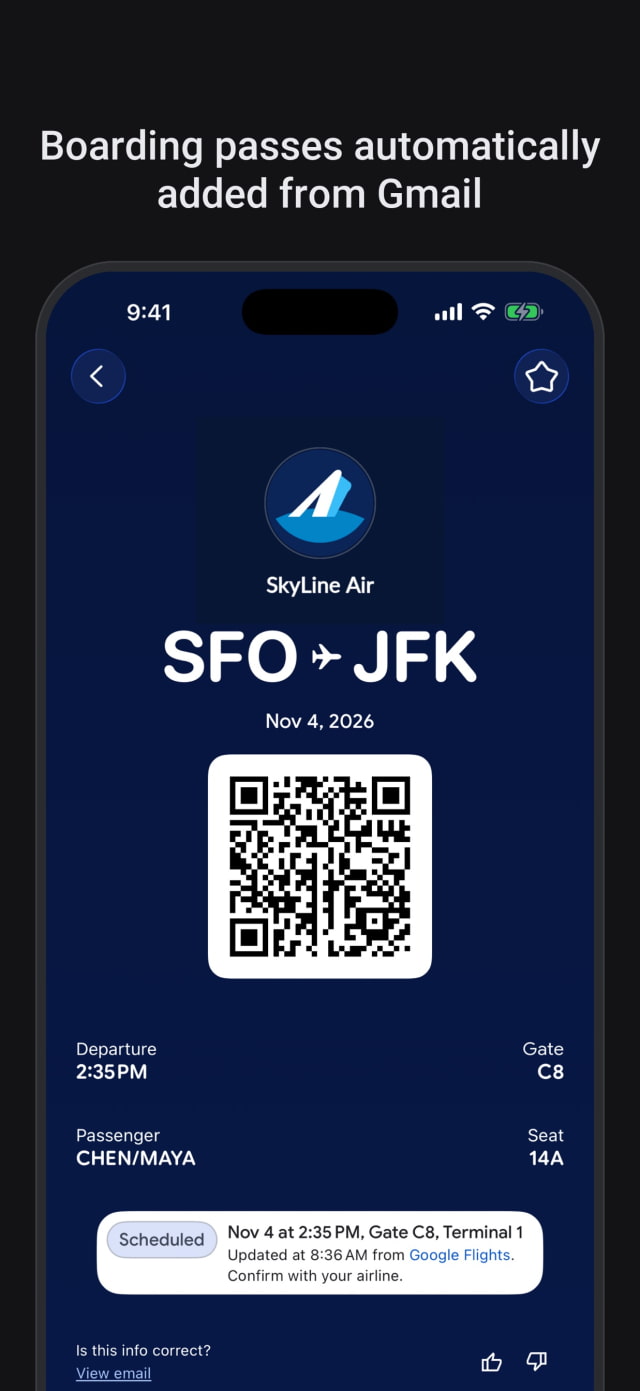
The app syncs with Gmail and other Google services to gather receipts, shipping updates, concert tickets, and travel details. That lets users check a delivery or pull up a boarding pass without searching through their inbox. The App Store listing says users can choose what Wallet imports from Gmail.
Physical loyalty cards, gym memberships, and barcode passes can also be scanned with the iPhone camera and saved digitally. Passes and order information remain accessible across devices signed in to the same Google Account.
For payments, Wallet manages cards saved for online checkout across Google and wherever Google Pay is accepted. Saving a card in the app does not enable contactless payments on the iPhone, and Google has not announced when that might change.
Google also plans to use Wallet as a place to manage purchases made by its AI shopping agents. Order confirmations, receipts, and delivery updates from those purchases will be gathered in the app.
Google Wallet is a free download from the U.S. App Store and requires iOS 17.0 or later.