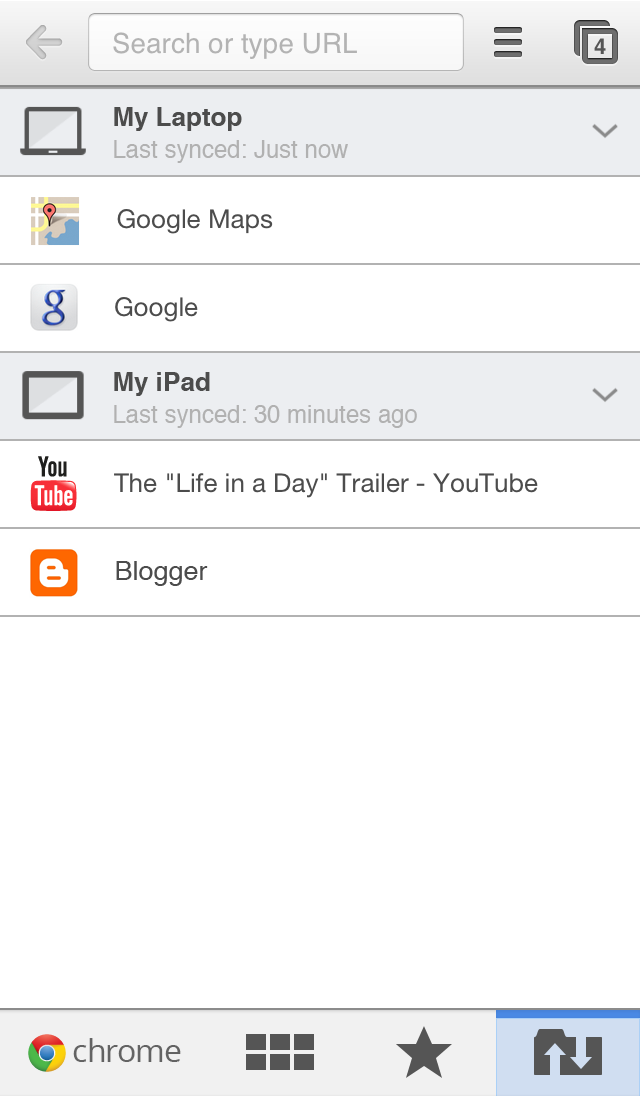
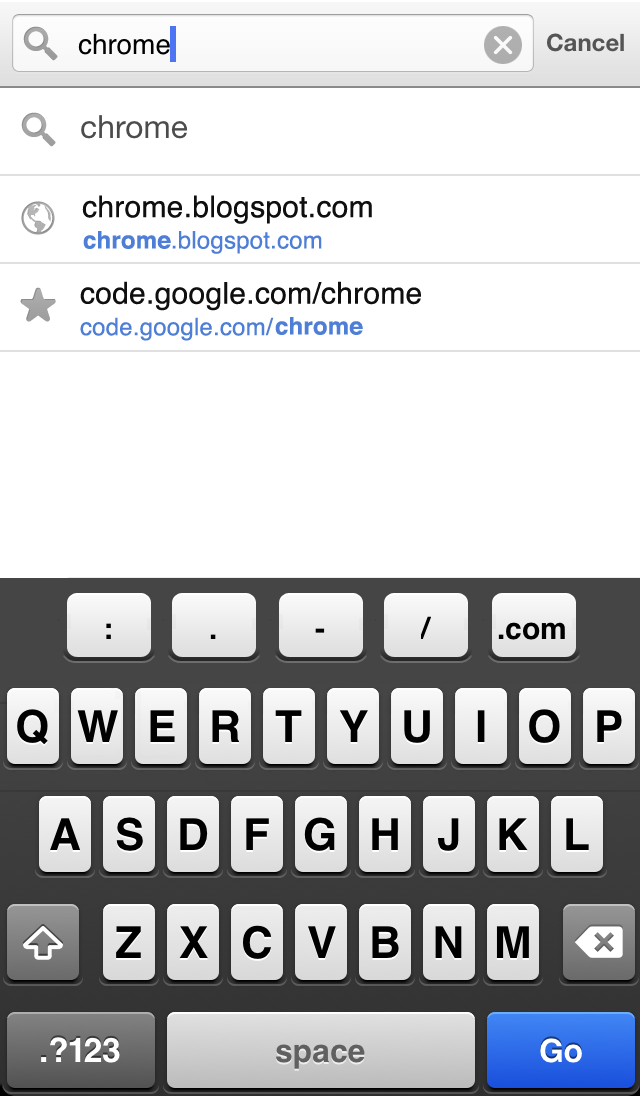
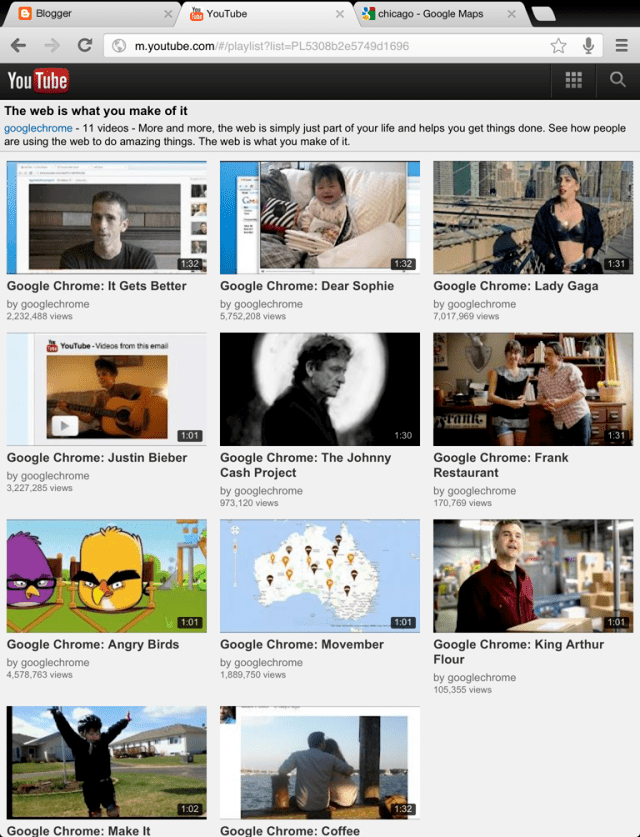
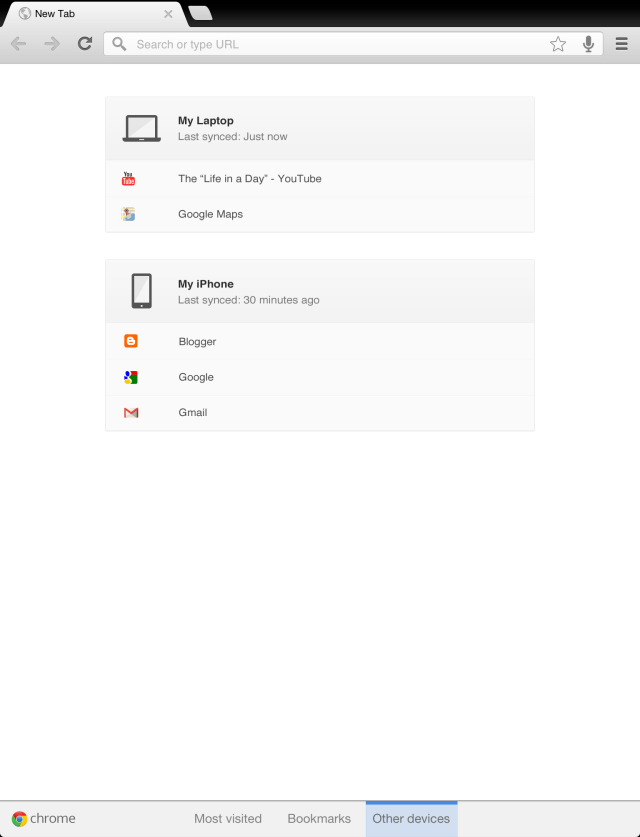
Google has updated Chrome for iOS with a long press back button to access pages in your tab history; as well as, Messages sharing.
Browse fast with Chrome, now available on your iPhone, iPod touch and iPad. Sign in to sync your personalized Chrome experience from your computer, and bring it with you anywhere you go.
What's New In This Version: • Long press on the back button to quickly access any page in your tab history • Share a web page via Messages
And of course: stability / security improvements and bug fixes
You can download Chrome from the App Store for free.
Apple news, rumors, tutorials, price drop alerts, in your inbox every evening, free.
Unsubscribe at any time.
Success!
You have been subscribed.
Add Comment
Would you like to be notified when someone replies or adds a new comment?
Yes (All Threads)
Yes (This Thread Only)
No
Notifications
Would you like to be notified when we post a new Apple news article or tutorial?
Yes
No
Comments (10)
Comments are closed for this article.
0
sidewinder - March 5, 2013 at 5:35pm
thanks bri bri
0
Supraman - March 5, 2013 at 2:42pm
Brian, way to go on that find!!! Took me about a good 10-15 tries as well to get it done quick enough but it works!!!! back to chrome thank god
0
Brian - March 5, 2013 at 3:49pm
To be honest, I did not figure it out. I found it from another site but I thought I would share just in case the people on here didn't go looking for a solution like I did.
0
Brian - March 5, 2013 at 1:26pm
FIX:
1. Launch Chrome, and perform the following tasks as quickly as possible.
2. Tap the Menu button in the upper right hand corner (3 horizontal bars) and select Settings.
3. Then you’ll want to tap the Privacy tab, and select the option to Send Usage Data.
4. Change this option to Always and tap done in the upper right hand corner.
You have to do it really fast. Took about 10 times for me to figure out where everything was but it works. You will need to scroll down to get Settings. Privacy is immediately visible but Send Usage Data is at the bottom of the page, 2nd to last.
0
LSR - March 5, 2013 at 11:37am
Same problem for me also. iPhone 4 with ios 5.1.1, when i type something in chrome address bar, it just crashes.
0
Toomy - March 5, 2013 at 3:30am
Gosh!! This is very much unlike Google. Guys please fix this alpha release. Crashes on 4S without even touching it.
Folks, please wait for Google to release the fixed version.
0
Brian - March 4, 2013 at 11:55pm
For me I open the app, let it sit for about 4 seconds from when I tap on the apps icon and it crashes.
iPhone 4s on 6.1.2 jailbroken with pull to refresh and browser changer installed.
0
Supraman - March 4, 2013 at 11:53pm
Yeah definitely a jailbreak problem. I hope someone can do a fix on this. I don't want to have to stick with safari for too long. Miss my tabs and bookmarks and easiness of use.
0
m_thoroughbred - March 4, 2013 at 9:38pm
I think it's the jailbreak. Cause the same thing was happening to me also jailbroken did a restore with out jailbreak and it was working fine the second I re-jailbreak it same thing crashing constantly.
0
Mike - March 4, 2013 at 8:17pm
This update broke Chrome entirely for me!
Previously, Chromed worked well for me, but since this update, whenever I type something into the address bar, the app crashes the instant I press 'return'... every. single. time.
This means Chrome is currently totally unusable for me, so I'm forced to reluctantly switch back to Safari.
For what it's worth, I'm running iOS 6.1 on an iPhone 5. I'm also jailbroken, however I do not have any browser-related tweaks installed, and Crash Reporter is pointing directly at Chrome for the 20 crash reports logged for Chrome in the past half hour.
I really hope this is fixed asap.






![Apple-LG Home Accessories Could Offer Dynamic Island Proximity Controls [Leak]](/images/news/102711/102711/102711-160.jpg "Apple-LG Home Accessories Could Offer Dynamic Island Proximity Controls [Leak]")



![How To Force Restart iPhone [Video]](/images/tutorials/95012/95012/95012-160.jpg "How To Force Restart iPhone [Video]")
![How To Turn Off iPhone [Video]](/images/tutorials/94999/94999/94999-160.jpg "How To Turn Off iPhone [Video]")
![How To Back Up Your iPhone to an External Drive on Mac [Video]](/images/tutorials/72786/72786/72786-160.jpg "How To Back Up Your iPhone to an External Drive on Mac [Video]")






![Mac mini Drops to $779.99 for Prime Big Deal Days [Deal]](/images/news/102624/102624/102624-160.jpg "Mac mini Drops to $779.99 for Prime Big Deal Days [Deal]")
