Samsung has launched a new 'iTest' web app that lets iPhone owners experience using a Galaxy device.
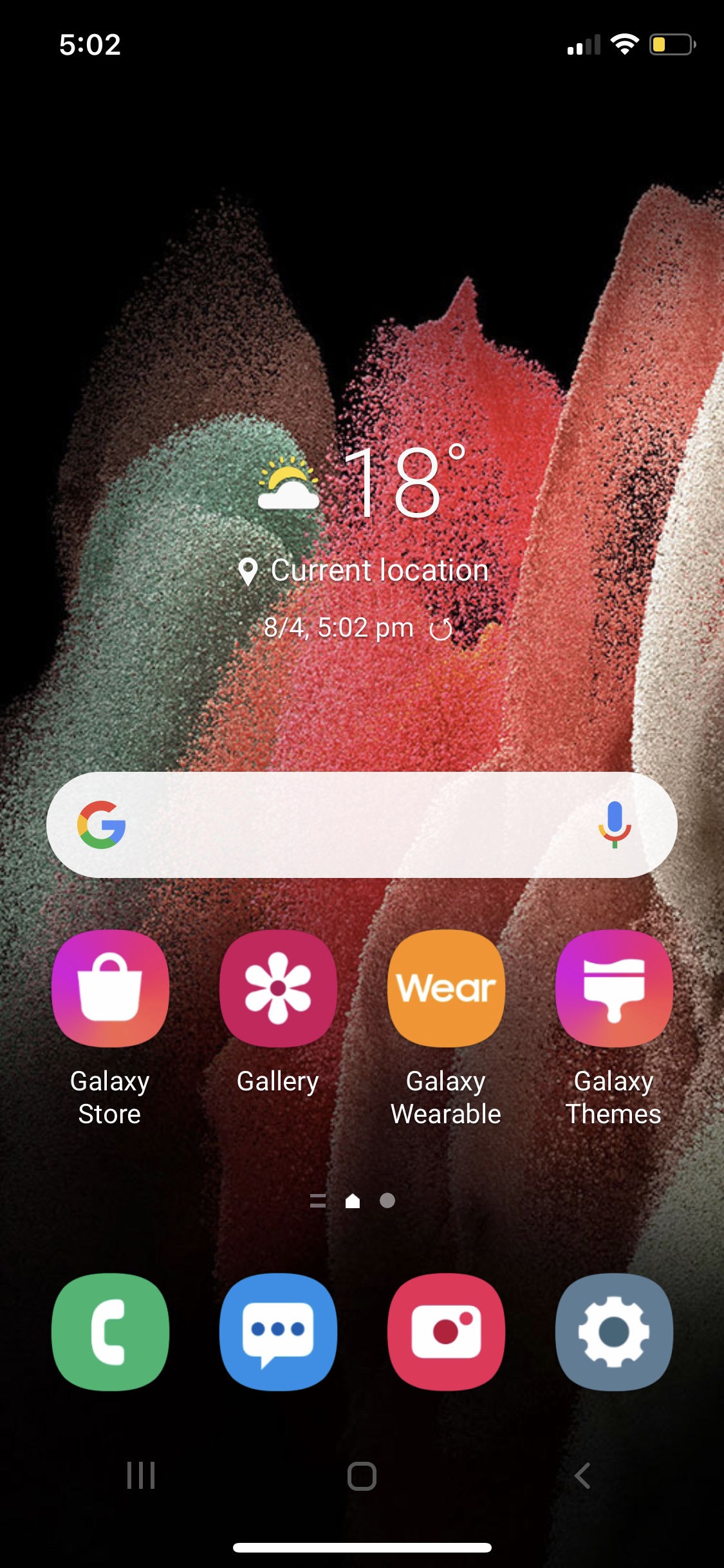
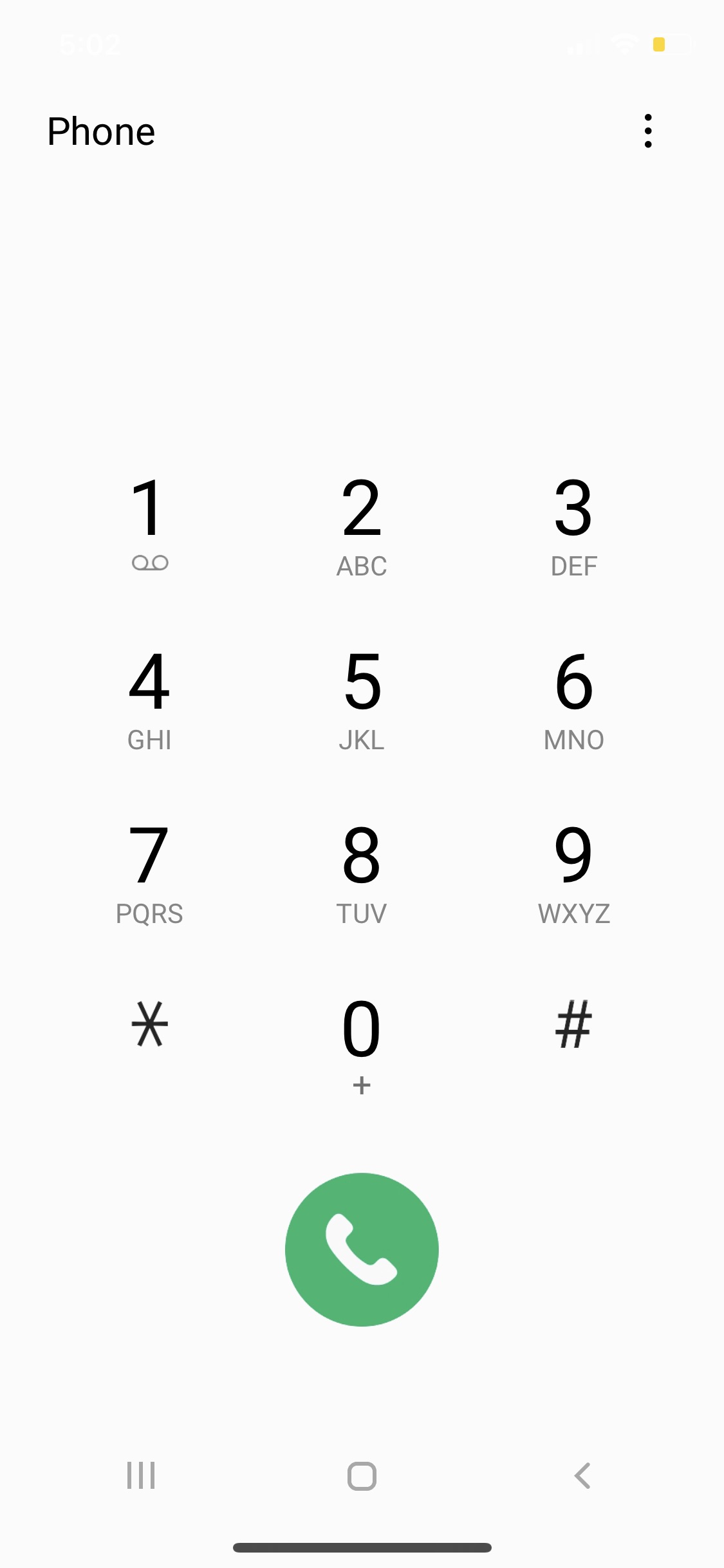
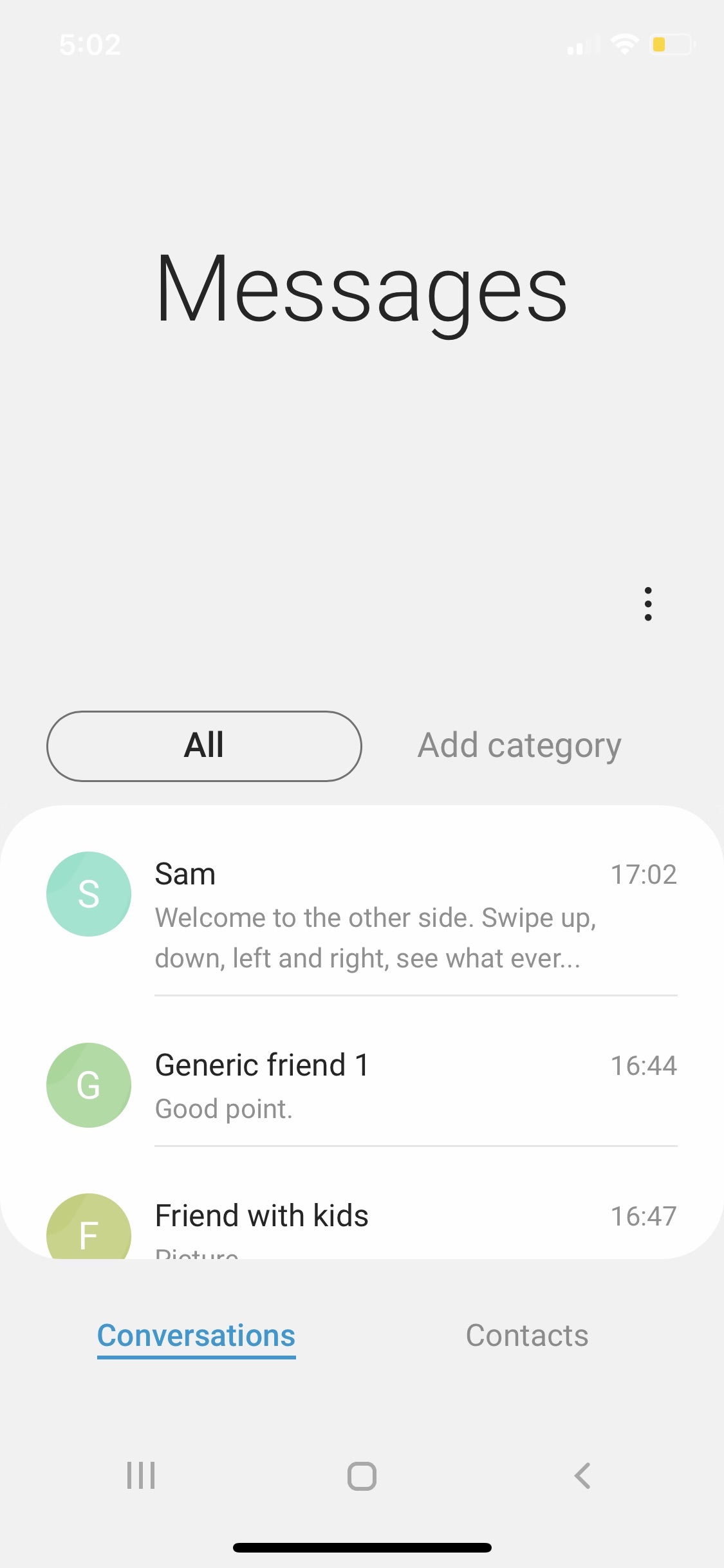
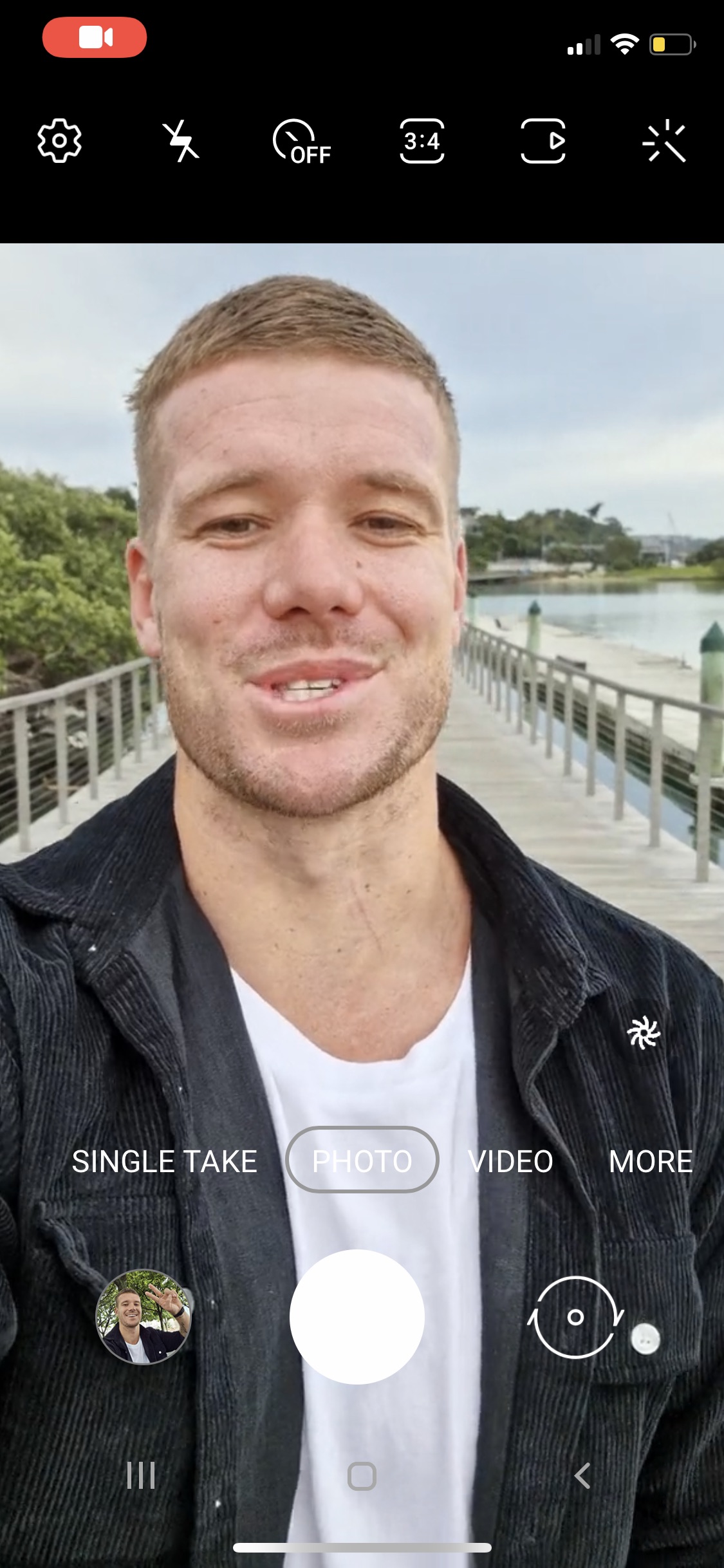
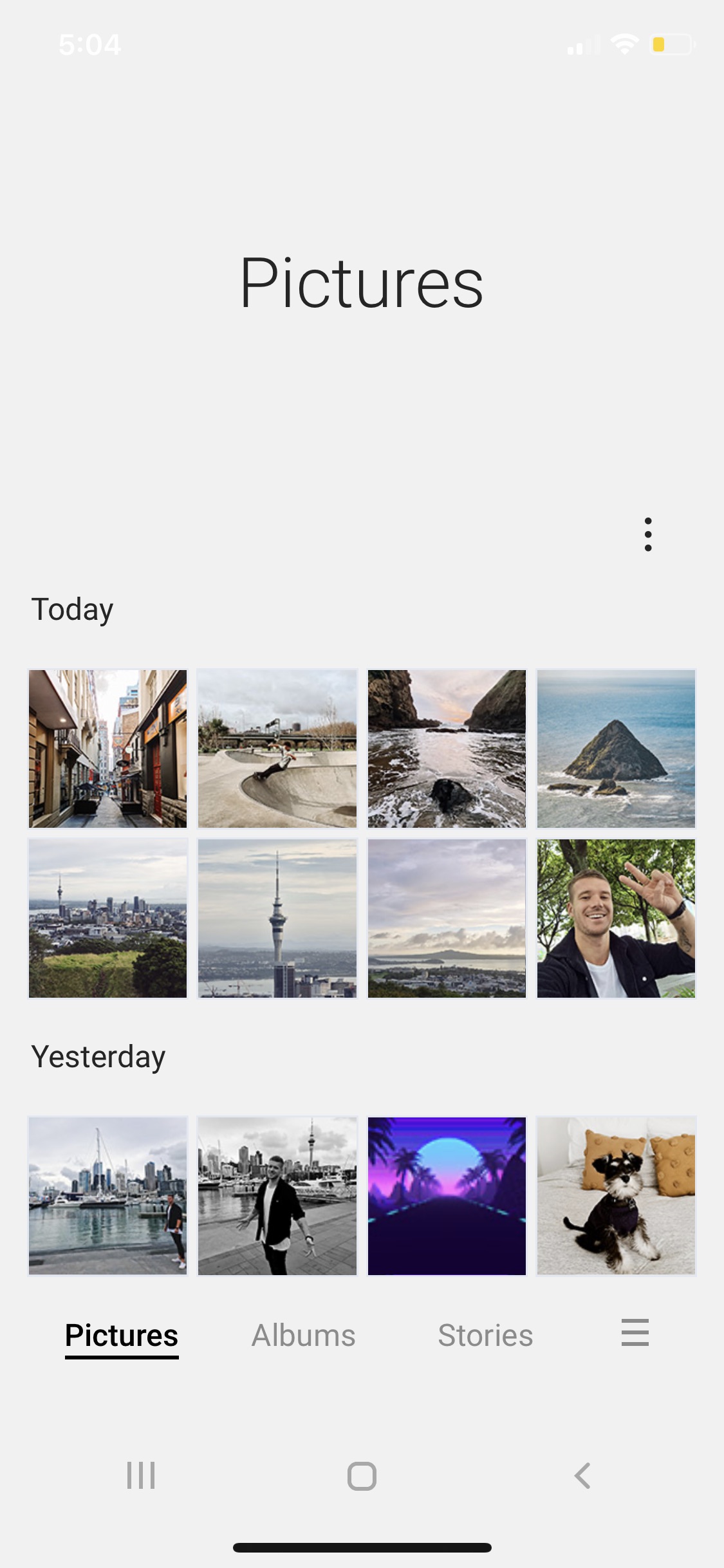
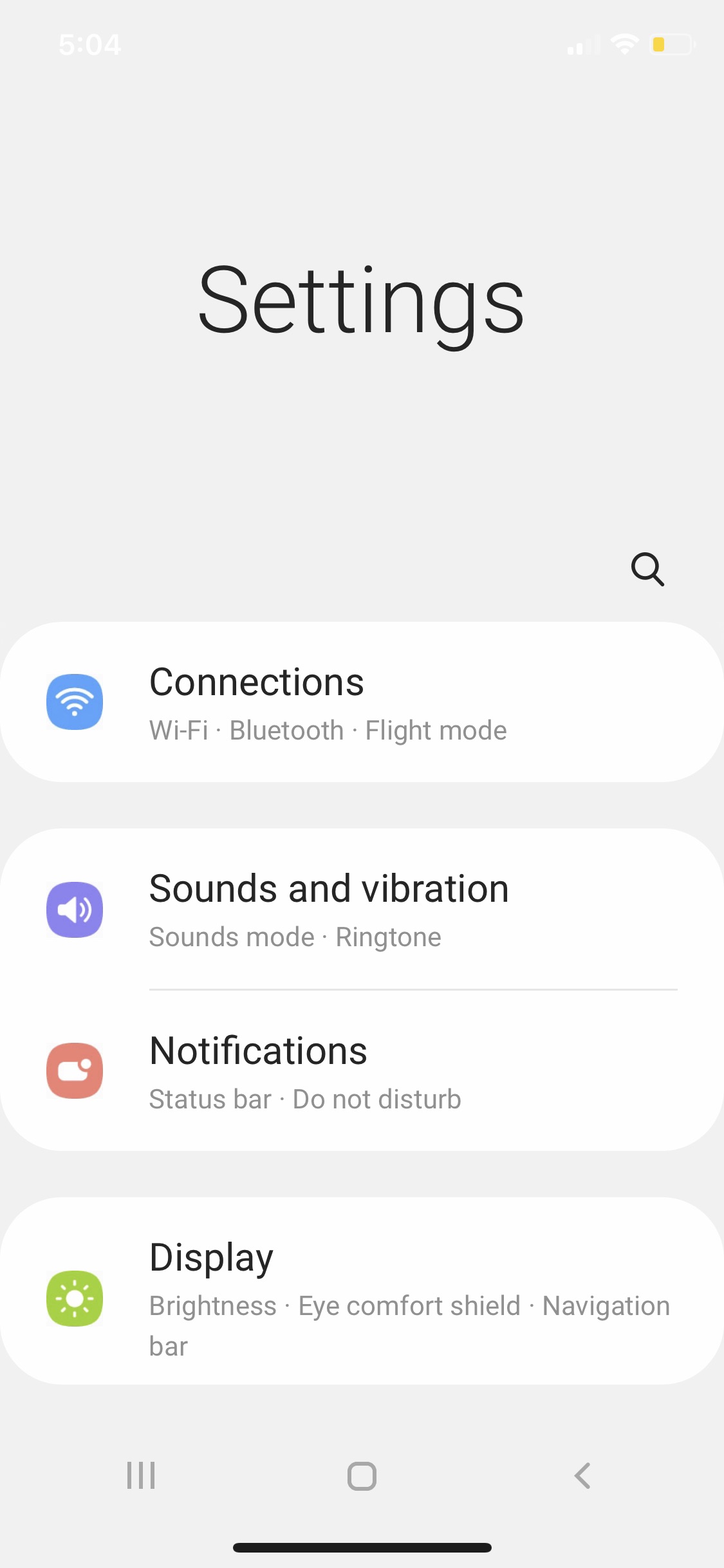
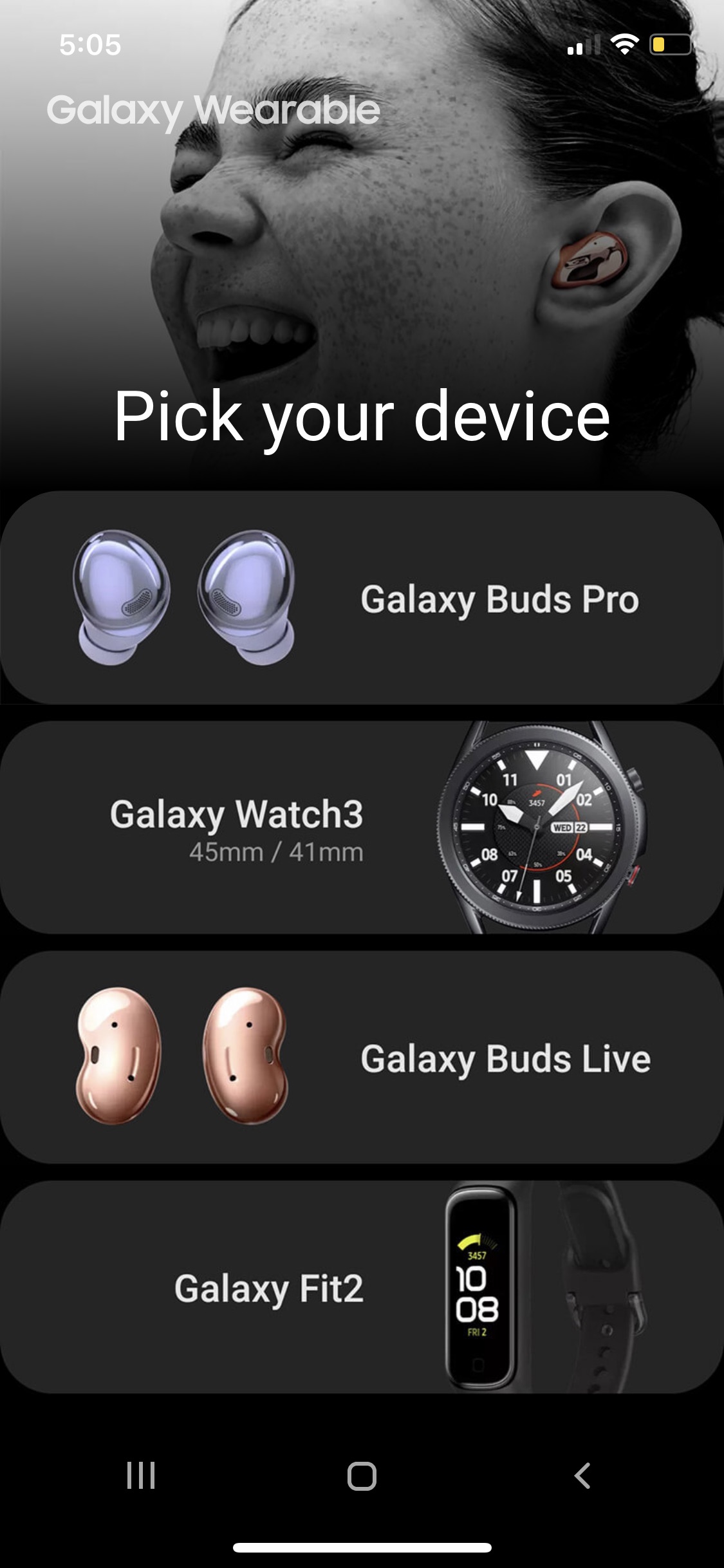
The Samsung iTest app can be installed by visiting "itest.nz" on your iPhone. You will be prompted to add the web app to your homescreen. Once the app is launched, you'll have access to typical a Galaxy smartphone interface. You can browse through various apps including phone, messages, camera, settings, and more.
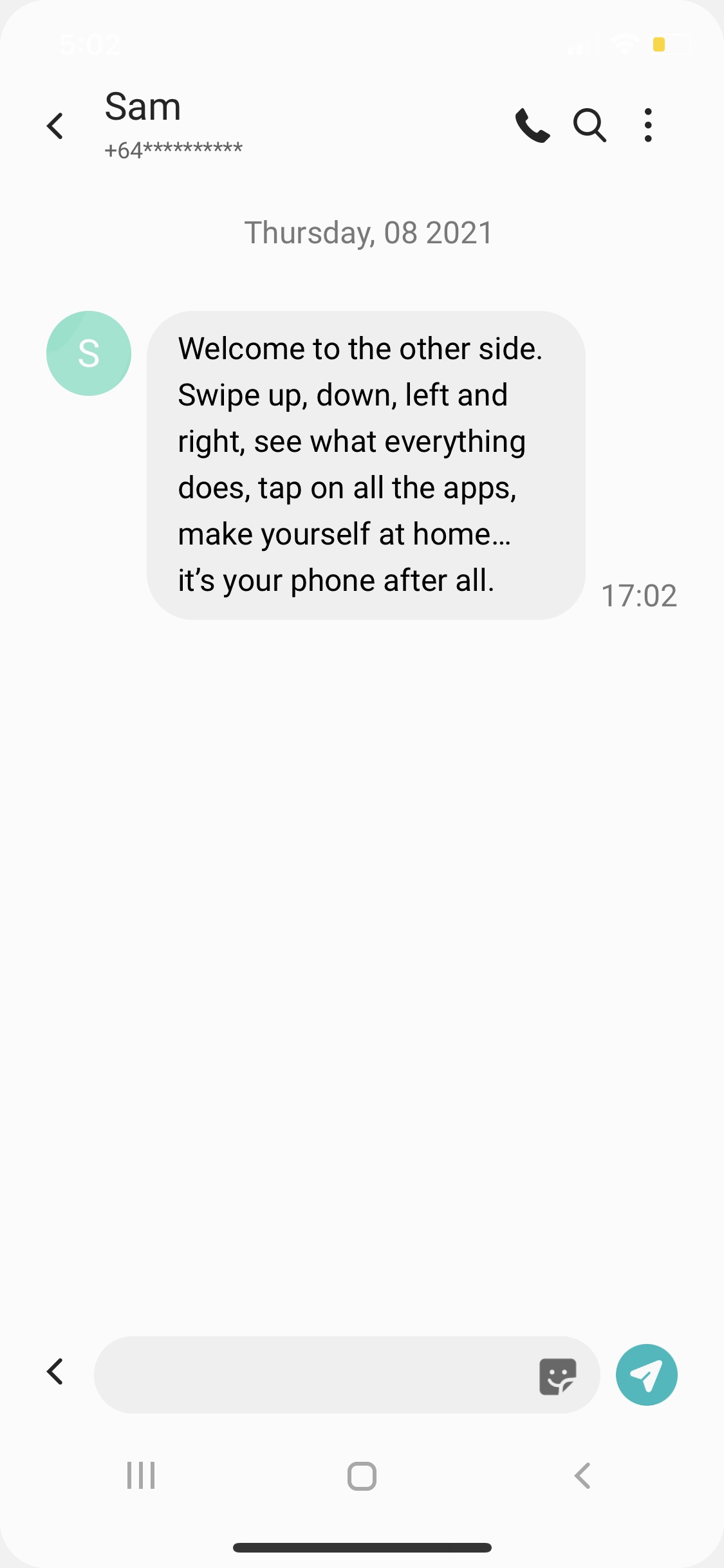
The camera app has a video walkthrough of its features and the messages app prompts you with text notifications highlighting various things to check out...
"Welcome to the other side. Swipe up, down, left and right, see what everything does, tap on all the apps, make yourself at home... it's your phone after all."
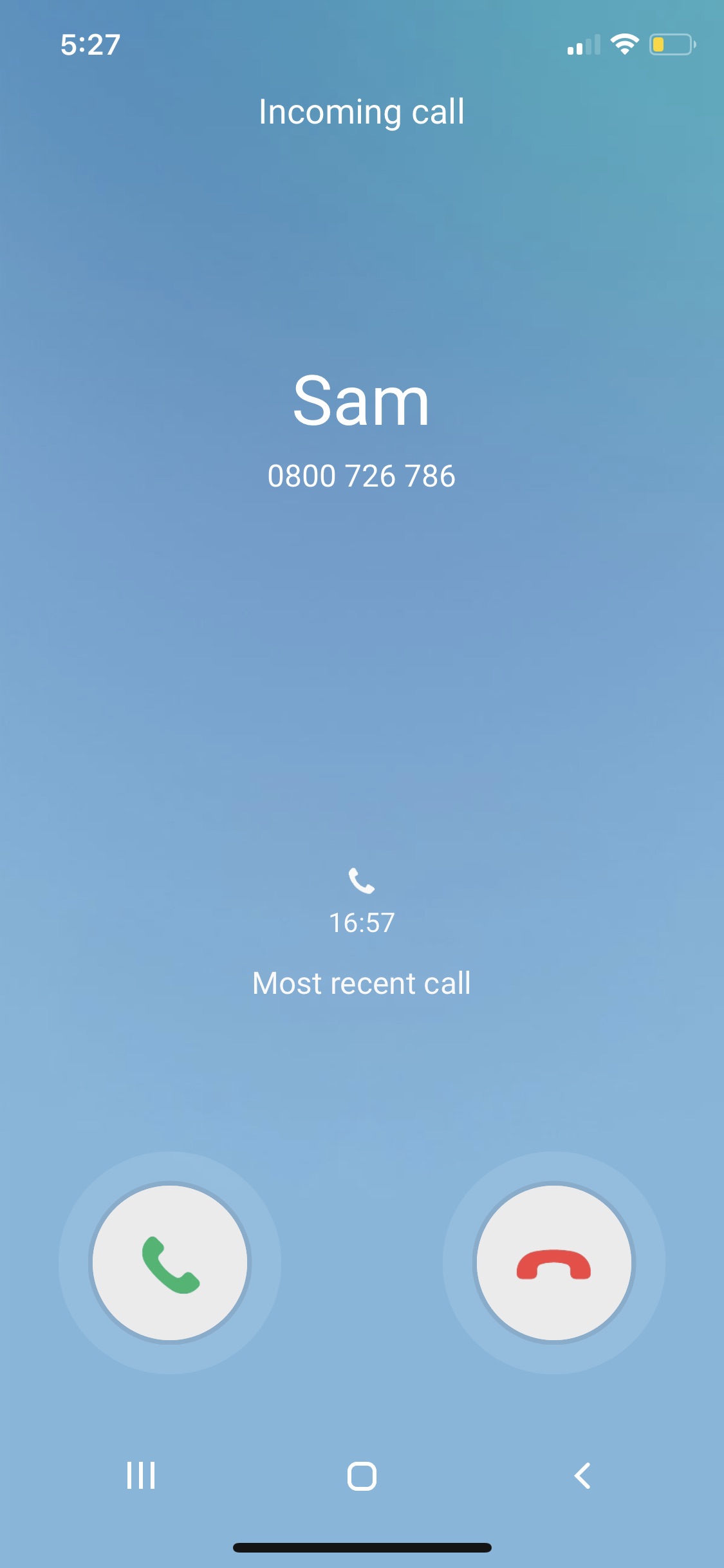
Samsung even replicates incoming calls.
Give it a try at the link below and let us know what you think!
Apple news, rumors, tutorials, price drop alerts, in your inbox every evening, free.
Unsubscribe at any time.
Success!
You have been subscribed.
Add Comment
Would you like to be notified when someone replies or adds a new comment?
Yes (All Threads)
Yes (This Thread Only)
No
Notifications
Would you like to be notified when we post a new Apple news article or tutorial?
Yes
No
Comments (2)
Comments are closed for this article.
0
AoS_HJ - April 8, 2021 at 11:54pm
The irony is it’ll run better on an iPhone than on an Android. I’ve got a Galaxy Fold 2 with 12gb of ram and it uses almost half of that with no apps running!!!! Ridiculous! Needless to say I’m back using an iPhone.





![Pro Photographer Austin Mann Tests iPhone 18 Pro Camera [Video]](/images/news/102297/102297/102297-160.jpg "Pro Photographer Austin Mann Tests iPhone 18 Pro Camera [Video]")

![Apple Releases Xcode 27.1 Beta With iPhone Duo SDKs and Simulator [Download]](/images/news/102276/102276/102276-160.jpg "Apple Releases Xcode 27.1 Beta With iPhone Duo SDKs and Simulator [Download]")
![Apple Shares 'new trick' Shot on iPhone 18 Pro Ad Featuring ROSÉ [Video]](/images/news/102273/102273/102273-160.jpg "Apple Shares 'new trick' Shot on iPhone 18 Pro Ad Featuring ROSÉ [Video]")









![Apple Studio Display XDR Hits All-Time Low of $2,969.99 ($329 Off) [Deal]](/images/news/101976/101976/101976-160.jpg "Apple Studio Display XDR Hits All-Time Low of $2,969.99 ($329 Off) [Deal]")
