

Apple has issued a Thunderbolt Firmware Update for devices that feature the new high speed port.
About Thunderbolt Firmware Update
This update provides Thunderbolt performance and stability fixes.
When your computer restarts a gray screen will appear with a status bar to indicate the progress of the update.
Do not disturb or shut off the power on your computer during this update.
You can install the new firmware by selecting Software Update from the Apple menu at the top left of your screen.
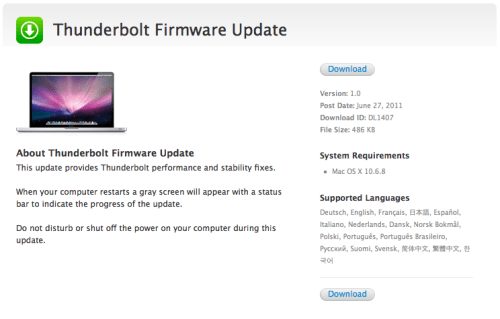
About Thunderbolt Firmware Update
This update provides Thunderbolt performance and stability fixes.
When your computer restarts a gray screen will appear with a status bar to indicate the progress of the update.
Do not disturb or shut off the power on your computer during this update.
You can install the new firmware by selecting Software Update from the Apple menu at the top left of your screen.







![How To Change Wallpaper on Mac [Video]](/images/tutorials/90512/90512/90512-160.jpg "How To Change Wallpaper on Mac [Video]")
![How To Turn Off Always On Display on iPhone [Video]](/images/tutorials/87524/87524/87524-160.jpg "How To Turn Off Always On Display on iPhone [Video]")





![16-Inch M5 Max MacBook Pro Drops $900 to New Low of $3,499 [Deal]](/images/news/102438/102438/102438-160.jpg "16-Inch M5 Max MacBook Pro Drops $900 to New Low of $3,499 [Deal]")
![Magic Keyboard for iPad Air Drops to $200 on Amazon [Deal]](/images/news/102402/102402/102402-160.jpg "Magic Keyboard for iPad Air Drops to $200 on Amazon [Deal]")
