Apple is now allowing developers to migrate their MobileMe accounts to iCloud. Those developers want to give it a try should sign in to MobileMe then navigate to http://www.me.com/move.
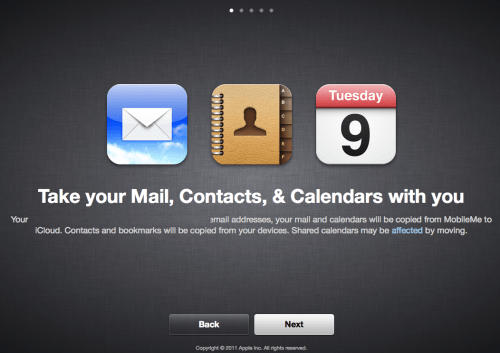
Your email addresses, you mail and calendars will be copied from MobileMe to iCloud. Contacts and bookmarks will be copied from your devices. Shared calendars may be affected by moving.
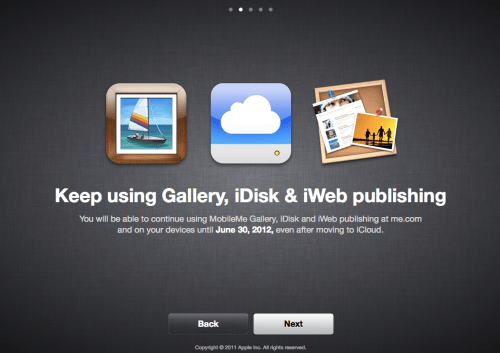
You will be able to continue using MobileMe Gallery, iDisk, and iWeb publishing at me.com and on your devices until June 30,2012, even after moving to iCloud.
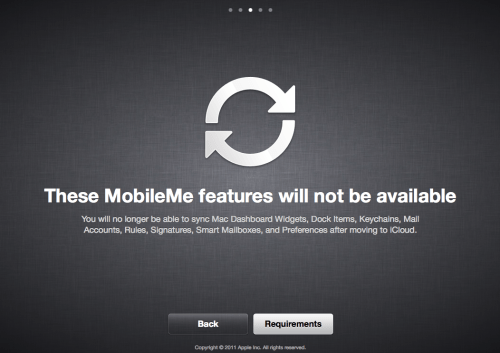
You will no longer be able to sync Mac Dashboard Widgets, Dock Items, Keychains, Mail Accounts, Rules, Signatures, Smart Mailboxes, and Preferences after moving to iCloud.
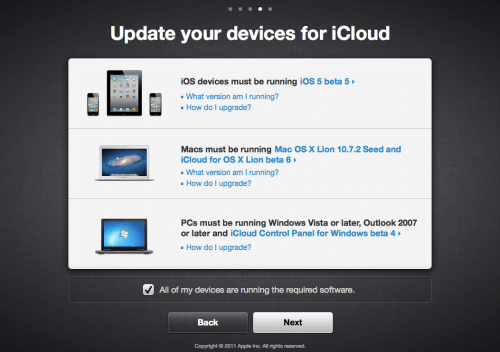
iOS devices must be running iOS 5 beta 5, Macs must be running Mac OS X Lion 10.7.2 Seed and iCloud for OS X Lion beta 6. PCs must be running Windows Vista or later, Outlook 2007 or later and iCloud Control Panel for Windows beta 4.
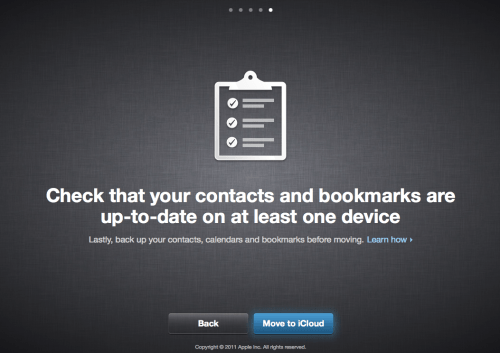
Lastly backup your contacts, calendars and bookmarks before moving.
[via Abbass]
Get the iClarified Daily Newsletter
Apple news, rumors, tutorials, price drop alerts, in your inbox every evening, free.
Unsubscribe at any time.
Success!
You have been subscribed.
Add Comment
Would you like to be notified when someone replies or adds a new comment?
Yes (All Threads)
Yes (This Thread Only)
No
Notifications
Would you like to be notified when we post a new Apple news article or tutorial?









![How To Change Wallpaper on Mac [Video]](/images/tutorials/90512/90512/90512-160.jpg "How To Change Wallpaper on Mac [Video]")
![How To Turn Off Always On Display on iPhone [Video]](/images/tutorials/87524/87524/87524-160.jpg "How To Turn Off Always On Display on iPhone [Video]")





![16-Inch M5 Max MacBook Pro Drops $900 to New Low of $3,499 [Deal]](/images/news/102438/102438/102438-160.jpg "16-Inch M5 Max MacBook Pro Drops $900 to New Low of $3,499 [Deal]")
![Magic Keyboard for iPad Air Drops to $200 on Amazon [Deal]](/images/news/102402/102402/102402-160.jpg "Magic Keyboard for iPad Air Drops to $200 on Amazon [Deal]")
