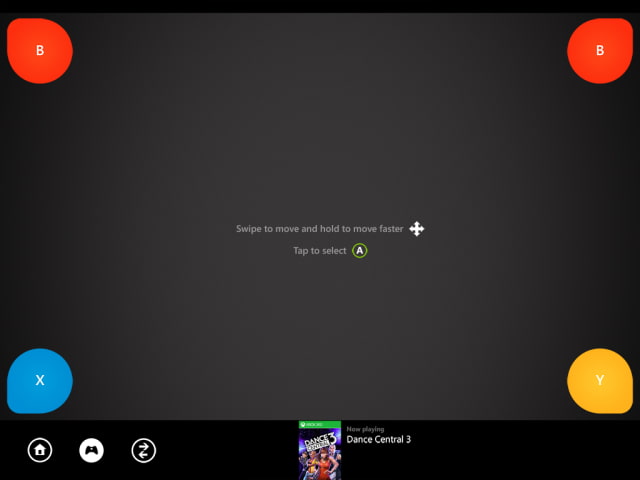
Microsoft updated its Xbox Live app as Xbox SmartGlass bringing the ability to navigate the Xbox 360 from your iOS device.
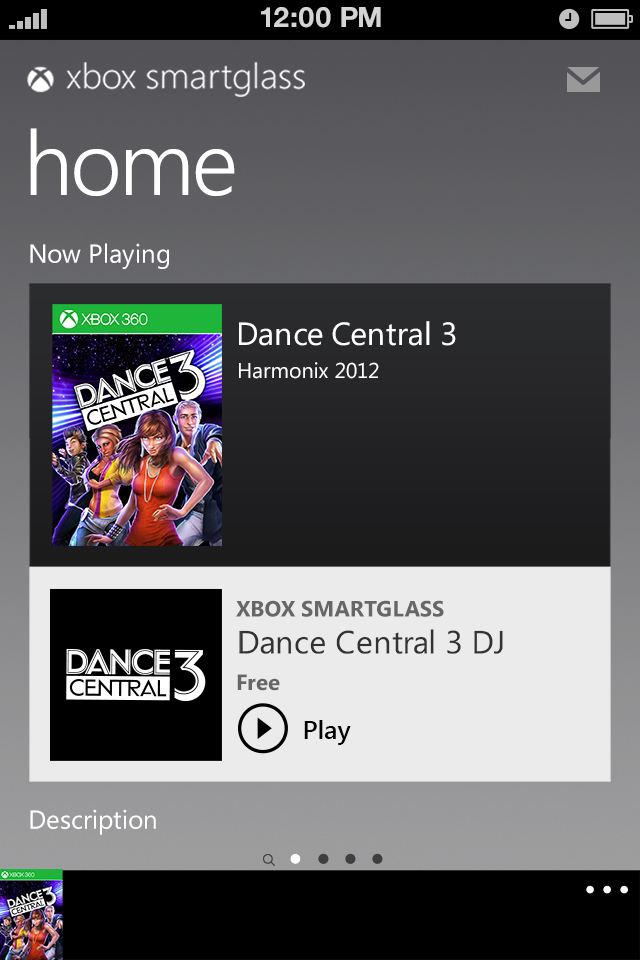
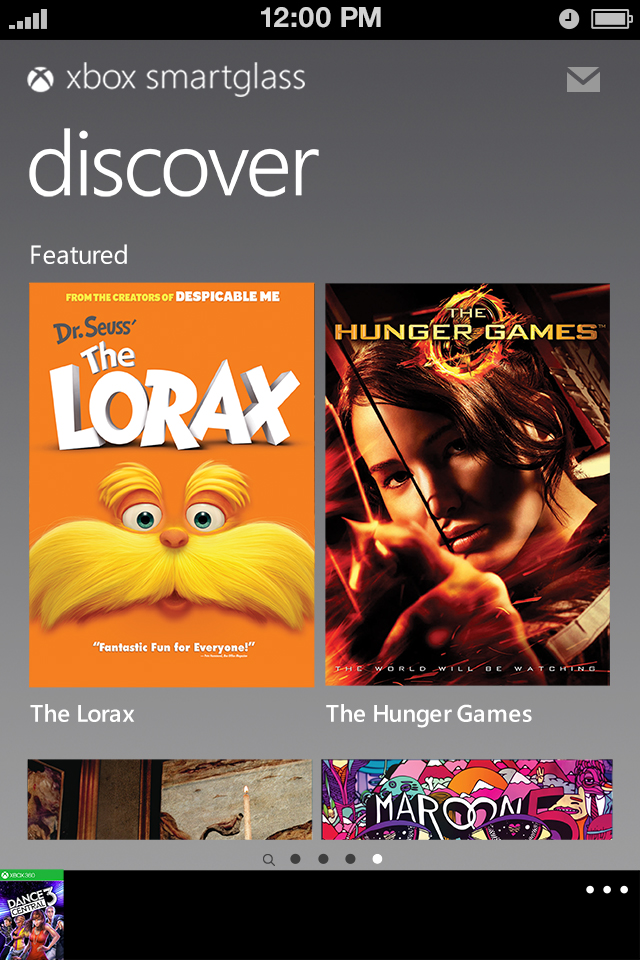
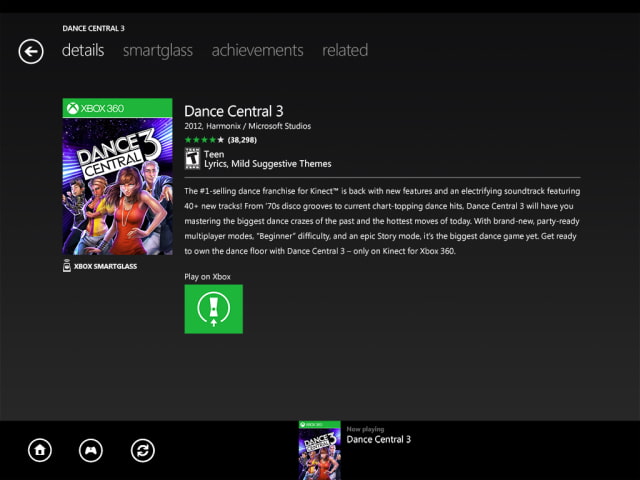
Use Xbox SmartGlass to enhance your entertainment on Xbox 360. Xbox SmartGlass lets your device work with your Xbox 360 console to bring rich, interactive experiences and unique content about what you’re watching or playing, right to the device that’s already in your hand. Interact with your favorite TV shows, movies, music, sports, and games, and bring remote control to a whole new level.
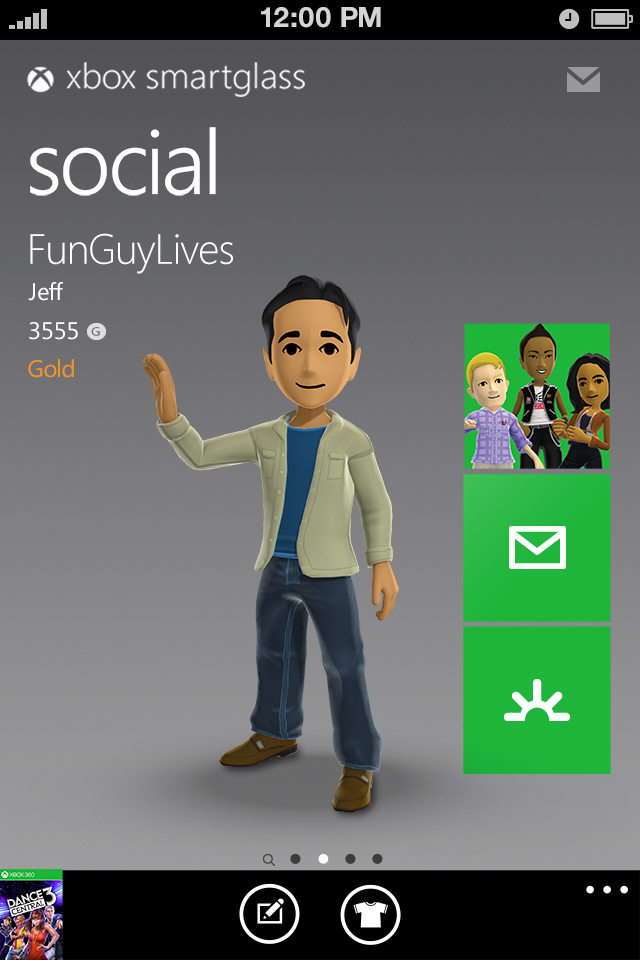
You can also connect with your Xbox friends, track and compare your achievements, and change up your 3D avatar.
What's New In This Version: Xbox SmartGlass lets you: • Navigate your Xbox 360 with swipe and tap • Use your phone’s keyboard to type to your Xbox 360 • Browse the Internet on your Xbox 360 with full keyboard and zooming • Play, pause, fast forward, rewind, and stop videos and music on your Xbox 360 • Search the full Xbox catalog of music, video, and games • Enjoy rich, interactive experiences from select game and entertainment content creators • Track and compare your achievements with your Xbox friends • Change up your 3D avatar • Message your Xbox friends • Edit your Xbox profile
You can download Xbox SmartGlass from the App Store for free.
Get the iClarified Daily Newsletter
Apple news, rumors, tutorials, price drop alerts, in your inbox every evening, free.
Unsubscribe at any time.
Success!
You have been subscribed.
Add Comment
Would you like to be notified when someone replies or adds a new comment?
Yes (All Threads)
Yes (This Thread Only)
No
Notifications
Would you like to be notified when we post a new Apple news article or tutorial?









![How To Change Wallpaper on Mac [Video]](/images/tutorials/90512/90512/90512-160.jpg "How To Change Wallpaper on Mac [Video]")
![How To Turn Off Always On Display on iPhone [Video]](/images/tutorials/87524/87524/87524-160.jpg "How To Turn Off Always On Display on iPhone [Video]")





![16-Inch M5 Max MacBook Pro Drops $900 to New Low of $3,499 [Deal]](/images/news/102438/102438/102438-160.jpg "16-Inch M5 Max MacBook Pro Drops $900 to New Low of $3,499 [Deal]")
![Magic Keyboard for iPad Air Drops to $200 on Amazon [Deal]](/images/news/102402/102402/102402-160.jpg "Magic Keyboard for iPad Air Drops to $200 on Amazon [Deal]")
