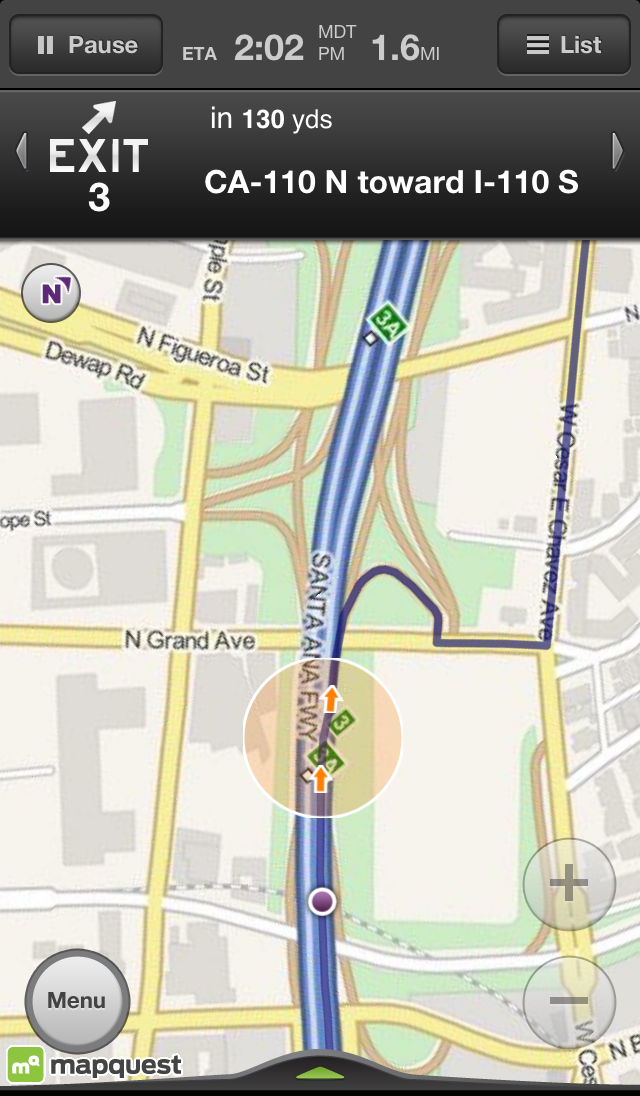
MapQuest for iPhone has been updated with traffic-optimized routing.
MapQuest is a top provider of FREE voice-guided, turn-by-turn, GPS navigation for iPhone. Much like those expensive GPS units, this free app speaks to you, telling you when and where to make a turn. Easily search for restaurants & other popular places with a single tap. Stay on schedule by checking live traffic en route. And, If you take a wrong turn, MapQuest re-routes you automatically. Download the FREE app today!
Features: • Voice-guided, Turn-by-Turn Directions – Like a GPS, your phone speaks to you. • Simplified Search – Look for restaurants, gas stations & more with a tap. • (NEW!) Traffic-optimized routing – we continually check traffic along your route and adjust if congestion is detected • Live Traffic Display – Updated every 5 minutes. • Walking & Driving Directions – Either way, we'll give you the best route. • MORE: Multiple-stop routes, landscape view, customizable avatars and more!
What's New In This Version: • Traffic-optimized routing – we continually check traffic along your route and adjust if congestion is detected
You can download MapQuest from the App Store for free.