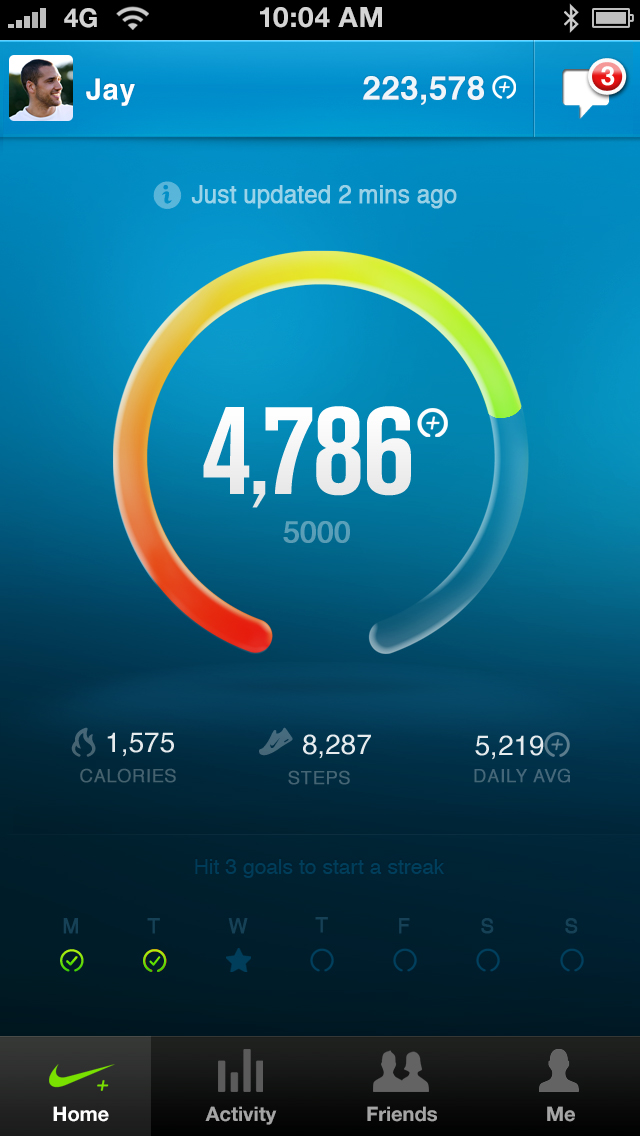
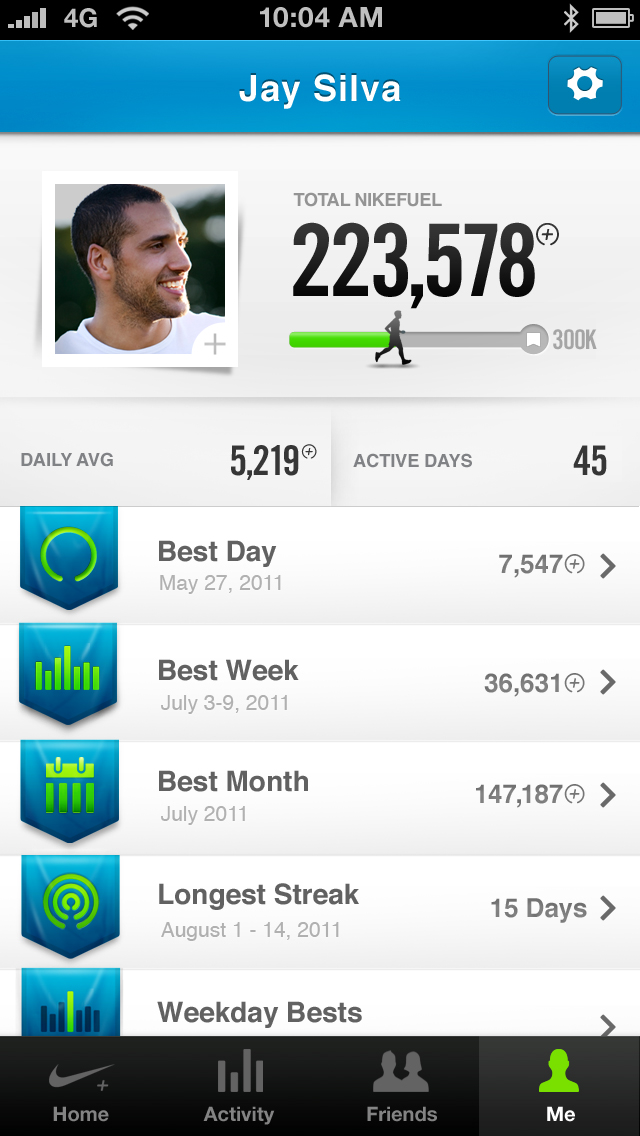
Nike has updated its Nike+ FuelBand app with the ability to add friends, create custom leader boards, and share you achievements. To use the app you need a Nike+ FuelBand.
Nike+ FuelBand measures your everyday activity and turns it into NikeFuel. It also tracks each step and calories burned. You Nike+ FuelBand wirelessly connects to your app, allowing you to see your progress on your mobile device and get the motivation you need to get moving.
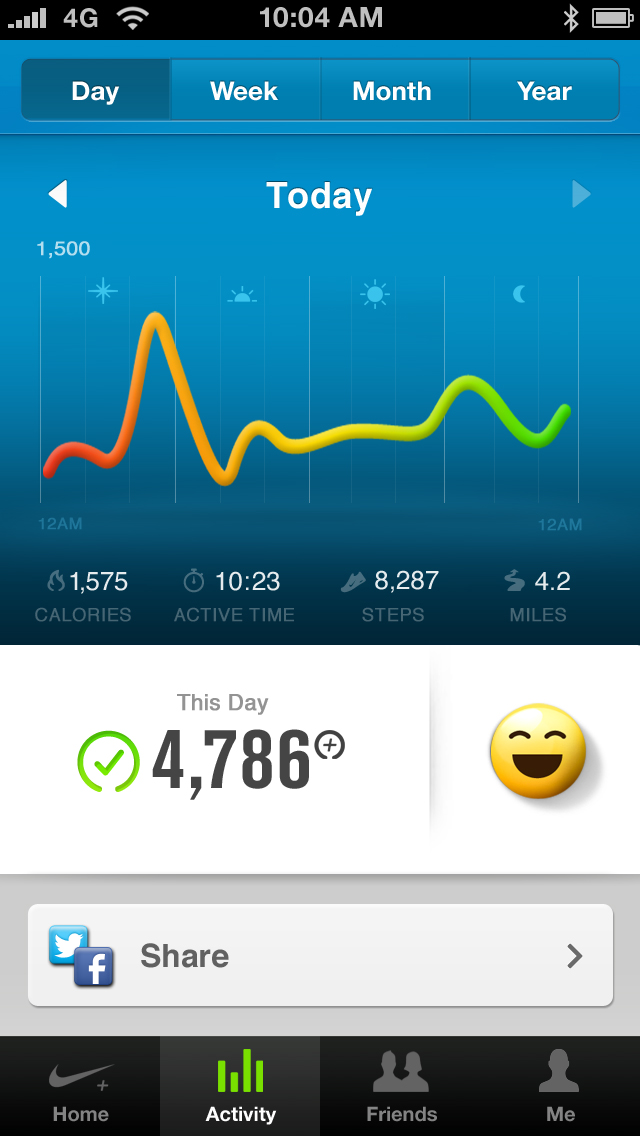
Features: • See your daily activity breakdown and view your progress by week, month or year. • Automatically send all your information to your Nike+ profile online. • Unlock achievements, view the celebrations and save your badges in your trophy case. Bragging optional. • Share your NikeFuel and achievements with friends on Facebook and Twitter. Get cheered on and stay motivated. • Connect, compare and compete with your Facebook friends. • Customize the display on your Nike+ FuelBand or change your Daily Goal — right from the app.
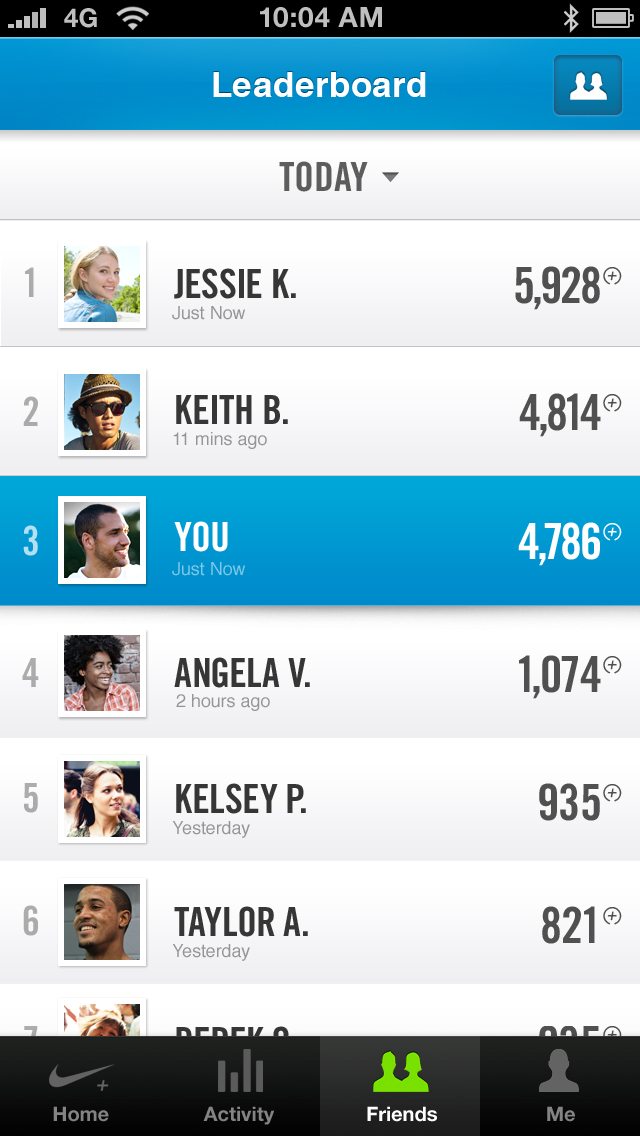
What's New In This Version: FRIENDS: Introducing Nike+ Friends Have friends with a Nike+ FuelBand? See where they stack up on your custom leader board.
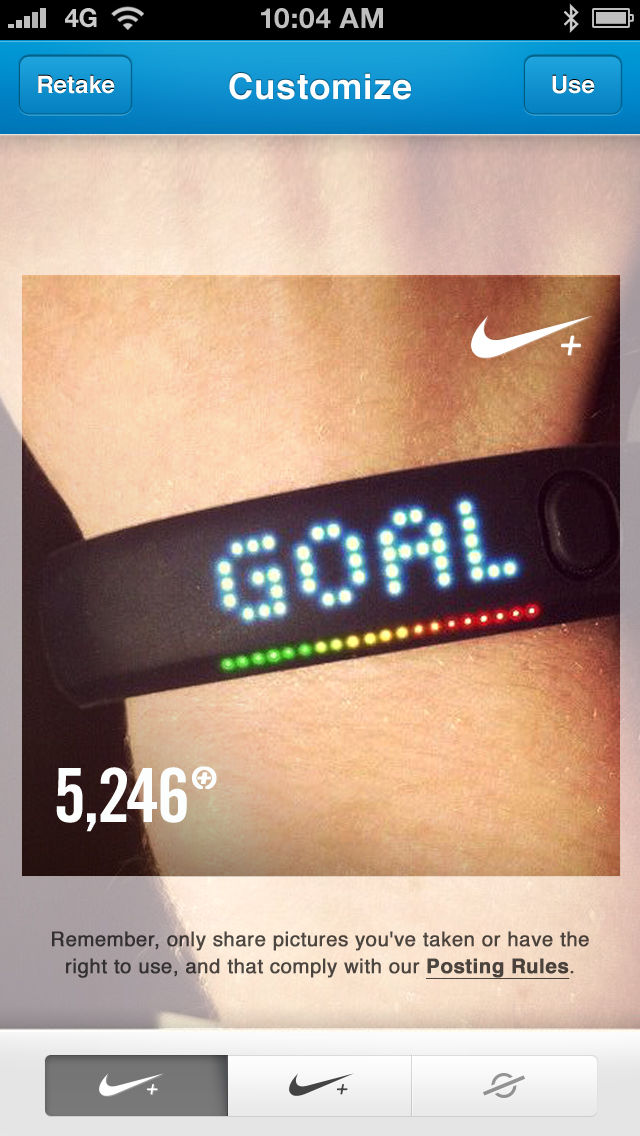
SHARING: Tell Your Story Just had your best day ever? Add a photo and share it to highlight where you were and who you were with when you hit your goal.
You can download Nike+ FuelBand from the App Store for free.
Get the iClarified Daily Newsletter
Apple news, rumors, tutorials, price drop alerts, in your inbox every evening, free.
Unsubscribe at any time.
Success!
You have been subscribed.
Add Comment
Would you like to be notified when someone replies or adds a new comment?
Yes (All Threads)
Yes (This Thread Only)
No
Notifications
Would you like to be notified when we post a new Apple news article or tutorial?








![How To Change Wallpaper on Mac [Video]](/images/tutorials/90512/90512/90512-160.jpg "How To Change Wallpaper on Mac [Video]")
![How To Turn Off Always On Display on iPhone [Video]](/images/tutorials/87524/87524/87524-160.jpg "How To Turn Off Always On Display on iPhone [Video]")





![16-Inch M5 Max MacBook Pro Drops $900 to New Low of $3,499 [Deal]](/images/news/102438/102438/102438-160.jpg "16-Inch M5 Max MacBook Pro Drops $900 to New Low of $3,499 [Deal]")
![Magic Keyboard for iPad Air Drops to $200 on Amazon [Deal]](/images/news/102402/102402/102402-160.jpg "Magic Keyboard for iPad Air Drops to $200 on Amazon [Deal]")
