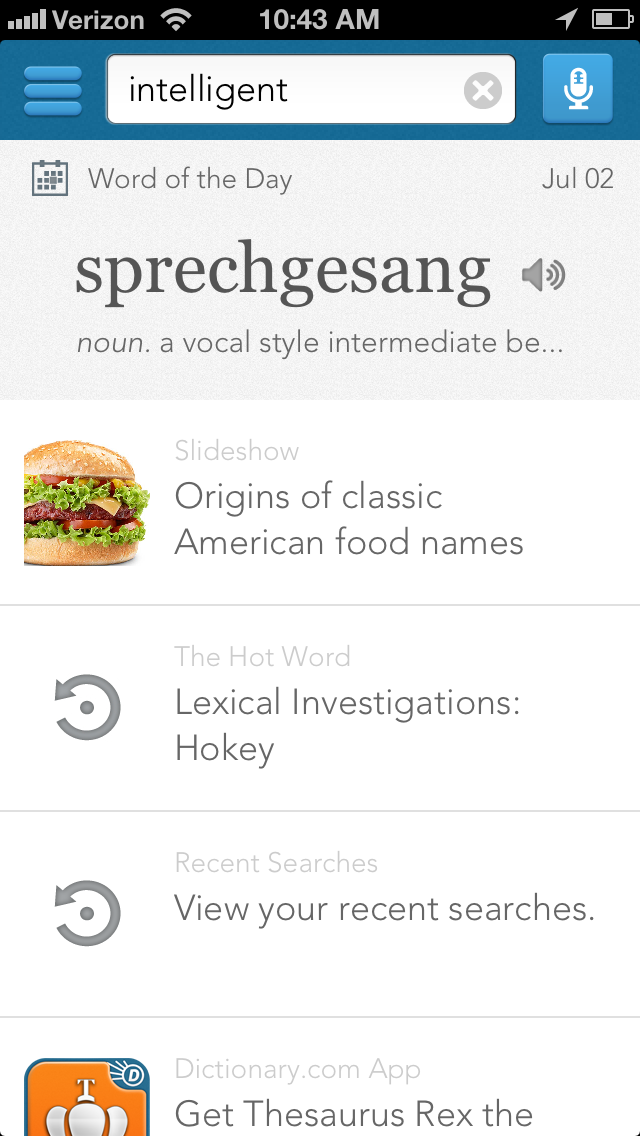
The Dictionary.com app has been updated with hundreds of new words, new home screen features, a new Rhyming Dictionary, and an enhanced language translator.
Top-rated app with trusted reference content from Dictionary.com & Thesaurus.com. WORKS OFFLINE - no Internet connection needed when searching words.
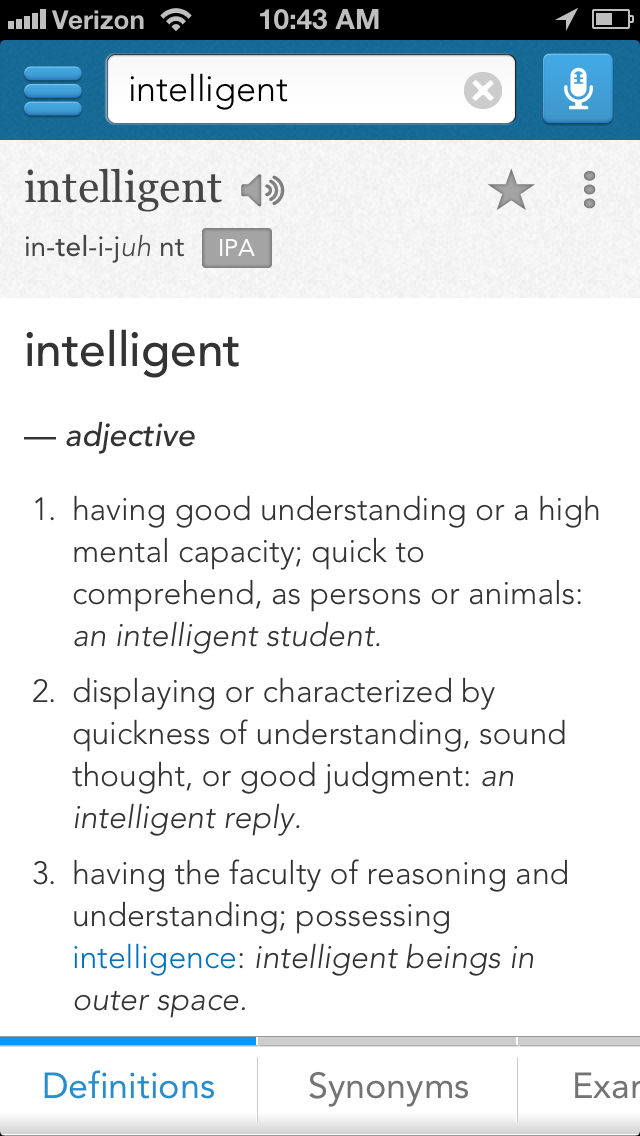
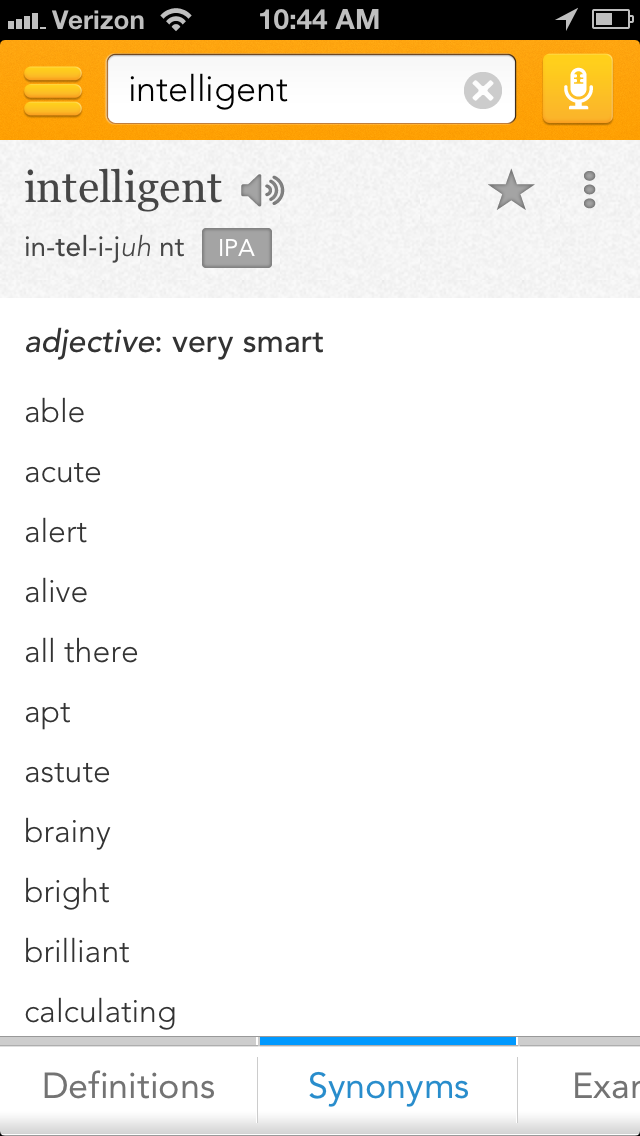
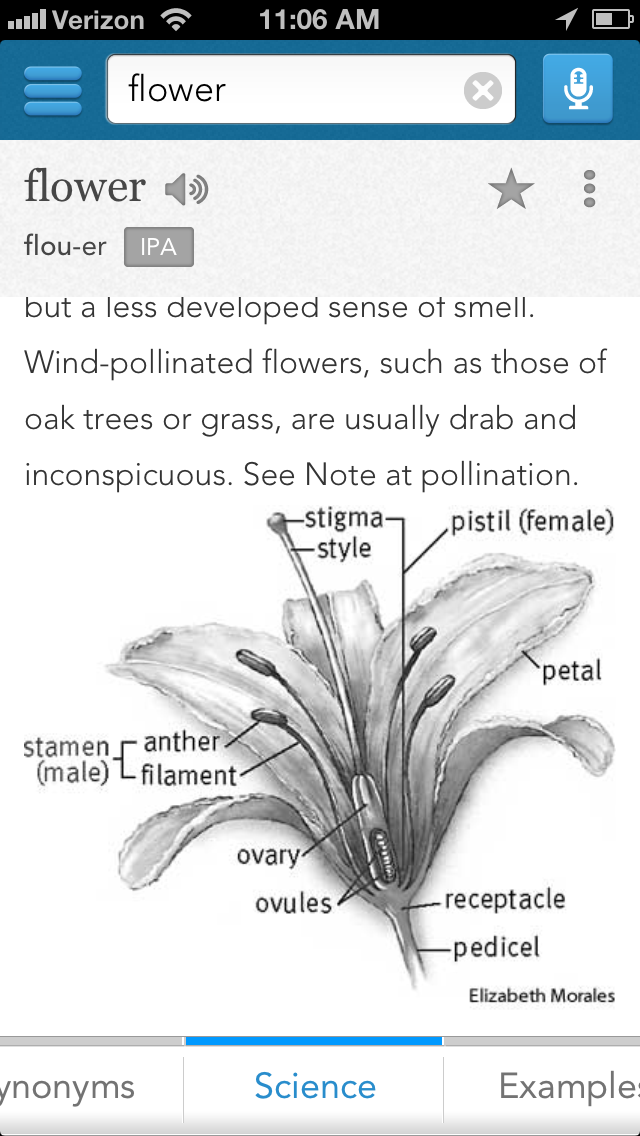
Features: • English Dictionary and Thesaurus - over 2,000,000 definitions, synonyms & antonyms • Offline access – no Internet connection needed for most content • Daily content, including Word of the Day & The Hot Word • Audio pronunciation • Example sentences • Word origin & history • Voice search (five free searches included) • Medical Dictionary with over 35,000 medical words & definitions available as a premium upgrade • Science Dictionary with over 23,000 science definitions & illustrations available as a premium upgrade • Translator with over 30 languages, perfect for ESL and reliable translations into English • Modern, up-to-date, Dictionary.com definitions & content • Customizable font sizes for better readability • Favorite words • Search history • Spelling suggestions • Popular & local trending searches
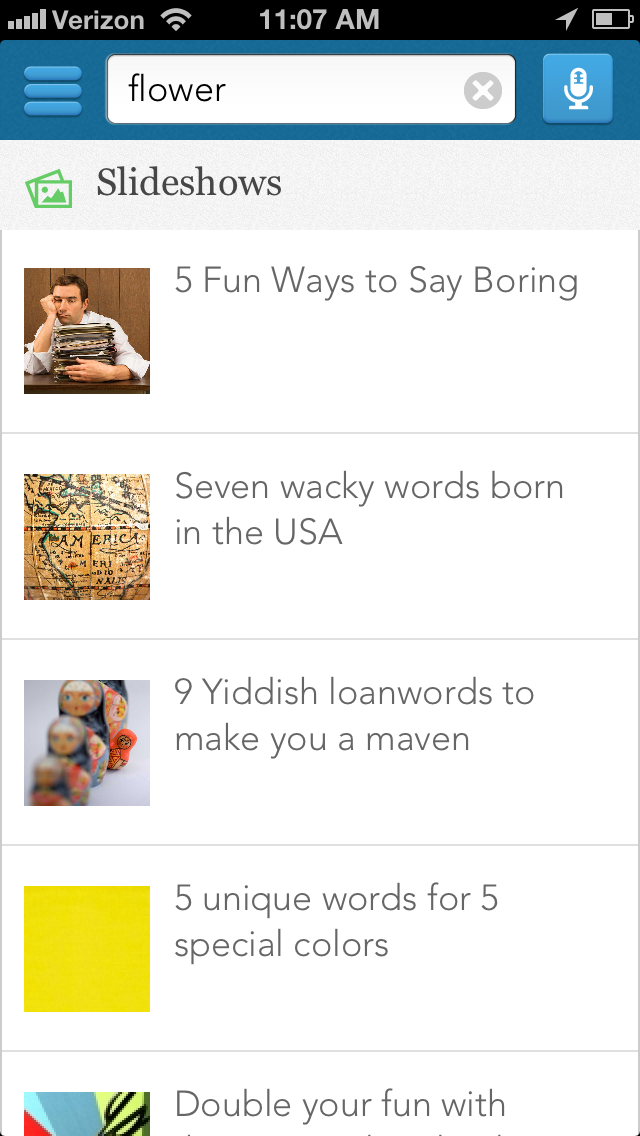
What's New In This Version: • New home screen features quick access to daily content including word slideshows and Hot Word • Hundreds of new words including: photobomb, attachment parenting, digital native, and more • New Rhyming Dictionary with over 500,000 rhyming words available as a premium upgrade • Enhanced language translator with over 30 languages
You can purchase Dictionary.com from the App Store for $0.99.
Get the iClarified Daily Newsletter
Apple news, rumors, tutorials, price drop alerts, in your inbox every evening, free.
Unsubscribe at any time.
Success!
You have been subscribed.
Add Comment
Would you like to be notified when someone replies or adds a new comment?
Yes (All Threads)
Yes (This Thread Only)
No
Notifications
Would you like to be notified when we post a new Apple news article or tutorial?
Yes
No
Comments (1)
Comments are closed for this article.
0
gamerscul9870 - July 17, 2013 at 1:32pm
Or just touch any word on ipad and it'll tell me the definition automatically.










![How To Change Wallpaper on Mac [Video]](/images/tutorials/90512/90512/90512-160.jpg "How To Change Wallpaper on Mac [Video]")
![How To Turn Off Always On Display on iPhone [Video]](/images/tutorials/87524/87524/87524-160.jpg "How To Turn Off Always On Display on iPhone [Video]")





![16-Inch M5 Max MacBook Pro Drops $900 to New Low of $3,499 [Deal]](/images/news/102438/102438/102438-160.jpg "16-Inch M5 Max MacBook Pro Drops $900 to New Low of $3,499 [Deal]")
![Magic Keyboard for iPad Air Drops to $200 on Amazon [Deal]](/images/news/102402/102402/102402-160.jpg "Magic Keyboard for iPad Air Drops to $200 on Amazon [Deal]")
