Hue Menu is a new Mac application that can control Philips Hue light bulbs from your menu bar.
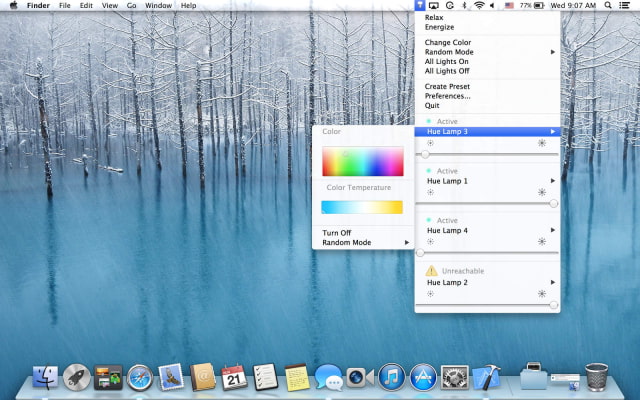
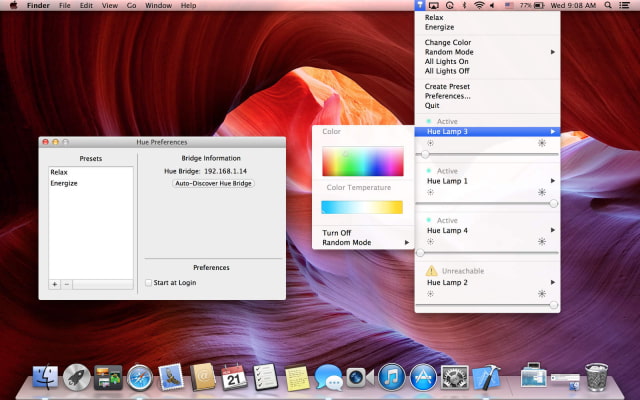
Hue Menu is a simple and delightful way to control your Philips Hue light bulbs right from your Mac's Menu Bar.
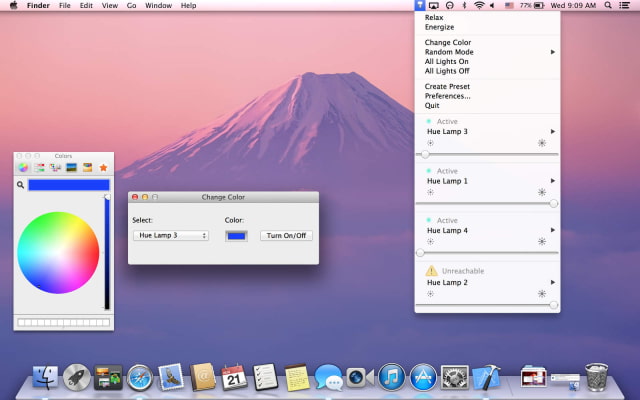
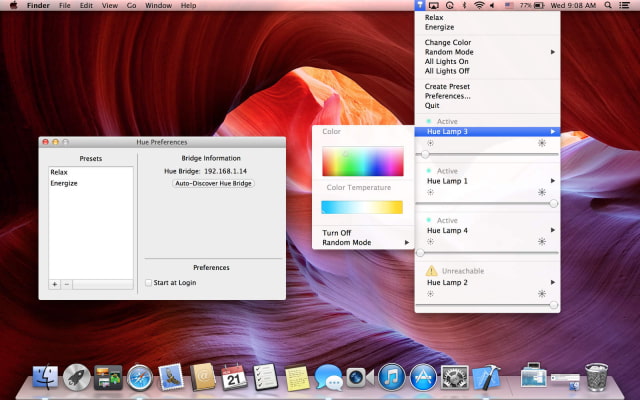
Features: - Change the colors of your lamps from the color charts in the menu or from the traditional Mac OS color Picker. - Create presets, so as to save the favorite colors for everyone of your light bulbs. - Select the random mode for all the lights or for a specific light bulb. It will change every 15 seconds the colours of the light(s) bulb(s). - Set the brightness, turn on/off all the lights or specific lamps. - Select a light bulb and a color from the color picker or by pointing your mouse's cursor on a color or a picture and pressing SHIFT+ALT and it will adjust the specified light accordingly.
You can purchase Hue Menu from the App Store for $2.99.
Get the iClarified Daily Newsletter
Apple news, rumors, tutorials, price drop alerts, in your inbox every evening, free.
Unsubscribe at any time.
Success!
You have been subscribed.
Add Comment
Would you like to be notified when someone replies or adds a new comment?
Yes (All Threads)
Yes (This Thread Only)
No
Notifications
Would you like to be notified when we post a new Apple news article or tutorial?









![How To Change Wallpaper on Mac [Video]](/images/tutorials/90512/90512/90512-160.jpg "How To Change Wallpaper on Mac [Video]")
![How To Turn Off Always On Display on iPhone [Video]](/images/tutorials/87524/87524/87524-160.jpg "How To Turn Off Always On Display on iPhone [Video]")





![16-Inch M5 Max MacBook Pro Drops $900 to New Low of $3,499 [Deal]](/images/news/102438/102438/102438-160.jpg "16-Inch M5 Max MacBook Pro Drops $900 to New Low of $3,499 [Deal]")
![Magic Keyboard for iPad Air Drops to $200 on Amazon [Deal]](/images/news/102402/102402/102402-160.jpg "Magic Keyboard for iPad Air Drops to $200 on Amazon [Deal]")
