Evernote has released an update to Skitch making it compatible with OS X Mavericks and adding new features including a redesigned toolbar.
Skitch lets you communicate your feedback and important ideas in an instant. Use Skitch to mark up a PDF, snap your screen, annotate a photo, or draw something new. Share your thoughts with friends or co-workers. Annotate images and PDFs with arrows, stamps, text, shapes, and more. Getting everything done just right has never been easier.
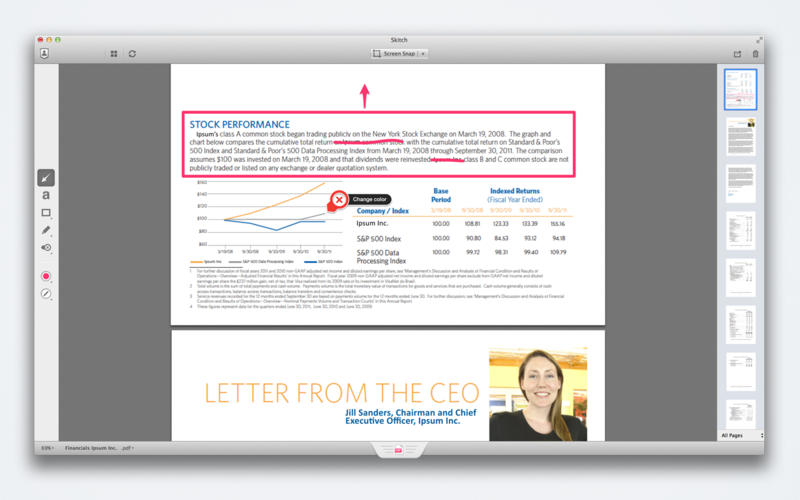
Fast, friendly feedback • Use shapes, text, stamps, highlighter and arrows to give quick feedback on any project • Great for design mockups, PDF document editing, and decision making • Easily share everything with your team
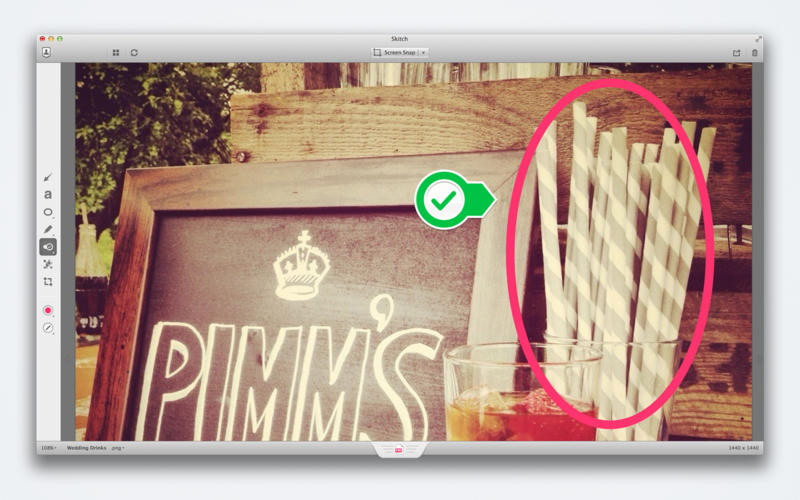
Perfect screenshots • Snap your screen, a webpage or a map • Add highlights and draw attention to what matters
Quick image editing • Zoom and crop your images • Pixelate portions of an image to obscure sensitive information
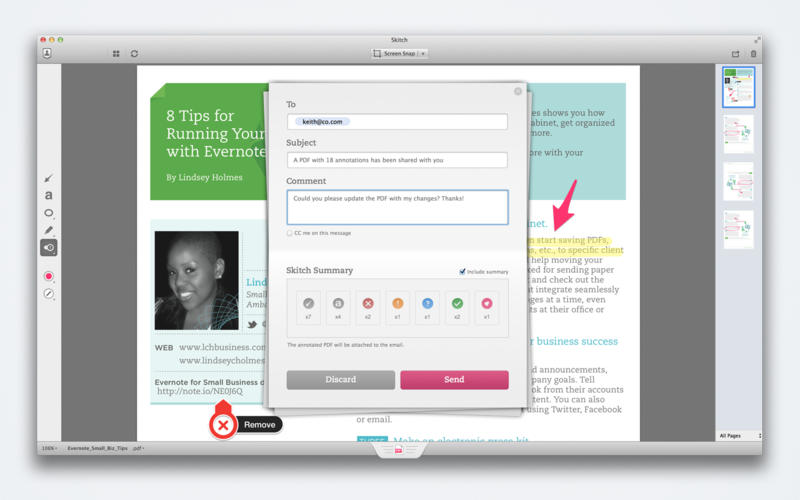
Simple sharing • Drag your work into any app that accepts images • Share over email or connect to Evernote for even more sharing options • Send annotated PDFs with a helpful summary page so recipients see your edits instantly
Get more by signing into Evernote: • Sync: Access all of your images, documents and annotations on any computer or device • Search: Find anything, even handwritten text, inside your Skitch Notes • Share: Post and share your ideas with friends, coworkers and the world
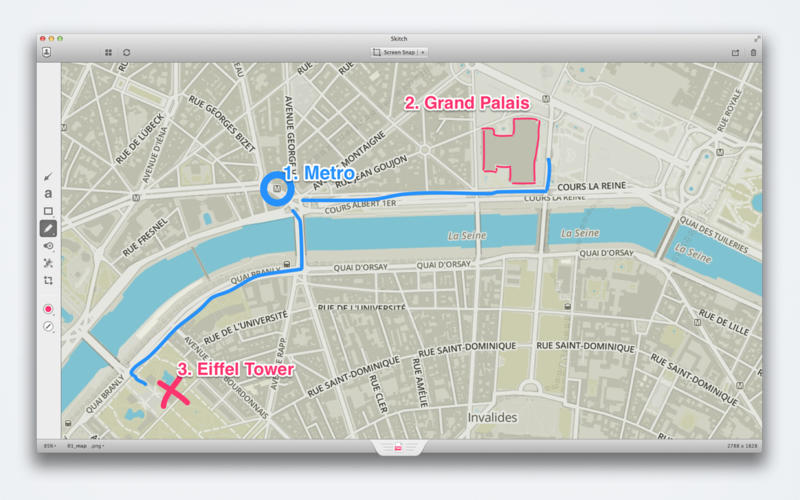
Here are some ways to use Skitch: • At work: Communicate design feedback by annotating a PDF and pointing out changes • At home: Annotate a photo of your living room to show movers where to put furniture • At a conference: Take a snapshot of people you meet, annotate it with their names • For personal information: Take a photo of a bill, then pixelate personal details before sharing • For directions: Draw a path on a map to help someone find your picnic spot
What's New In This Version: - 10.9 compatible - New app logo and branding for Skitch - Refreshed the Skitch app window to improve usability - Grouped all Evernote related functions (Login, Account Information, and Library) - Grouped all image output functions (Name, output file type, Drag Me, and image size) - Redesigned toolbar - Separated Color and Size selectors - Added ability to pin a sub-menu on the Toolbar to stay open - Updated Skitch Markup Engine which means better stability and performance - Lots of bug fixes
You can download Skitch from the App Store for free.









![How To Change Wallpaper on Mac [Video]](/images/tutorials/90512/90512/90512-160.jpg "How To Change Wallpaper on Mac [Video]")
![How To Turn Off Always On Display on iPhone [Video]](/images/tutorials/87524/87524/87524-160.jpg "How To Turn Off Always On Display on iPhone [Video]")





![16-Inch M5 Max MacBook Pro Drops $900 to New Low of $3,499 [Deal]](/images/news/102438/102438/102438-160.jpg "16-Inch M5 Max MacBook Pro Drops $900 to New Low of $3,499 [Deal]")
![Magic Keyboard for iPad Air Drops to $200 on Amazon [Deal]](/images/news/102402/102402/102402-160.jpg "Magic Keyboard for iPad Air Drops to $200 on Amazon [Deal]")
