

Apple has updated the iBookstore with the ability to gift iBooks on OS X and iOS.
As with the App Store, simply click the down arrow next to the price of the book to select "Gift This Book" from the contextual menu.
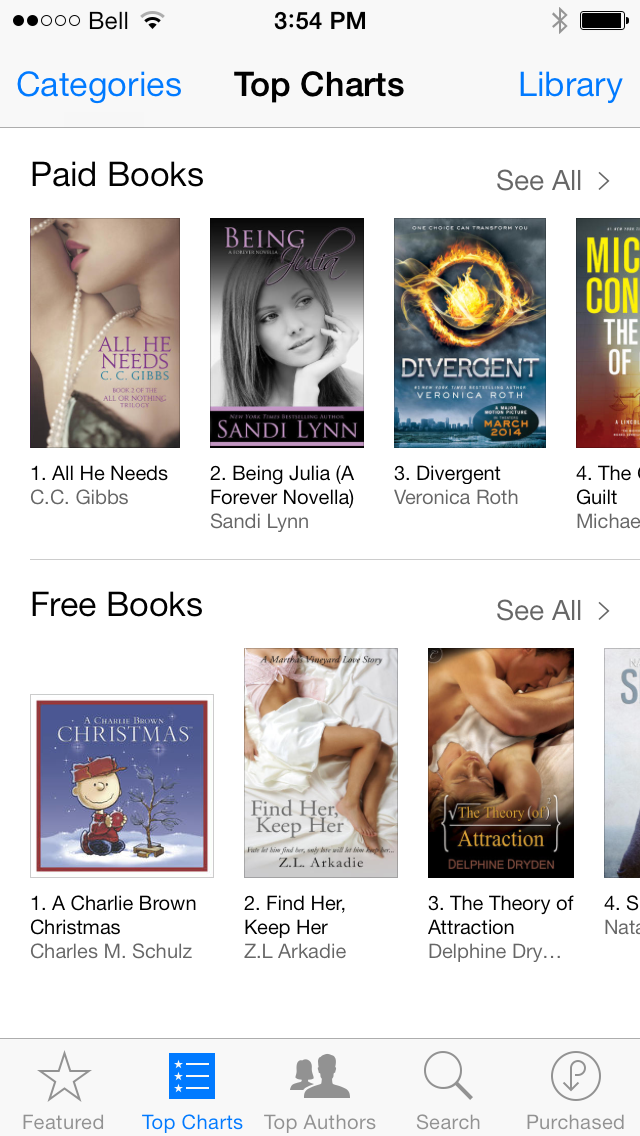
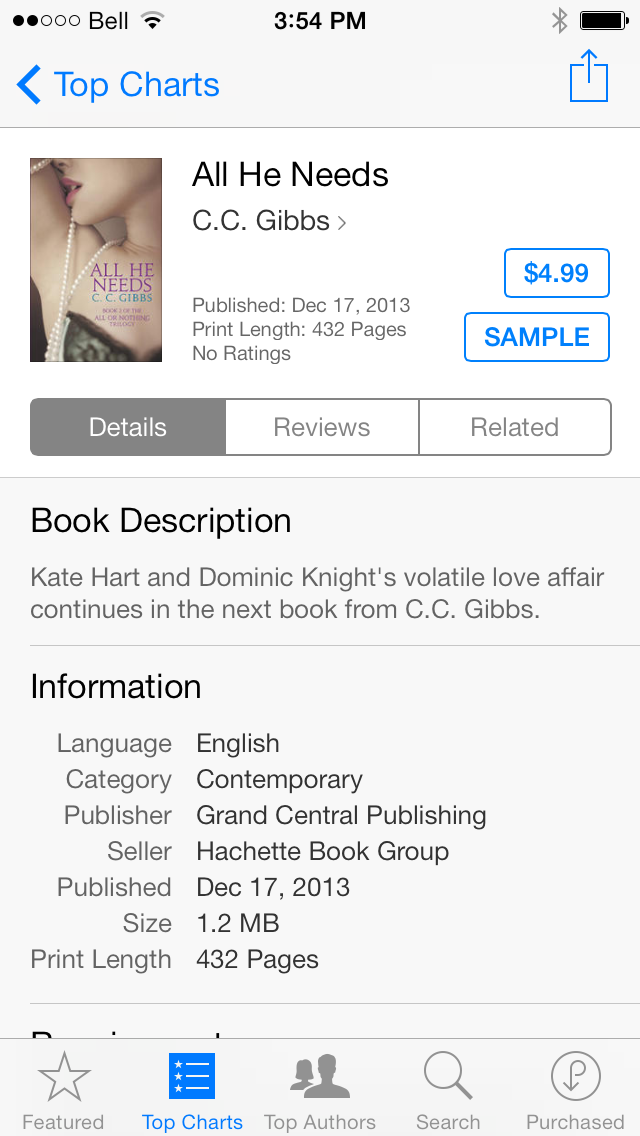
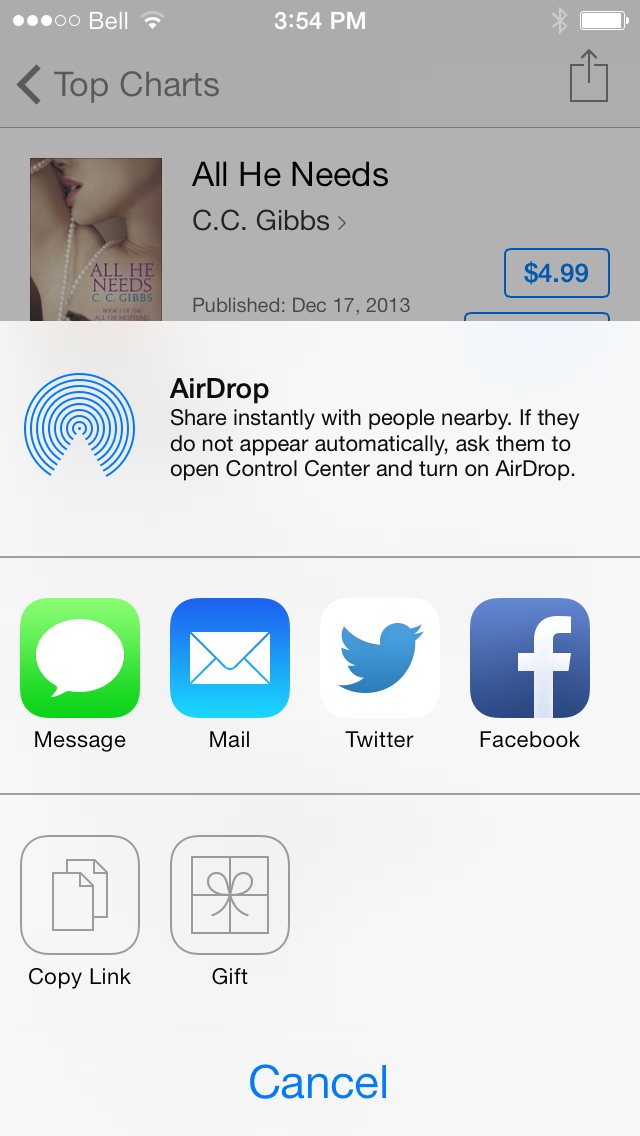
On iOS, you just tap the Share button to bring up the share sheet which now displays a new "Gift" option.
Please follow iClarified on X, Facebook, or RSS for more Apple news and tutorials.
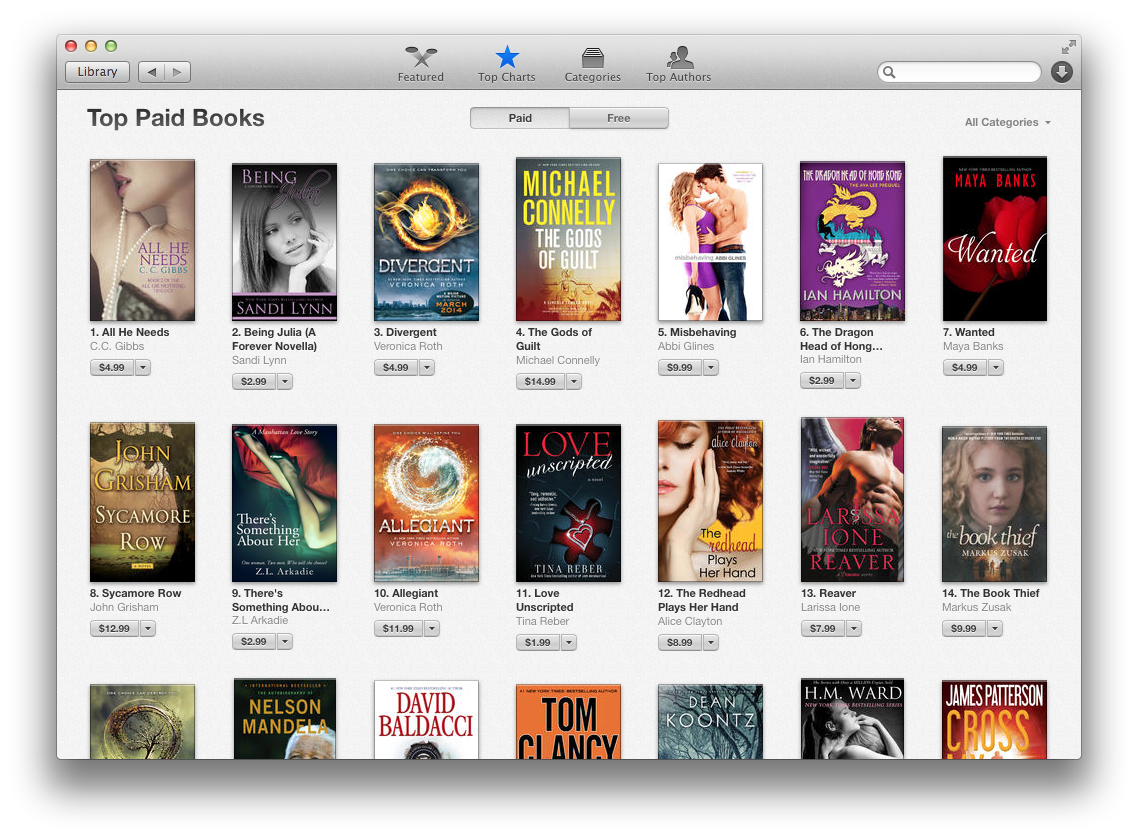
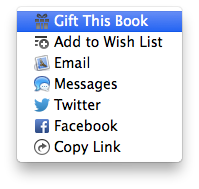
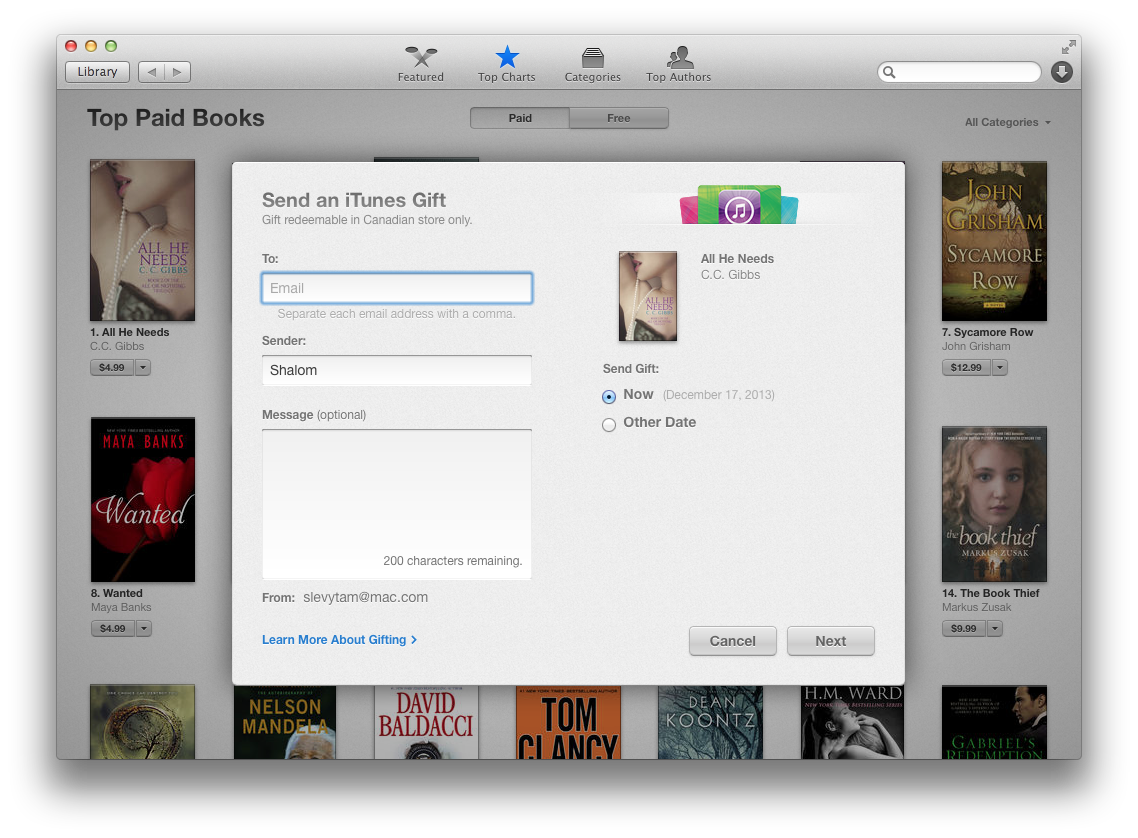
As with the App Store, simply click the down arrow next to the price of the book to select "Gift This Book" from the contextual menu.
On iOS, you just tap the Share button to bring up the share sheet which now displays a new "Gift" option.
Please follow iClarified on X, Facebook, or RSS for more Apple news and tutorials.







![How To Change Wallpaper on Mac [Video]](/images/tutorials/90512/90512/90512-160.jpg "How To Change Wallpaper on Mac [Video]")
![How To Turn Off Always On Display on iPhone [Video]](/images/tutorials/87524/87524/87524-160.jpg "How To Turn Off Always On Display on iPhone [Video]")





![16-Inch M5 Max MacBook Pro Drops $900 to New Low of $3,499 [Deal]](/images/news/102438/102438/102438-160.jpg "16-Inch M5 Max MacBook Pro Drops $900 to New Low of $3,499 [Deal]")
![Magic Keyboard for iPad Air Drops to $200 on Amazon [Deal]](/images/news/102402/102402/102402-160.jpg "Magic Keyboard for iPad Air Drops to $200 on Amazon [Deal]")

It's about time, Amazon did that 2 years ago!
And who says Apple doesn't copy.