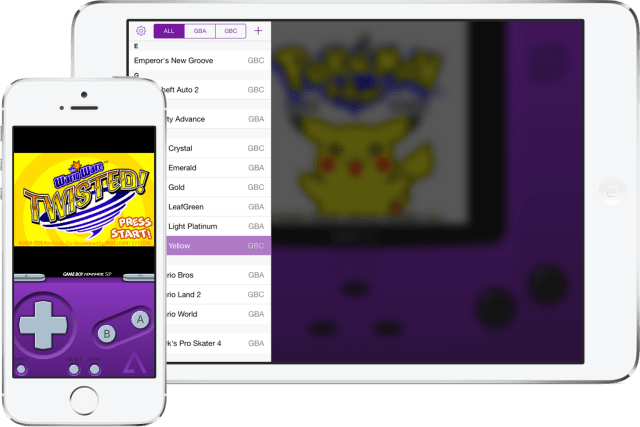
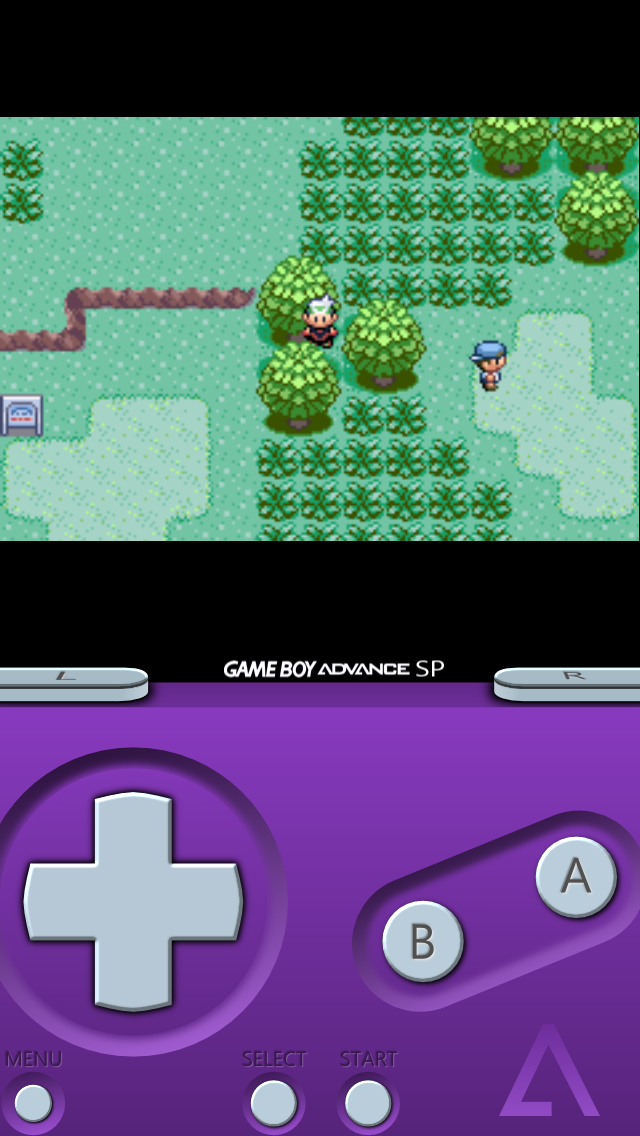
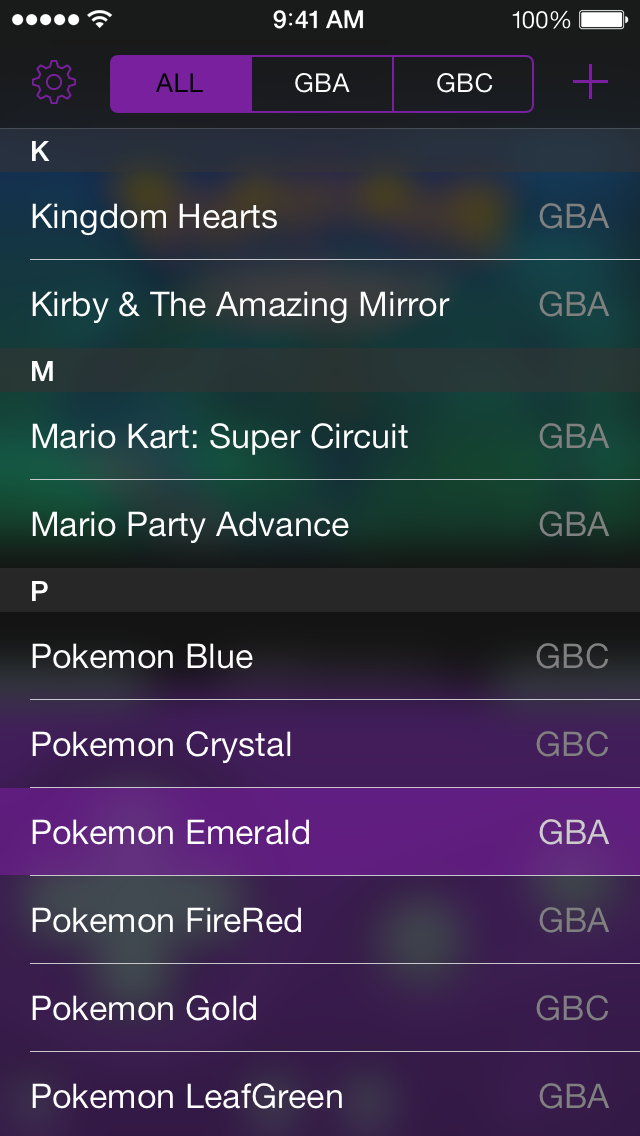
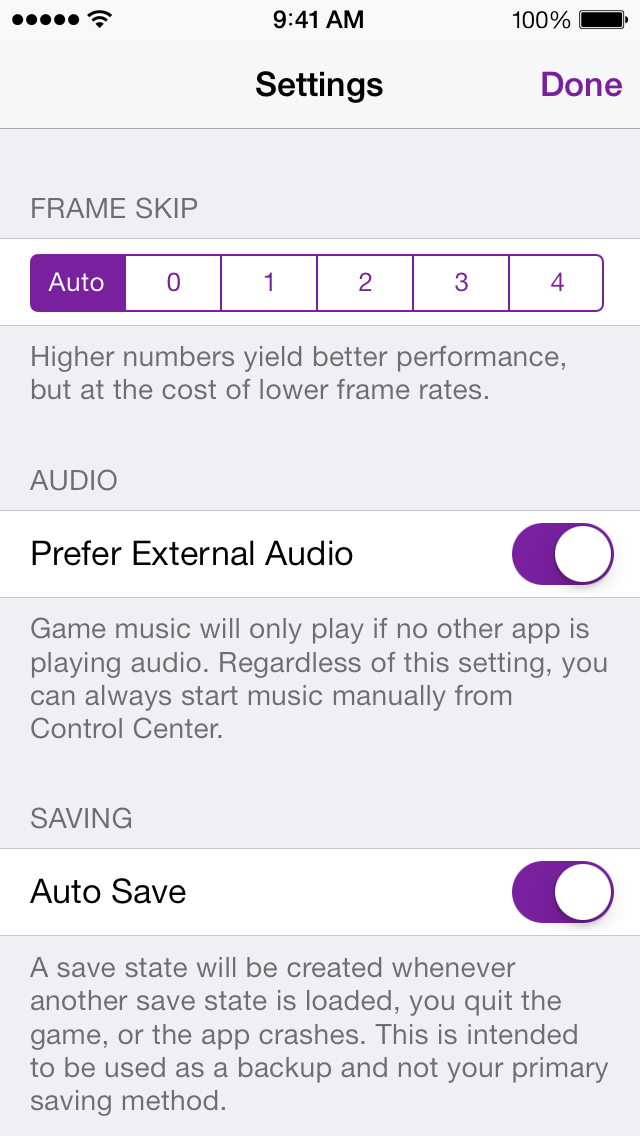
GBA4iOS 2.0, a completely redesigned version of the Game Boy Emulator app, has been released for iOS 7 and it brings iPad support.
GBA4iOS 2.0 was designed from the ground up for iOS 7, with the goal of making everything not only look better, but simpler to use. Taking this a step further, GBA4iOS now has a built-in web browser for downloading games, making it much easier to start playing your favorite Game Boy Advance games. Finally, 2.0 has been fully optimized for iPads, giving Apple's tablet a first class emulation experience.
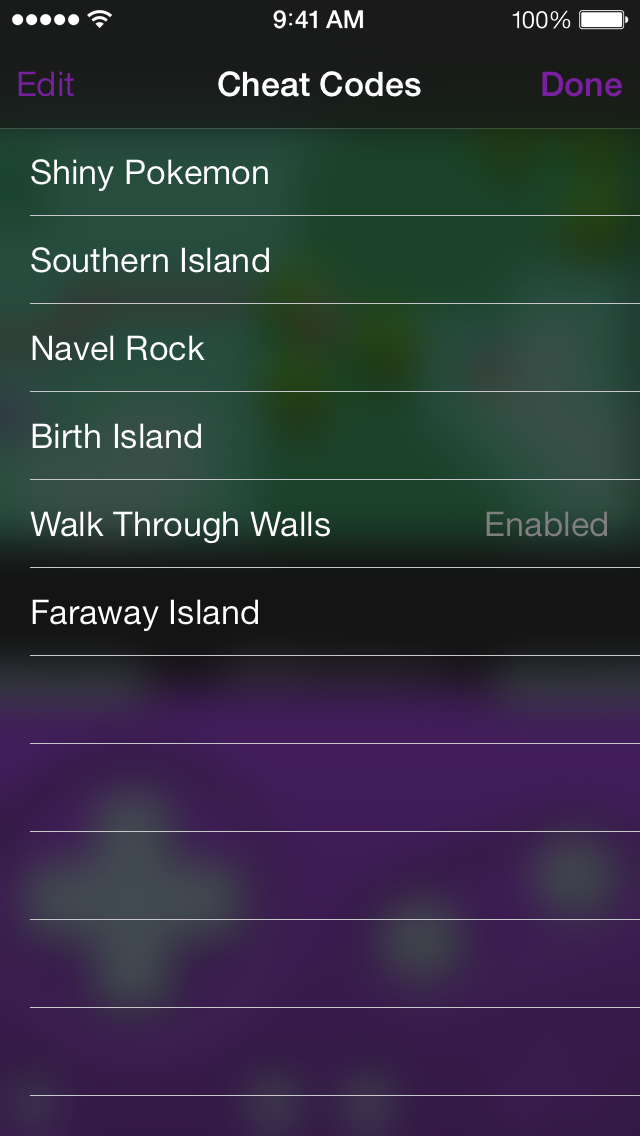
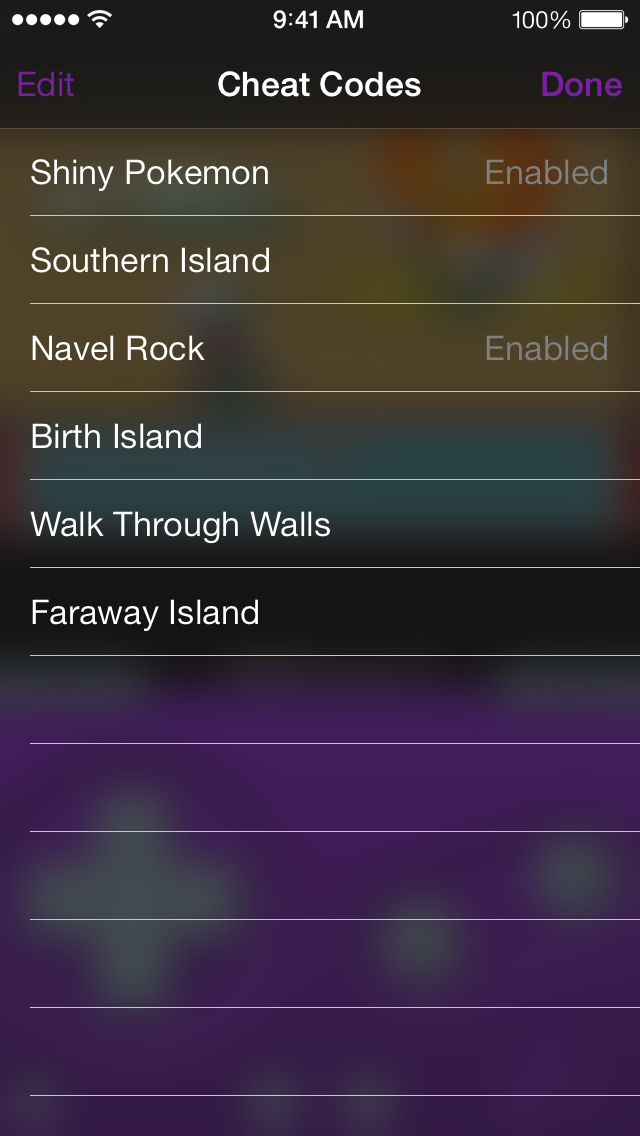
Cheats: GBA4iOS 2.0 has full support for cheats! Playing some classic games are nice, but cheats give you a whole new level of freedom with what you can do. With support for five different cheat code formats, you don't have to worry about whether your code is compatible with GBA4iOS - it just works. Better still, per-game Master Codes are handled for you automatically by GBA4iOS, making the cheating experience just that much easier.
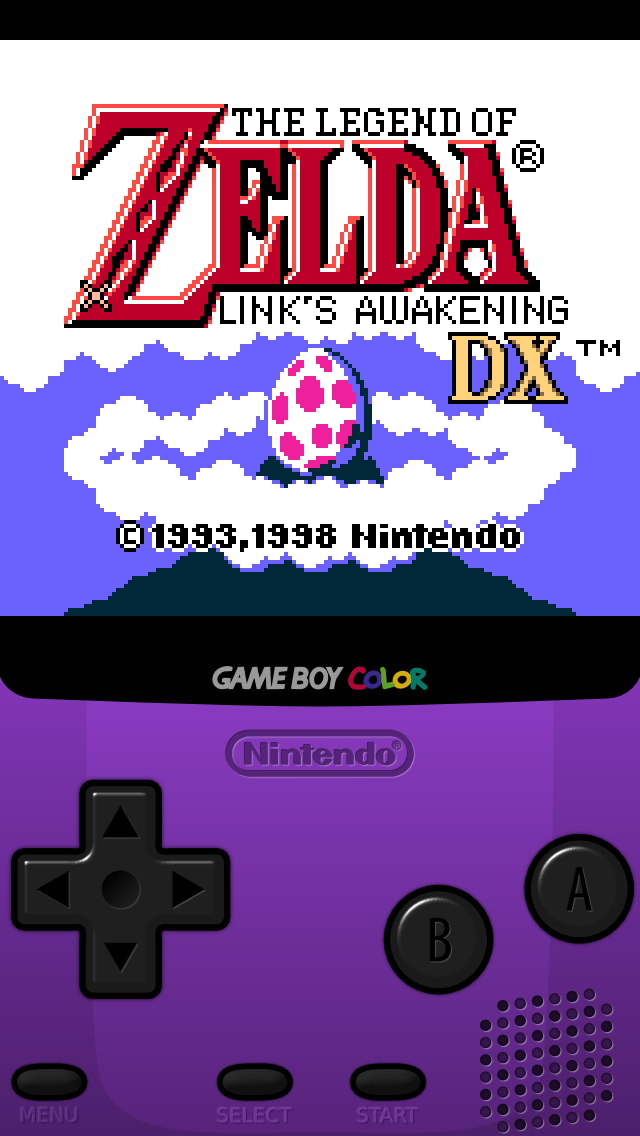
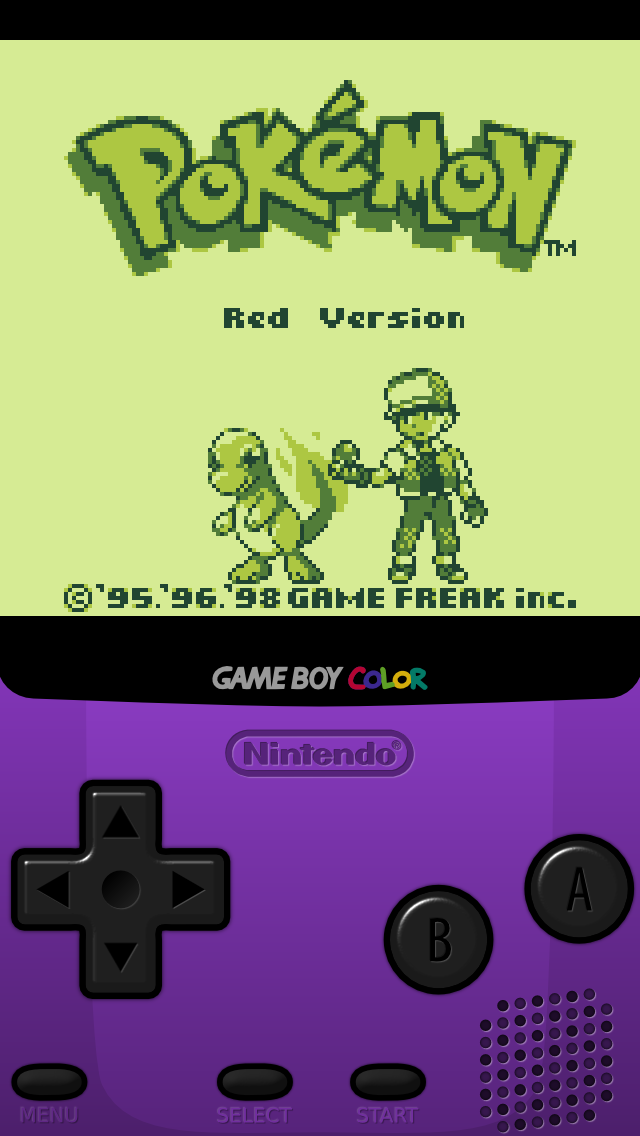
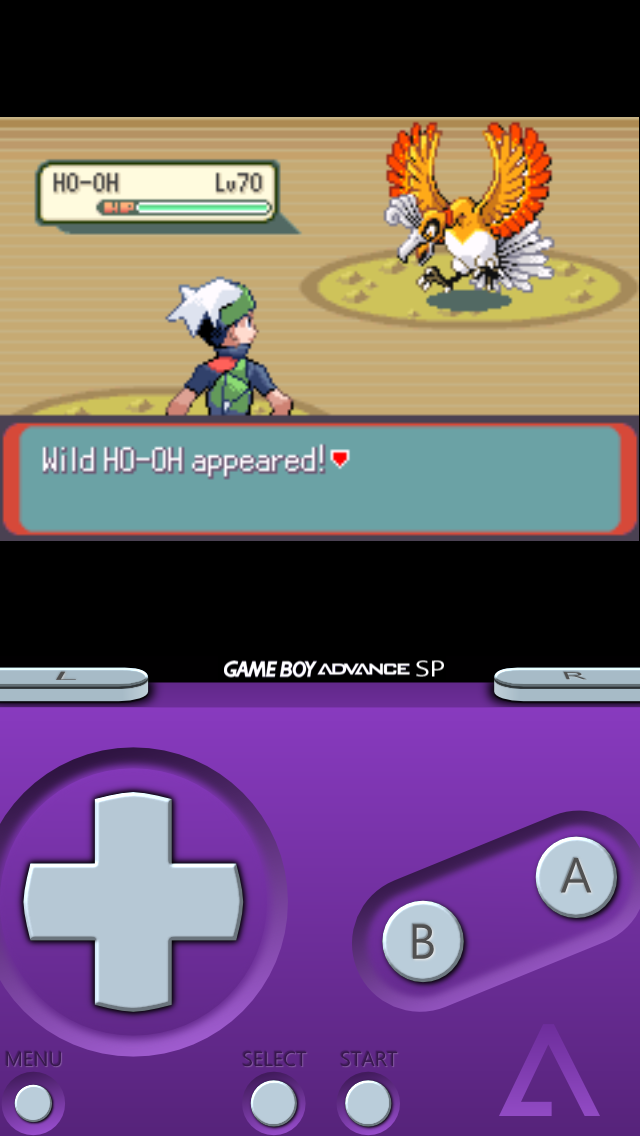
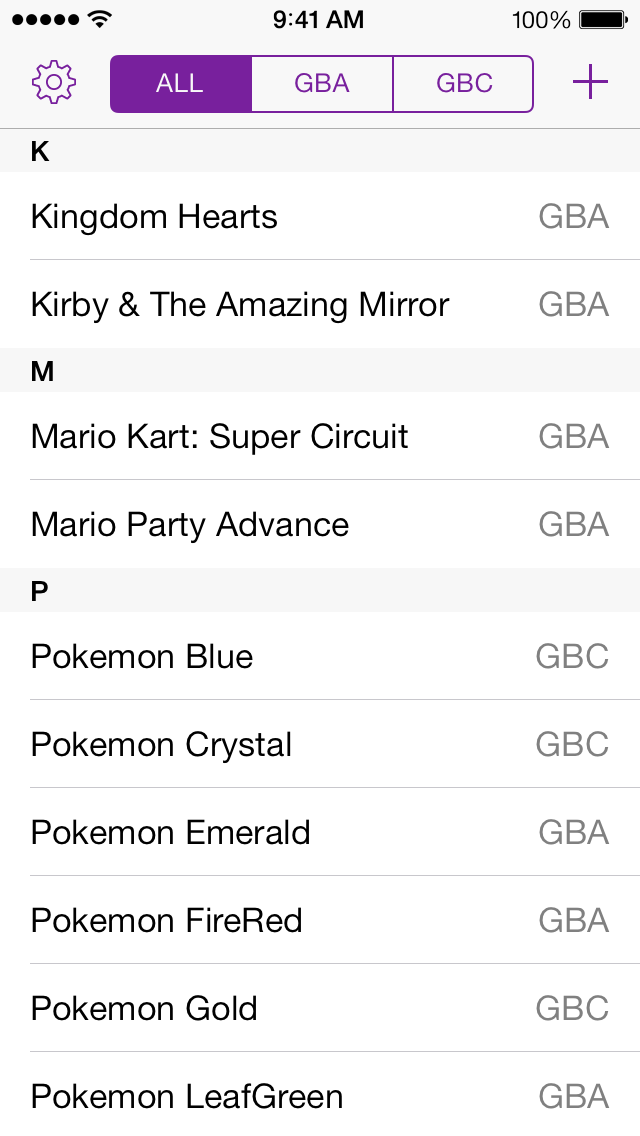
Any Game Boy Game: An amazing feature of the Game Boy Advance was its backwards-compatibility with these previous portable console games, and now GBA4iOS is doing the same. No longer do you have to find a separate emulator to play these old games; if it's a Game Boy anything game, GBA4iOS has you covered.
3rd Party Controller Skins: Unlike previous versions of GBA4iOS, 2.0 has the ability to use an unlimited number of 3rd party controller skins. Want to have a Mario skin when you rescue the princess, or a Pokemon skin while you catch them all? With customizable controller skins, the possibilities are endless. To make the process easier, you can download the controller skins in-app, or alternatively download them from a 3rd party skin site such as GBA4iOSkins.com.
Other features include Dropbox Sync, iOS 7 Controller Support, and Event Distribution.
You can't install GBA4iOS from the App Store. You need to download it from the link below making sure your device's date is set to February 19, 2014 or earlier.
Apple news, rumors, tutorials, price drop alerts, in your inbox every evening, free.
Unsubscribe at any time.
Success!
You have been subscribed.
Add Comment
Would you like to be notified when someone replies or adds a new comment?
Yes (All Threads)
Yes (This Thread Only)
No
Notifications
Would you like to be notified when we post a new Apple news article or tutorial?
Yes
No
Comments (10)
Comments are closed for this article.
0
mario - December 21, 2014 at 5:03am
How to download gba on my ipad mine it say unable to download gba4ios could not been installed at this time what do that means plz help me plz
0
Dave - June 18, 2014 at 9:51pm
I don't have a plus bar on the top right hand corner I have got a magnify glass can't download games :-(
0
Crosby - March 8, 2014 at 4:16am
If the game opens and then closes simultaneously all you have to do is set the date before Feb 18, 2014 and then open the app again. It'll work every time and it's a simple fix.
0
Joe - February 26, 2014 at 5:33pm
Seems after I installed 7.0.6 it's opens then closes , needs a update
0
Amir - February 22, 2014 at 2:50pm
It won't download r me :(
0
Zead - February 20, 2014 at 7:15pm
Cant get any of the cheats to work
0
Fist&Bump - February 20, 2014 at 12:07pm
Working more than fine on my iPad mini 1st generation running iOS 7. I'm not sure if people are reading the directions. You have to set your clocks back to before 2011 when you attempt to download any of the ROMs. I have yet to set my clock back forward to the current time and date but regardless of the fact its a pretty cool thing and no-one has paid for it. So stop complaining. I'm not sure if I set the clock forward if it still will but test it out for yourselves
0
Ruthless - February 20, 2014 at 8:10am
after full download to 5S ios7.0.4 the app stays as its still not completed without an icon, and cannot be open. it starts re downloading. anyone has this problem?
0
Alejandro Iván - February 20, 2014 at 5:39pm
It would be easier if you actually read the instructions.
You have to set a date before February 18 of 2014... let's say, for example, February 17th 2014... THEN you press the download icon to install.
When installed, open the app, then go to Settings and restore to the real date and you're done.
0
Steve - February 20, 2014 at 8:02am
It only worked for about 2 hours. Now it pretends to open and the closes spontaneously before I can few see my game library! Thus it sucks.










![How To Change Wallpaper on Mac [Video]](/images/tutorials/90512/90512/90512-160.jpg "How To Change Wallpaper on Mac [Video]")
![How To Turn Off Always On Display on iPhone [Video]](/images/tutorials/87524/87524/87524-160.jpg "How To Turn Off Always On Display on iPhone [Video]")





![16-Inch M5 Max MacBook Pro Drops $900 to New Low of $3,499 [Deal]](/images/news/102438/102438/102438-160.jpg "16-Inch M5 Max MacBook Pro Drops $900 to New Low of $3,499 [Deal]")
![Magic Keyboard for iPad Air Drops to $200 on Amazon [Deal]](/images/news/102402/102402/102402-160.jpg "Magic Keyboard for iPad Air Drops to $200 on Amazon [Deal]")
