Instagram has updated its Hyperlapse app with the ability to record a selfielapse using the front facing camera, and support for the iPhone 6 and iPhone 6 Plus.
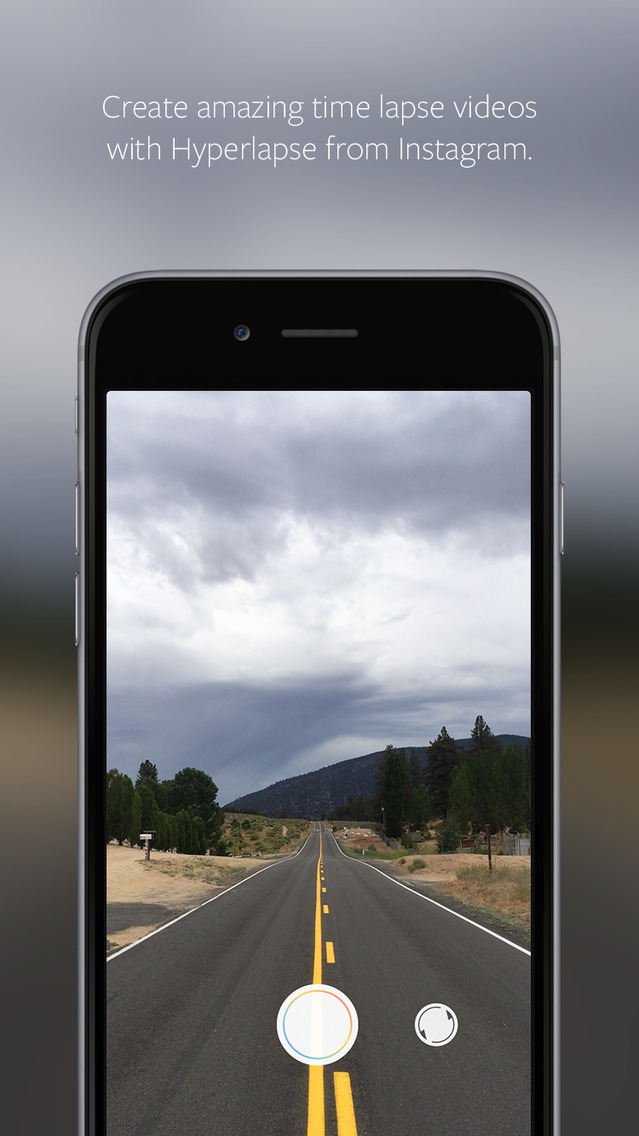
Create amazing time lapse videos with Hyperlapse. Using Instagram’s in-house stabilization, Hyperlapse shoots polished time lapse videos that were previously impossible without bulky tripods and expensive equipment.
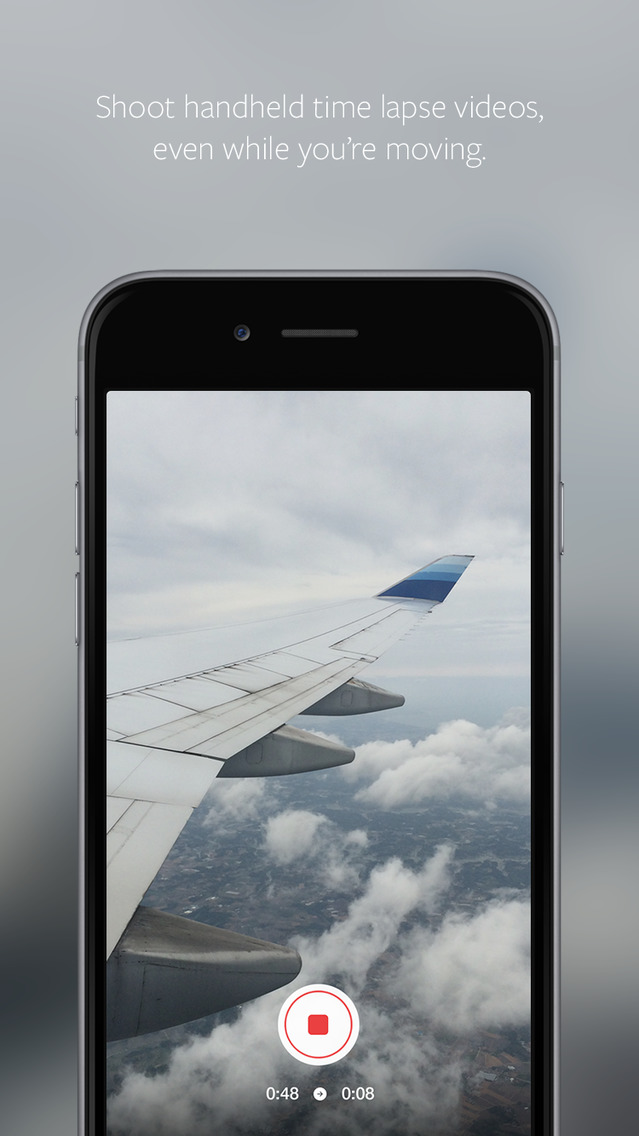
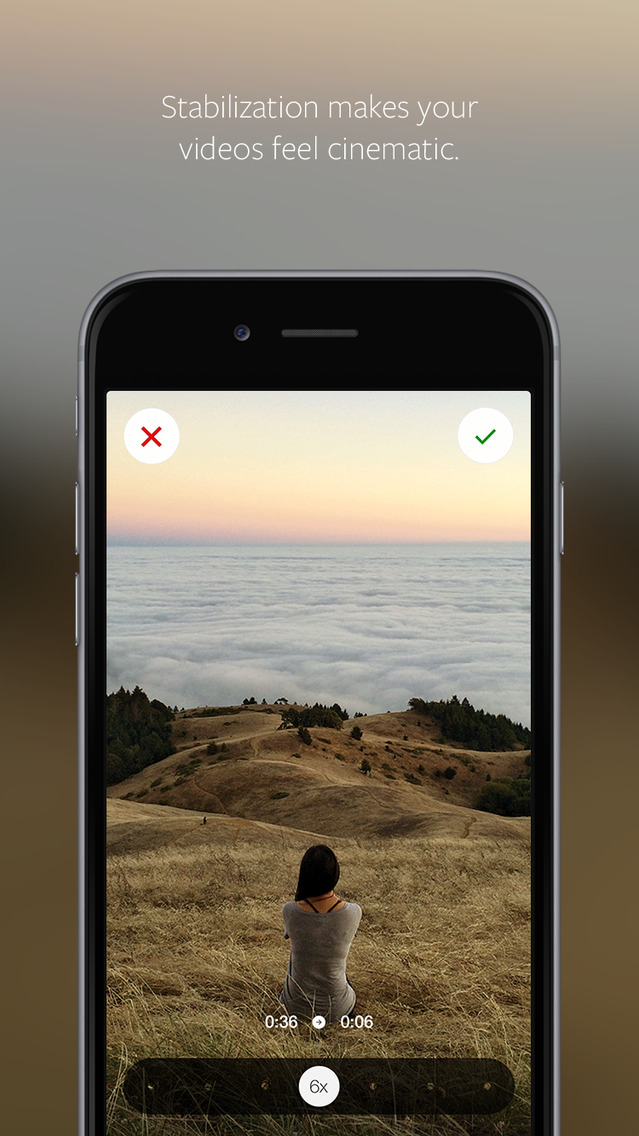
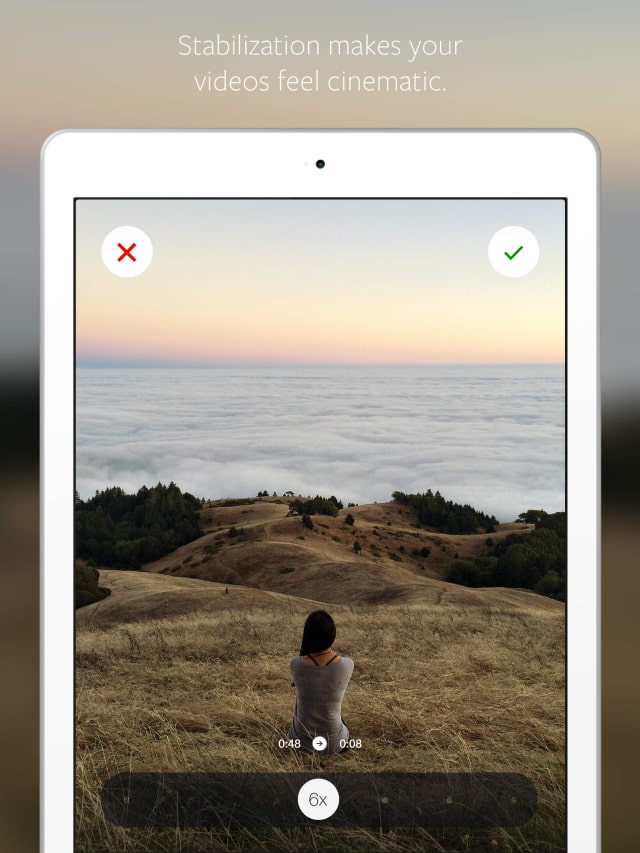
When you shoot a time lapse video with Hyperlapse, your footage will be instantly stabilized to smooth out the bumps from the road and give it a cinematic feeling. Capture an entire sunrise in 10 seconds—even from the back of a moving motorcycle. Walk through the crowds at an all-day music festival, then distill it into a 30 second spot. Capture your bumpy trail run and share your 5k in 5 seconds.
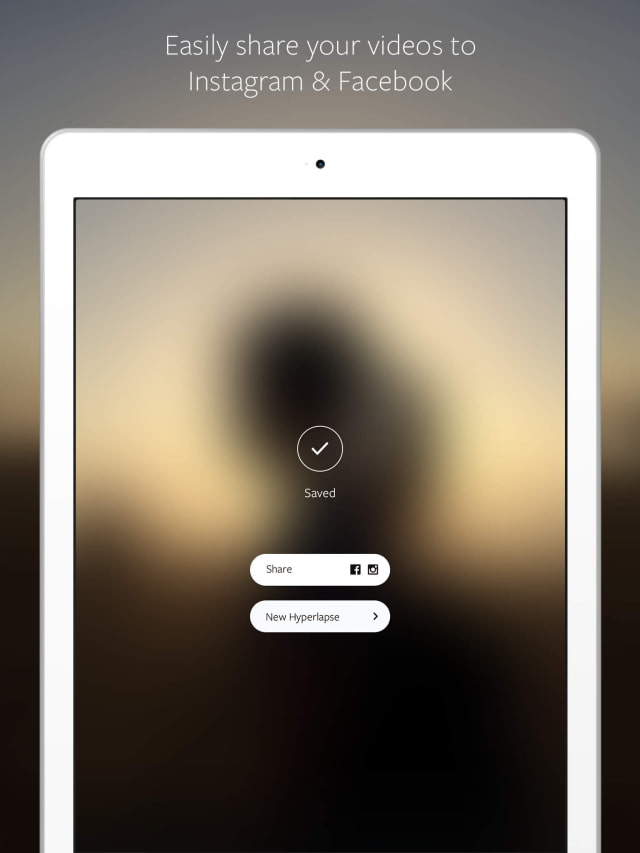
Features: * Shoot handheld time lapse videos in motion— while you're walking, running, jumping or falling. * Smooth out your video for cinematic quality with automatic stabilization. * Speed up your hyperlapse to be up to 12 times the speed. * Share your videos seamlessly on Instagram and Facebook or save them to your camera roll to share anywhere, anytime. * Start filming immediately with a simple design that gets out of the way of your creativity * Download and start capturing. No sign up or account required.
What's New In This Version: * Record a selfielapse using the front facing camera! * Enjoy updated designs on iPhone 6 and iPhone 6 Plus. * Bug fixes and reliability improvements
You can download Hyperlapse from Instagram from the App Store for free.
Get the iClarified Daily Newsletter
Apple news, rumors, tutorials, price drop alerts, in your inbox every evening, free.
Unsubscribe at any time.
Success!
You have been subscribed.
Add Comment
Would you like to be notified when someone replies or adds a new comment?
Yes (All Threads)
Yes (This Thread Only)
No
Notifications
Would you like to be notified when we post a new Apple news article or tutorial?
Yes
No
Comments (1)
Comments are closed for this article.
0
gamerscul9870 - September 25, 2014 at 9:31pm
Why not an exposure setting. My only flaw to fix unless Apple adds a timer to time-lapse.




![All 2027 iPhones Expected to Use Apple Modems [Gurman]](/images/news/102447/102447/102447-160.jpg "All 2027 iPhones Expected to Use Apple Modems [Gurman]")

![Apple Tests New Vision Headset Designs Amid Uncertain Launch Plans [Gurman]](/images/news/102444/102444/102444-160.jpg "Apple Tests New Vision Headset Designs Amid Uncertain Launch Plans [Gurman]")




![How To Find Your iPhone IMEI Number [Video]](/images/tutorials/83557/83557/83557-160.jpg "How To Find Your iPhone IMEI Number [Video]")


![16-Inch M5 Max MacBook Pro Drops $900 to New Low of $3,499 [Deal]](/images/news/102438/102438/102438-160.jpg "16-Inch M5 Max MacBook Pro Drops $900 to New Low of $3,499 [Deal]")
![Magic Keyboard for iPad Air Drops to $200 on Amazon [Deal]](/images/news/102402/102402/102402-160.jpg "Magic Keyboard for iPad Air Drops to $200 on Amazon [Deal]")
![13-Inch M5 MacBook Air With 1TB Drops to $1,449 on Amazon [Deal]](/images/news/102345/102345/102345-160.jpg "13-Inch M5 MacBook Air With 1TB Drops to $1,449 on Amazon [Deal]")


