WhatsApp has received an update that brings support for animated GIFs including the ability to send Live Photos as GIFs.
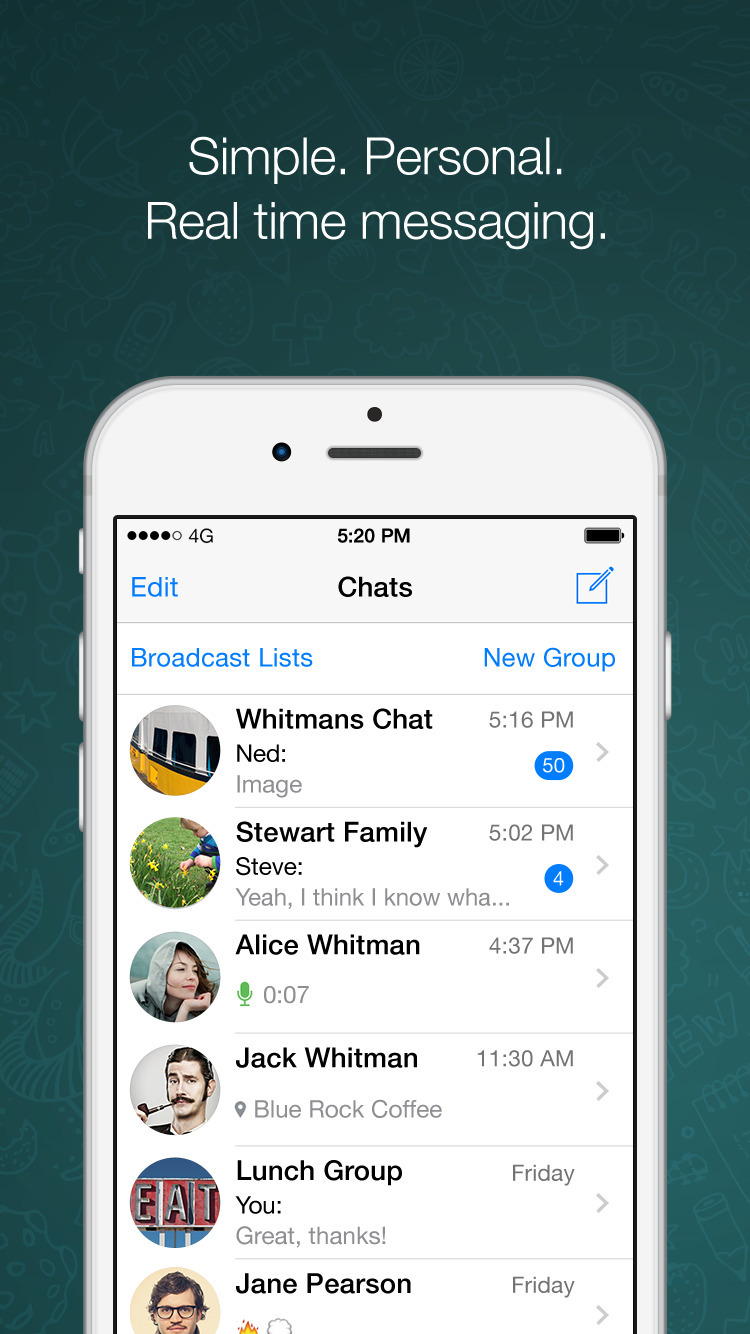
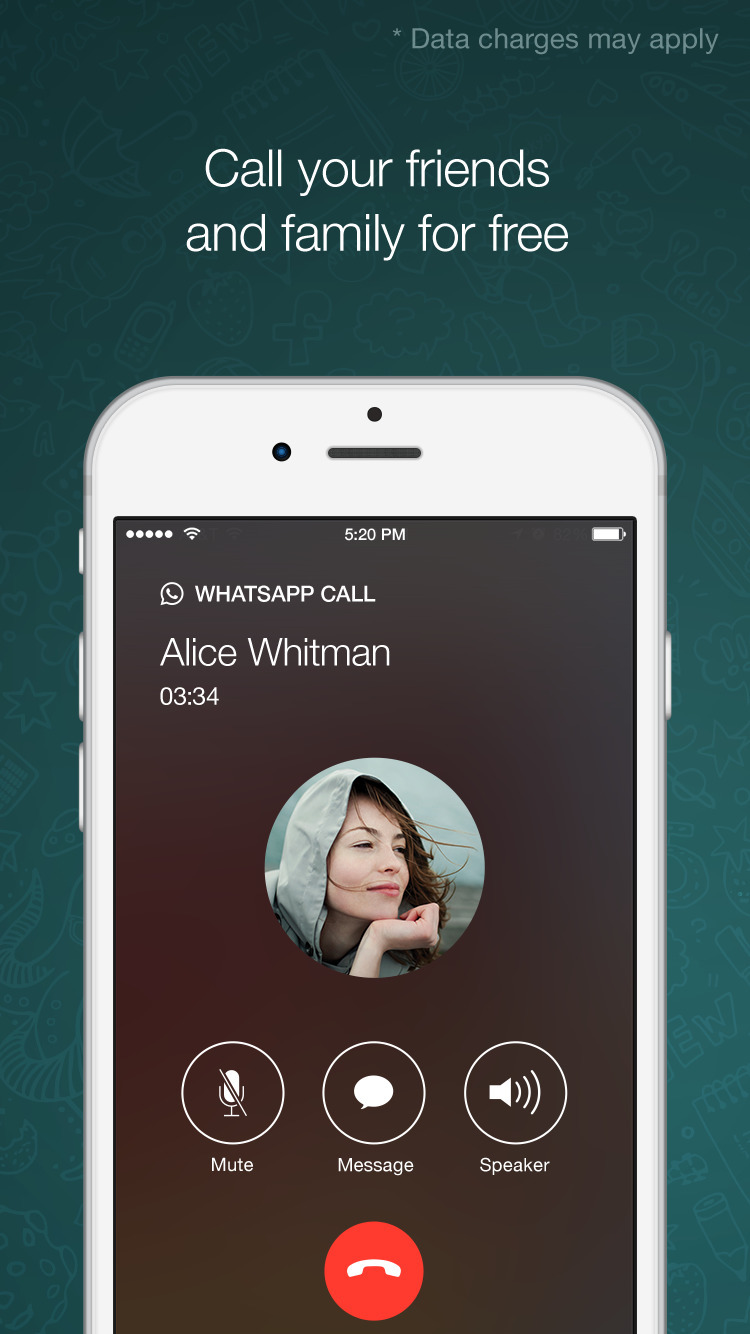
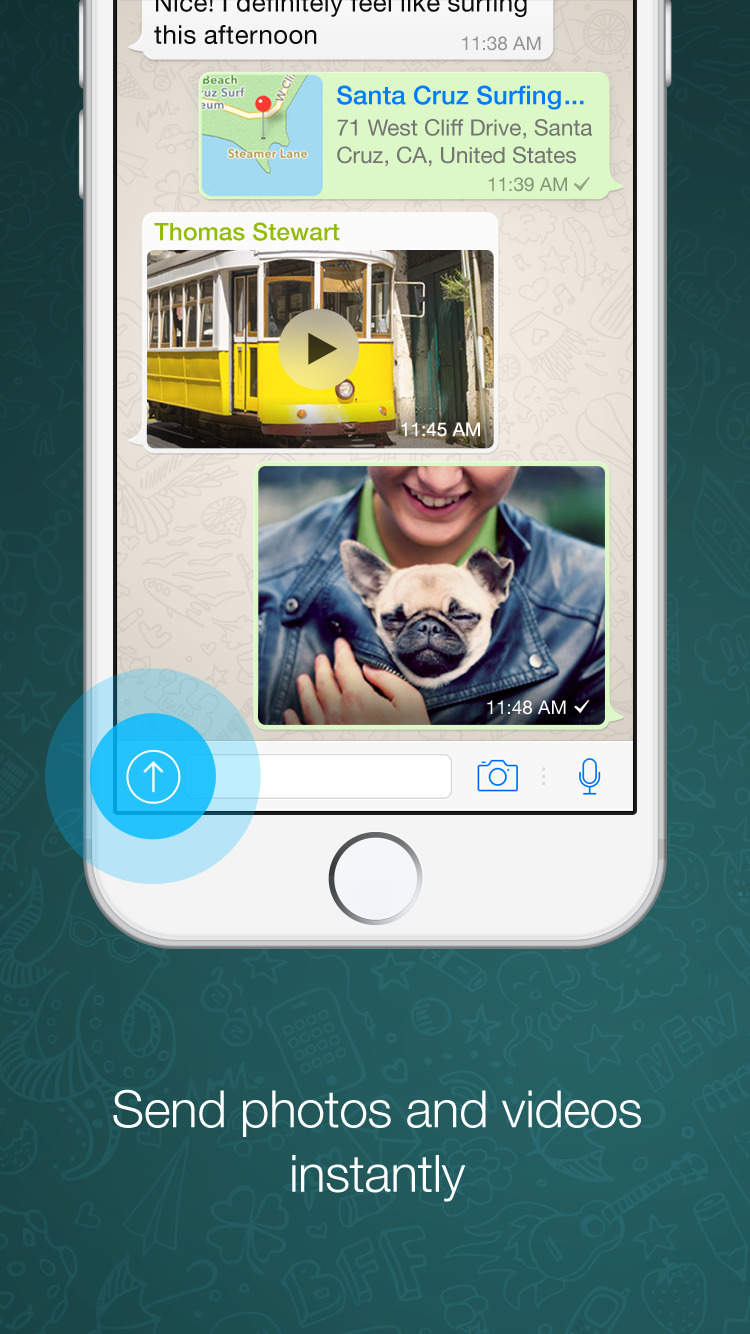
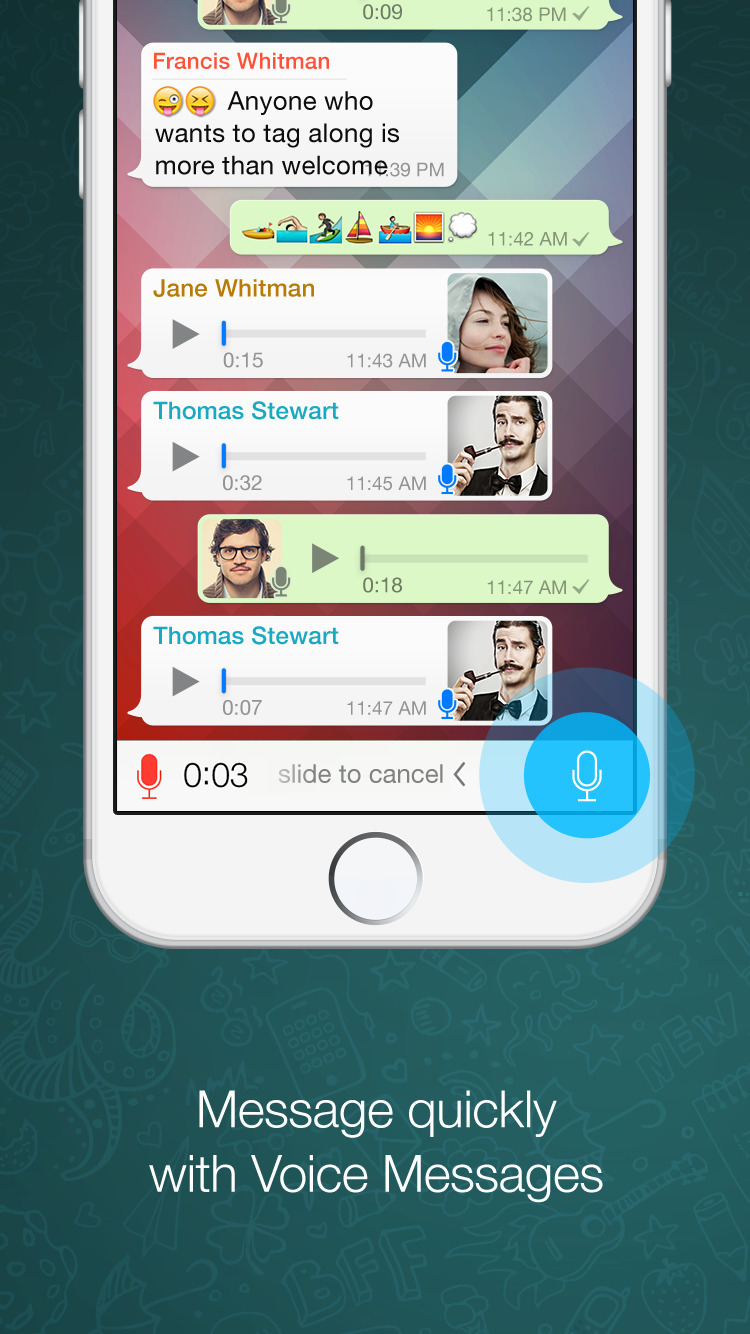
WhatsApp Messenger is a FREE messaging app available for iPhone and other smartphones. WhatsApp uses your phone's Internet connection (4G/3G/2G/EDGE or Wi-Fi, as available) to let you message and call friends and family. Switch from SMS to WhatsApp to send and receive messages, calls, photos, videos, and Voice Messages.
What's New In This Version: • You can now send and receive animated GIFs • For videos that are 6 seconds or shorter, you can now send them as animated GIFs. Just tap the GIF toggle after picking a video. • Send Live Photos as animated GIFs. Just 3D Touch any live photo from Attach — Photo/Video Library and choose "Select as GIF."
You can download WhatsApp Messenger from the App Store for free.
Apple news, rumors, tutorials, price drop alerts, in your inbox every evening, free.
Unsubscribe at any time.
Success!
You have been subscribed.
Add Comment
Would you like to be notified when someone replies or adds a new comment?
Yes (All Threads)
Yes (This Thread Only)
No
Notifications
Would you like to be notified when we post a new Apple news article or tutorial?
Yes
No
Comments (3)
Comments are closed for this article.
0
prudhvi - November 8, 2016 at 4:53pm
I am unable to send live photo as gif . how to activate it?
0
martinuk - November 8, 2016 at 5:33pm
Press arrow up in chat view
Select picture or video
Choose live photo and 3d touch it
Than slide up still pressing and menu appear at the bottom
Had same issue
Should be more intuitive...
0
prudhvi - November 8, 2016 at 6:06pm
Thank you , got it . As you said should be more intuitive










![How To Change Wallpaper on Mac [Video]](/images/tutorials/90512/90512/90512-160.jpg "How To Change Wallpaper on Mac [Video]")
![How To Turn Off Always On Display on iPhone [Video]](/images/tutorials/87524/87524/87524-160.jpg "How To Turn Off Always On Display on iPhone [Video]")





![16-Inch M5 Max MacBook Pro Drops $900 to New Low of $3,499 [Deal]](/images/news/102438/102438/102438-160.jpg "16-Inch M5 Max MacBook Pro Drops $900 to New Low of $3,499 [Deal]")
![Magic Keyboard for iPad Air Drops to $200 on Amazon [Deal]](/images/news/102402/102402/102402-160.jpg "Magic Keyboard for iPad Air Drops to $200 on Amazon [Deal]")
