Microsoft has released a Visio Viewer app for the iPad. The Visio Viewer app lets users view diagrams and flowcharts created with the desktop application.
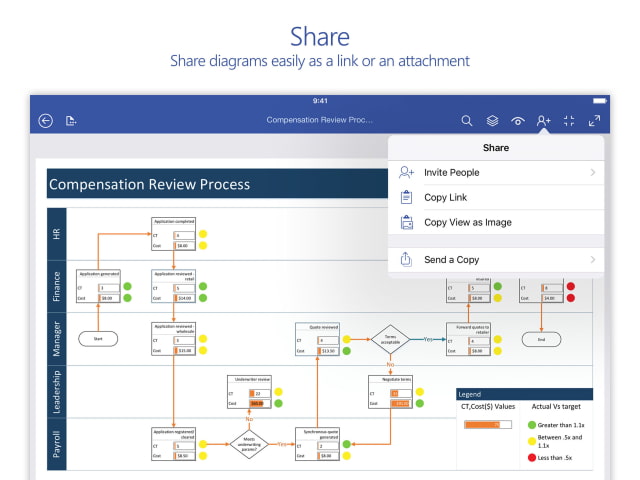
You can view and interact with Visio diagrams on iPad on the go for free. Sign in with your Microsoft Account or open a Visio attachment from email, and enjoy the amazing view of Visio diagrams on any iPad running iOS 9.0 or later. You can also share the diagrams with anyone who can then view Visio diagrams on their iPad or in a web browser even they don’t have Visio installed on their Windows desktop.
For creation and edits, you'll need to subscribe to Visio Pro for Office 365 and use the full Visio experience on a Windows desktop.
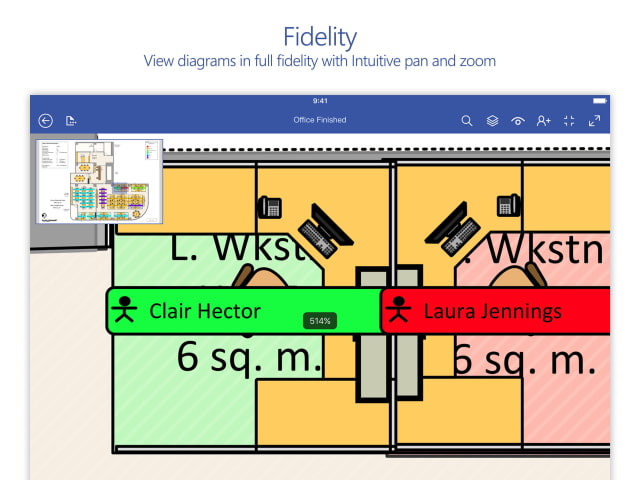
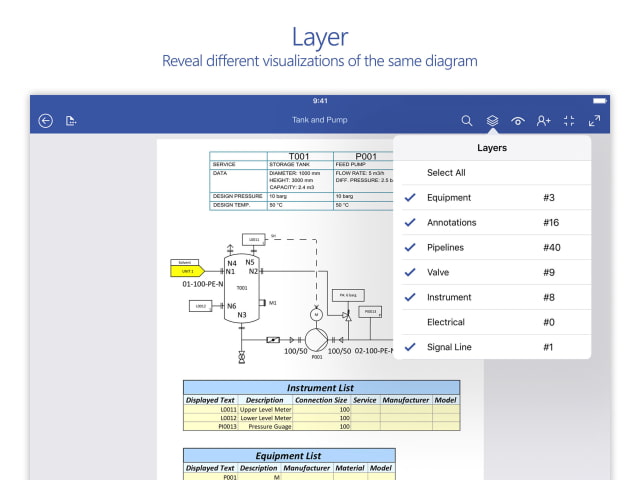
Features: ● View Visio files from OneDrive, OneDrive for Business, or SharePoint — or those received as email attachments on iPad ● Cloud storage keeps you in sync with updated information on the go ● Share easily as a link or an attachment ● Explore real-world diagrams easily ● Experience the intuitive pan and zoom, which are optimized for a small touch screen ● Reveal different visualizations of the same diagram using Layer ● Search text in metadata to locate shape in large diagrams
You can download Microsoft Visio Viewer from the App Store for free.
Download (no longer available)
Get the iClarified Daily Newsletter
Apple news, rumors, tutorials, price drop alerts, in your inbox every evening, free.
Unsubscribe at any time.
Success!
You have been subscribed.
Add Comment
Would you like to be notified when someone replies or adds a new comment?
Yes (All Threads)
Yes (This Thread Only)
No
Notifications
Would you like to be notified when we post a new Apple news article or tutorial?










![How To Change Wallpaper on Mac [Video]](/images/tutorials/90512/90512/90512-160.jpg "How To Change Wallpaper on Mac [Video]")
![How To Turn Off Always On Display on iPhone [Video]](/images/tutorials/87524/87524/87524-160.jpg "How To Turn Off Always On Display on iPhone [Video]")





![16-Inch M5 Max MacBook Pro Drops $900 to New Low of $3,499 [Deal]](/images/news/102438/102438/102438-160.jpg "16-Inch M5 Max MacBook Pro Drops $900 to New Low of $3,499 [Deal]")
![Magic Keyboard for iPad Air Drops to $200 on Amazon [Deal]](/images/news/102402/102402/102402-160.jpg "Magic Keyboard for iPad Air Drops to $200 on Amazon [Deal]")
