The SwiftKey keyboard for iOS has been updated with several new features including haptic feedback, 8 new oxygen themes, a new emoji prediction pane, support for additional languages and more.
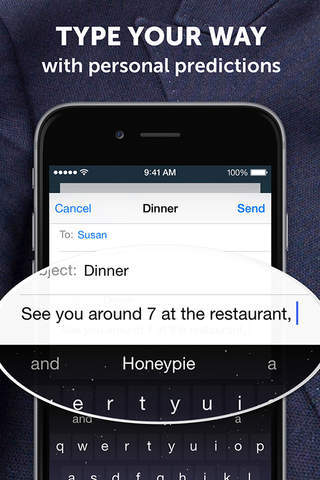
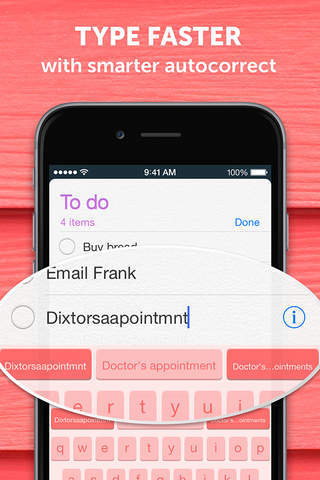
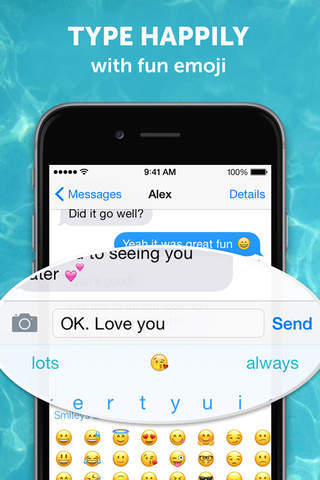
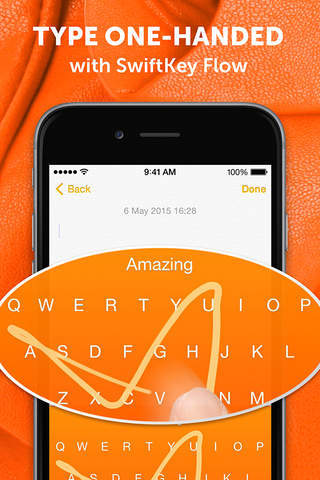
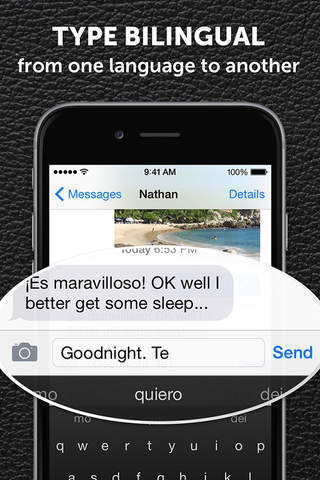
SwiftKey Keyboard for iPhone, iPad and iPod touch is a smart keyboard that learns from you, replacing your device’s built-in keyboard with one that adapts to the way you type. The app learns your writing style to give you super-accurate autocorrect and intelligent next-word prediction, reducing keystrokes and getting smarter over time. SwiftKey Keyboard is loaded with features to make typing even easier, including multilingual typing, support for over 800 emoji (emoticons) and speedy swipe typing with SwiftKey Flow.
What's New In This Version: • 8 new 'Oxygen' themes, available for free • Redesigned emoji panel featuring a new emoji predictions pane • 15 new languages • 3D Touch control now easier to use • Haptic feedback for iPhone 7 and 7 Plus
You can download SwiftKey Keyboard from the App Store for free.










![How To Change Wallpaper on Mac [Video]](/images/tutorials/90512/90512/90512-160.jpg "How To Change Wallpaper on Mac [Video]")
![How To Turn Off Always On Display on iPhone [Video]](/images/tutorials/87524/87524/87524-160.jpg "How To Turn Off Always On Display on iPhone [Video]")





![16-Inch M5 Max MacBook Pro Drops $900 to New Low of $3,499 [Deal]](/images/news/102438/102438/102438-160.jpg "16-Inch M5 Max MacBook Pro Drops $900 to New Low of $3,499 [Deal]")
![Magic Keyboard for iPad Air Drops to $200 on Amazon [Deal]](/images/news/102402/102402/102402-160.jpg "Magic Keyboard for iPad Air Drops to $200 on Amazon [Deal]")
