The Google Street View app has been updated with support for the iPhone X.
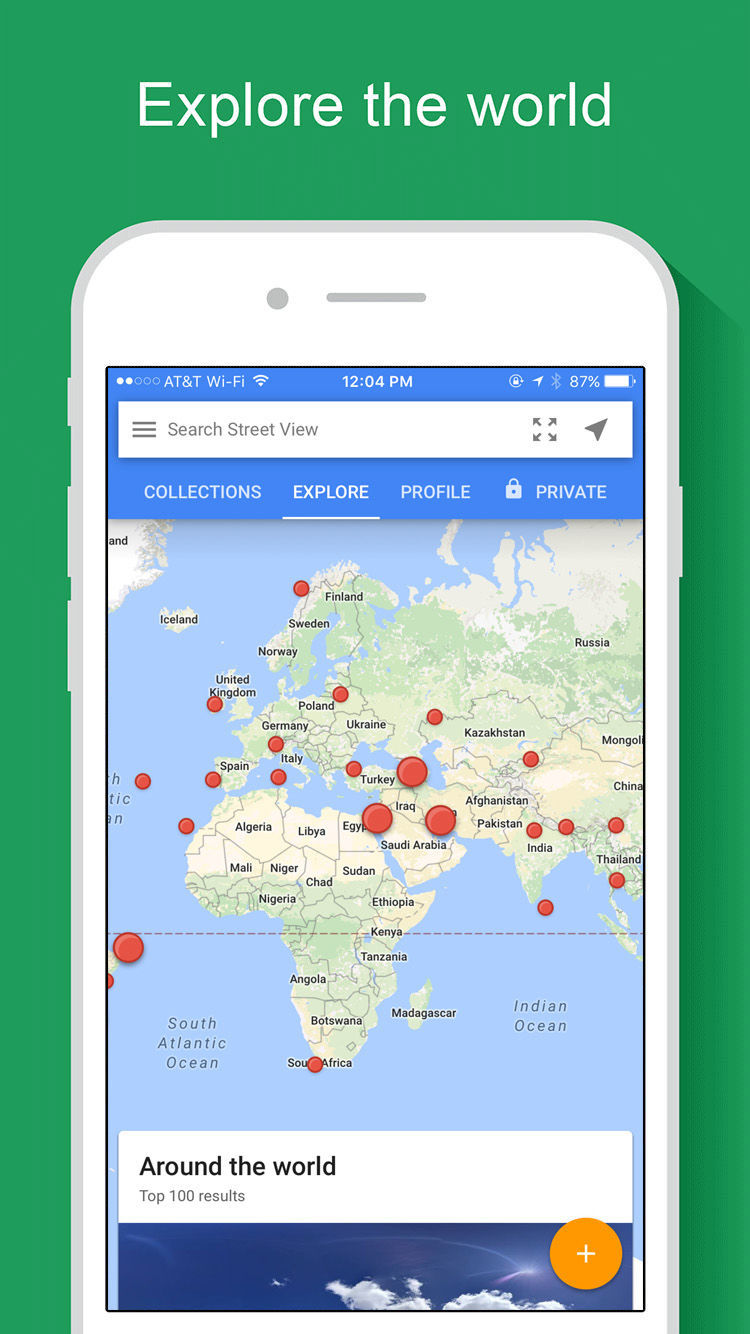
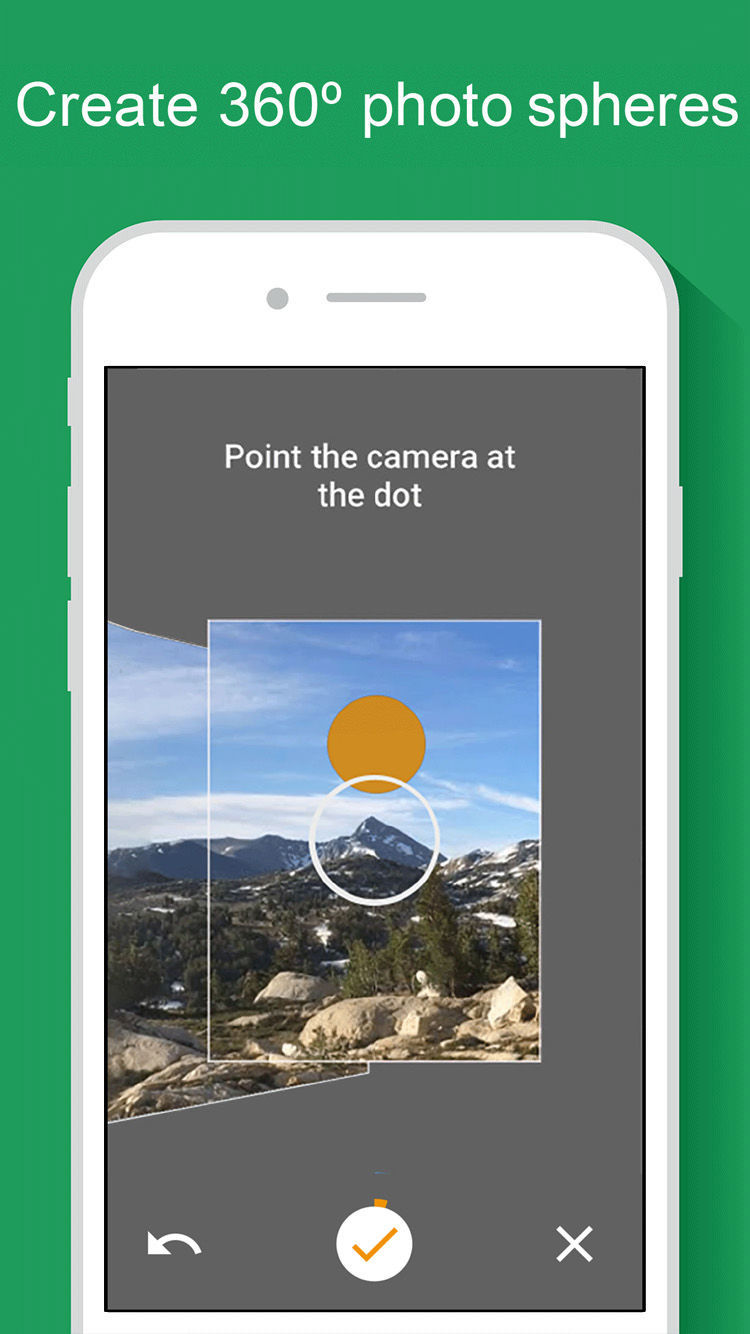
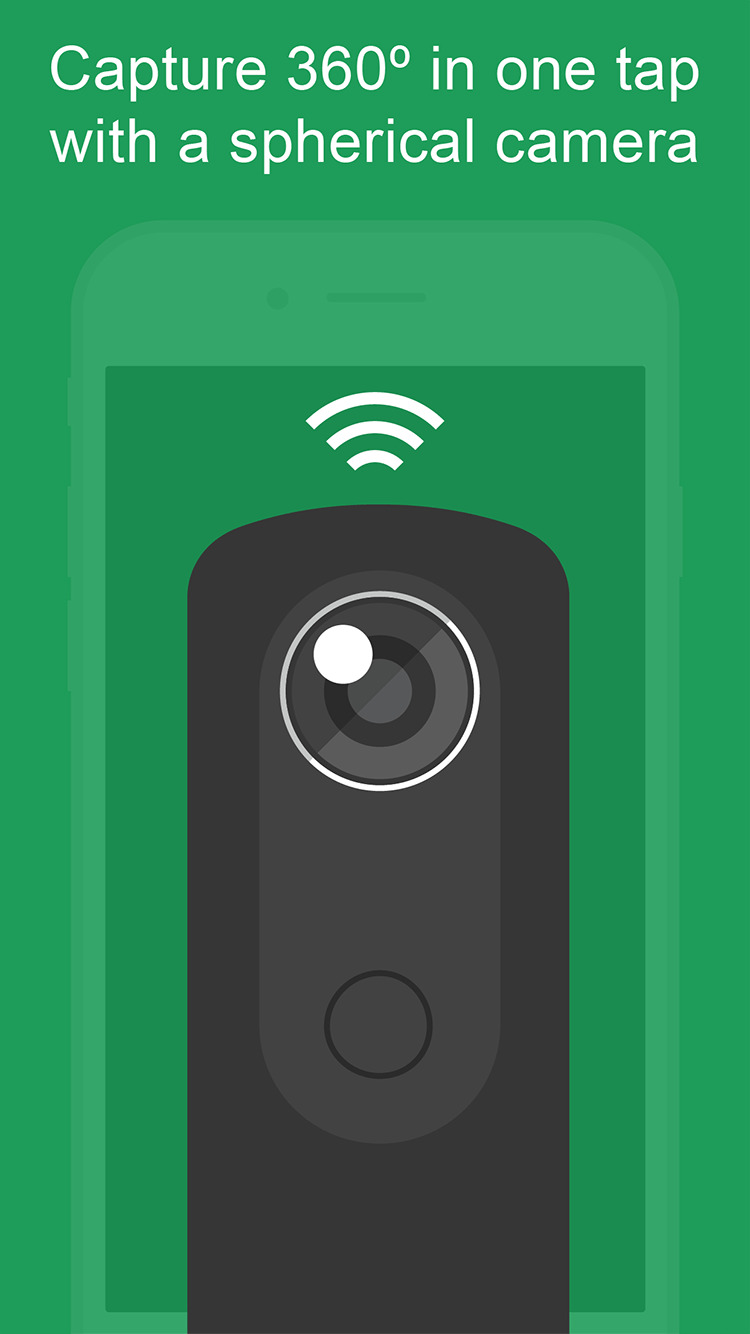
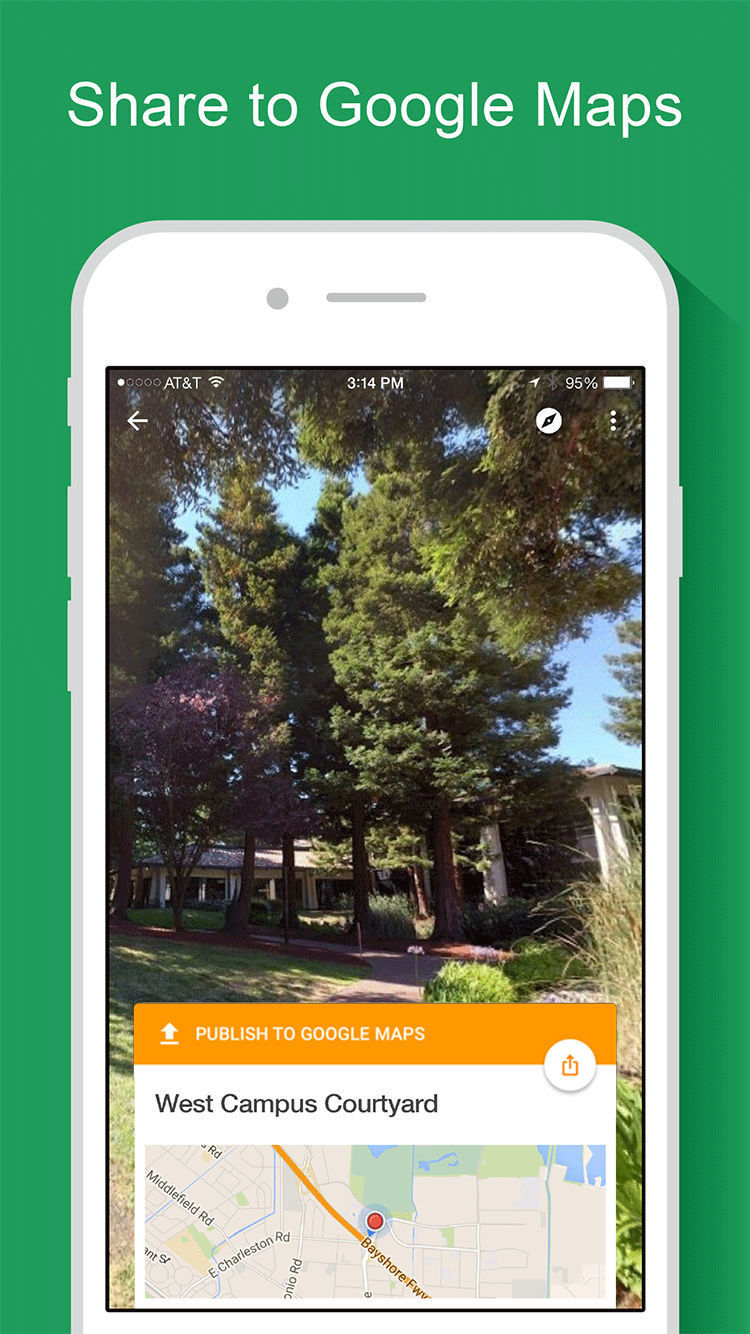
Explore world landmarks, discover natural wonders and step inside locations such as museums, arenas, restaurants and small businesses with Google Street View. Also create photo spheres to add your own Street View experiences. Start with your phone’s camera or add a one–shot spherical camera (like the Ricoh Theta S) for easy 360º photography. Then, you can publish to Google Maps to share your photo spheres with the world.
Content galleries: • Browse — or be notified of — Google’s newest special collections • Explore all of Street View (including contributions from others) • Review your public profile of published photo spheres • Manage your private photo spheres • Immerse yourself in photo spheres with Cardboard mode
Creating and sharing photo spheres: • Use your phone’s camera (no camera accessories required) • Connect to a spherical camera to capture in one tap • Share to Google Maps as immersive photo spheres • Share privately as flat photos
What's New In This Version: ● Support for iPhone X ● Improvements for rendering 360 panos
You can download Google Street View from the App Store for free.
Download
Get the iClarified Daily Newsletter
Apple news, rumors, tutorials, price drop alerts, in your inbox every evening, free.
Unsubscribe at any time.
Success!
You have been subscribed.
Add Comment
Would you like to be notified when someone replies or adds a new comment?
Yes (All Threads)
Yes (This Thread Only)
No
Notifications
Would you like to be notified when we post a new Apple news article or tutorial?










![How To Change Wallpaper on Mac [Video]](/images/tutorials/90512/90512/90512-160.jpg "How To Change Wallpaper on Mac [Video]")
![How To Turn Off Always On Display on iPhone [Video]](/images/tutorials/87524/87524/87524-160.jpg "How To Turn Off Always On Display on iPhone [Video]")





![16-Inch M5 Max MacBook Pro Drops $900 to New Low of $3,499 [Deal]](/images/news/102438/102438/102438-160.jpg "16-Inch M5 Max MacBook Pro Drops $900 to New Low of $3,499 [Deal]")
![Magic Keyboard for iPad Air Drops to $200 on Amazon [Deal]](/images/news/102402/102402/102402-160.jpg "Magic Keyboard for iPad Air Drops to $200 on Amazon [Deal]")
