Pixelmator Photo, a photo editor that features a collection of nondestructive, desktop-class color adjustments, is now available for iPad.
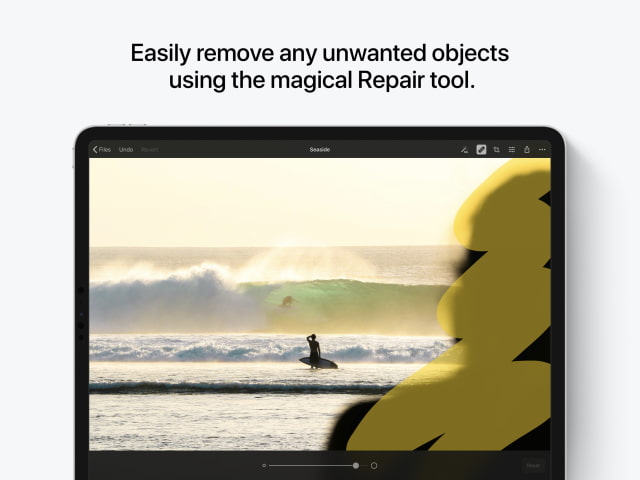
A set of gorgeous presets inspired by analog photography. A magical Repair tool to remove unwanted objects. Full support for editing RAW images. Artificial intelligence that automatically improves photos like a pro photographer. And it's designed exclusively for iPad, bringing the most native and intuitive editing experience imaginable.
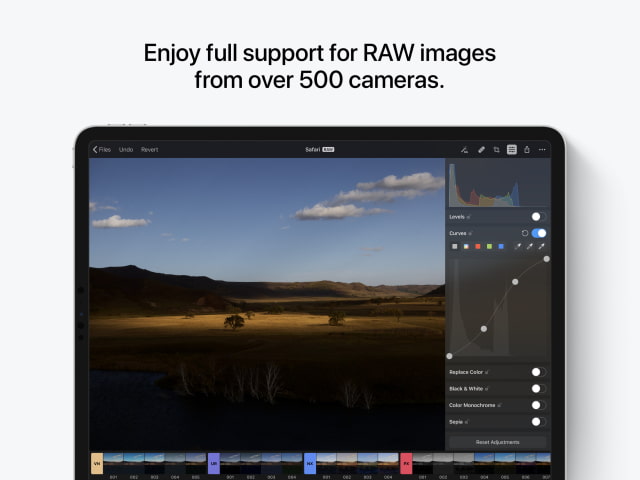
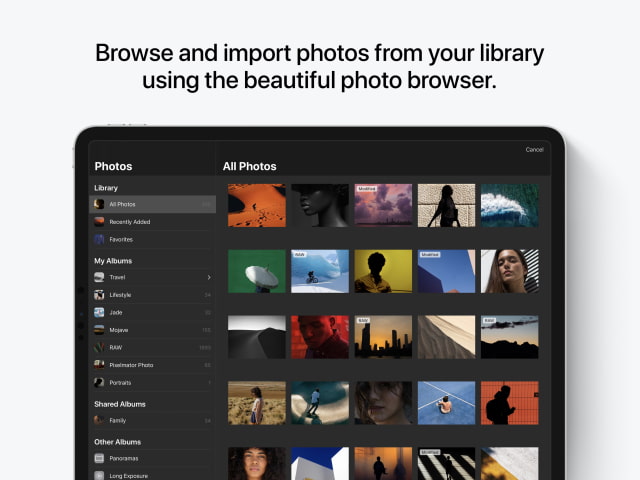
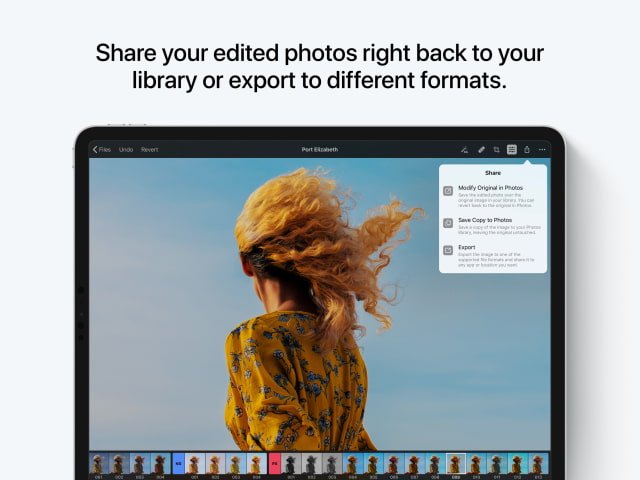
Powerful tools for improving your photos • Edit photos using a collection of advanced, nondestructive color adjustments, specially designed to preserve detail and naturally improve photos. • Take advantage of full RAW support to edit high-resolution RAW photos from your DSLR camera or iPhone. • Effortlessly remove unwanted objects using the incredible Repair tool. • Crop, straighten, and correct perspective with an easy-to-use Crop tool. • Use groundbreaking machine learning to automatically enhance photos, adjust lighting, white balance, and colors, apply presets, and even improve the composition of your photos. • Edit completely nondestructively, resetting changes made with any tool at any time you like without affecting other edits. • Share edited photos back to your Photos library, export to a range of different formats, and easily share photos with others.
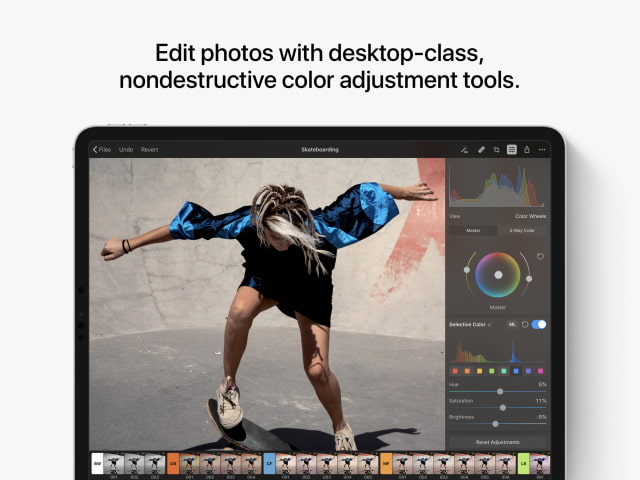
Desktop-class color adjustments • Edit photos using a collection of powerful, desktop-class color adjustments. • Follow all the changes you make in the beautiful live histogram. • Improve exposure, contrast, brightness, highlights, and shadows using the Lightness adjustment. • Adjust color saturation, vibrance, and hue with Hue & Saturation. • Improve the balance of colors in the shadows, midtones, and highlights. • Selectively adjust individual color ranges using the Selective Color adjustments. • Quickly improve brightness, contrast, and color by setting black, white, and grey points using the Levels adjustment. • Use the Curves adjustment to adjust lighting and color with incredible precision. • Mix the balance of the red, green, and blue color channels to create intense color effects in your images. • Replace any color with any other using the Replace Color adjustment. • Create beautiful black and whites even from your color photos. • Use the Fade adjustment to wash out the contrasts in your photo and give it a faded look. • Add beautiful, film-style grain with the Grain adjustment. • Use a range of additional adjustments, like Sharpen, Color Monochrome, Sepia, and Invert to make any photo stand out.
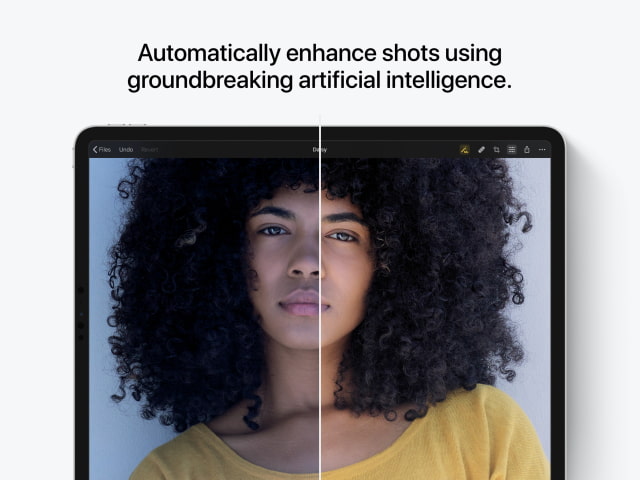
Groundbreaking artificial intelligence • Use ML Enhance, trained on 20 million professional photos, to improve your photos like a pro photographer. • ML Enhance automatically takes care of all the subtle improvements that go into every great shot — white balance, exposure, shadow, and highlight detail — so you can focus on adding your own creative finishing touches. • Automatically fine-tune individual adjustments, like Lightness, White Balance, Selective Color, and Color Balance using the knowledge from the same 20-million-photo Core ML algorithm. • Intelligently crop photos using the machine learning-powered ML Crop.
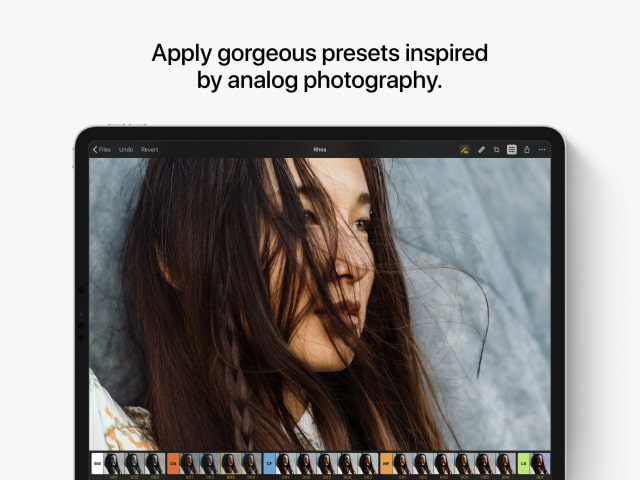
Stunning presets for film emulation, vintage looks, and more • Pixelmator Photo includes extensive collections of presets inspired by different photography styles and designed for a variety of subjects. • Create and save your own custom presets. • The Black & White presets are based on classic black & white analog films for creating authentic monochrome shots. • The Cinematic presets emulate the orange and teal look, letting you quickly add striking color contrasts. • The Classic Films and Modern Films preset groups are based on some of the best-known and popular analog films from the past and present, creating subtle and tasteful analog photography looks. • Use presets in the Landscape, Urban, and Night collections to quickly enhance your nature photos, city photography, and night shots.
You can purchase Pixelmator Photo for $4.99 from the App Store.










![How To Change Wallpaper on Mac [Video]](/images/tutorials/90512/90512/90512-160.jpg "How To Change Wallpaper on Mac [Video]")
![How To Turn Off Always On Display on iPhone [Video]](/images/tutorials/87524/87524/87524-160.jpg "How To Turn Off Always On Display on iPhone [Video]")





![16-Inch M5 Max MacBook Pro Drops $900 to New Low of $3,499 [Deal]](/images/news/102438/102438/102438-160.jpg "16-Inch M5 Max MacBook Pro Drops $900 to New Low of $3,499 [Deal]")
![Magic Keyboard for iPad Air Drops to $200 on Amazon [Deal]](/images/news/102402/102402/102402-160.jpg "Magic Keyboard for iPad Air Drops to $200 on Amazon [Deal]")
