Apple has just released the gold master seed of iOS 13.4 to developers.
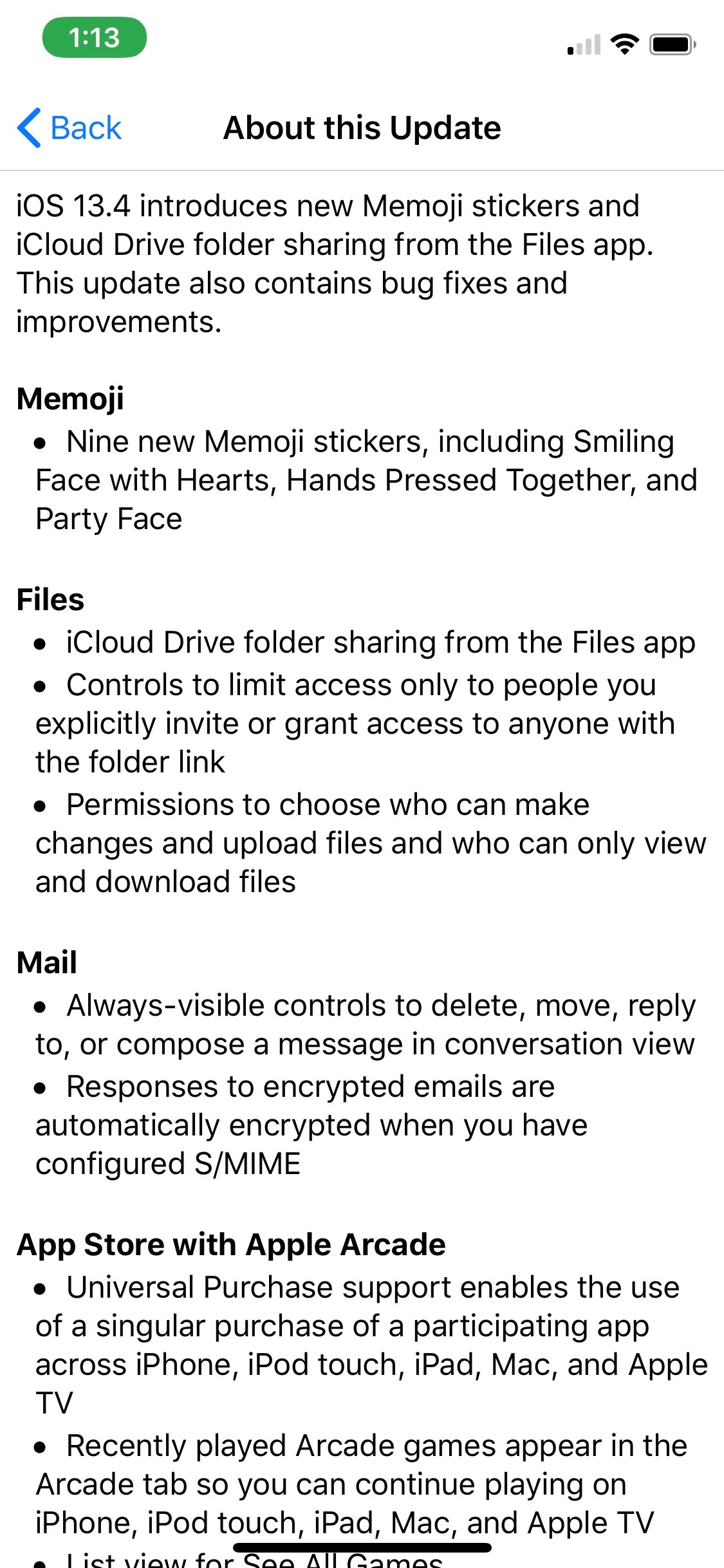
Here's the full changelog:
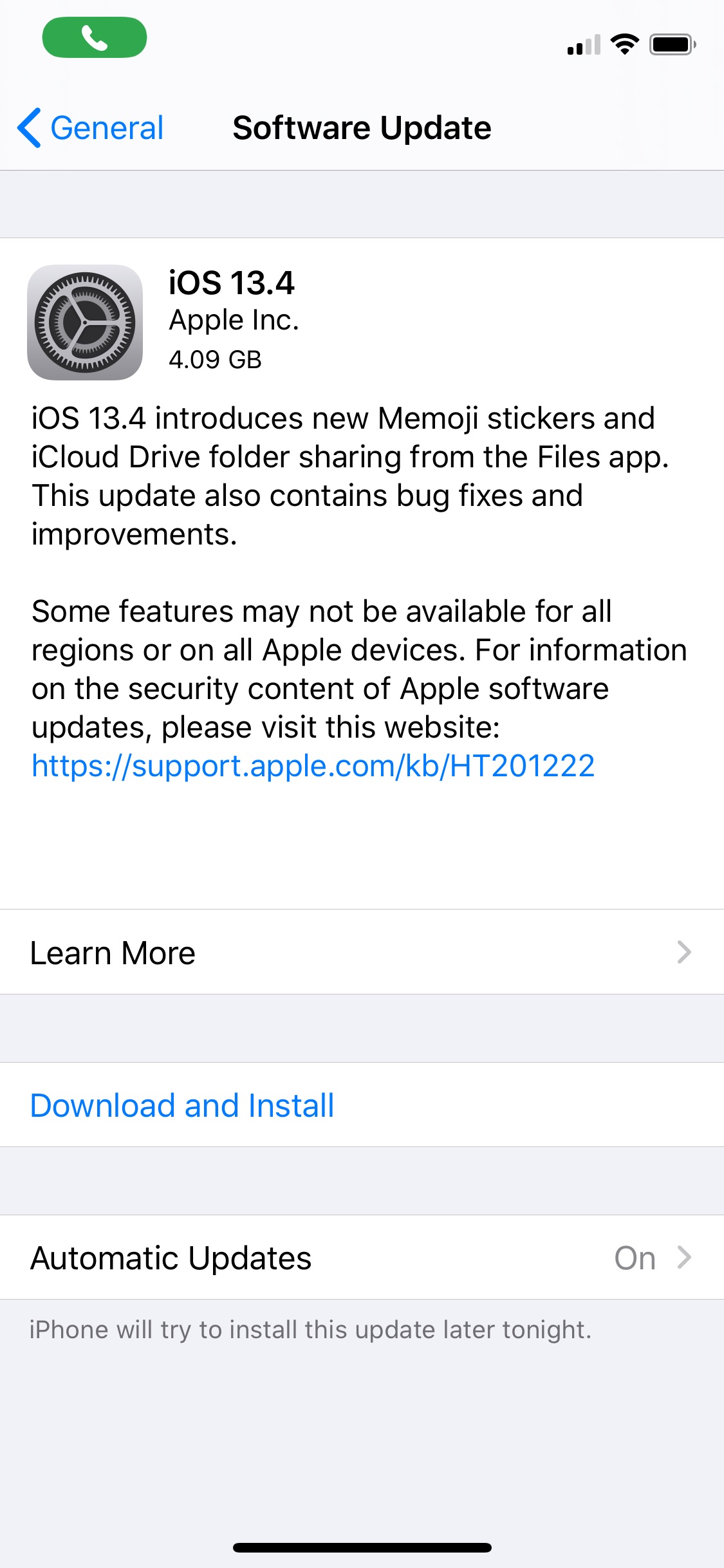
iOS 13.4 introduces new Memoji stickers and iCloud Drive folder sharing from the Files app. This update also contains bug fixes and improvements.
Memoji ● Nine new Memoji stickers, including Smiling Face with Hearts, Hands Pressed Together, and Party Face
Files ● iCloud Drive folder sharing from the Files app ● Controls to limit access only to people you explicitly invite or grant access to anyone with the folder link ● Permissions to choose who can make changes and upload files and who can only view and download files
Mail ● Always-visible controls to delete, move, reply to, or compose a message in conversation view ● Responses to encrypted emails are automatically encrypted when you have configured S/MIME
App Store with Apple Arcade ● Universal Purchase support enables the use of a singular purchase of a participating app across iPhone, iPod touch, iPad, Mac, and Apple TV ● Recently played Arcade games appear in the Arcade tab so you can continue playing on iPhone, iPod touch, iPad, Mac, and Apple TV ● List view for See All Games
CarPlay ● Third-party navigation app support for the CarPlay Dashboard ● In-call information appears on the CarPlay Dashboard
Augmented Reality ● AR Quick Look supports audio playback in USDZ files
Keyboard ● Predictive typing support for Arabic
This update also includes bug fixes and other improvements. This update: ● Adds status bar indicator to display when VPN has disconnected on iPhone models with all-screen displays ● Fixes an issue in Camera where the viewfinder may appear as a black screen after launch ● Addresses an issue where Photos may appear to use excess storage ● Resolves an issue in Photos that may prevent sharing an image to Messages if iMessage is disabled ● Fixes an issue in Mail where messages may appear out of order ● Addresses an issue in Mail where the conversation list may display empty rows ● Resolves an issue where Mail may crash when tapping the Share button in Quick Look ● Fixes an issue in Settings where cellular data may incorrectly display as off ● Addresses an issue in Safari where webpages may not be inverted when both Dark Mode and Smart Invert are active ● Resolves an issue where text copied from web content may appear invisible when pasted when Dark Mode is active ● Fixes an issue in Safari where a CAPTCHA tile may display incorrectly ● Addresses an issue where Reminders may not issue new notifications for an overdue recurring reminder until it is marked as completed ● Resolves an issue where Reminders may send notifications for completed reminders ● Fixes an issue where iCloud Drive appears to be available in Pages, Numbers, and Keynote even when not signed in ● Addresses an issue in Apple Music where music videos may not stream in high quality ● Resolves an issue where CarPlay may lose its connection in certain vehicles ● Fixes an issue in CarPlay where the view in Maps may move away briefly from the current area ● Addresses an issue in the Home app where tapping an activity notification from a security camera may open a different recording ● Resolves an issue where Shortcuts may not appear when tapping on the Share menu from a screenshot ● Improves the Burmese keyboard so punctuation symbols are now accessible from numbers and symbols ● Some features may not be available for all regions or on all Apple devices. For information on the security content of Apple software updates, please visit this website: https://support.apple.com/kb/HT201222









![How To Change Wallpaper on Mac [Video]](/images/tutorials/90512/90512/90512-160.jpg "How To Change Wallpaper on Mac [Video]")
![How To Turn Off Always On Display on iPhone [Video]](/images/tutorials/87524/87524/87524-160.jpg "How To Turn Off Always On Display on iPhone [Video]")





![16-Inch M5 Max MacBook Pro Drops $900 to New Low of $3,499 [Deal]](/images/news/102438/102438/102438-160.jpg "16-Inch M5 Max MacBook Pro Drops $900 to New Low of $3,499 [Deal]")
![Magic Keyboard for iPad Air Drops to $200 on Amazon [Deal]](/images/news/102402/102402/102402-160.jpg "Magic Keyboard for iPad Air Drops to $200 on Amazon [Deal]")
