Apple Releases macOS Ventura 13.1 Beta 3 [Download]
Posted November 15, 2022 at 7:05pm by
Shalom Levytam
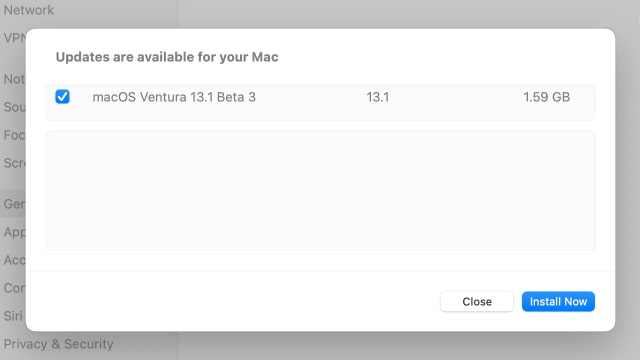
Apple has released macOS Ventura 13.1 beta 3 to developers for testing. The build number is 22C5050e.
This beta contains bug fixes and improvements to macOS Ventura 13.0 which was just released last month.
Apple notes Xcode 14 beta is required to build apps on Macs running macOS 13 beta. To build apps using Xcode 13, you can create a separate volume and run macOS 12 on your Mac.
Developers can get the Developer Beta Access Utility and the macOS restore image from the link below. You can check if your Mac is compatible with Ventura here. Also, you can download the macOS Ventura wallpaper here and learn how to create a bootable USB installer for Ventura here.
Please download the iClarified app or follow iClarified on Twitter, Facebook, YouTube, and RSS to be notified if we spot any new features.
Download
This beta contains bug fixes and improvements to macOS Ventura 13.0 which was just released last month.
Apple notes Xcode 14 beta is required to build apps on Macs running macOS 13 beta. To build apps using Xcode 13, you can create a separate volume and run macOS 12 on your Mac.
Developers can get the Developer Beta Access Utility and the macOS restore image from the link below. You can check if your Mac is compatible with Ventura here. Also, you can download the macOS Ventura wallpaper here and learn how to create a bootable USB installer for Ventura here.
Please download the iClarified app or follow iClarified on Twitter, Facebook, YouTube, and RSS to be notified if we spot any new features.
Download