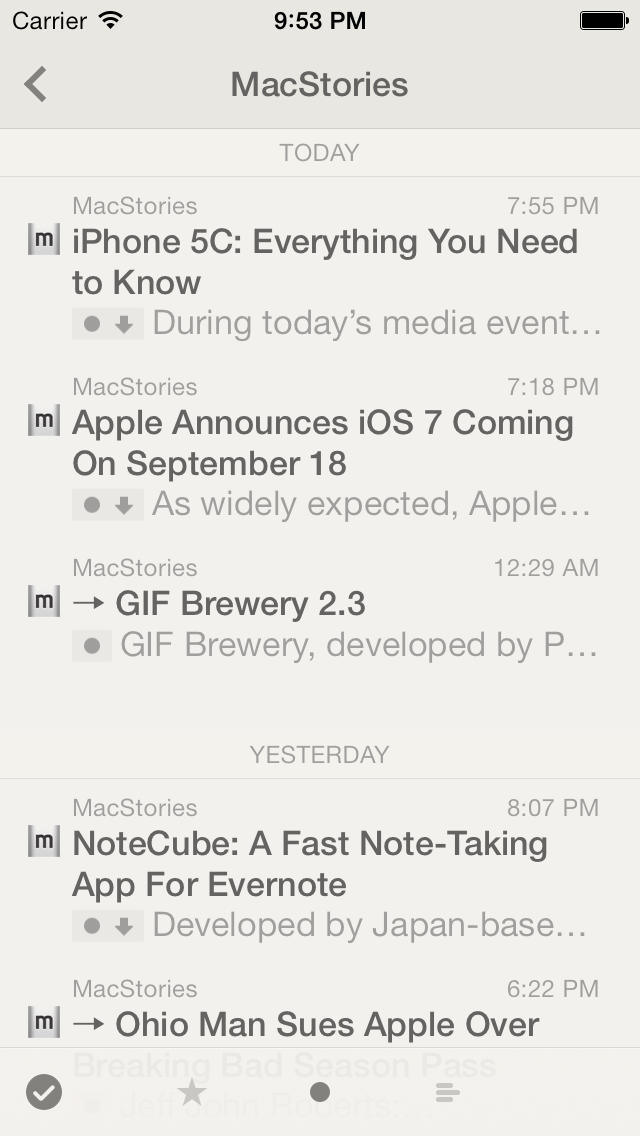
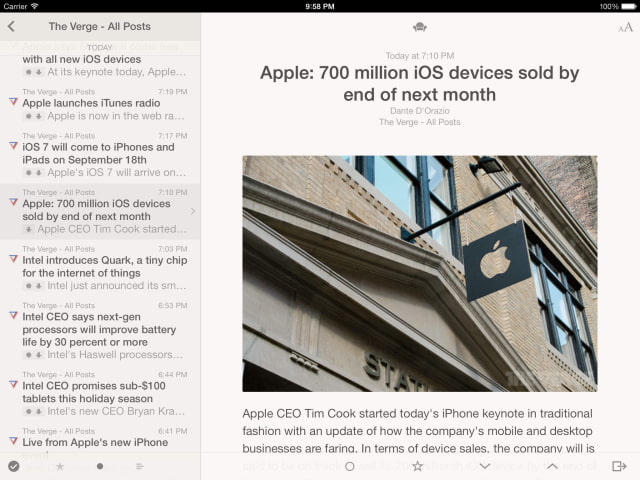
Reeder 2 has been updated with background app refresh, a loading progress indicator for the in-app browser, group by feed or date for smart streams, and more.
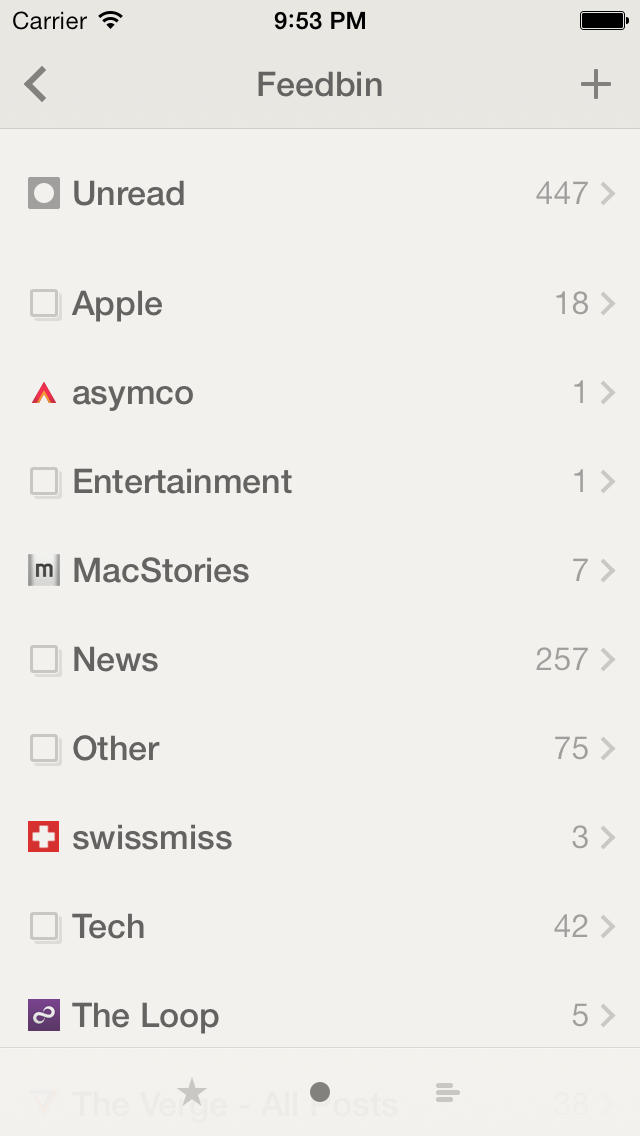
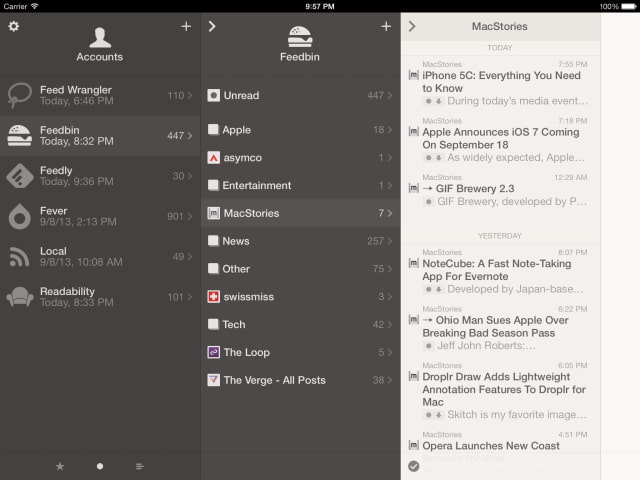
Reeder is a client for: - Feedbin - Feedly - Feed Wrangler - Fever - Readability Don't want to use a third-party service? Reeder also supports local/standalone RSS (no sync).
What's New In This Version: What’s new: - Background app refresh (per account setting, disabled by default) - Loading progress indicator for the in-app browser - Smart streams now also support grouping by feed or date - New setting to disable favicons for subscriptions/article list (see Settings → General) - Reeder now can handle feed links (feed://) from external apps - Added navigation pan (right/left) to toolbars and empty spaces in list views (in addition to the left and right screen edges) - Added a drag handle to the browser toolbar to make it clearer that you can slide right/left to go back/forward
Changed: - Pocket integration now uses OAuth - Pinboard integration now uses API token - Sharing via Messages now includes the title and link - Updated appearance of article list entries (moved the “unread dot” to the upper right of the row, same as in the current Reeder for Mac beta)
Fixed: - That really annoying bug where an article might just disappear when launching the app - Multiple Feedly accounts - OPML import issues - Disappearing status bar (white theme on iPad) - Don’t select entries when scrolling - Browser scroll issues with fixed elements - Missing scrollbars in the browser - Missing scrollbars for dark themes - Improved Fever error handling (re-login bug)
You can purchase Reeder 2 from the App Store for $4.99.
Read More
Get the iClarified Daily Newsletter
Apple news, rumors, tutorials, price drop alerts, in your inbox every evening, free.
Unsubscribe at any time.
Success!
You have been subscribed.
Add Comment
Would you like to be notified when someone replies or adds a new comment?
Yes (All Threads)
Yes (This Thread Only)
No
Notifications
Would you like to be notified when we post a new Apple news article or tutorial?










![How To Change Wallpaper on Mac [Video]](/images/tutorials/90512/90512/90512-160.jpg "How To Change Wallpaper on Mac [Video]")
![How To Turn Off Always On Display on iPhone [Video]](/images/tutorials/87524/87524/87524-160.jpg "How To Turn Off Always On Display on iPhone [Video]")





![16-Inch M5 Max MacBook Pro Drops $900 to New Low of $3,499 [Deal]](/images/news/102438/102438/102438-160.jpg "16-Inch M5 Max MacBook Pro Drops $900 to New Low of $3,499 [Deal]")
![Magic Keyboard for iPad Air Drops to $200 on Amazon [Deal]](/images/news/102402/102402/102402-160.jpg "Magic Keyboard for iPad Air Drops to $200 on Amazon [Deal]")
