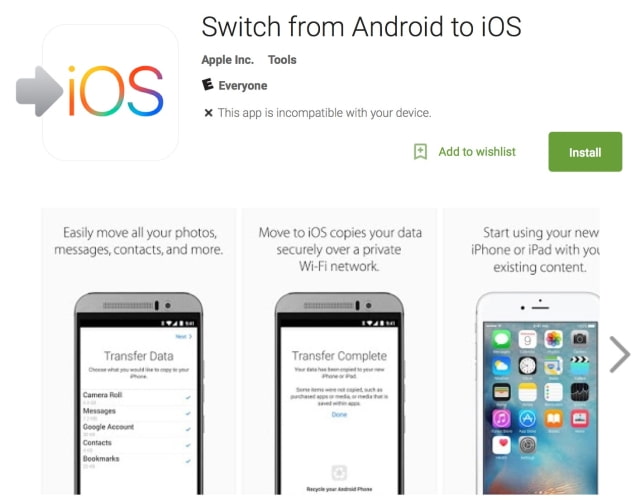
Apple has released a new 'Switch to iOS From Android' app on the Google Play Store, making it easy for Android users to transition to its mobile devices.
Everything about iOS is designed to be easy. That includes switching to it. With just a few steps, you can migrate your content automatically and securely from your Android device with the Move to iOS app. No need to save your stuff elsewhere before switching from Android.
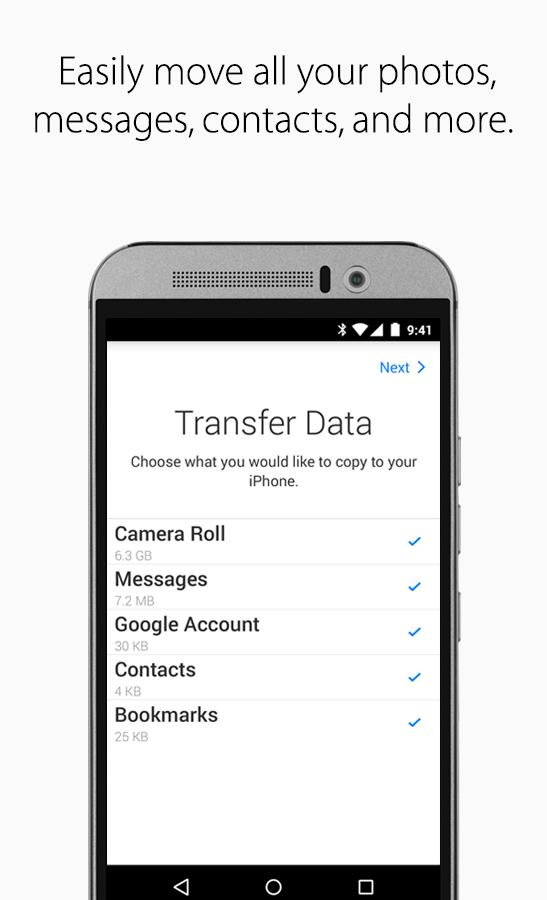
The Move to iOS app securely transfers all kinds of content for you: ● Contacts ● Message history ● Camera photos and videos ● Web bookmarks ● Mail accounts ● Calendars
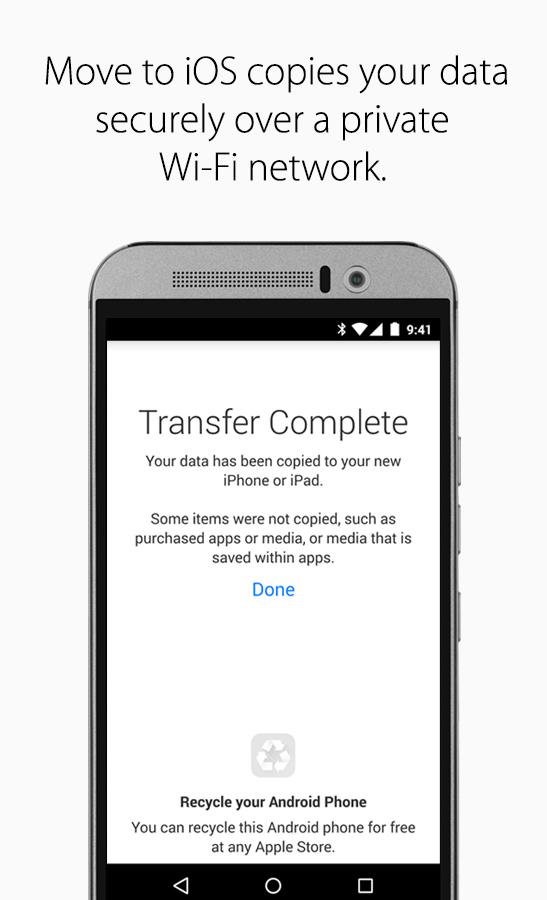
"When you choose to migrate your data, your new iPhone or iPad will create a private Wi-Fi network and find your nearby Android device running Move to iOS. After you enter a security code, it will begin transferring your content and put it in the right places. Just like that. Once your content has been transferred, you’re ready to get going. iOS will also set up your default mail account. That’s it — you can start using your new iPhone or iPad and experiencing its endless possibilities. Enjoy."
Move to iOS is supported on all phones and tablets running Android 4.0 and later. You can download it from the link below...
Apple news, rumors, tutorials, price drop alerts, in your inbox every evening, free.
Unsubscribe at any time.
Success!
You have been subscribed.
Add Comment
Would you like to be notified when someone replies or adds a new comment?
Yes (All Threads)
Yes (This Thread Only)
No
Notifications
Would you like to be notified when we post a new Apple news article or tutorial?
Yes
No
Comments (6)
Comments are closed for this article.
0
it.is.akhil - September 17, 2015 at 6:46pm
The reviews this has on the Play Store are hilarious!
0
P5 - September 16, 2015 at 11:16pm
Anyone else noticed the Recycle your Android headset for free at any Apple Store?
0
Axwell - September 16, 2015 at 11:08pm
Oops.....they said Android 4.0, which means 96% of Android users aren't eligible anyway
0
gamerscul9870 - September 16, 2015 at 6:50pm
I wish this happened years ago. I used to find ways to transfer angry birds to iOS and I am forced to complete all the levels again since I switched to iOS. Not that I wanted android or bothers to buy android ever. Don't ask; long story.
0
stevenlacross - September 16, 2015 at 6:52pm
It wouldn't transfer your saved games anyways, just the basic stuff that carriers would transfer over
0
gamerscul9870 - September 16, 2015 at 8:20pm
I just wish anything could do that! That's all I want in terms of transferring.





![Apple Releases Xcode 27.1 Beta With iPhone Duo SDKs and Simulator [Download]](/images/news/102276/102276/102276-160.jpg "Apple Releases Xcode 27.1 Beta With iPhone Duo SDKs and Simulator [Download]")
![Apple Shares 'new trick' Shot on iPhone 18 Pro Ad Featuring ROSÉ [Video]](/images/news/102273/102273/102273-160.jpg "Apple Shares 'new trick' Shot on iPhone 18 Pro Ad Featuring ROSÉ [Video]")
![iPhone 18 Pro Teardown Shows Under-Display Face ID Camera and Larger Vapor Chamber [Video]](/images/news/102270/102270/102270-160.jpg "iPhone 18 Pro Teardown Shows Under-Display Face ID Camera and Larger Vapor Chamber [Video]")










![Apple Studio Display XDR Hits All-Time Low of $2,969.99 ($329 Off) [Deal]](/images/news/101976/101976/101976-160.jpg "Apple Studio Display XDR Hits All-Time Low of $2,969.99 ($329 Off) [Deal]")
