These are instructions on how to check the number of computers you've authorized in iTunes. Apple only allows you to authorize five computers to sync or play content that you download from the iTunes Store.
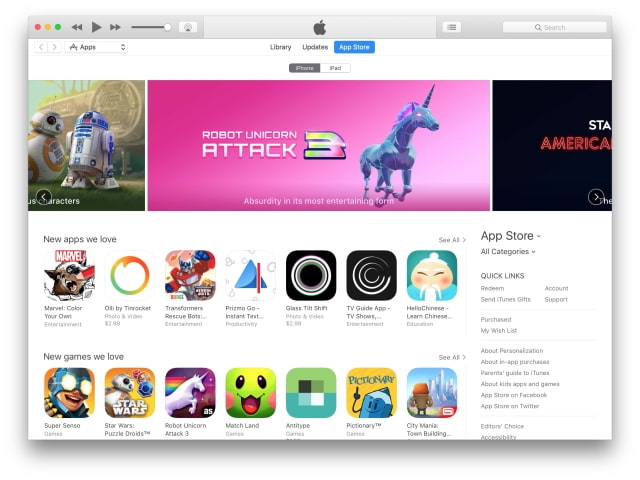
Step One Launch iTunes from your dock.
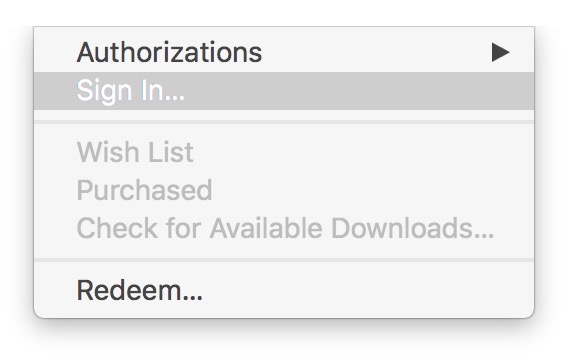
Step Two If you aren't already signed in, choose Sign In from the Account menu at the top of the screen.
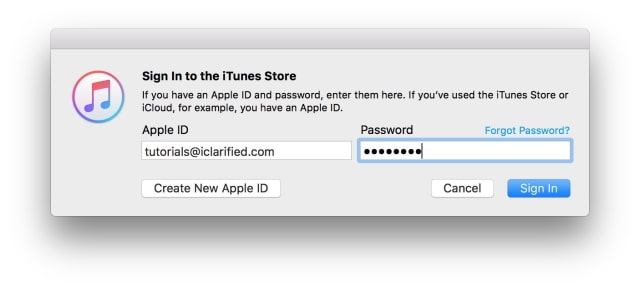
Input your Apple ID email address and password then click Sign In.
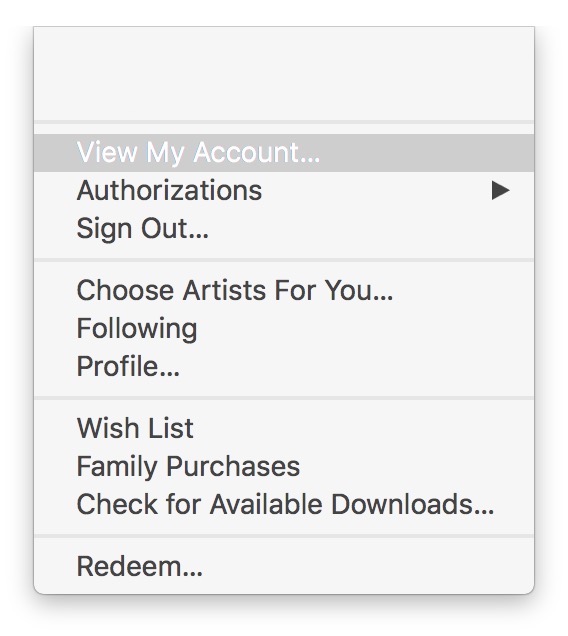
Step Three Choose View My Account... from the Account menu.
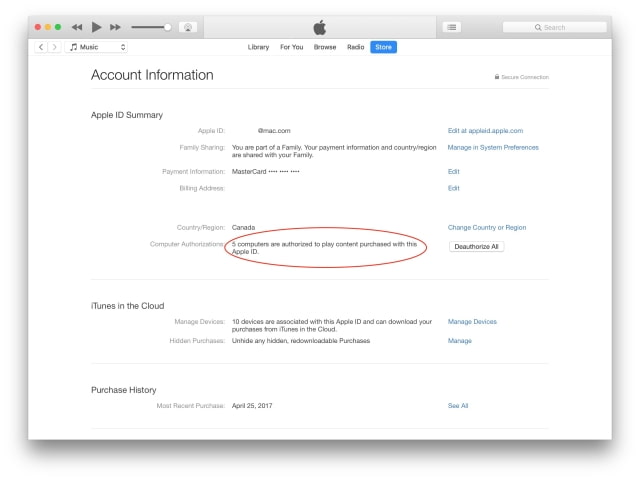
Step Four You can find the number of authorized computers under your Apple ID Summary.
Computer Authorizations: 5 computers are authorized to play content purchased with this Apple ID.
Get the iClarified Daily Newsletter
Apple news, rumors, tutorials, price drop alerts, in your inbox every evening, free.
Unsubscribe at any time.
Success!
You have been subscribed.
Add Comment
Would you like to be notified when someone replies or adds a new comment?
Yes (All Threads)
Yes (This Thread Only)
No
Notifications
Would you like to be notified when we post a new Apple news article or tutorial?




![Apple Debuts 'Matchbox The Movie' Trailer Starring John Cena and Jessica Biel [Video]](/images/news/101593/101593/101593-160.jpg "Apple Debuts 'Matchbox The Movie' Trailer Starring John Cena and Jessica Biel [Video]")
![Apple Watch Series 12, Ultra 4 Enter Late Testing Ahead of Launch [Report]](/images/news/101590/101590/101590-160.jpg "Apple Watch Series 12, Ultra 4 Enter Late Testing Ahead of Launch [Report]")
![Apple Shares First 'Neuromancer' Teaser, Sets January 22, 2027 Premiere [Video]](/images/news/101588/101588/101588-160.jpg "Apple Shares First 'Neuromancer' Teaser, Sets January 22, 2027 Premiere [Video]")
![Apple Smart Glasses Now Targeted for WWDC 2027 Reveal [Report]](/images/news/101587/101587/101587-160.jpg "Apple Smart Glasses Now Targeted for WWDC 2027 Reveal [Report]")
![Apple TV Shares 'Dark Matter' Season 2 Trailer [Video]](/images/news/101584/101584/101584-160.jpg "Apple TV Shares 'Dark Matter' Season 2 Trailer [Video]")