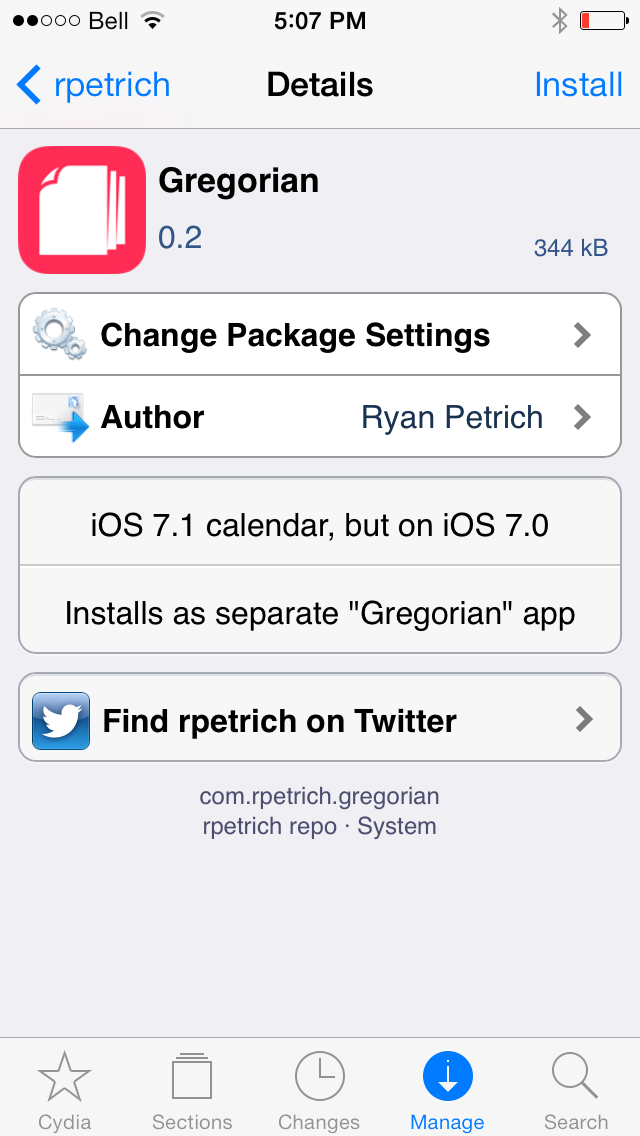
Ryan Petrich has released the iOS 7.1 Calendar app for iOS 7.x as 'Gregorian'.
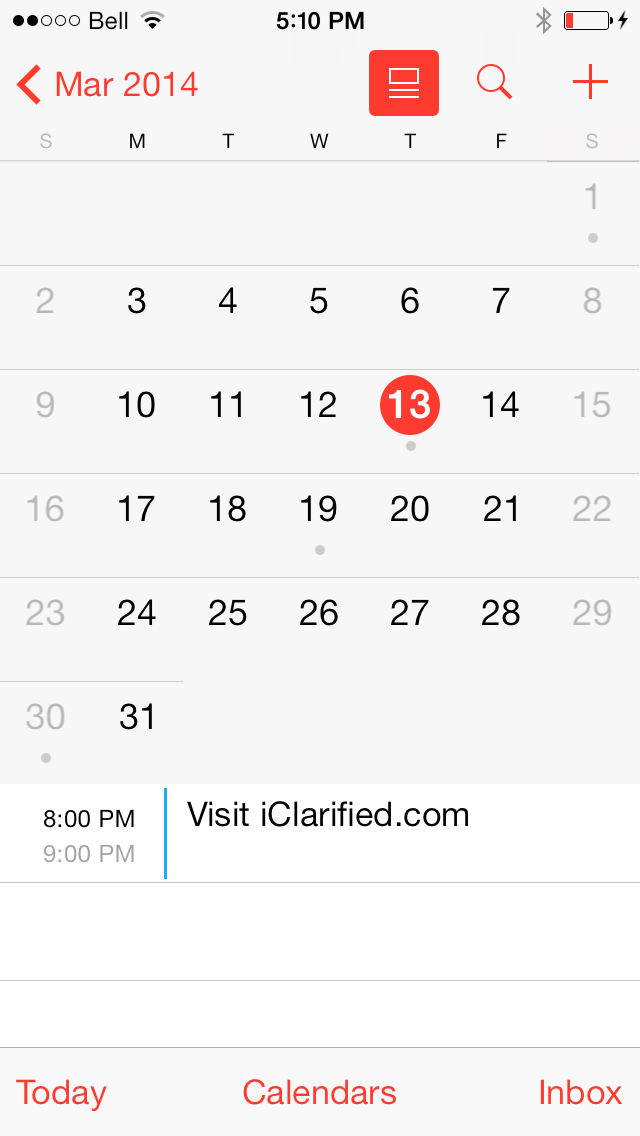
Alongside numerous other improvements, Apple updated the Calendar app in iOS 7.1 with a new split view. Fortunately, jailbreak users won't need to update to iOS 7.1 to get the new feature.
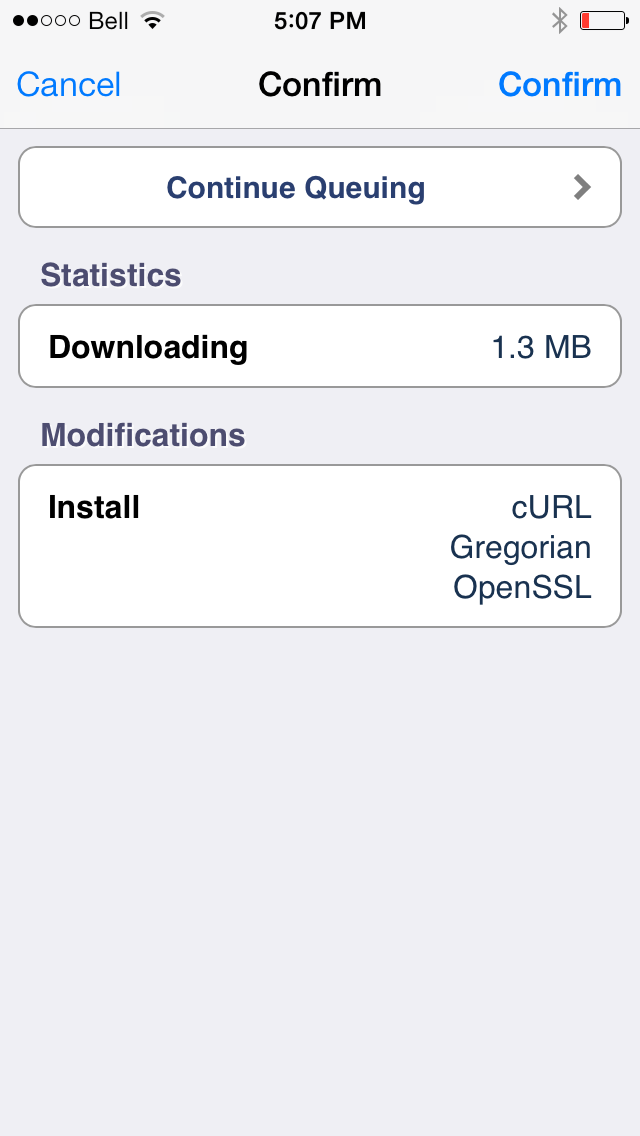
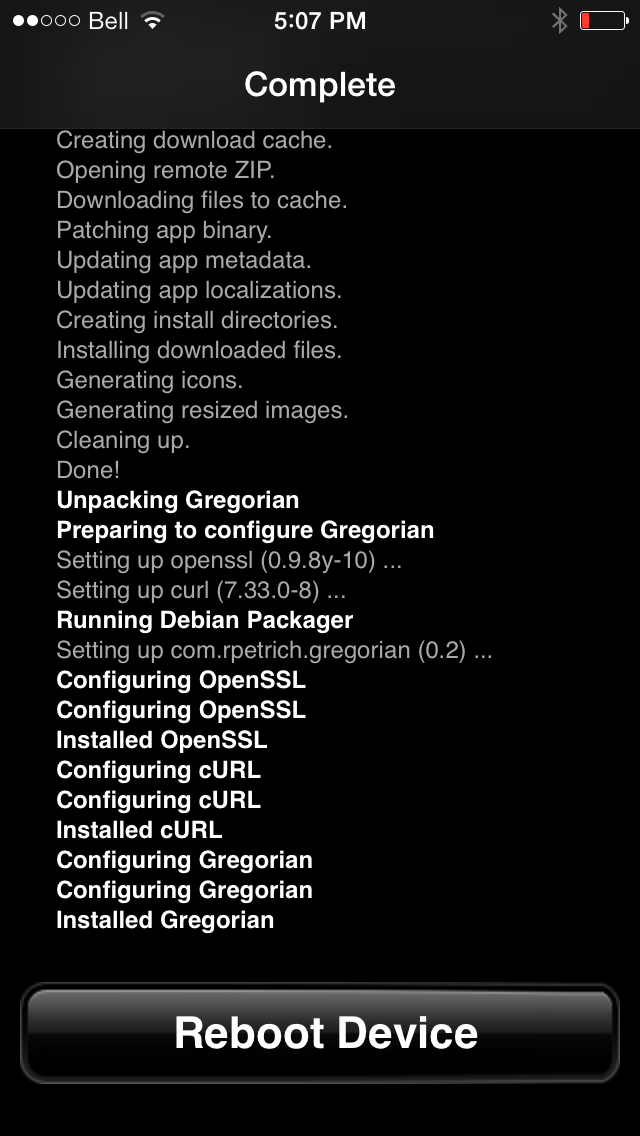
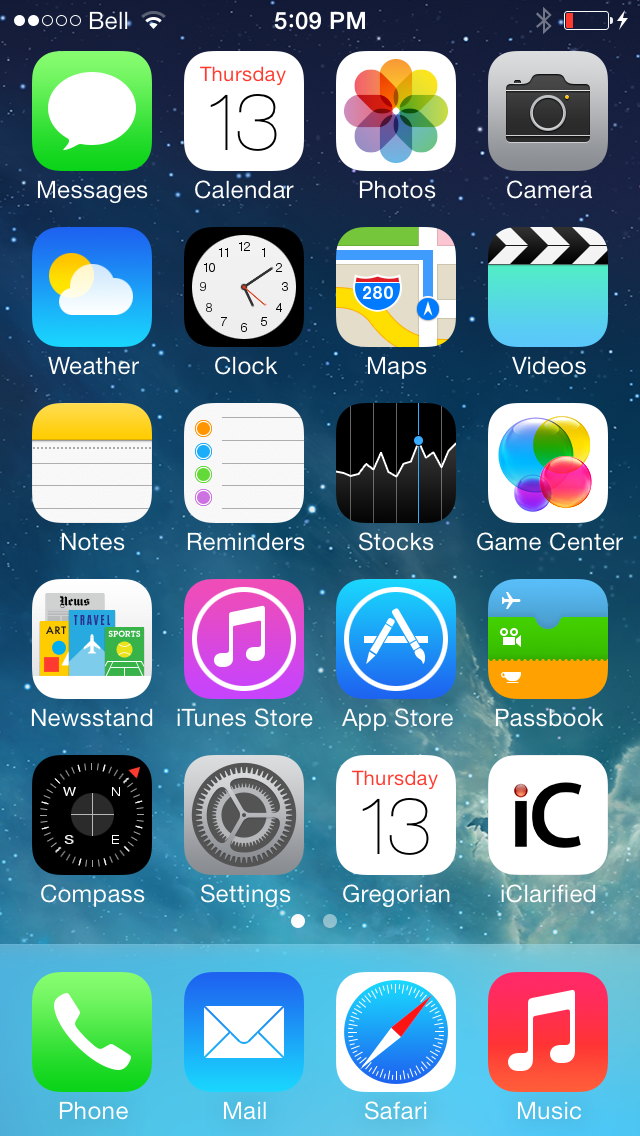
Ryan Petrich posted 'Gregorian' to his beta repo today. Gergorian is essentially the iOS 7.1 Calendar app which installs as a standalone application rather than a tweak to the existing app.
You can install Gregorian for free by adding the http://rpetri.ch/repo repository to Cydia.
Get the iClarified Daily Newsletter
Apple news, rumors, tutorials, price drop alerts, in your inbox every evening, free.
Unsubscribe at any time.
Success!
You have been subscribed.
Add Comment
Would you like to be notified when someone replies or adds a new comment?
Yes (All Threads)
Yes (This Thread Only)
No
Notifications
Would you like to be notified when we post a new Apple news article or tutorial?
Yes
No
Comments (11)
Comments are closed for this article.
0
Guest - March 27, 2014 at 6:23pm
It seems this only supports the US region and crashes on start. Disappointing that it wasn't more compatible.
0
Cagey - March 14, 2014 at 9:25pm
Can't replicate any of the issues here using Gregorian on iPhone 5s running iOS 7.0.6, no issues of any kind.
0
Joeski - March 14, 2014 at 3:44pm
Hey John You're probably crashing because you have appsync installed. You need to remove appsync to resolve conflicts with stock apps. You should be good after that.
0
John - March 14, 2014 at 8:45pm
Hey,
Thanks for the tip,but it didn't worked out...
I had to remove the app manually using ifile..it wasn't possible to be completely removed by Cydia,
all the stock apps are back again!
0
diquan - April 10, 2014 at 9:29pm
John, what and where exactly did you delete in iFile? Because I uninstalled gregorian and the newcall.app is removed but I still can't start my stock apps.
0
John - March 14, 2014 at 3:07pm
On iPhone 5s ,7.0.6, the mail and safari app are crashing !!
Does anyone knows any conflict with other Cydia apps?
0
ratGT - March 14, 2014 at 11:30am
Thx A LOT Ryan... Very kind of you!
0
geani - March 13, 2014 at 9:33pm
doesn't work on iOS 7.0.6
it installs and reboots , but doesn't show op on screen or in settings menu
0
geani - March 13, 2014 at 9:35pm
edit: does show up after respiring ( first had to reboot, then respiring )
0
TeddyBe - March 14, 2014 at 9:47am
Installed, rebooted: no Gregorian app.
Respring: Still no Gregorian.
Reinstalled in Cydia: all fine (iOS 7.0.6 on iPhone 5S)
greetz
0
MTee - March 14, 2014 at 7:47pm
This was happening to me too. iPhone 5 7.0.5. Rebooted uninstall/reinstall respring with no luck. Was researching this issue and people suggested to use mobile terminal and launch 'uicache' then respring. Upon installing mobile terminal gregorian icon appeared.
My advice, try to install a different app and gregorian might pop up on the springboard. As soon as mobile terminal installed the icon just appeared without respringing or rebooting. Good luck.





![Apple Releases Xcode 27.1 Beta With iPhone Duo SDKs and Simulator [Download]](/images/news/102276/102276/102276-160.jpg "Apple Releases Xcode 27.1 Beta With iPhone Duo SDKs and Simulator [Download]")
![Apple Shares 'new trick' Shot on iPhone 18 Pro Ad Featuring ROSÉ [Video]](/images/news/102273/102273/102273-160.jpg "Apple Shares 'new trick' Shot on iPhone 18 Pro Ad Featuring ROSÉ [Video]")
![iPhone 18 Pro Teardown Shows Under-Display Face ID Camera and Larger Vapor Chamber [Video]](/images/news/102270/102270/102270-160.jpg "iPhone 18 Pro Teardown Shows Under-Display Face ID Camera and Larger Vapor Chamber [Video]")










![Apple Studio Display XDR Hits All-Time Low of $2,969.99 ($329 Off) [Deal]](/images/news/101976/101976/101976-160.jpg "Apple Studio Display XDR Hits All-Time Low of $2,969.99 ($329 Off) [Deal]")
