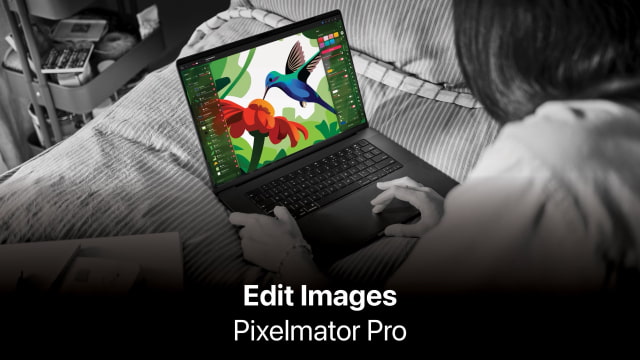
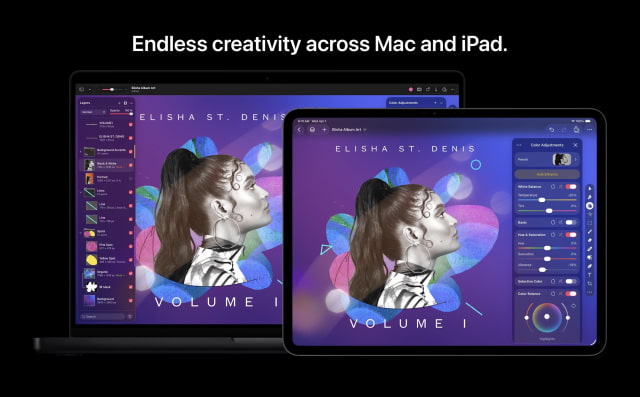
Apple has released updates for Pixelmator Pro on macOS and iPadOS, adding expanded camera support and new design assets tailored for its latest hardware. The updates bring Pixelmator Pro (Creative Studio) to version 4.2 on both platforms, alongside Pixelmator for Mac version 3.8.
The headline addition is broader support for compressed RAW formats across several high-end cameras. Users can now edit files from the Sony Alpha ILCE-7M5, as well as the FUJIFILM GFX 100S II and GFX 100RF. Support has also been added for High Efficiency (HE) and High Efficiency Star (HE*) RAW images from the Nikon Z5II and Nikon Z50II. In addition, the apps can now open RAW images captured in High Resolution mode on the Panasonic LUMIX DC-S1RM2.
Apple has also refreshed Pixelmator's template and mockup libraries. Updated categories include App Screenshot and Bento Grid layouts, along with an expanded Devices section that now features mockups for the iPhone 17 and iPhone 17 Pro.
Interoperability with other creative tools has been improved as well. SVG files exported from Pixelmator Pro now open more reliably in Adobe Illustrator. On the Mac, users can customize the Tools sidebar directly from the menu bar by choosing View > Customize Tools.
The update also streamlines a few everyday editing actions. Layer opacity can now be adjusted using the number keys 1 through 9, and new shortcuts let users cycle through blend modes with Shift-Plus and Shift-Minus.
On iPad, Pixelmator Pro gains a touch-and-hold gesture on the canvas to quickly compare before and after edits when using Color Adjustments and Effects tools. The iPad version also supports Tools sidebar customization, bringing it closer in line with the Mac experience. It remains available as part of the Apple Creator Studio subscription.
You can download Pixelmator Pro: Edit Images from the App Store.







![Apple Targets October 13 for Smart Home Hub, New HomePod mini and Apple TV [Gurman]](/images/news/102501/102501/102501-160.jpg "Apple Targets October 13 for Smart Home Hub, New HomePod mini and Apple TV [Gurman]")



![How To Find Your iPhone IMEI Number [Video]](/images/tutorials/83557/83557/83557-160.jpg "How To Find Your iPhone IMEI Number [Video]")



![16-Inch M5 Max MacBook Pro Drops $900 to New Low of $3,499 [Deal]](/images/news/102438/102438/102438-160.jpg "16-Inch M5 Max MacBook Pro Drops $900 to New Low of $3,499 [Deal]")
![Magic Keyboard for iPad Air Drops to $200 on Amazon [Deal]](/images/news/102402/102402/102402-160.jpg "Magic Keyboard for iPad Air Drops to $200 on Amazon [Deal]")
![13-Inch M5 MacBook Air With 1TB Drops to $1,449 on Amazon [Deal]](/images/news/102345/102345/102345-160.jpg "13-Inch M5 MacBook Air With 1TB Drops to $1,449 on Amazon [Deal]")

