iPhone 18 Pro Max AT&T Bug Requires Device Replacements
Some iPhone 18 Pro Max owners on AT&T will need replacement phones after a bug left their devices without cellular service, according to Bloomberg. Apple has confirmed the issue and is urging users to install updates intended to prevent it.
The failure can prevent calls, cellular data access, and text messaging, leaving affected phones largely dependent on Wi-Fi. The company described the issue as affecting "a small number" of users but did not disclose how many devices are involved.
Installing the updates will not restore service on phones already affected by this bug. Apple says those owners need replacement devices and should contact Apple Support or AT&T, or visit an Apple Store or AT&T location.
To prevent more phones from losing service, Apple is urging all iPhone 18 Pro Max users to install iOS 27.0.1, released September 28. It is also issuing a new AT&T carrier settings update today. In a statement to 9to5Mac, the company said: "These updates together are meant to help prevent this issue from occurring."
The carrier update moves AT&T settings from version 72.0.2 to 72.1. Apple has also begun requiring iOS 27.0.1 during setup of the iPhone 18 Pro Max, MacRumors reports.
The iOS update is available from Settings > General > Software Update. The carrier settings will download automatically for AT&T users over the next 14 days, but owners can check for the update manually by connecting to Wi-Fi, opening Settings > General > About, and following any update prompt that appears.
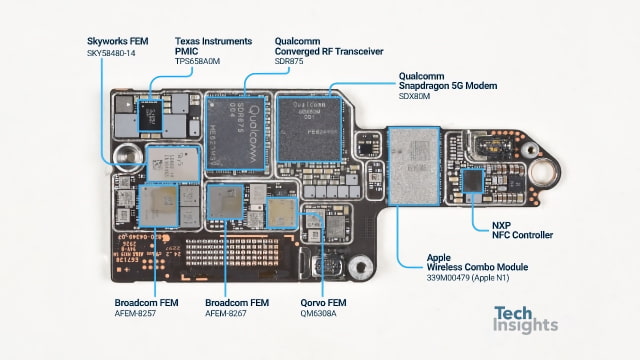
The U.S. version of the Pro Max uses a Qualcomm Snapdragon X80 modem, while the smaller iPhone 18 Pro and Pro Max models sold outside the United States use Apple's C2. So far, customer reports have identified the Pro Max as the only model affected by the AT&T bug.