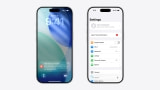
You don't need a new Apple TV to try Siri AI. The tvOS 27.2.1 update brings the assistant to the 2021 and 2022 Apple TV 4K, alongside this year's model. HomeView has it too, but HomePod mini 2 is still waiting for its update.
You'll also need a compatible iPhone or iPad to turn Siri AI on, and your own paired device for requests about your messages or calendar.
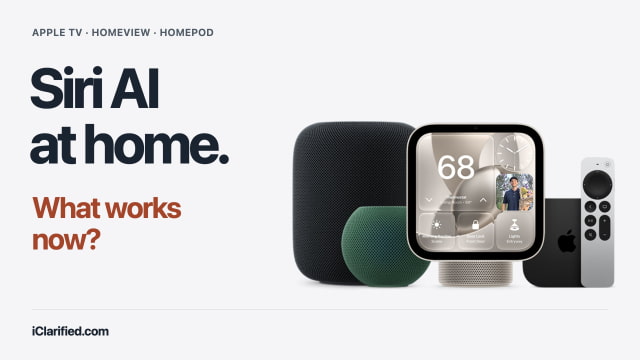
What Works Now?
| Check | Apple TV 4K (2nd gen+) | HomeView | HomePod mini 2 |
|---|---|---|---|
| Siri AI | Beta: tvOS 27.2.1 | Beta: version 27.2 | Future free update; no date |
| Paired device | Nearby for Siri AI | Nearby for personal requests | Not live yet |
| Voice input | Siri button; 4th gen adds room mics | Room mics | Room mics |
Activating Siri AI vs. Using It Every Day
To turn it on: The person listed as the home's owner in the Home app needs an Apple Intelligence-capable iPhone or iPad running the latest software, with Siri AI enabled in a supported language. This applies to Apple TV and HomeView, and will also apply to HomePod mini 2 when its update arrives.
For your personal requests: To find something in your messages or calendar, Siri needs your own eligible paired iPhone or iPad, updated and running Siri AI. On HomeView, that device must be nearby for personal-context requests. Apple TV needs a paired Siri AI-enabled device nearby even for general questions.
Your Apple TV May Already Support Siri AI
Siri AI works on Apple TV 4K (2nd generation) and later. On the 2021 and 2022 models, install tvOS 27.2.1, then opt in to Siri AI in Siri settings. Apple TV HD and the first-generation Apple TV 4K are not supported.
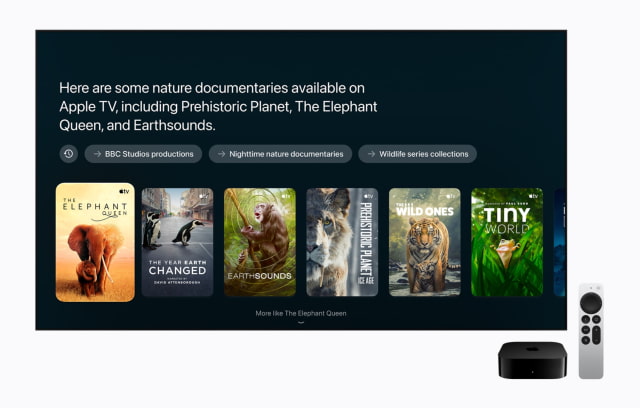
The assistant can help you find something to watch, answer questions about a show, or look up a recommendation someone sent you in Messages.
On the second- and third-generation boxes, use the Siri button on the remote. The fourth-generation Apple TV 4K adds built-in microphones, letting you speak from across the room without reaching for the remote. You can keep an older supported box and try Siri AI before deciding whether that convenience is worth replacing it.
HomeView Has Siri AI, but Still Needs Your iPhone or iPad
Both HomeView models support Siri AI in HomeView software 27.2. Once enabled, other people in the household can ask general questions and discover music without each owning an AI-capable device.
Basic HomeView setup requires an iPhone running iOS 27.2 or later, or an iPad running iPadOS 27.2 or later. An iPad with A16 can handle that setup, but it cannot enable Siri AI.
To display personal content such as Messages and Calendar, HomeView must recognize your face, and your paired device must be recently unlocked and connected to the same Wi-Fi network. A cellular connection can also qualify if the device is in the same location and was recently on that network. Our HomeView review roundup covers early impressions of Siri and the shared-screen experience.
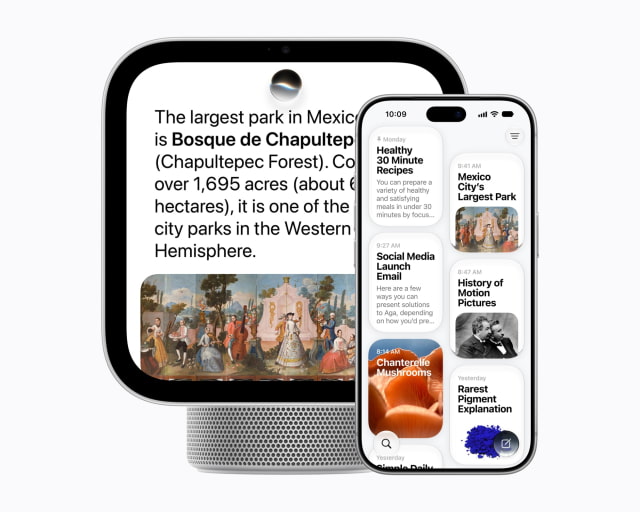
Optional voice controls: Adjusting Siri's pace and expressiveness on HomeView requires a newer paired iPhone or iPad nearby. Check Apple's expressive-voice requirements if you want those controls.
HomePod mini 2 Is Still Waiting
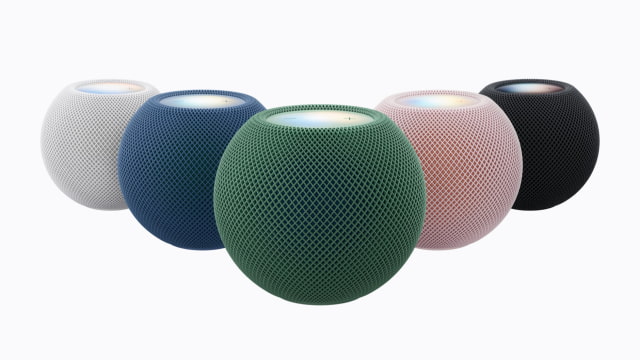
HomePod mini 2 has arrived, but Siri AI remains a future free update with no announced release date. The speaker's current Siri features work in the meantime.
Once Siri AI arrives, other household members will be able to ask general questions and have conversations with Siri without their own AI-capable device.
Apple has not announced Siri AI for the original HomePod mini or the full-size HomePod models.
Which iPhones and iPads Qualify?
iPhone: iPhone 15 Pro and 15 Pro Max, the iPhone 16 family and later models, iPhone Air, and iPhone Duo. The standard iPhone 15 and iPhone 15 Plus do not support Apple Intelligence.
iPad: iPad mini with A17 Pro or A20 Pro, and iPads with M1 or later. A compatible Mac cannot take the place of the iPhone or iPad needed for these home-device features.
On your eligible iPhone or iPad, update the software and open Settings > Siri > Try Siri AI (Beta). If Siri is off, turn it on first, then follow the voice-enrollment and privacy prompts. Downloads normally begin automatically, though high demand can trigger a waitlist. Our video walkthrough shows the iPhone setup process.
Check Your Language and Region
Siri AI on HomeView and Apple TV is available in English. The announced home-device rollout covers the U.S., Australia, Canada, India, New Zealand, Singapore, South Africa, and the UK; HomePod mini 2 will join through its later update. For HomeView, the paired iPhone or iPad must use the same English variant as the display.
Siri AI is still unavailable on iPhone and iPad in the EU, and it does not work with an Apple Account set to mainland China. Children under 13 cannot use Siri AI. These restrictions can prevent you from enabling Siri AI at home even with compatible hardware.
Some server-based AI features can be subject to usage limits. A paid option for higher limits is planned, but Apple hasn't announced a price. Apple Music and other content subscriptions remain separate.
Try Your Apple TV Before Buying Anything
If you already have a compatible Apple TV and iPhone or iPad, start there. HomeView is worth considering when you also want a shared screen for calls, home controls, and everyday information. It is available now in tabletop and wall-mounted versions. If you mainly want Siri AI, hold off on HomePod mini 2.
You can check Amazon listings for HomeView and Apple TV 4K, or compare current pricing and availability across tracked retailers in our Apple Home price tracker.