Apple HomeView is now available to buy, bringing the company's 7-inch smart display with Siri AI to stores and online in seven countries. The tabletop and wall-mounted models each cost $299 in the U.S.
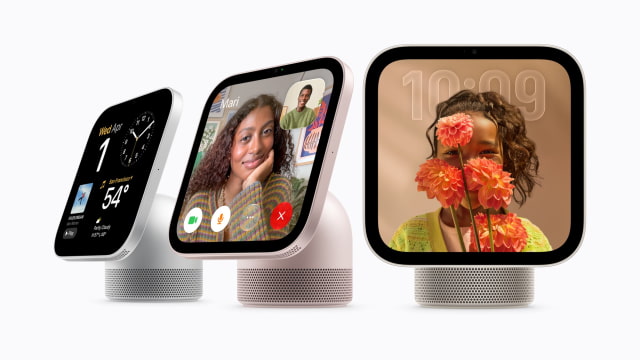
Sales begin today, November 13, in Australia, Canada, India, New Zealand, Singapore, the UK, and the U.S. Customers can purchase through Apple Store locations, the Apple online store, and the Apple Store app. HomeView is not available for sale in the European Union because Siri AI is currently unavailable on iOS there.
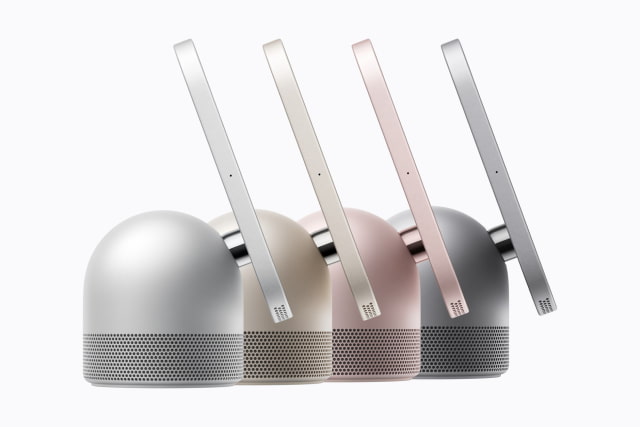
HomeView is also available on Amazon, with the tabletop model in silver, starlight, rose pink, and space gray. The wall-mounted model is listed in silver and space gray.
Current retailer pricing and price history are available in the iClarified HomeView Price Tracker.
Buyers choosing between the tabletop and wall-mounted models also have different color options. The tabletop version comes in silver, starlight, rose pink, and space gray, while the wall-mounted version is offered in silver and space gray. Both work with the Home app to manage accessories, settings, and automations.
Schneider Home offers three mounting options for the wall-mounted version. The Power Mount USB-C Wall Connector starts at $59.95 in the U.S., and the Power Mount AC Wired starts at $79.95; both can be ordered now through Apple. The $129.95 Power Mount PoE Wired will follow in early 2027.
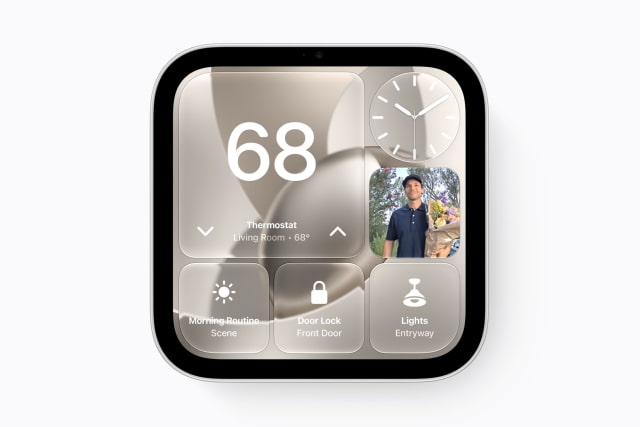
First introduced in October, the device combines a Liquid Retina display with music playback, FaceTime calls, home monitoring, and voice-controlled automations. Setup and multiuser support require a compatible iPhone or iPad running the latest software.
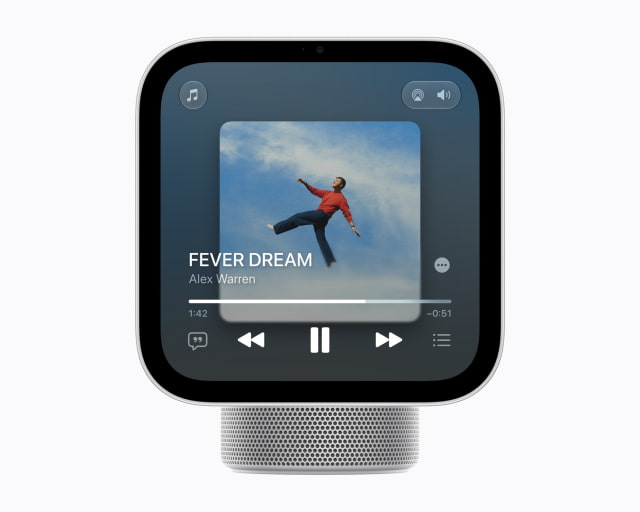
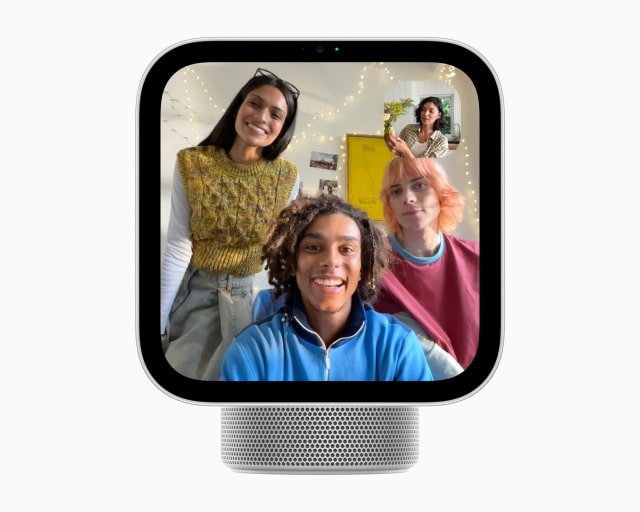
HomeView can recognize up to six people by face and show each person's Messages, FaceTime, Calendar, Reminders, and Find My content. Personal information appears when the user is recognized and their paired iPhone or iPad is present and recently unlocked. A paired device can be off Wi-Fi if it was recently on the same network, has an active cellular connection, remains in the same location, and was recently unlocked; facial recognition is still required.
Siri AI is available in beta in HomeView software 27.2. Alongside general questions, it supports onscreen awareness and actions across apps. Personal-context requests require a paired Apple Intelligence-enabled iPhone or iPad with the latest software, Siri AI enabled, and a supported language selected, allowing the assistant to use information from apps such as Calendar and Messages.
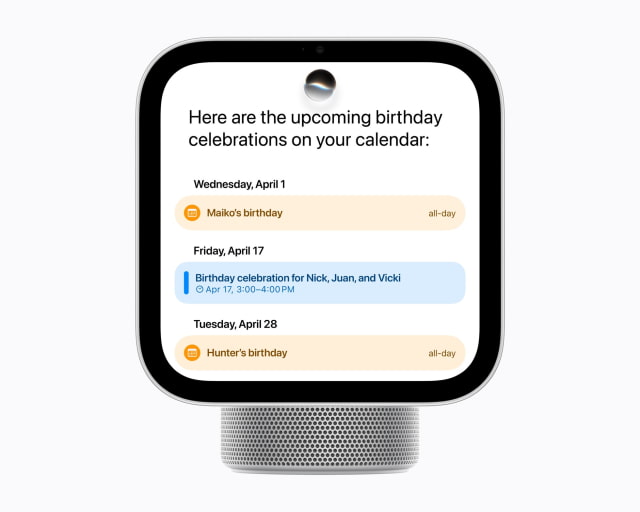
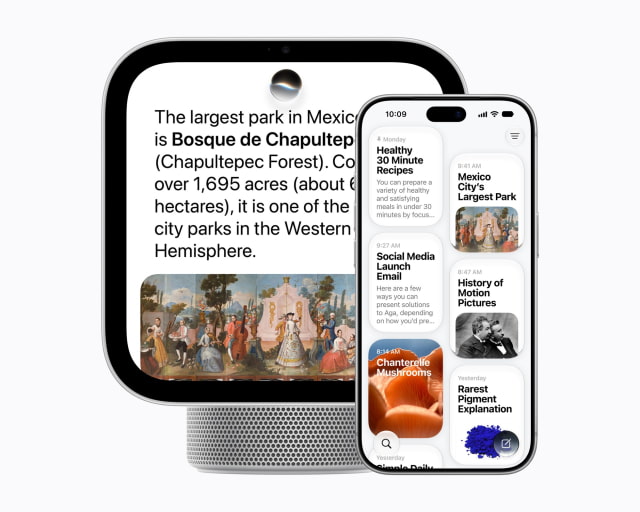
Some Apple Intelligence features that use server-side models have daily usage limits. Apple plans to offer expanded access to those features for a fee in the future, although it has not announced a price or start date.
Siri AI on HomeView supports English in the seven launch countries as well as South Africa. Canadian French support will arrive later through a free software update. Feature and device availability can vary by region and language.