Anthropic Launches Claude Sheets and Whiteboards, Previews Meetings
Anthropic has launched Claude Sheets and Claude Whiteboards in beta, giving teams shared spreadsheets and brainstorming boards they can build and edit with Claude. The company is also making Claude Data generally available, expanding its app integrations, and previewing a Meetings feature that can work alongside people during calls.
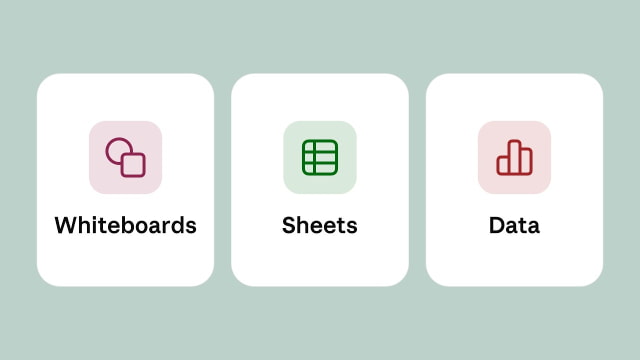
Shared Spreadsheets and Whiteboards
Claude Sheets can turn a request for a campaign tracker or hiring budget into a spreadsheet with multiple tabs, formulas, formatting, and dropdown menus. Team members can edit alongside Claude, with the assistant outlining its changes as it works in the cells. The initial version has basic spreadsheet functionality; files can be exported as .xlsx or CSV when users need to continue elsewhere.
Whiteboards applies the same collaborative approach to planning. A team can lay out ideas on a shared board and ask Claude to organize them into timelines, owners, and dates. Users can select an area to ask questions about it, then turn the results into a document or slide deck, or continue working in tools such as Miro and Lucid.
Both betas are available on all paid plans across the web, desktop, and mobile. They are enabled by default on Team plans, but Enterprise administrators must turn them on in Organization settings > Artifacts.
Claude Data
Claude Dashboards, which entered beta in October, is now generally available as Claude Data on paid plans. It connects to sources such as data warehouses and CRMs to create dashboards, written data stories, and narrated videos. New support for design systems, dashboard caching, and tracked changes adds control over presentation, refresh schedules, and revisions.
Certified queries and live sharing remain in beta. Data teams can approve common metric definitions, with charts displaying a certified badge, while shared dashboards let colleagues see current results without access to the underlying connectors. Viewers see the results rather than the source data and can run only approved queries.
Claude Data works on web, desktop, and mobile and requires a data connector. It is on by default for Team plans; Enterprise default enablement is scheduled for November 19, 2026, with administrators able to change the setting.
Full Apps Inside Claude
The upgraded interactive connectors go beyond showing a small preview in a conversation. Supported apps can open beside a chat or fill the screen, letting users edit directly or ask Claude to make changes in the same workspace. Frequently used tools can also be pinned to the sidebar.
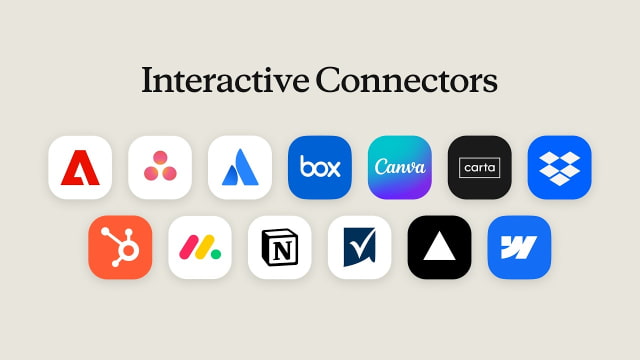
Examples include editing a Confluence page with Atlassian, revising a Box file, creating a Notion document or database, and retouching photos or editing PDFs with Adobe. The rollout covers all plans on the web and in the desktop app, but requires access to the new Claude experience or an organization enabling it. Existing connector permissions and action approvals still apply.
Claude Meetings is coming soon. The feature will let teams add Claude to a call to take notes and update the documents they are working on while the conversation is still happening.