

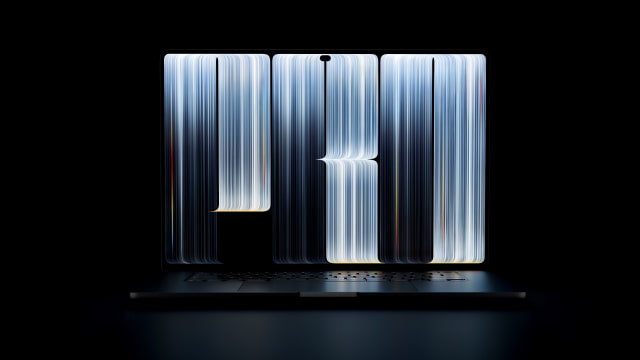
The wallpaper from Apple's new MacBook Pro with PROLED XDR Display is now available to download. We've sourced the artwork from official Apple resources and prepared versions you can use on your Mac or other devices.
Download your preferred version below. If you share these images online, please link back to this page as the source.
Experience the New MacBook Pro Wallpaper
Fine silver-blue lines curve into oversized "PRO" lettering against a black background, with small accents of yellow, orange, and blue along the edges. The result echoes the layered lettering in Apple's recent "Pro and tell" event artwork.
Download the MacBook Pro PROLED XDR Wallpaper
Desktop Version
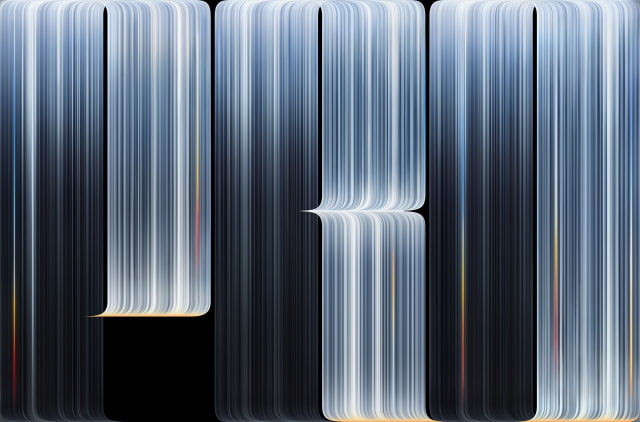
Custom 4K Version (16:9)
Our custom 4K version is adapted for widescreen displays.
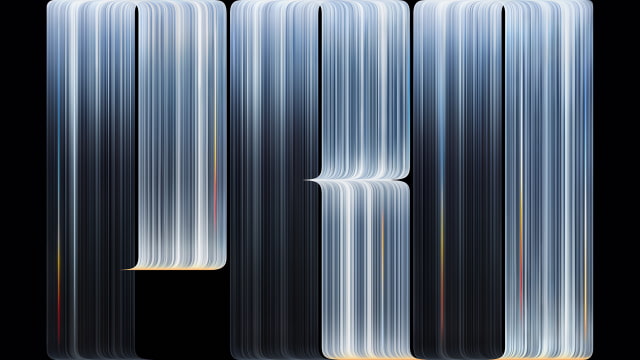
Original-Size Version
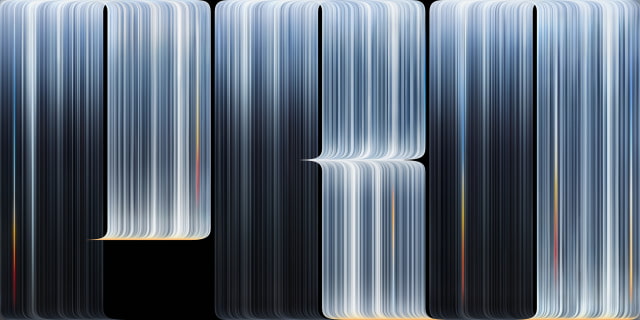
How to Download and Apply
Open the download link for the version you want, then save the full-size JPG. On your Mac, open System Settings → Wallpaper and add the saved image. Adjust the fit or crop to suit your display.
● How to Change Wallpaper on Mac [Video]
Frequently Asked Questions
Is this official Apple artwork?
Yes. The wallpaper artwork is sourced from official Apple resources. We've also prepared desktop and custom 4K adaptations.
How many wallpapers are included?
One wallpaper design is included, with several download options for different displays.
Can I use it on another Mac or a Windows PC?
Yes. The files are standard JPG images. You do not need the new MacBook Pro or a touchscreen to use them. Your wallpaper settings may crop the image depending on your screen's shape.
Will the wallpaper animate?
No. These downloads are still images.
Where can I find more wallpapers for my Mac?
We have a massive collection of Apple wallpapers. Check out some of the links below!
● Download the Official macOS 27 Golden Gate Wallpaper for Mac

![Apple Shares New Touchscreen MacBook Pro Ad [Video]](/images/news/103164/103164/103164-160.jpg "Apple Shares New Touchscreen MacBook Pro Ad [Video]")
![Apple Introduces MacBook Pro With PROLED XDR Touchscreen [Video]](/images/news/103158/103158/103158-160.jpg "Apple Introduces MacBook Pro With PROLED XDR Touchscreen [Video]")

![How To Turn Off iPhone [Video]](/images/tutorials/94999/94999/94999-160.jpg "How To Turn Off iPhone [Video]")
![How To Back Up Your iPhone to an External Drive on Mac [Video]](/images/tutorials/72786/72786/72786-160.jpg "How To Back Up Your iPhone to an External Drive on Mac [Video]")

![How To Find Your IP Address on iPhone [Video]](/images/tutorials/496/496/496-160.jpg "How To Find Your IP Address on iPhone [Video]")


![Beats Headphones, Earbuds, and Pill Speaker Are Up to 41% Off [Deal]](/images/news/103026/103026/103026-160.jpg "Beats Headphones, Earbuds, and Pill Speaker Are Up to 41% Off [Deal]")

![New Fire TV Stick 4K Drops to $29.99 (50% Off) [Deal]](/images/news/102984/102984/102984-160.jpg "New Fire TV Stick 4K Drops to $29.99 (50% Off) [Deal]")
![Apple's iPhone 18 Pro and Pro Max Cases Are Up to 37% Off [Deal]](/images/news/102978/102978/102978-160.jpg "Apple's iPhone 18 Pro and Pro Max Cases Are Up to 37% Off [Deal]")
