Apple Releases tvOS 27.2.1 With Siri AI Alongside HomePod 27.2.1
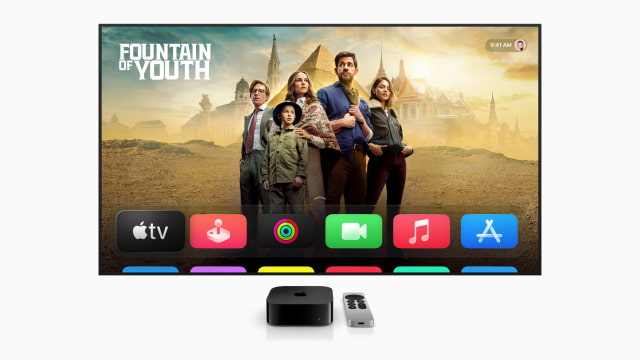
Apple has released tvOS 27.2.1 and HomePod Software 27.2.1, with the Apple TV update bringing Siri AI to second- and third-generation Apple TV 4K models.
Both updates carry build number 24K157.
Siri AI adds a full-screen search experience in the Apple TV app. It can use personal context from an Apple Intelligence-enabled iPhone to find a show recommended in Messages. Viewers can also ask general knowledge questions or questions about what is on screen, such as when the next season will arrive.
Setup requires an Apple Intelligence-enabled iPhone or iPad, with a paired Siri AI-enabled device nearby. The feature is available in English.
The assistant is an opt-in beta and must be turned on in Siri settings after updating. For those testing upcoming software, tvOS 27.3 beta 1 reportedly does not enable it yet.
Home theater support includes four-speaker surround sound and Whole Room Audio playback across all four speakers. These features require the fourth-generation Apple TV 4K and matching front and rear pairs of HomePod mini 2 or HomePod (2nd generation).
You can read the full release notes for tvOS 27.2.1 here:
To install the public Apple TV update, open Settings > System > Software Updates > Update Software. Devices with automatic updates enabled can also receive it automatically.
HomePod Software 27.2.1 reportedly does not enable Siri AI on HomePod mini 2. The feature remains scheduled for a future software update.
To update your speakers, open the Home app, tap the More button, then choose Home Settings > Software Update and select Update. Automatic updates are enabled by default. Keep HomePod connected to power during installation.
Available restore files are listed on our Apple TV firmware download page and HomePod firmware download page.